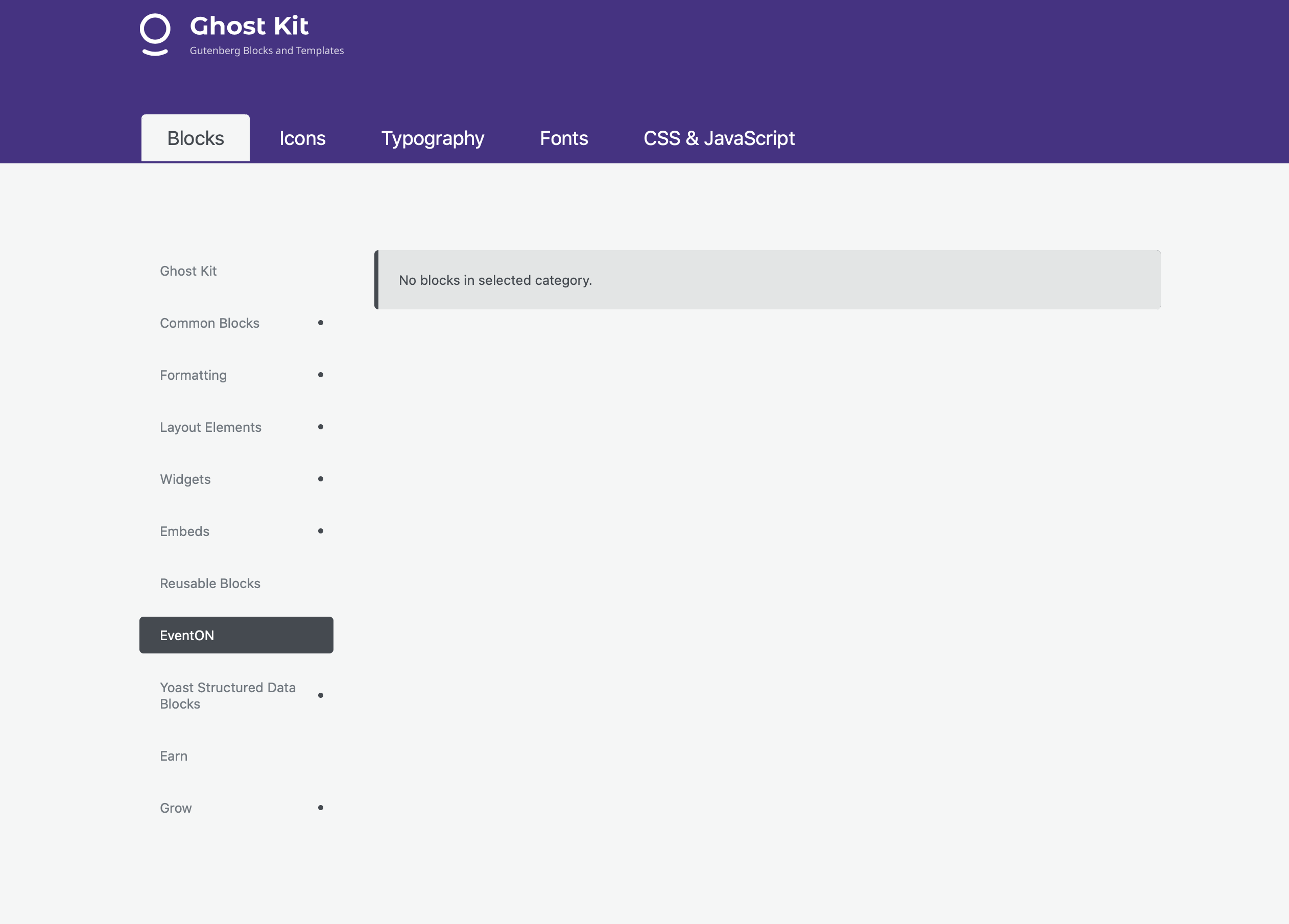
the event blocks are empty. we are also using ghostkit
Replies for tickets on suppota
the event blocks are empty. we are also using ghostkit
we are using Gutenberg….
Thank you very much for the reply.
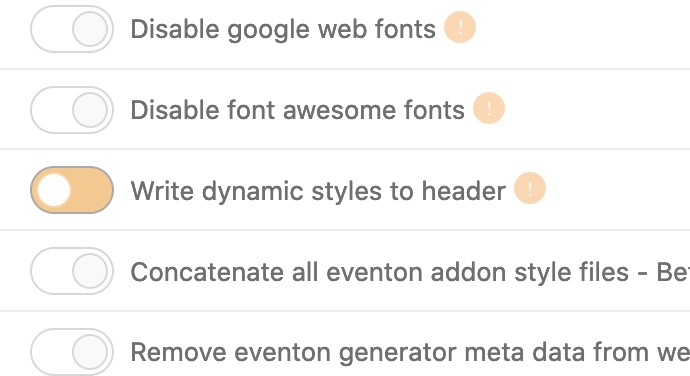
I’ve tried the adding the css provided and there was no change. I turned “Write dynamic styles to header” on and tried it, then off then tried it, then on again, etc., saving changes between each time.This made no difference.
If I comment out the custom code I added in Appearance > Customize, the next/prev don’t display at all. This is what I added there:
.ajde_evcal_calendar .calendar_header .evcal_arrows {
width: 30px !important;
height: 30px !important;
}
.ajde_evcal_calendar .calendar_header p.evo_arrows {
display: block;
float: none !important;
margin: 0 auto !important;
width: initial !important;
}
I’ve tried it with this code in place and without. Without this code, the buttons aren’t there at all.
Your assistance with this issue is greatly appreciated.
Jim
How can I do this to an existing page.nit only shows you how to create a new one.
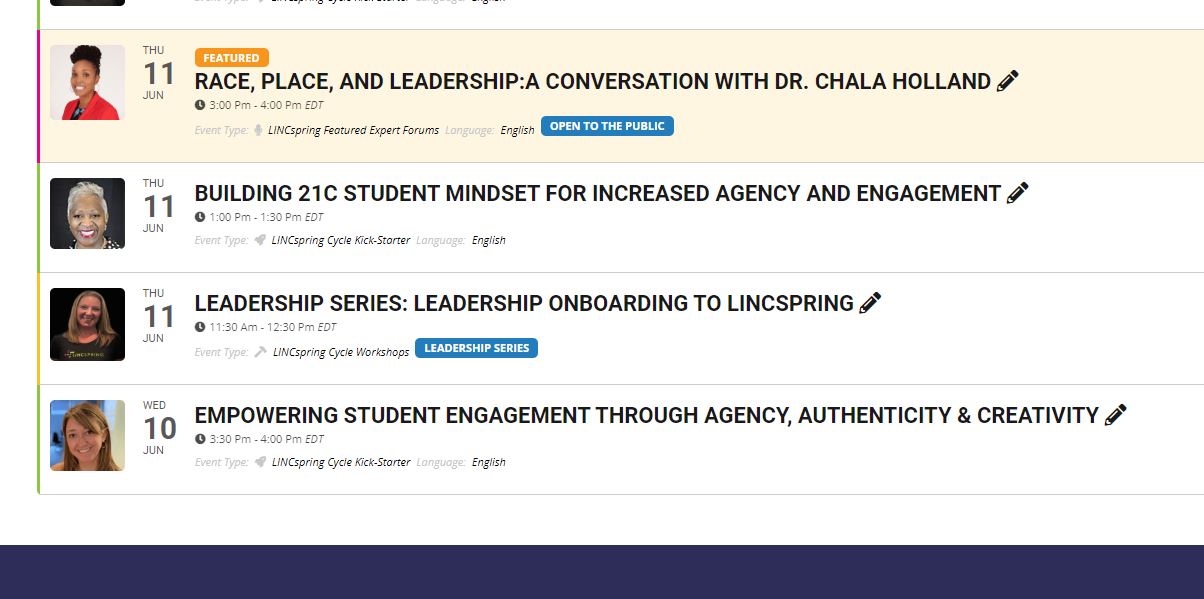
Yes i did. When i did that, it broke my website. The cal stopped appearing, then on the backend it claimed i didnt have the evenon plugin installed so i couldnt use the full call add on, even though both were installed and registered
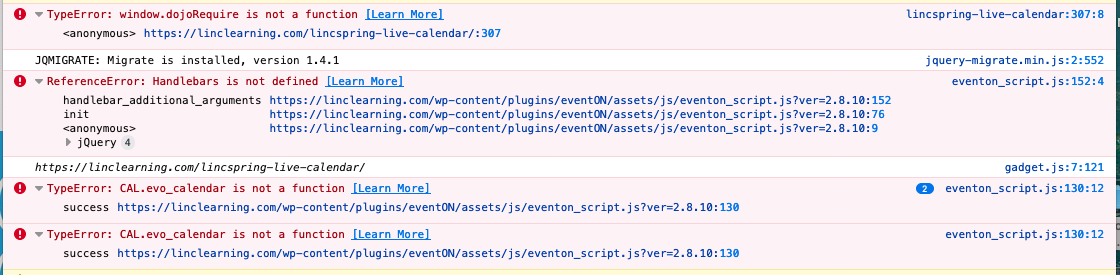
I have upgraded to EventON 2.8.10.
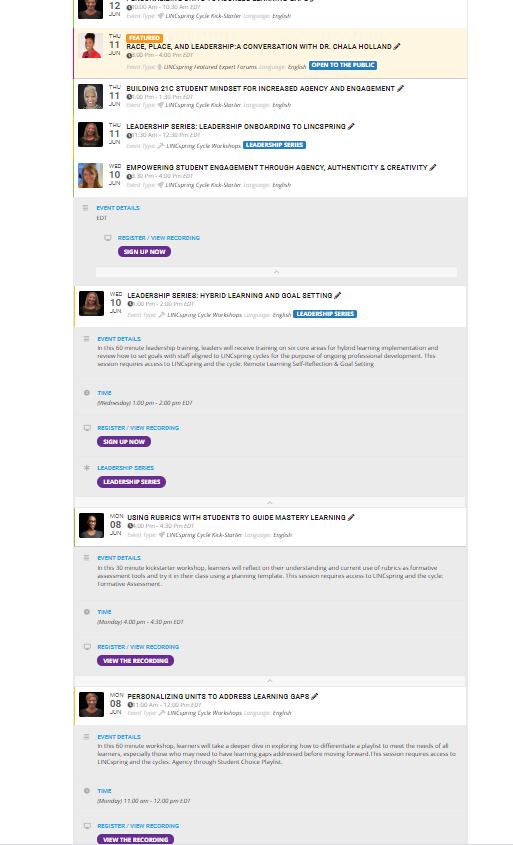
We are getting errors in the eventon_script.js file. See the image attached.
The shortcode appears to be correct. If you open the last item on the calendar, the EventCard opens along with the items for the rest of the month. See a second and third image attached.
Scott
That is an awful process. That is currently what im doing. We needed a Google Sheets Sync like you have for the ICS. The issue with your CSV import / export, is that when you export events to a csv it adds a bunch of random numbers and signs to the title, etc. Thi smakes it almost impossible to reupload or match with an offline csv
Hi, you can close this. I’m trying to work on it myself for the time being.
I’ll create a new ticket if I need help.
Thank you for your patience and understanding
Yvette