On the main page I switched back to the weekly view. Otherwise the user cannot see all information.
The problem can also be seen on the test page: http://test.inselzeitung.de/veranstaltung/
Archives: Replies
Replies for tickets on suppota
Reply to: tickets(182110)
P.S. the event in question is the Educator Coffee Hour event..
Reply to: tickets(182110)
Hi guys,
Thank you for your replies! I can provide my wp-admin access details below for you; any help on this is super appreciated.
In answer to Ashan’s question, yes my team members and I receive confirmation emails every time we RSVP, but somehow the virtual event link will show sometimes and not show others (it has mostly not shown in recent tests). I wasn’t sure if there was something that triggers this, but I hadn’t changed anything about the event to my knowledge that could affect this.
wp-admin url: https://photoville.com/wp-admin
username: joank
password: hWo7sm75H%J#
Thanks for all your help so far!
Reply to: tickets(180764)
Hi,
Thank you. Appreciate your time. It is fixed. Confirmed on Staging and Production site.
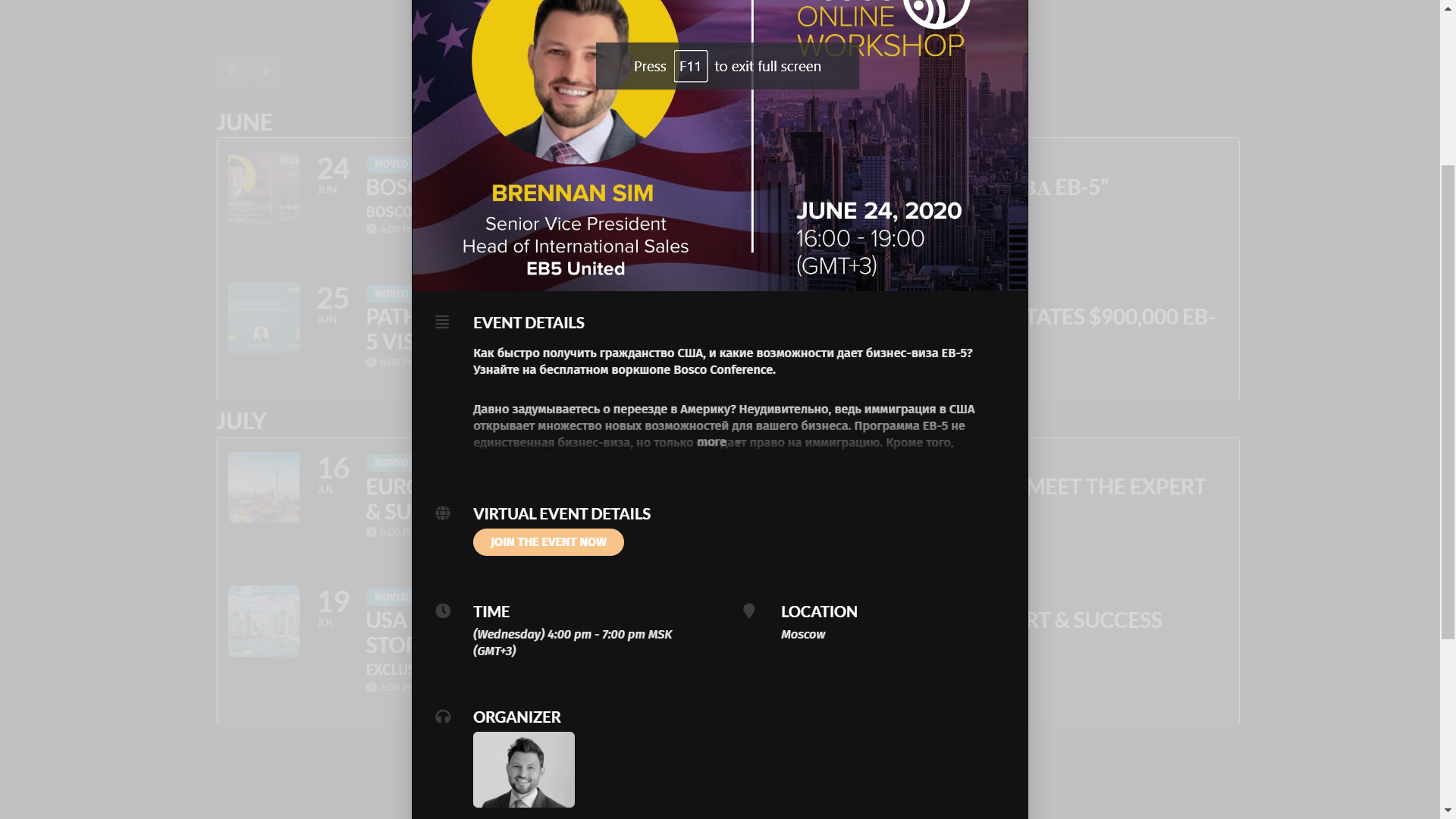
However, the event pop up does not respect the button color values.
See screenshot of event individual page and event pop up module, the button color in pop up module is yellow despite selecting button color as blue.
Rest everything is fine. Thank you once again for your assistance.
Reply to: tickets(182254)
Hello Artem,
I reached out to thrivetheme about the problem. That is what they answered:
————————————
It looks like that the events custom post type still looking for the default
plugin styling and don’t inherit the template we have in our Thrive Theme
Builder.
I would like to ask if you can reach the developer of the ME Calendar and if
they can if their plugin supports them and page builders? if so, can you
please ask how their custom post type can inherit the styling from the Thrive
Theme Builder template.
——————————————–
Could you please help with that issue.
Thank you Peter
Reply to: tickets(176100)
Hi Ashish,
I checked page is perfectly getting created in the website.
After deactivating eventon custom plugin the popup funtionality of main eventon plugin works fine.
Once the eventon custom plugin is activated, it creats issue in popup functionality of main eventon plugin.
Reply to: tickets(182264)
Please send us wp-admin access to your site as a private message for us to further assist your situation.
Reply to: tickets(182466)
simply create an event type- called virtual events- and make a calendar of just that event type
Reply to: tickets(182396)
I am sorry, the access information you have provided did not work for us. Please check them and post the correct login information as a private message, thank you!
Reply to: tickets(182450)
Hello,
Please follow https://docs.myeventon.com/documentations/customize-single-events-page/. You can send us a customization job request by creating a new ticket in here and selecting Customization Request as the category, so one of our developers can implement this.
is a css issue with EventsOn single Page
Could you please send us a screenshot? Thank you!