Please go to EventON > Single Events > enable Restrict single event pages to logged-in users only.
This way only logged-in users will be able to see Single Event pages.
Replies for tickets on suppota
Please go to EventON > Single Events > enable Restrict single event pages to logged-in users only.
This way only logged-in users will be able to see Single Event pages.
Hello,
You need to use Event Lists shortcode:
https://www.myeventon.com/addons/event-lists-extended/
Then use this shortcode:
https://pastebin.com/V1a1R0ks
The main difference:

Try on
https://dev.myeventon.com/wp-admin/
Are you referring to this issue?

Is this related to EventON only?
I see the same issue on this support forum of WooCommerce itself:
https://wordpress.org/support/topic/there-was-an-error-processing-your-order/
Please follow the instructions in this documentation to activate debug in your site to see any PHP errors recorded that can provide insight on to whats going on. Please reply with a link to debug.log file. If you are not able to do this please send us FTP access to your site so we can do this for you.
Also try creating a new regular WooCommerce product and send us it’s link.
Hi Artem
I will link an example below.
https://www.boulderuk.co.uk/events/easter-dev-aca-drop-in-session/
It seems to be any repeating event though.
Thanks
James
What I want is for the main page to show on a row of three the 3 most upcoming events (not past events) – but independently from which month they are in.
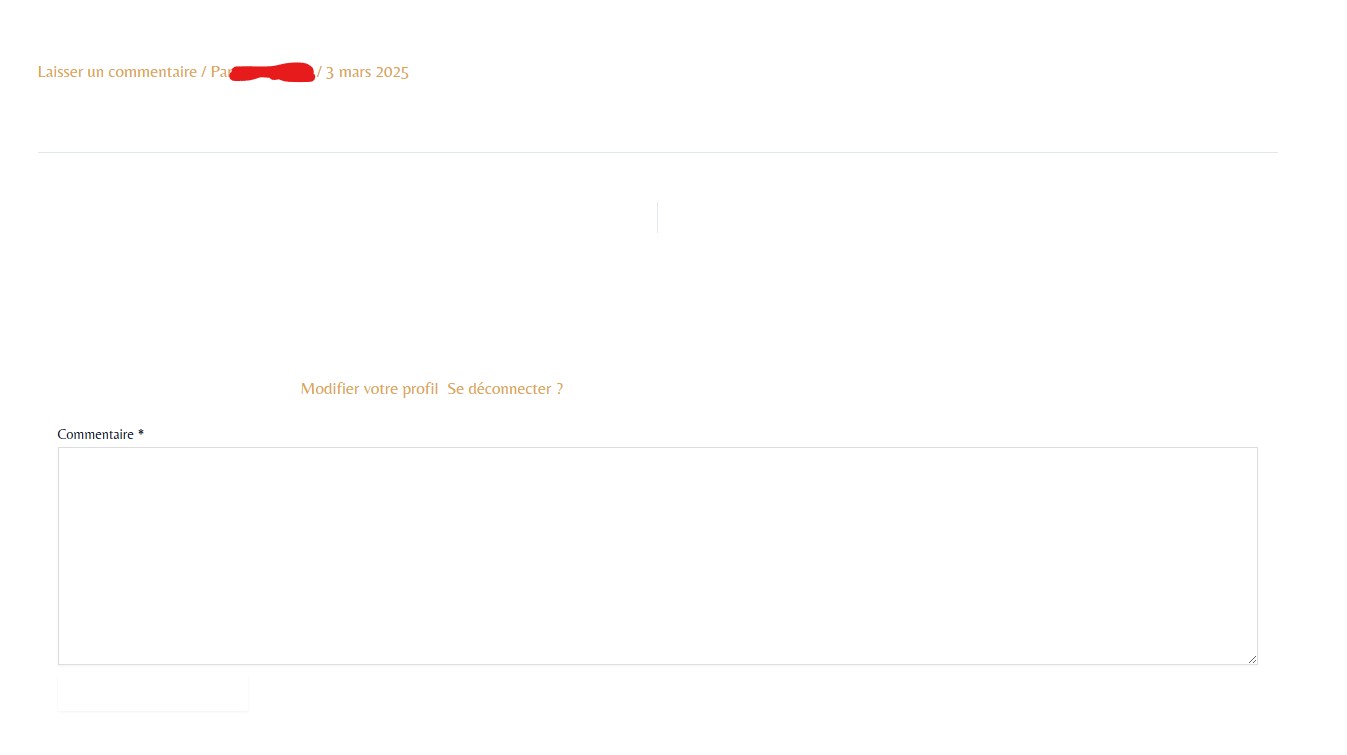
It works and doesn’t work ^^
Indeed when I enable “Stop using eventON single event template for single event pages”, it removes everything, but then it shows again the comment section and also display the admin ID :/
Thank you for your help
Yes it work now 🙂
Thank you for your help and for the continuous improvement!
Hello Dave,
thank you for the shortcode. That would be ideal. Before I try it I just want to check again with you.
We are currently using the following shortcode:
<center>[add_eventon_tabs tab1=”Lezioni in sede” tab2=”Lezioni online” tab1shortcode=”add_eventon_dv dv_view_style=onedayplus event_type=184 show_et_ft_img=yes” tab2shortcode=”add_eventon_dv dv_view_style=onedayplus event_type=273 show_et_ft_img=yes”]</center>
We are showing two calendars for online and on site lessons.
Can you please help me “fit” the additional pieces so that I will not cause damages?
Thank you again!
Cristiano
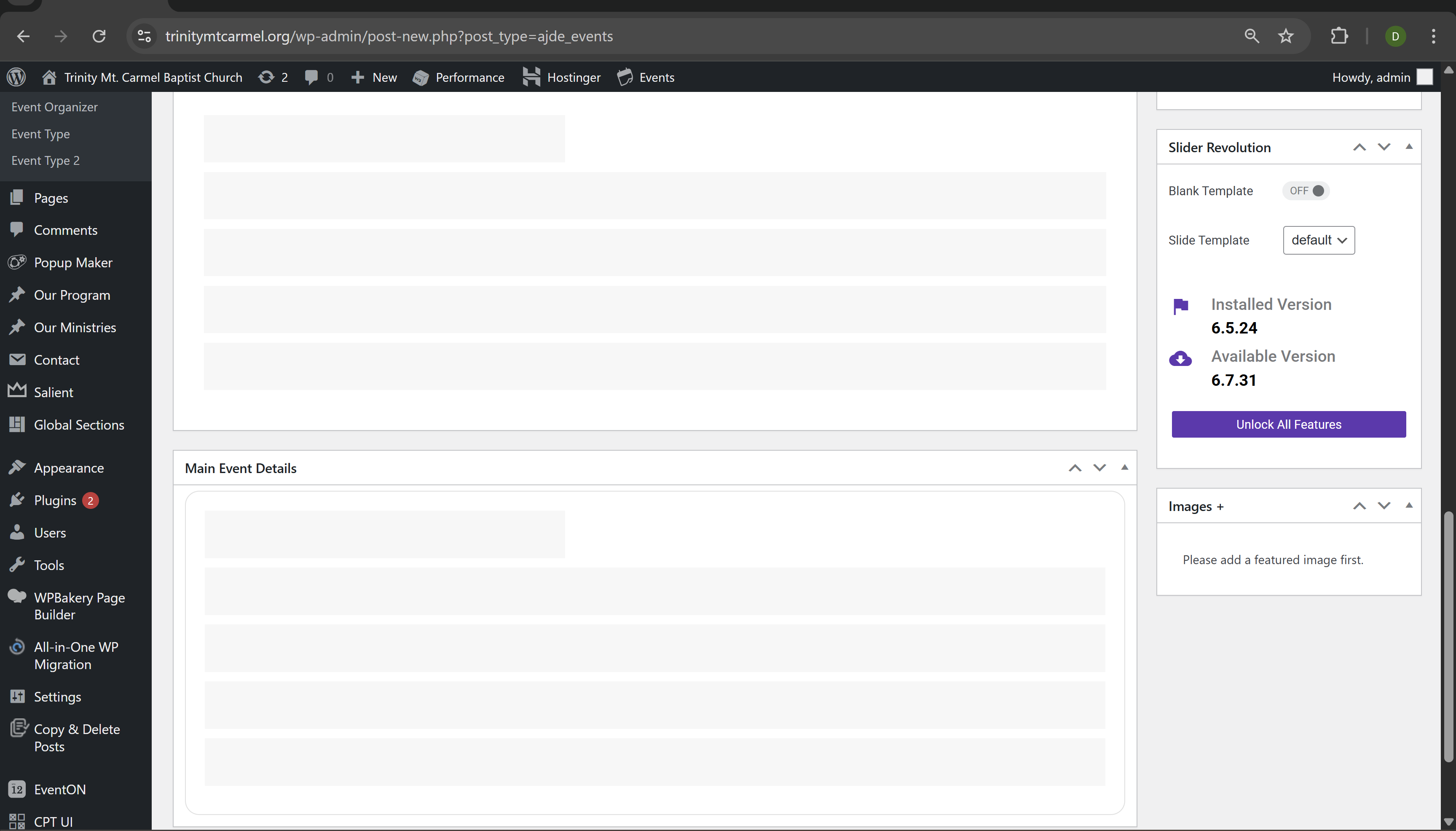
It’s the EventON Plugin that not loading when I go to events. See the screen shot attached.
[add_eventon_dv dv_view_style=”def” fixed_day=”28″ fixed_month=”4″ fixed_year=”2025″]
THE ABOVE SHORTCODE WILL START IT (oops caps lock was on) from the 28th onwards
in the shortcode generator you have the option in daily view for picking the exact day you want to start the calendar
so you need to select the day, month and year- needs all 3 fields set in order for that to work