Hello,
Is this the custom code that you added?
I cannot find it anywhere in EventON > Style and Appearance > Customize > Additional CSS:
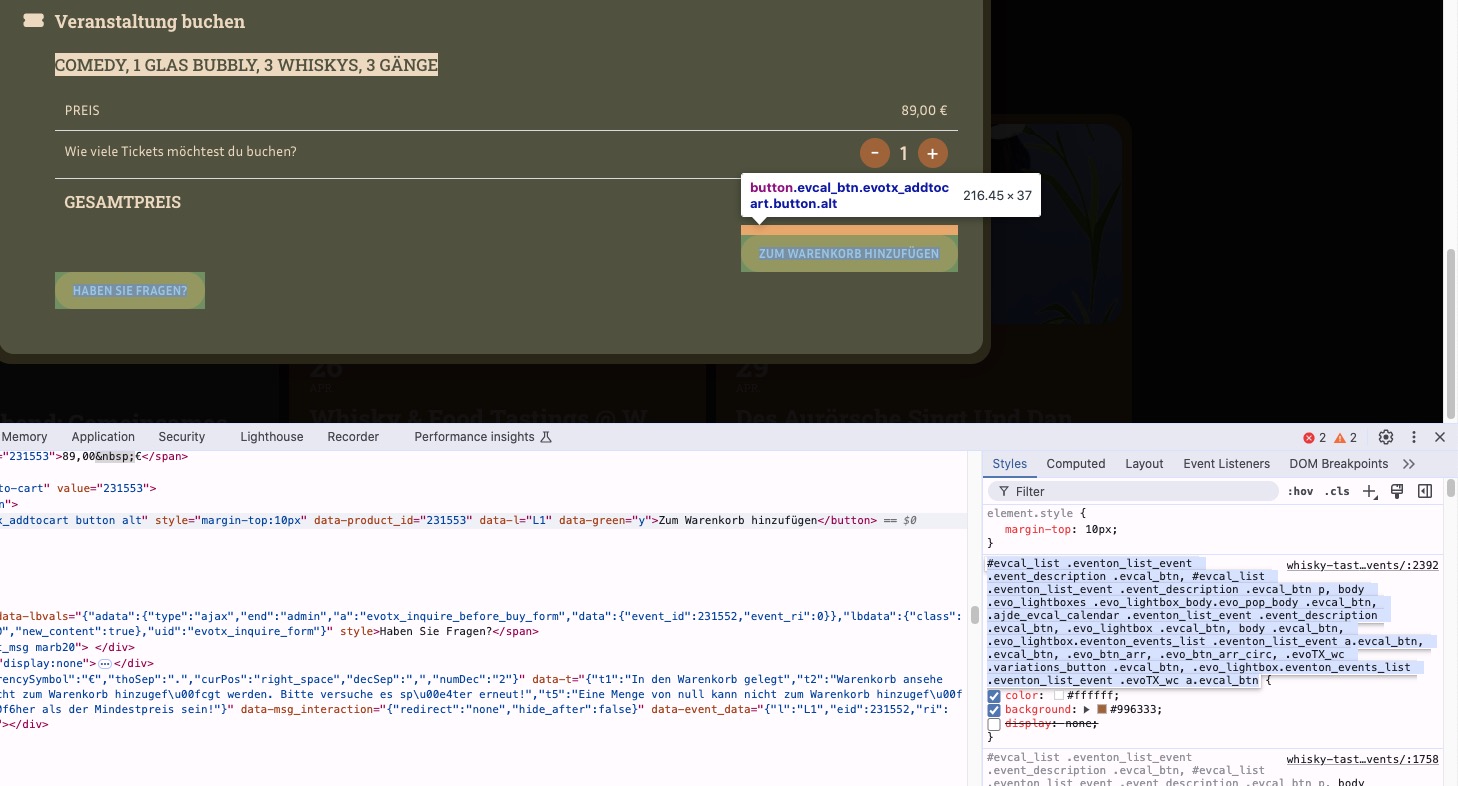
Could you check and let me know?
Replies for tickets on suppota
Hello,
Is this the custom code that you added?
I cannot find it anywhere in EventON > Style and Appearance > Customize > Additional CSS:
Could you check and let me know?
Please try
.single-ajde_events #event_eventdetails {display: none} .single-ajde_events #event_time {display: none} .single-ajde_events #event_addtocal {display: none}
Hello,
You see the change to the wrong timezone on all of your events or only when you try to add a new event?
Please send us wp-admin access to your site as a private message for us to further assist your situation.
Hello,
You can try changing the text by going to EventON > Language. But this will change April everywhere.
The second option is to use Event Lists shortcode and create a specific shortcode (for April) and then show in on a page and add the header text manually. Please check “Fixed Month/Year”:

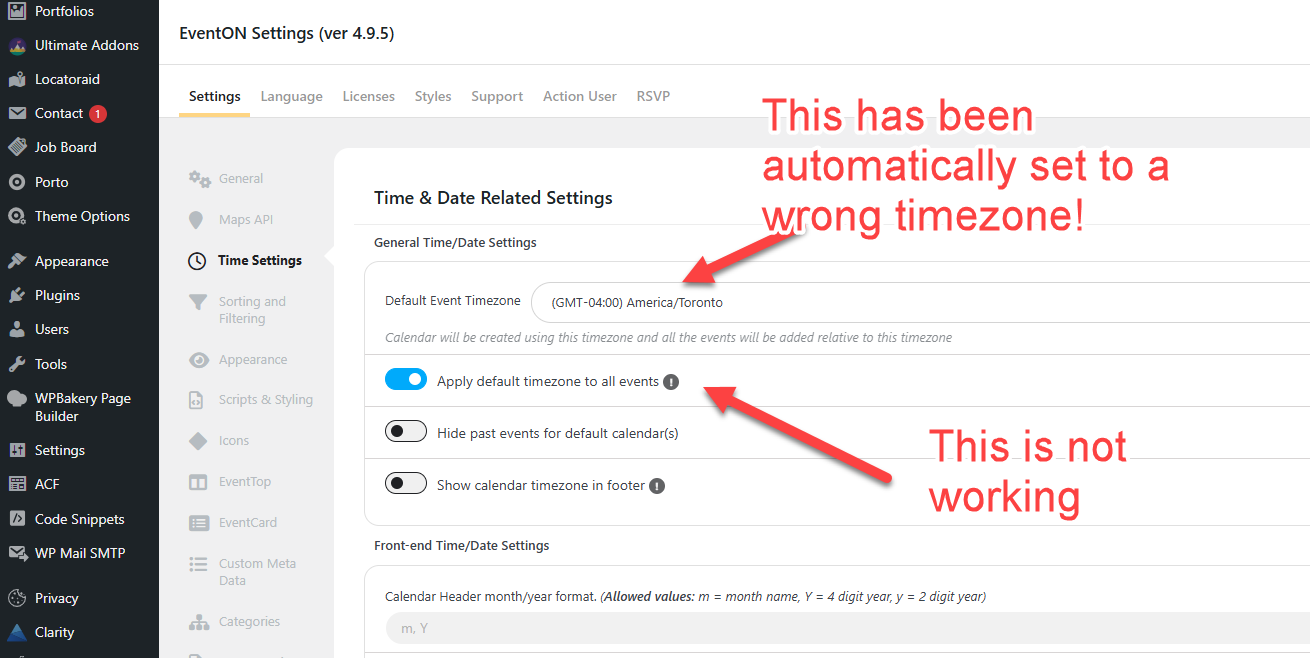
Please check attached image.
I think timezone is the most important part of a calendar and this is second time we see a problem in timezone settings.
We have a lot of clients from all over Canada that attend our events. We need to make sure this problem will never happen.
Yes it worked, but since it redirect to the logging page, I would prefer then to allow the access to the single event page redducing the event information.
Do you have a code to remove the following sections?
Could you give the code to also remove from single event card:
Image secion
Event detail section
Time section
Googlecal section
like : p.evo_card_organizer_more { display: none !important; }
Thank you
Perfect, I just bought it and it works. Thank you for fast response.
However, any solution that the whole box/images is clickable? Not just the text area?
Hello,
Two weeks ago I updated the main EventOn plugin, but that did not solve the problem. Today I also updated all the add-ons. How can I check that all reminders are set at the correct time?
I need to be sure that things run smoothly from now on because all event partipants have receive time that are two hours too late (caused by summer time I guess).
Please help me out.
Gert
Thank you for letting us know! Ashan will check this ASAP.
Hello,
Please follow the instructions in this documentation to activate debug in your site to see any PHP errors recorded that can provide insight on to whats going on. Please reply with a link to debug.log file. If you are not able to do this please send us FTP access to your site so we can do this for you.