Hi Artem,
The Educator Coffee Hour is the correct event to test; thanks for testing it for me! Agreed, I’m getting inconsistent results with not receiving the Virtual Event Access link in the email, even though I have the Zoom meeting link under Virtual Event in the event settings.
Thank you for redirecting to Ashan. I’m hopeful for some further guidance on this issue and would love to have this in use for our next event.
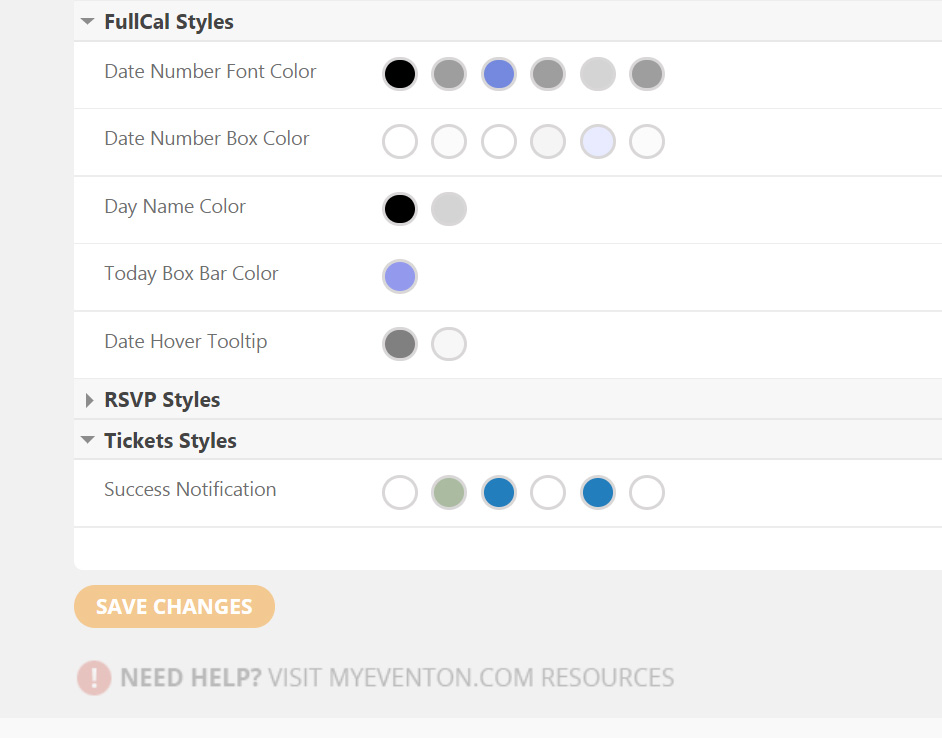
This is what I am using to change colors
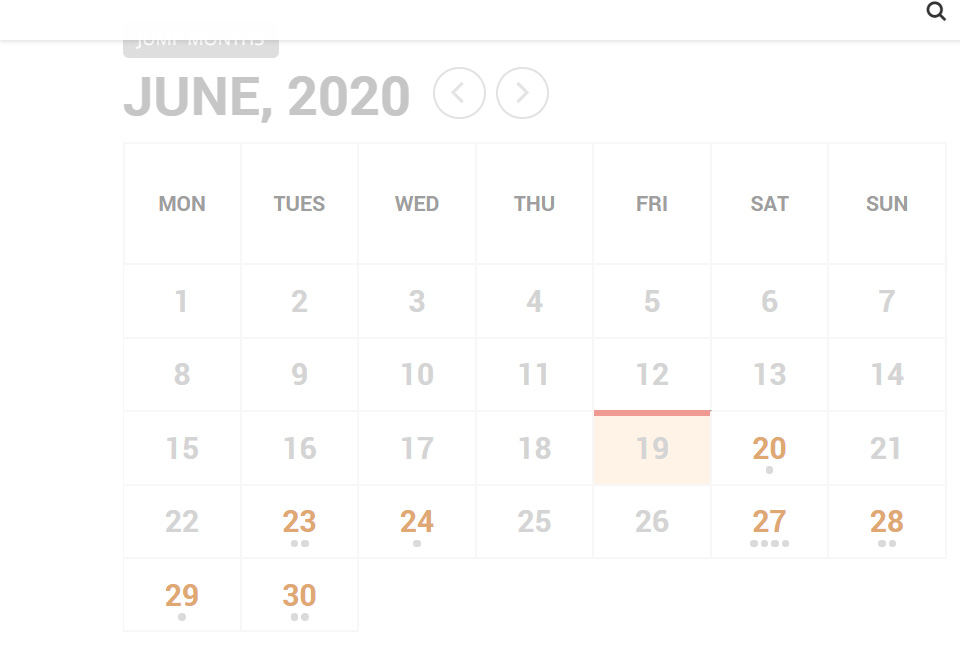
This is the calendar I am trying to change the colors on.
Could you remove any customizations from ticket_confirmation_email.php and may I try the instructions mentioned in this documentation?
Could you try now and let me know?
Could you update EventON to 2.8.10, Subscriber add-on to 1.3.3 and other add-ons as well?
https://nassaureads.com/wplogin shows 404 page. Could you let us know how we can login to the website?
Thank you for your great suggestion, at the moment it is not supported. However please create a new ticket and select Feature Request as category so others can vote on your idea and get it moved into development faster. OR You can send us a customization job request by creating a new ticket in here and selecting Customization Request as the category.
Hello,
Please send us wp-admin access to your site as a private message for us to further assist your situation.
Thank you for your messages, I am going to assign this ticket to Ashan and he will be able to take it from here and find you a solution. Please allow some time for him to get back to you, we greatly appreciate your patience and thank you for being a eventon customer! Also please disable any IP blocking on your site if there are any.
Ashan,
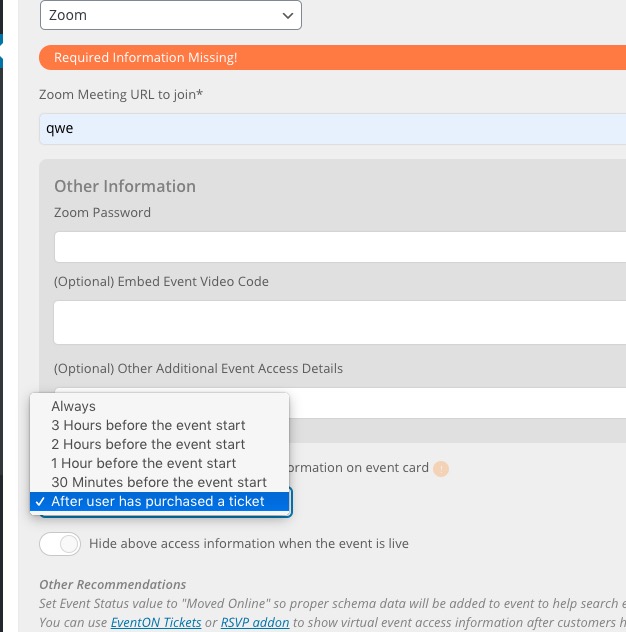
I cannot find “After user has RSVPd to event” on dev2:
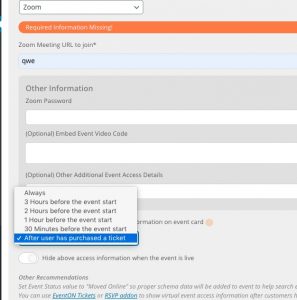
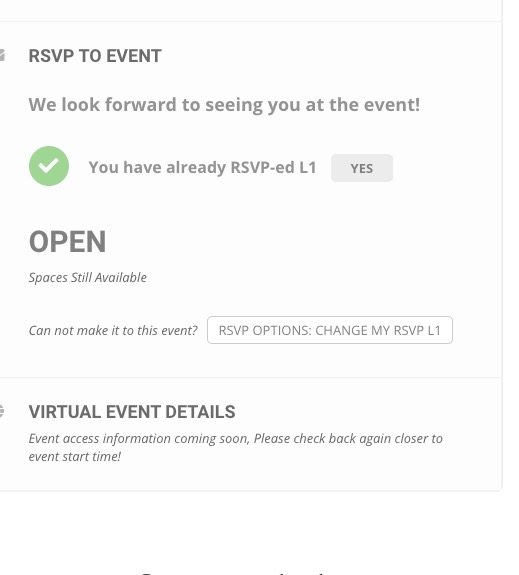
I selected “After user has purchased a ticket” and even after I RSVPed, the info is still hidden:
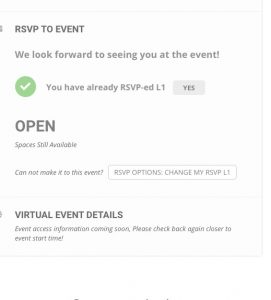
http://dev2.myeventon.com/events/test-13/
Hello,
So further investigation looks like your server might not be supporting dynamically creating images using PHP imagecreatefrompng or other image function we are using to generate the dynamic image. Could you please contact the server hosting company and ask about this issue or you can also utilize custom map marker or default google map markers instead.
As a temporary solution please go to EventON > Google Maps API > set Map marker type Dynamic number-ed markers: Default Google Markers.