Hello,
It seems there is incompatibility between EventON’s single page template and the theme. Could you try customizing the template by following https://docs.myeventon.com/documentations/customize-single-events-page/?
You can also send us a customization job request by creating a new ticket in here and selecting Customization Request as the category.
Everything seems to be working correctly from my side:
Could you tell us which options didn’t change?
Ashan,
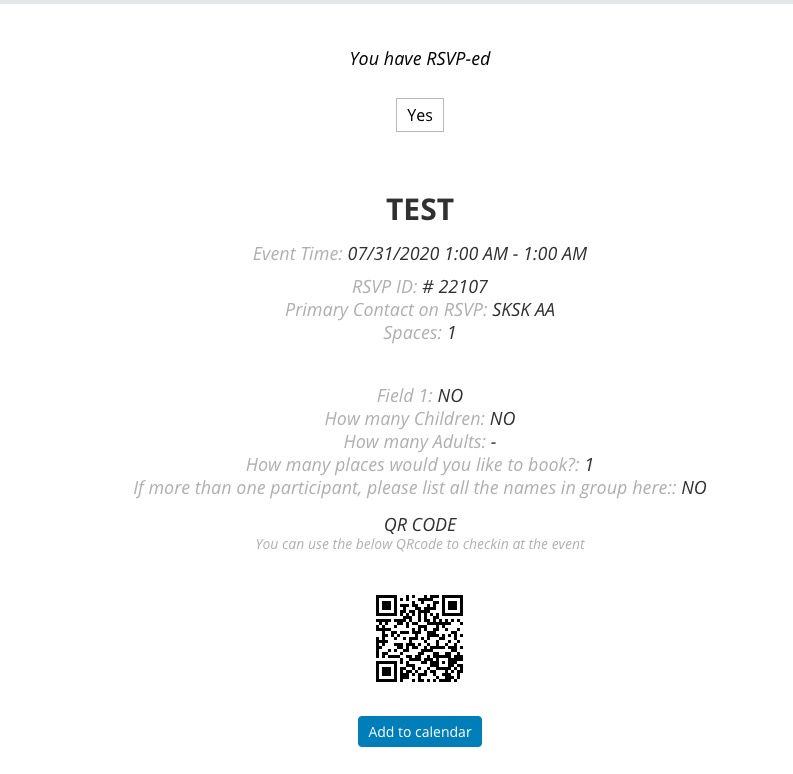
When RSVP, are you supposed to receive Join Event link in the confirmation email. RSVP confirmation email from dev2:
http://dev2.myeventon.com/events/test-12/
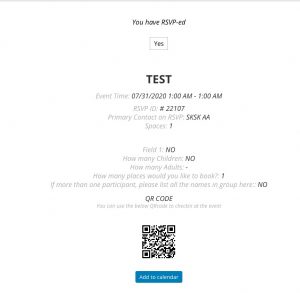
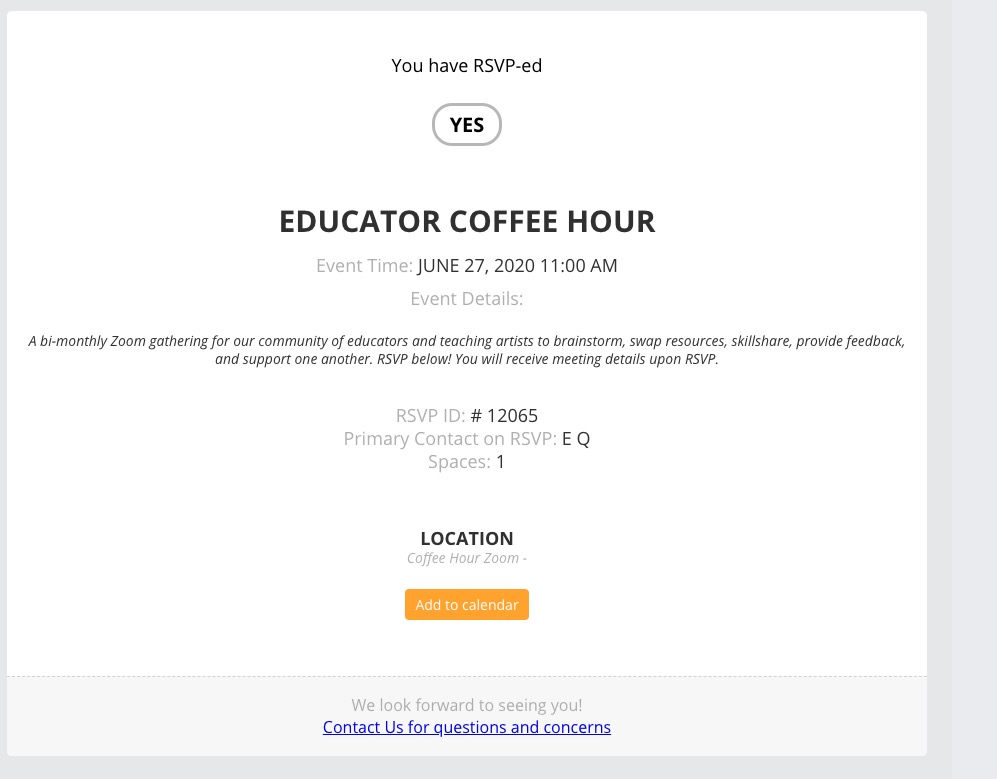
Could you tell us which event we can test? I RSVPed to EDUCATOR COFFEE HOUR, but didn’t receive any links in the confirmation email:
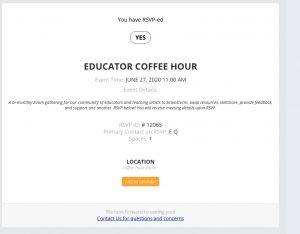
Also, quick question: Sometimes the Virtual Event Access details don’t show up in the RSVP confirmation email. Is there something I need to make sure to have set up in order for that to always be sent out?
Thank you for your messages, I am going to assign this ticket to Ashan and he will be able to take it from here and find you a solution. Please allow some time for him to get back to you, we greatly appreciate your patience and thank you for being a eventon customer!
We want all of the fields under Additional Attendee to be required. Right now, they say they’re required, but you can actually check out without filling them out. Does that make sense?
Hi Ashan,
Thanks so much for your quick reply! I saved the permalink settings as you suggested, and also cleared the site cache just in case, but the 404 page is still showing up. Would it be possible for you to try to RSVP as a test and see if the link works for you? The /var/event_access link just doesn’t seem to work for me.
Also, quick question: Sometimes the Virtual Event Access details don’t show up in the RSVP confirmation email. Is there something I need to make sure to have set up in order for that to always be sent out?
No luck with either option
If you have a moment, we would greatly appreciate if you could kindly leave us a review at codecanyon! from your account > downloads. Cheers!
Hello Joan, that link should redirect the customer to actual zoom link. It is set to hide the direct zoom link to avoid people unnecessarily misusing the link to join the event without RSVP.
If the redirect is not working, please go to wp-admin > settings > permalink and click save to refresh permalinks. and see if that fix it.
Thank you laura. you should see a new update notice on your wordpress or you can check out twitter @myeventon for the new update.