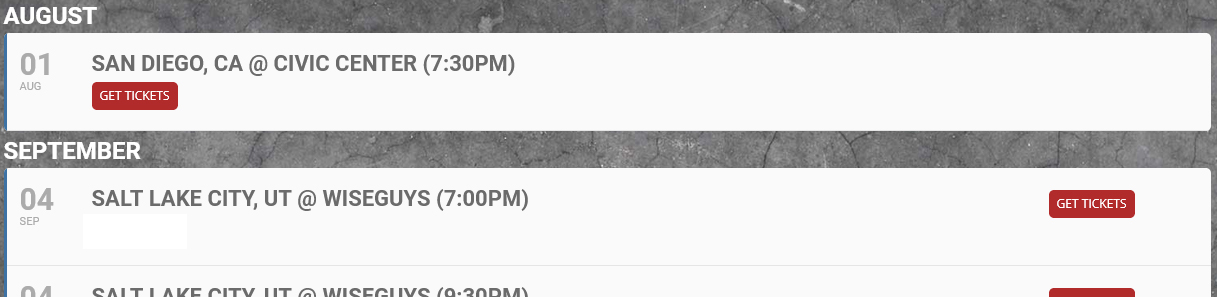
Please check now:
Archives: Replies
Replies for tickets on suppota
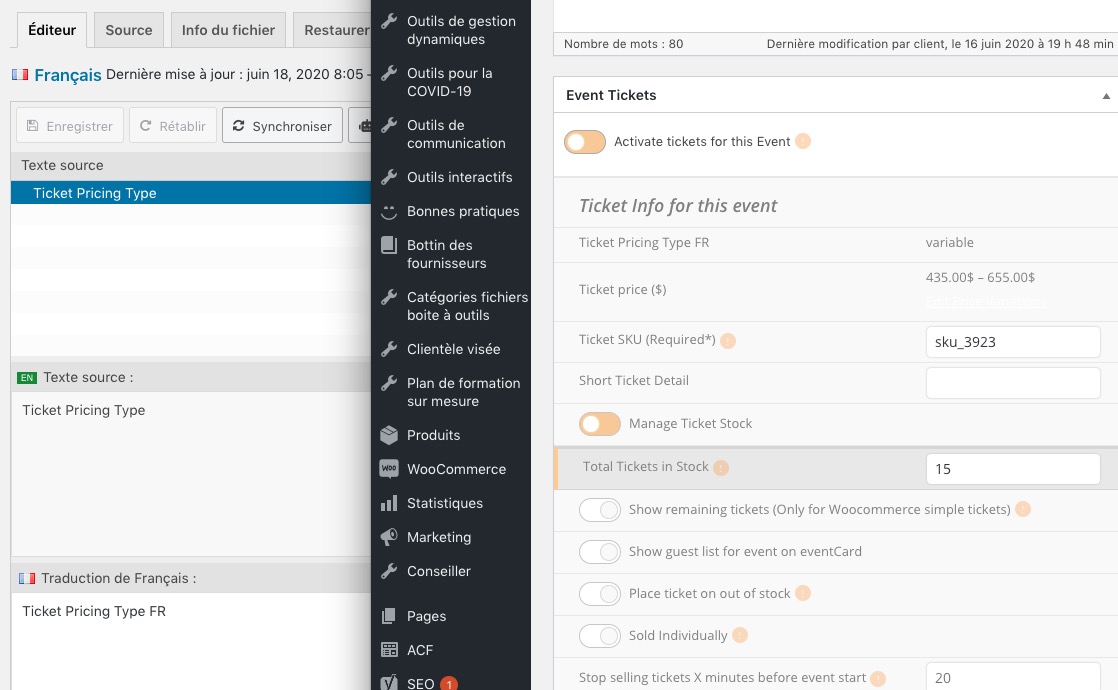
Reply to: tickets(180079)
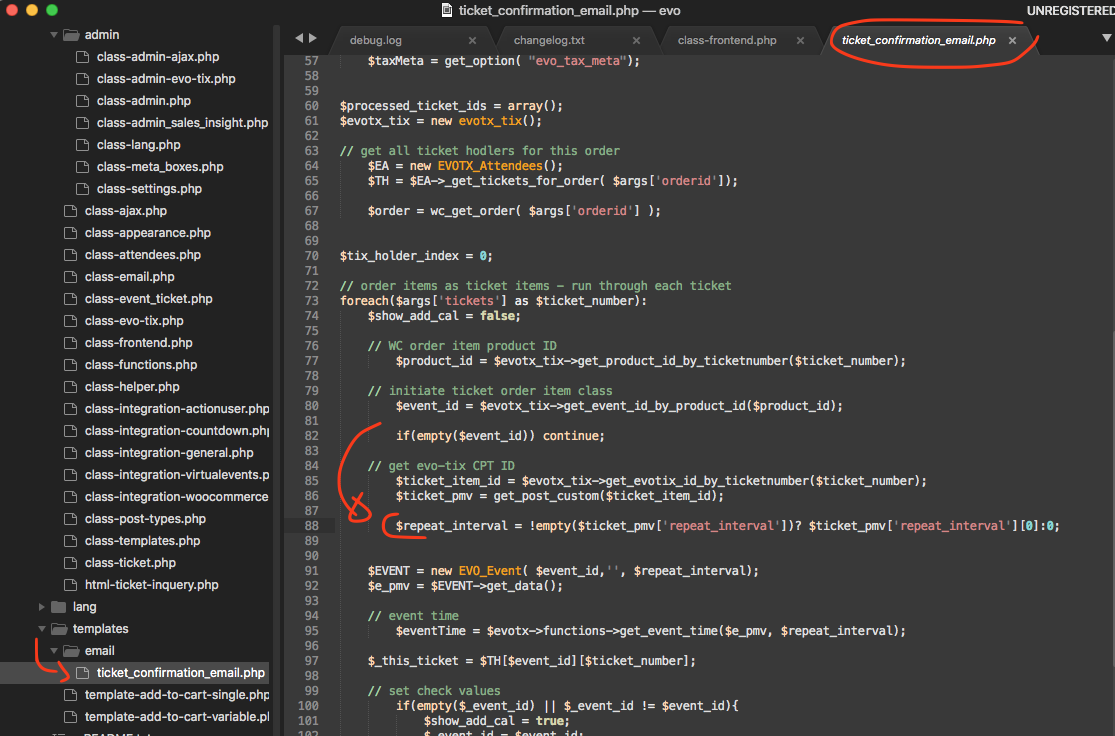
here is the patch fix for it. Move the marked code under to location shown in image
Reply to: tickets(181087)
I have applied the code change to your site.
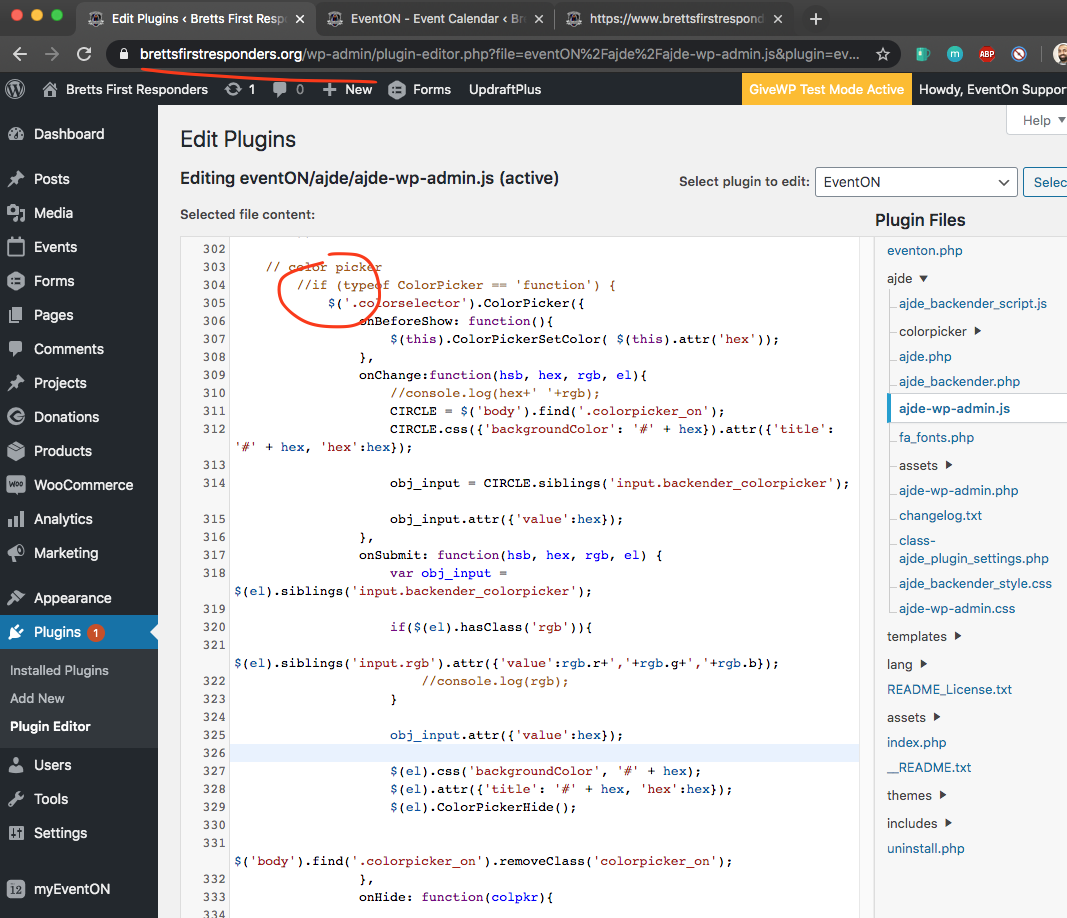
But looks like there is some sort of cache in the site that is not loading the updates code.
https://www.brettsfirstresponders.org/wp-content/plugins/eventON/ajde/ajde-wp-admin.js?ver=1.7.0
check to see if your server has cache? usually cpanel has a cache manager where you can purge server cache,
Reply to: tickets(181894)
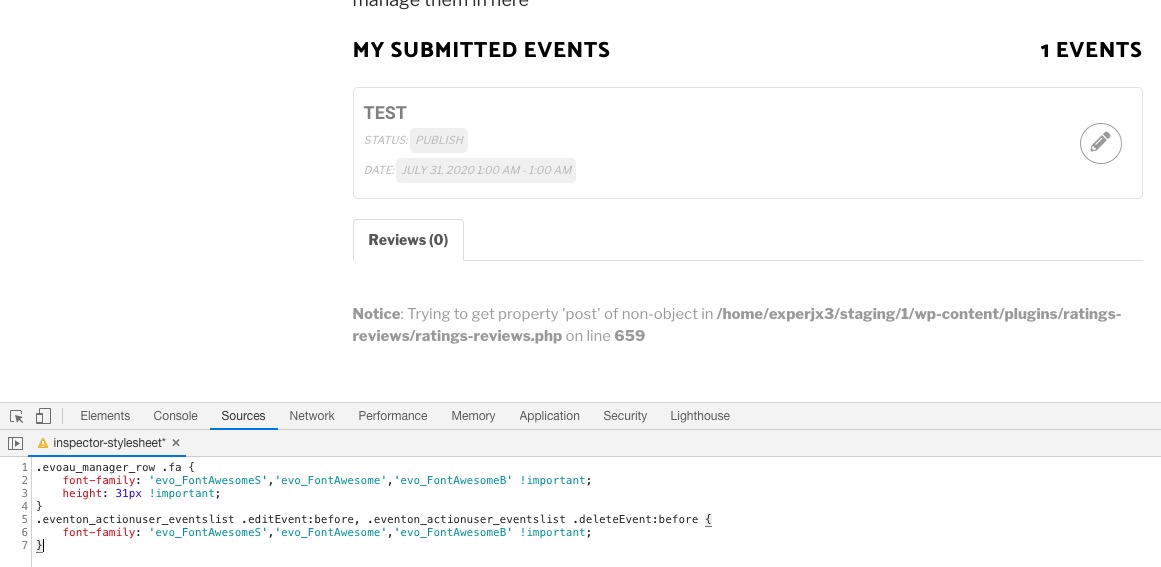
Please add this CSS code to EventON > Styles (If you don’t see any change, EventON > turn off Write styles to header > save settings > turn on Write styles to header):
.evoau_manager_row .fa { font-family: ‘evo_FontAwesomeS’,’evo_FontAwesome’,’evo_FontAwesomeB’ !important; height: 31px !important; } .eventon_actionuser_eventslist .editEvent:before, .eventon_actionuser_eventslist .deleteEvent:before { font-family: ‘evo_FontAwesomeS’,’evo_FontAwesome’,’evo_FontAwesomeB’ !important; }
Reply to: tickets(181692)
Here is the patch fix to resolve this.
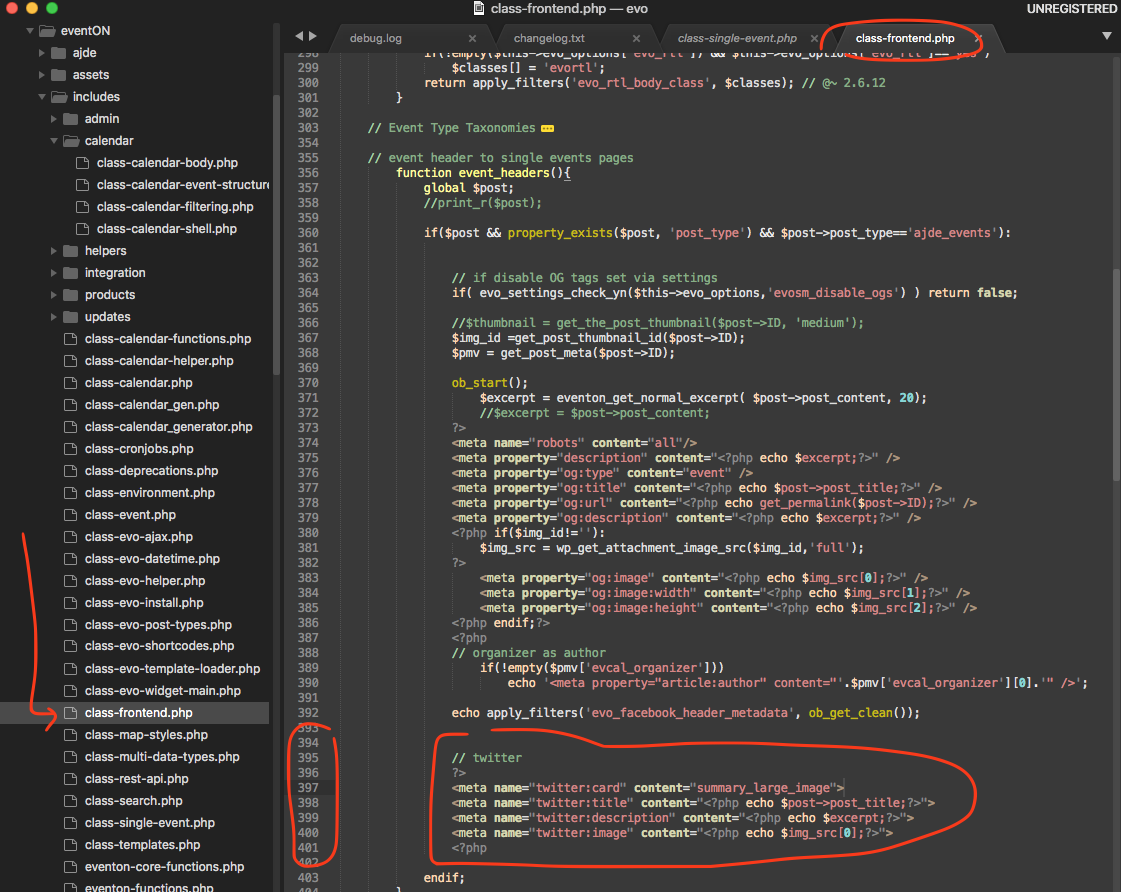
Try this out and see usually the og: tags in the meta header is whats used by the sites to fill in image information which is already there in all the events.
Reply to: tickets(181894)
This whole ticket is private so your login info is protected.
Reply to: tickets(181090)
May I or could you please try the instructions mentioned in this documentation? After go to Events > All Event Tickets > Edit > Re-Generate PDF > check.
Reply to: tickets(181338)

Reply to: tickets(181906)
After thinking about it for a few minutes, I remembered importing the language file.
Obviously something went wrong with the language import. This created the wrong names in the menu.
Reply to: tickets(181338)