Hello,
This box is Shopping Cart widget:
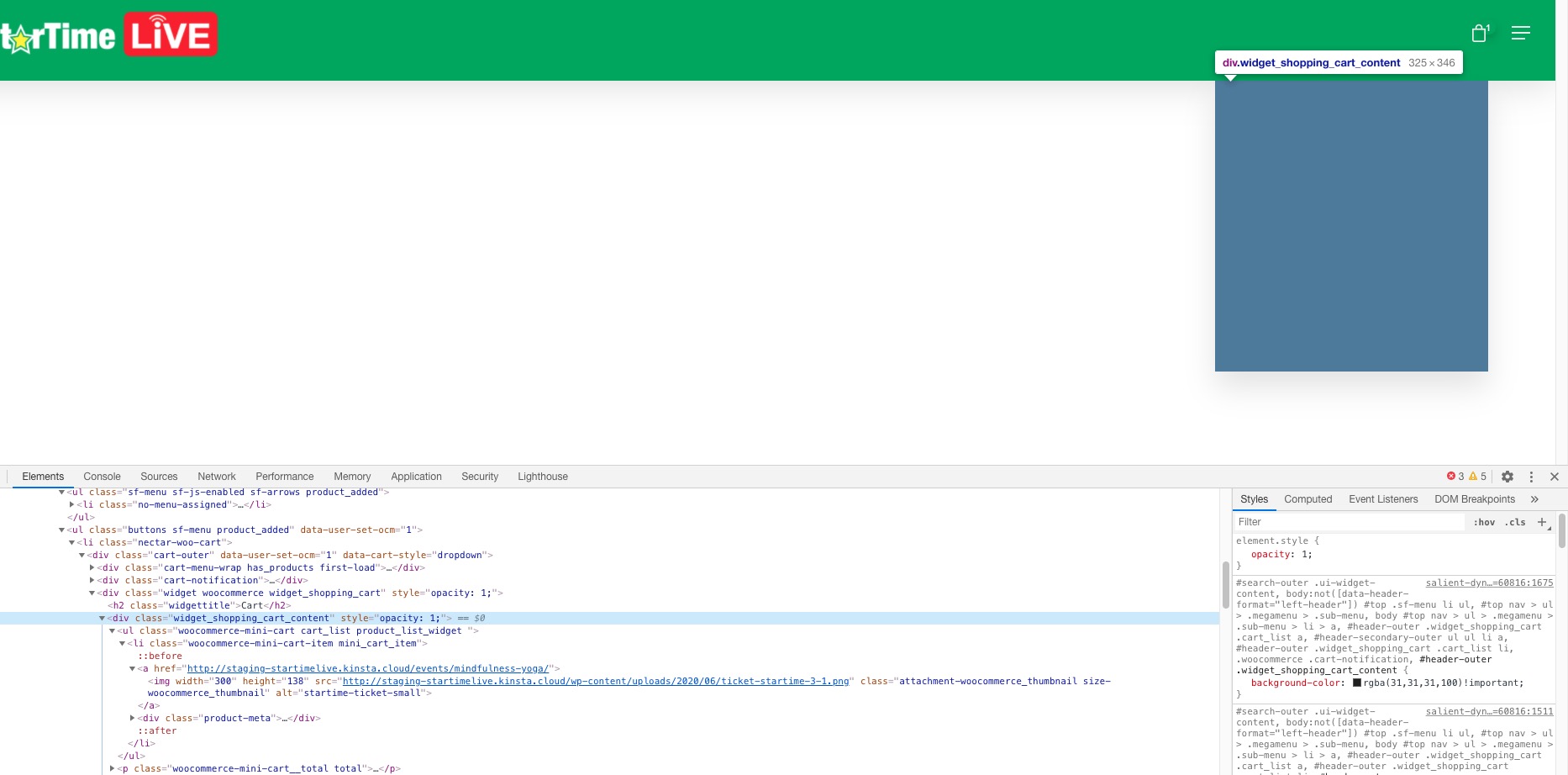
It seems that your theme uses this to show items in the cart. The problem is that even so images and text are in the code something hides them. Could you contact your theme developer and ask about this?
Replies for tickets on suppota
Hello,
This box is Shopping Cart widget:
It seems that your theme uses this to show items in the cart. The problem is that even so images and text are in the code something hides them. Could you contact your theme developer and ask about this?
Sorry, completely missed this in the tickets. I will arrange and confirm.
Hi, yes, I tried the guide and it doesn’t work for me.
We have to have the event twice, once in English and once in Swedish, we have to have two sets of tickets (woocommerce products) for the English and for the sedish which are not linked. We just want to show the English version of the event on the Swedish pages for the moment, rather than duplicating the event into each language and having to effectively create two events, one for each language. We think having to have two separate events and have duplicate all the tickets is not ideal way to manage. We just want to have the same event and just have it switch language, but go to the same woocommerce products.
At the moment, if I sell one ticket to an English person it doesn’t deplete from the stock level of the Swedish version of the event, this is cumbersome to manage and isn’t ideal. We just want the text translated.
As a work around, we think just putting the English version of the event on the swedish pages is acceptable, but not ideal.
Great! Let’s continue our conversation in your other ticket.
To update eventon addons: You can download latest eventon addons from myeventon > my account. Then you can go to your website, deactivate old addon and install new one and activate then delete the old addon. This link will further explain the process. Also you can follow us on twitter to get real-time announcements on updates!
In order to remove the animation you need to customize the main JS script. However, please try going to EventON > Appearance > enable Align month navigation arrows to rightside of the calendar.
Hi thanks. I am aware of those values but how do I bring them into the single-ajde_event.php file? Ive tried echo, get_field, etc but I cant get it.
I have managed to solve my problem by editing the eventon-core-functions.php file and adding: case ‘d’:
$new_str.= $day_number;
break;
I also edited class-single-event.php file and the single-ajde_events.php file.
Can you tell me if any of these 3 files will be in risk of getting overwritten by updates? If so, what can I do to prevent that?
Thanks
Rommel
Thank you for your messages, I am going to assign this ticket to Ashan and he will be able to take it from here and find you a solution. Please allow some time for him to get back to you, we greatly appreciate your patience and thank you for being a eventon customer! Also please disable any IP blocking on your site if there are any.
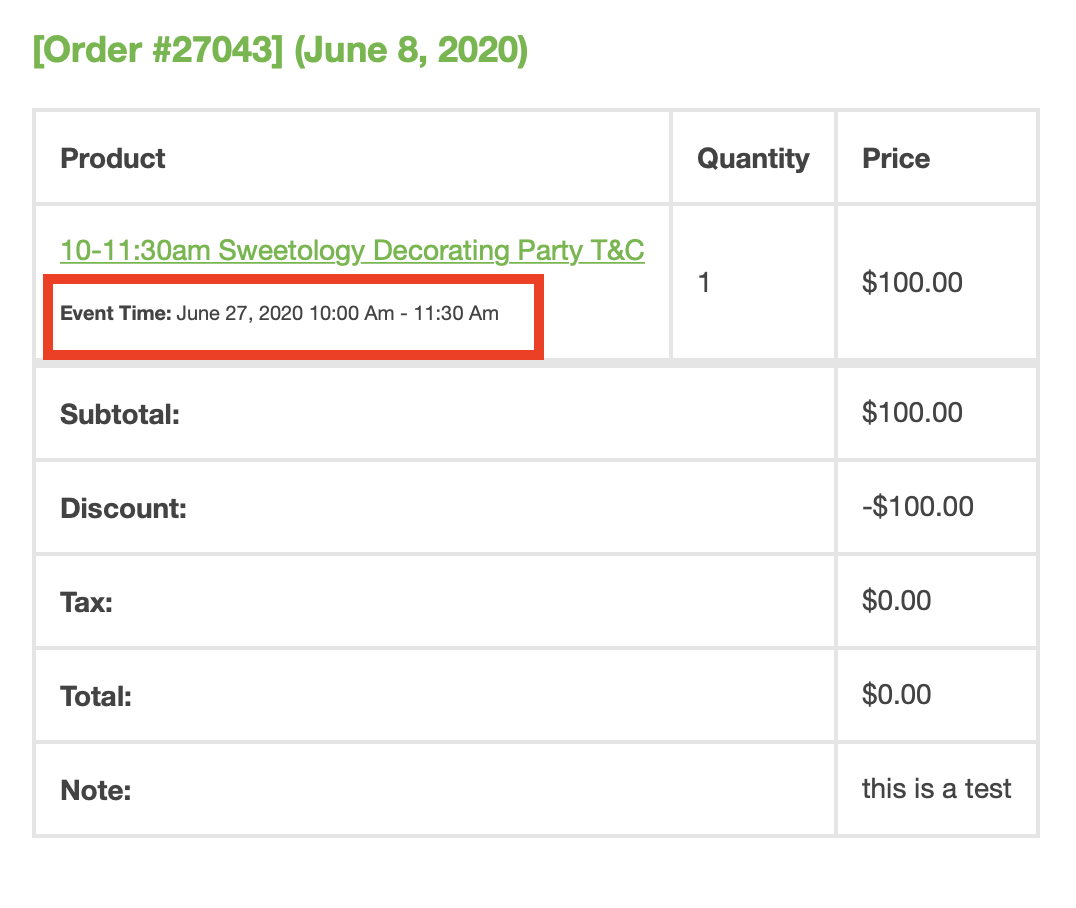
Could you you tell us the discount code you used on https://helpdesk.ashanjay.com/wp-content/uploads/2020/06/Screen-Shot-2020-06-09-at-8.24.00-AM.png to purchase for free?
Ashan,
I try to test this issue on customer’s website however I encountered this issue. When you create a repeating event the date is not correct:
http://dev2.myeventon.com/events/test-10/
https://sweetology.com/sweetology_decorating_classes_camps/test/var/ri-4.l-L1/
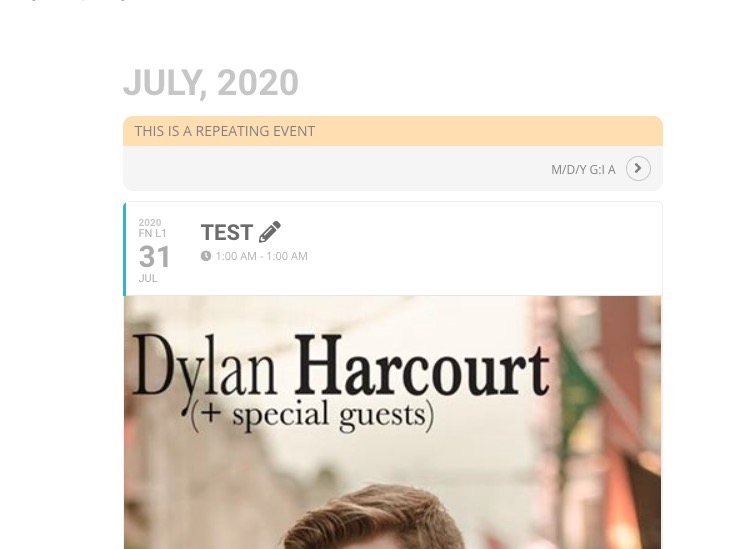
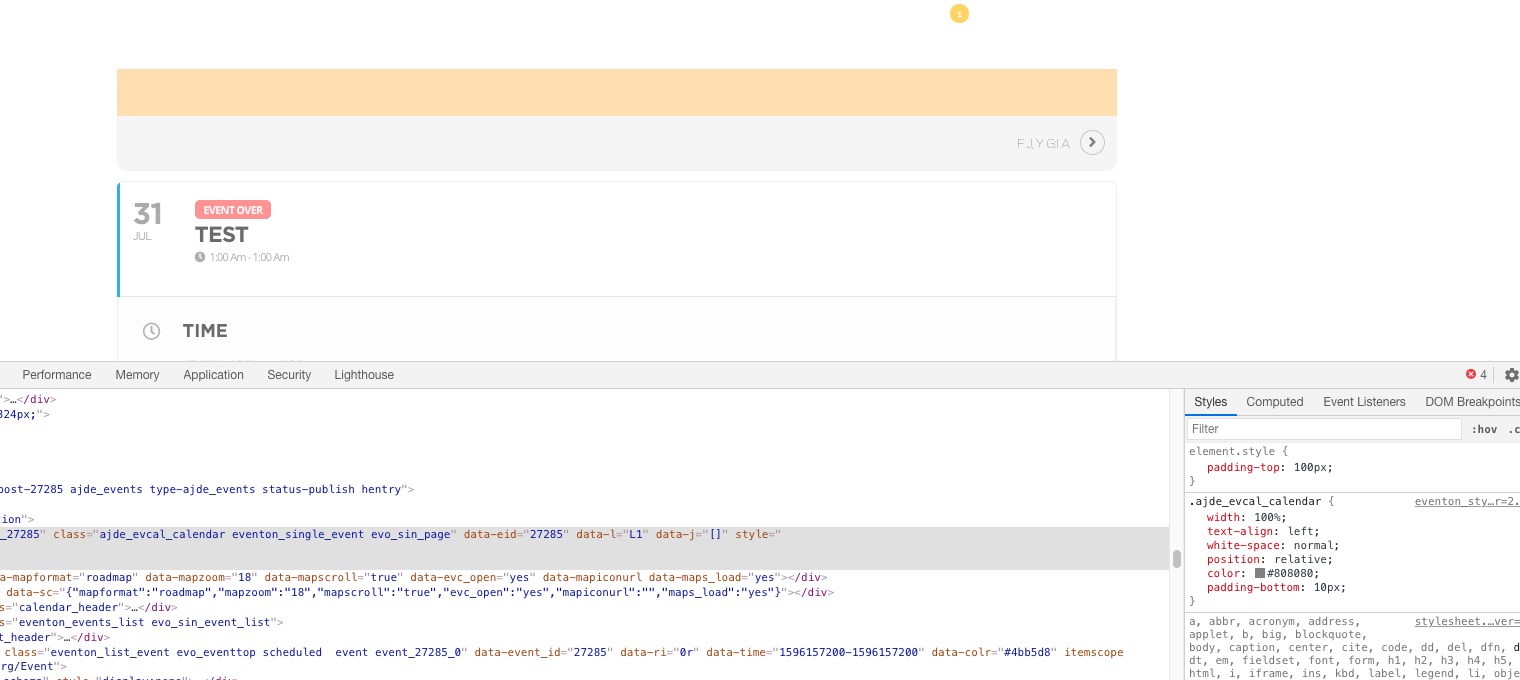
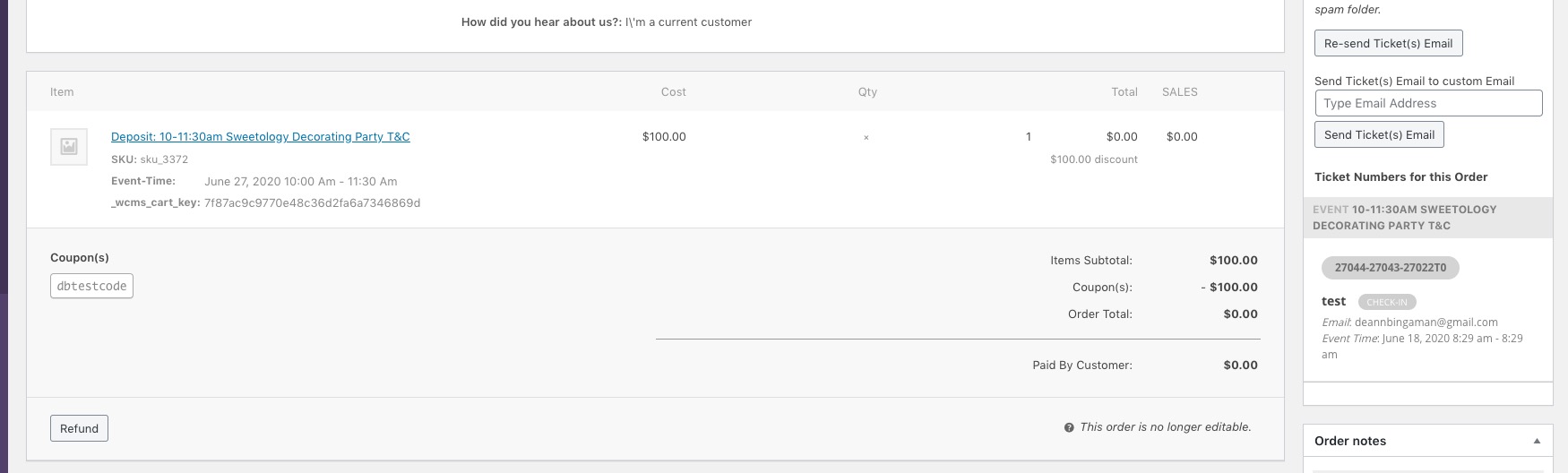
As for the main issue of the ticket is that there are two different dates, but I need to test this more:
https://sweetology.com/wp-admin/post.php?post=27043&action=edit
Could you fix the repeating time issue?