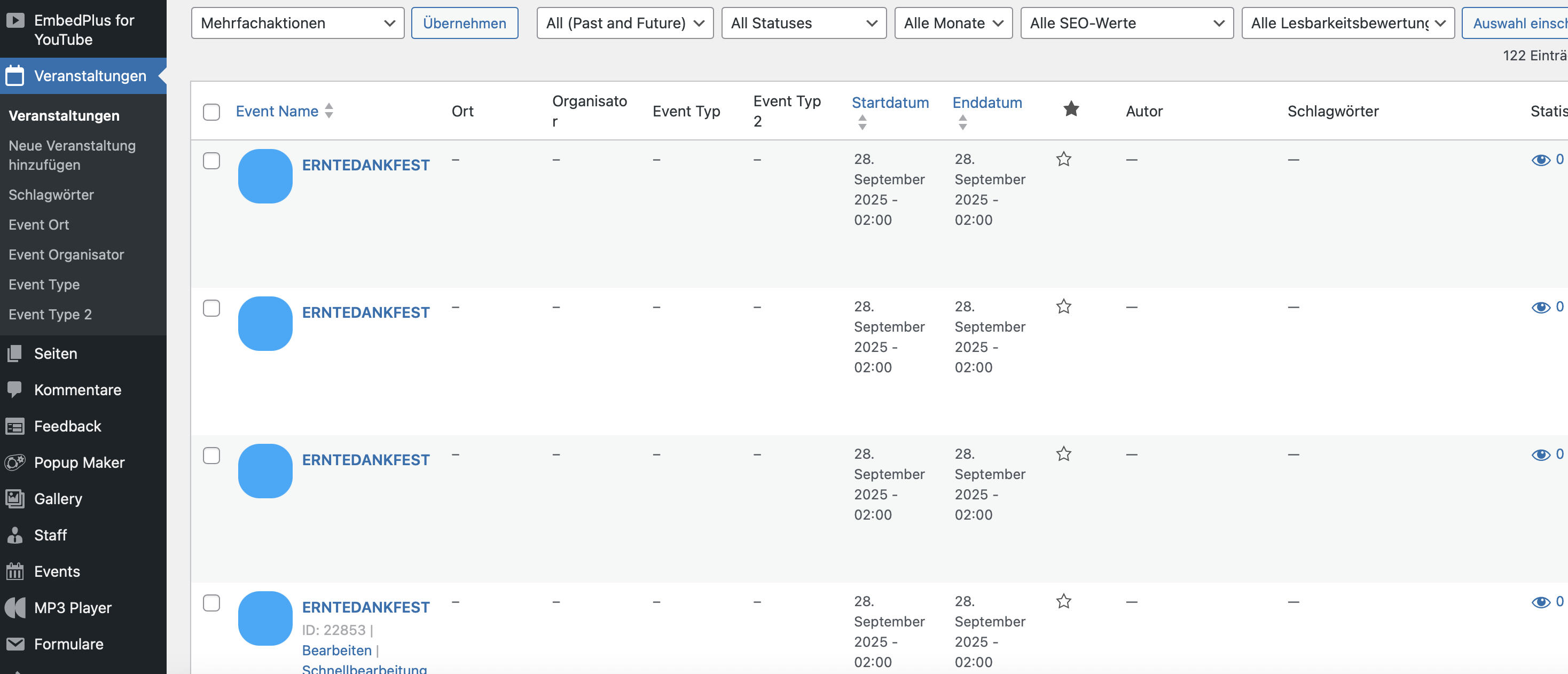
you are showing different event I’m not talking about.
next try. please check following events. you can recognize a pattern in the time. All effected event starts at 2:00 till 2:00.
28 SEPERNTEDANKFEST
03 OKTTAG DER DEUT. EINHEIT
01 NOVALLERHEILIGEN
Replies for tickets on suppota
you are showing different event I’m not talking about.
next try. please check following events. you can recognize a pattern in the time. All effected event starts at 2:00 till 2:00.
28 SEPERNTEDANKFEST
03 OKTTAG DER DEUT. EINHEIT
01 NOVALLERHEILIGEN
Hello,
Could you try going to EventON > Single Events > enable Load current repeat event by default on single event page?
Hello,
Could you try EventON > Scripts & Styling > turn off Write dynamic styles to header > save settings > turn on Write dynamic styles to header?
On my side it shows these two buttons:
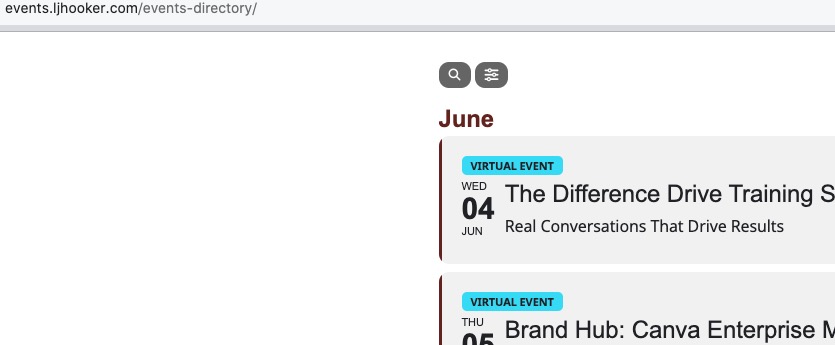
If the issue continues, please send us wp-admin access to your site as a private message for us to further assist your situation.
Ashan,
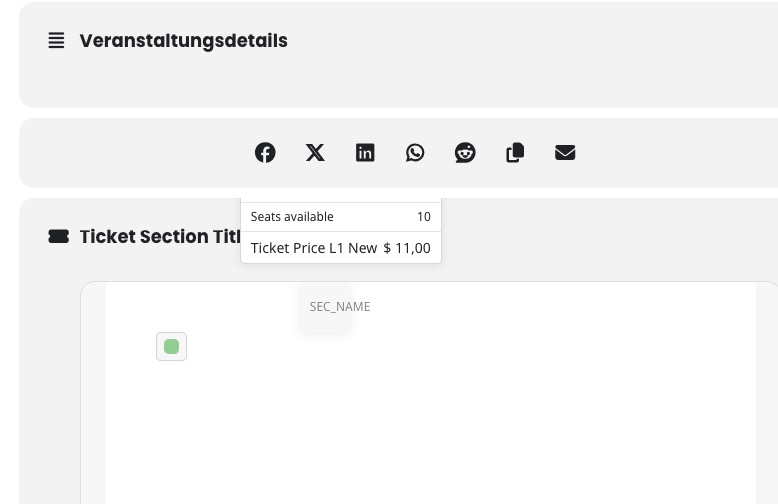
The same on dev2:
https://dev2.myeventon.com/events/seats-21/
Hello,
Thank you for your messages, I am going to assign this ticket to Ashan and he will be able to take it from here and find you a solution. Please allow some time for him to get back to you, we greatly appreciate your patience and thank you for being a eventon customer! Also please disable any IP blocking on your site if there are any.
Ashan,
On customer’s website when you switch “Select calendar event content filter type” to a something different, the calendar stops loading.
On dev2 works completely fine.
Please check:
Thank you for your messages, I am going to assign this ticket to Ashan and he will be able to take it from here and find you a solution. Please allow some time for him to get back to you, we greatly appreciate your patience and thank you for being a eventon customer! Also please disable any IP blocking on your site if there are any.
Thank you for your messages, I am going to assign this ticket to Ashan and he will be able to take it from here and find you a solution. Please allow some time for him to get back to you, we greatly appreciate your patience and thank you for being a eventon customer! Also please disable any IP blocking on your site if there are any.
I cannot login at all, I am afraid:
Error: The username helpdesk.ashanjay.com is not registered on this site. If you are unsure of your username, try your email address instead.
Hello,
I just did tests on your website and ours and it’s working correctly on our test site.
First of please update EventON and try again.
To update eventon to latest version: If you are unable to do autoupdate, you can go to codecanyon your account > download and get the latest eventon version as zip file. Then you can go to your website > make sure “Delete eventon settings & data when EventON is uninstalled” is Deslected from eventon settings, delete old eventon, install new one and activate. This link will further explain the process it. Also you can follow us on twitter to get real-time announcements on updates!
Next could you try the instructions mentioned in this documentation and send a new email when all plugins are disabled (SMTP included) and the theme is default?