Hi
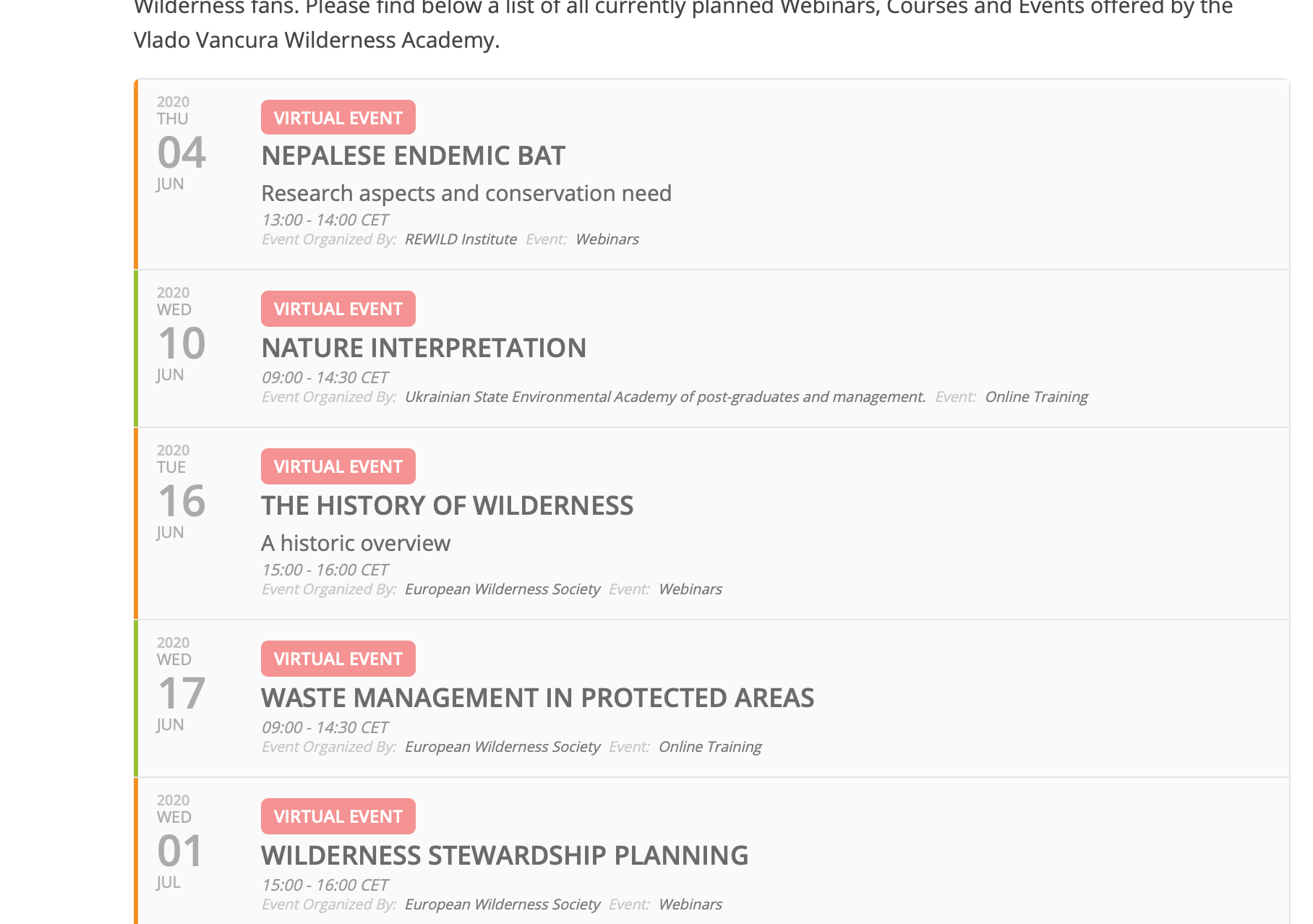
this is the json feed on this website page… https://wilderness-society.org/webinar-courses-and-events/
feed
<script type=’text/javascript’ src=’https://wilderness.academy/wp-content/plugins/eventon-api/eventon.js?ver=1.0.2′></script>
<script type=’text/javascript’>
jQuery(document).ready(function($){
$(‘#eventoncontent’).evoCalendar({
api: ‘https://wilderness.academy/wp-json/eventon/calendar?event_count=4’,
calendar_url: ‘https://wilderness.academy’,
new_window: true,
loading_text: ‘Loading Calendar…’,
});
});
</script>
<div id=’eventoncontent’ style=”height:100%; width:100%”></div>
but as you can see it ignores the event_count variable and show all events.
<script src=”https://ajax.googleapis.com/ajax/libs/jquery/3.2.1/jquery.min.js”></script>
<script type=’text/javascript’ src=’https://wilderness.academy/wp-content/plugins/eventon-api/eventon.js?ver=1.0.2′></script>
<script type=’text/javascript’>
jQuery(document).ready(function($){
$(‘#eventoncontent’).evoCalendar({
api: ‘https://wilderness.academy/wp-json/eventon/calendar’,
calendar_url: ‘https://wilderness.academy’,
new_window: false,
loading_text: ‘Loading Calendar…’,
});
});
</script>
<div id=’eventoncontent’ style=”height:100%; width:100%”></div>
And I want the API URL to include the event_count=8 limit. But the JSON just simple ignores it and loads all events. This is also true with the other