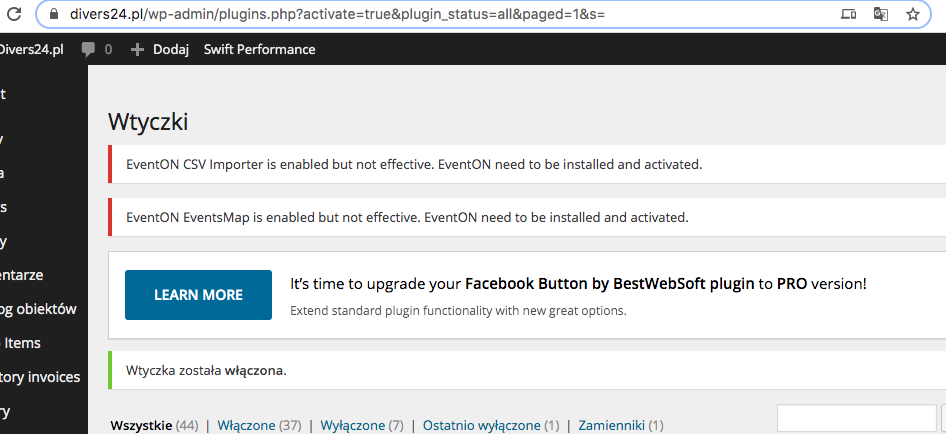
Hi, I just found the method for changing this text string.
It still may be an interesting option to dynamically generate this text based on the event’s repeat frequency/schedule.
Thanks again, Tim
Replies for tickets on suppota
Hi, I just found the method for changing this text string.
It still may be an interesting option to dynamically generate this text based on the event’s repeat frequency/schedule.
Thanks again, Tim
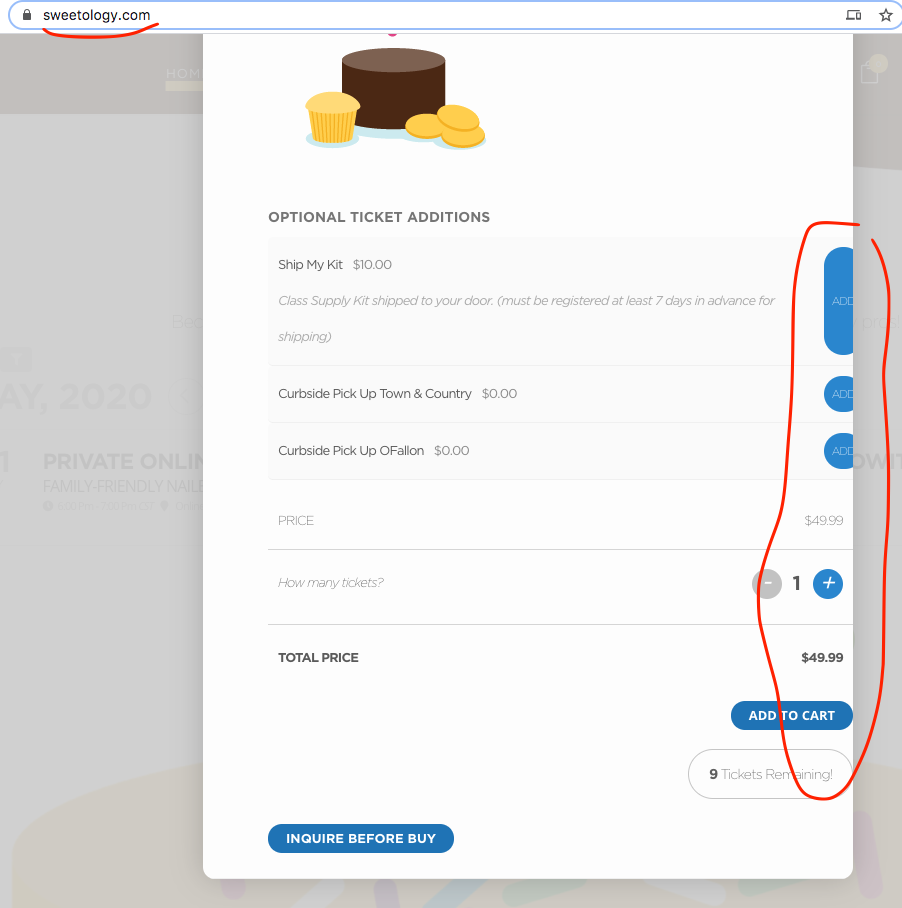
BTW you have a really cool website 🙂 in your event popup page can you add this style to eventON settings > styles to fix the ticket section going close to right edge.
.evo_pop_body .evorow.evo_metarow_tix{padding: 25px;}
Hello,
You can simply type in Block Start/End Time with your keyboard:
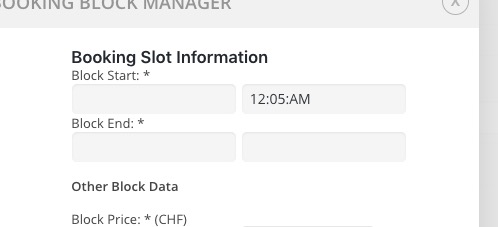
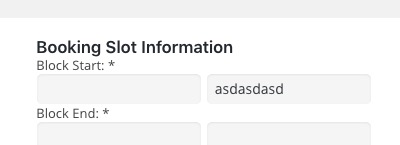
I will assign this to Ashan Jay the creator, should be a simple fix for him
Hello,
Please add this CSS code to EventON > Styles (If you don’t see any change, EventON > turn off Write styles to header > save settings > turn on Write styles to header):
.ajde_evcal_calendar.boxy.boxstyle1 .eventon_list_event:hover .evo_boxtop { opacity: 1 !important; }
.ajde_evcal_calendar.boxy.boxstyle1 .eventon_list_event:hover { border: 5px solid transparent !important; }
.ajde_evcal_calendar.boxy .eventon_list_event.hasbgimg:hover { opacity: 1 !important; }
This is all the question.
I just need to clarify that what I need is the option to select the things all deployed, not hidden.
2. region (comunidad in my website)
3. city of that region selected (localidad in my website)
I need a city to be shown when it’s in the region selected, not always. As your example of Germany-> Berlin. I have followed it and is not working in my site. In your example is in the sort options and in that ooptions in the eventon options is not possible to select it.
4. Sport (is in the website) but is it possible to show this as the months are shown with the bottons and color?
5-. Distance (is in the webiste)
So you would need to repurchase the booking addon if you need to get the latest version DeAnne. I am really sorry about this confusion. Let us know if you need anything else.
Hello there, so looking back at the record i have on the system you purchased booking addon with 3 other addons in 2018 and in 2019 the order was renewed but the booking addon was not renewed. And I see a note in the system saying you have removed booking addon from the account in 2019 March 10th
https://helpdesk.ashanjay.com/wp-content/uploads/2020/05/Screen-Shot-2020-05-29-at-11.08.31-AM.png
Hello,
Could you update EventON to 2.8.9?
To update eventon to latest version: If you are unable to do autoupdate, you can go to codecanyon your account > download and get the latest eventon version as zip file. Then you can go to your website, deactivate old eventon, activate (Do not delete eventon settings & data when EventON is uninstalled) from eventon settings, delete old eventon, install new one and activate. This link will further explain the process it. Also you can follow us on twitter to get real-time announcements on updates!
If you have add-ons, please check for latest versions from here Your issue might be related to an older version you are running and we might have resolved this already in the newer version update. If you are on latest version of our software and the issue still persist please let us know.
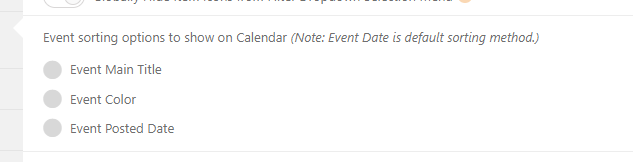
Hi, yesss but I’have tried it (using other words because the language is spanish) and that’s one of the reasons of my ticket 😉
So, is this:
3. city of that region selected (localidad in my website)
I need a city to be shown when it’s in the region selected, not always. As your example of Germany-> Berlin. I have followed it and is not working in my site. In your example is in the sort options and in that options in the eventon options is not possible to select it. The only thing that I’ve there is the attach