Thank you! I will watch for Ashan’s reply.
Archives: Replies
Replies for tickets on suppota
Reply to: tickets(175015)
That is the color of the event. You can set this in each event edit page as event color.
You can use something like https://cssgradient.io/ and get CSS code for gradient and then create custom CSS to apply that into the dailyview section.
Follow the css customization guide to further edit style changes.
Reply to: tickets(178501)
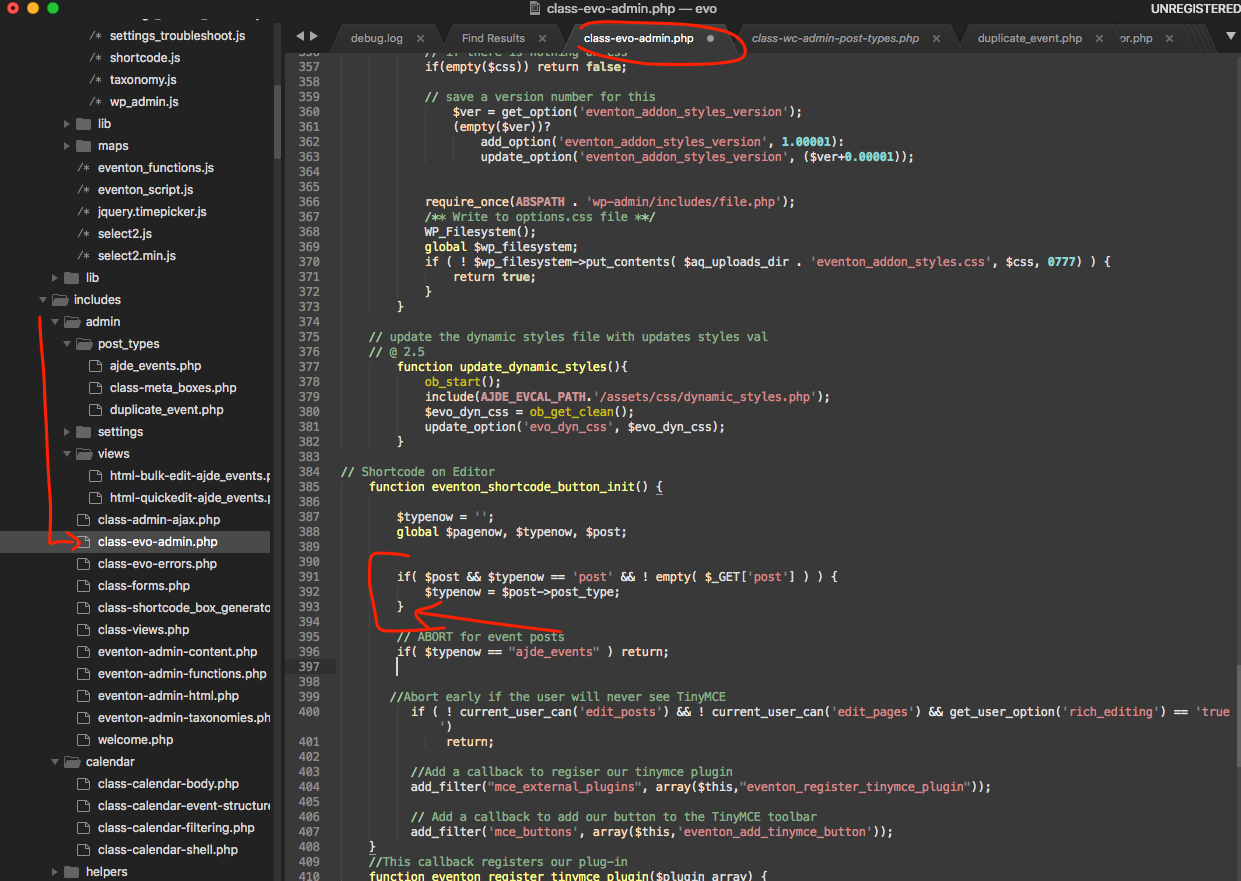
Found a solution for you.
Removing the else statement in here will resolve this issue.
Reply to: tickets(174485)
any updates please
Reply to: tickets(176982)
Thanks Carlos. Since we havent heard back from you I assume everything went well with using older versions. If you have more questions, kindly send us a new ticket and we would be more than happy to help you resolve your issues!
Reply to: tickets(178743)
If you have a moment, we would greatly appreciate if you could kindly leave us a review at codecanyon! from your account > downloads. Cheers!
Reply to: tickets(178743)
Yep..that’s fixed it..many thanks
andy
Reply to: tickets(178723)
Hello,
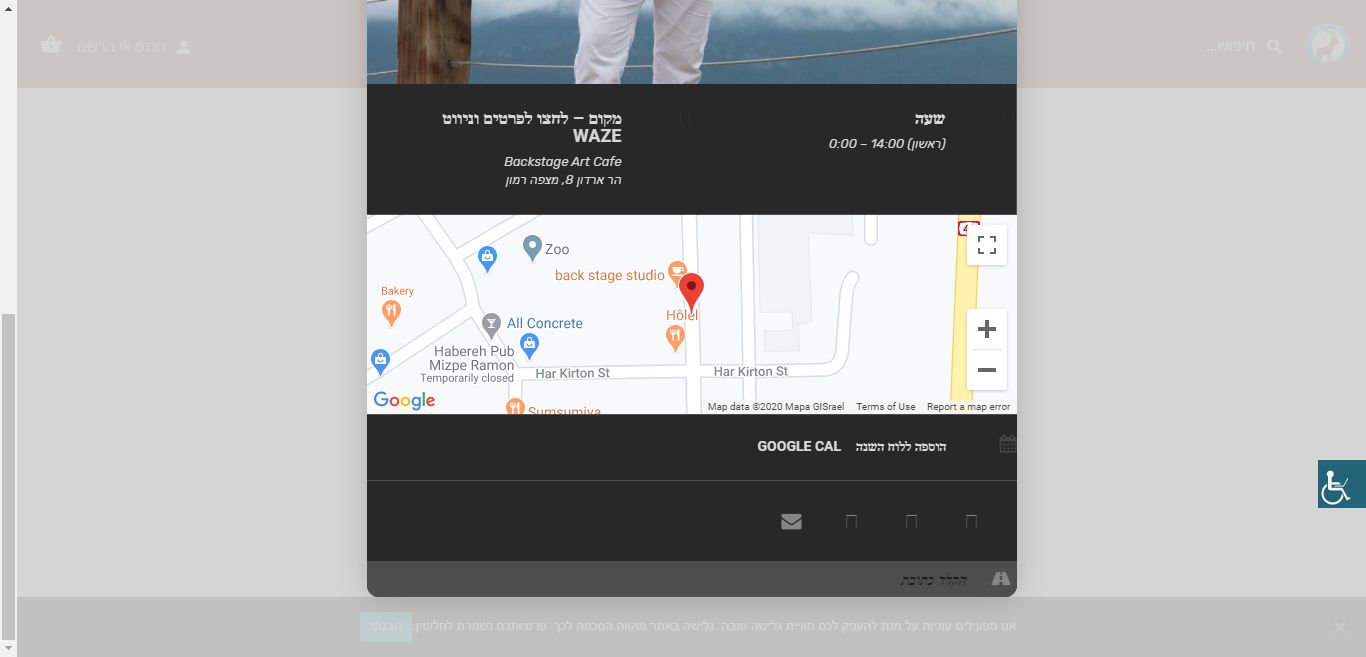
Please clear your browser cache and check once.
I am seeing the map fine.
Reply to: tickets(178743)
Hi Andy,
Please reset the permalink and check once:
https://www.inmotionhosting.com/support/edu/wordpress/reset-permalinks/
Reply to: tickets(178746)
Thank you for your messages, I am going to assign this ticket to Ashan and he will be able to take it from here and find you a solution.
Please allow some time for him to get back to you, we greatly appreciate your patience and thank you for being a eventon customer!