It seems that the problem is in “Show button with lightbox form” (lightbox=”yes”).
Thank you for your messages, I am going to assign this ticket to Ashan and he will be able to take it from here and find you a solution. Please allow some time for him to get back to you, we greatly appreciate your patience and thank you for being a eventon customer! Also please disable any IP blocking on your site if there are any.
Meanwhile, try removing lightbox=”yes” as a temporary solution.
Hello,
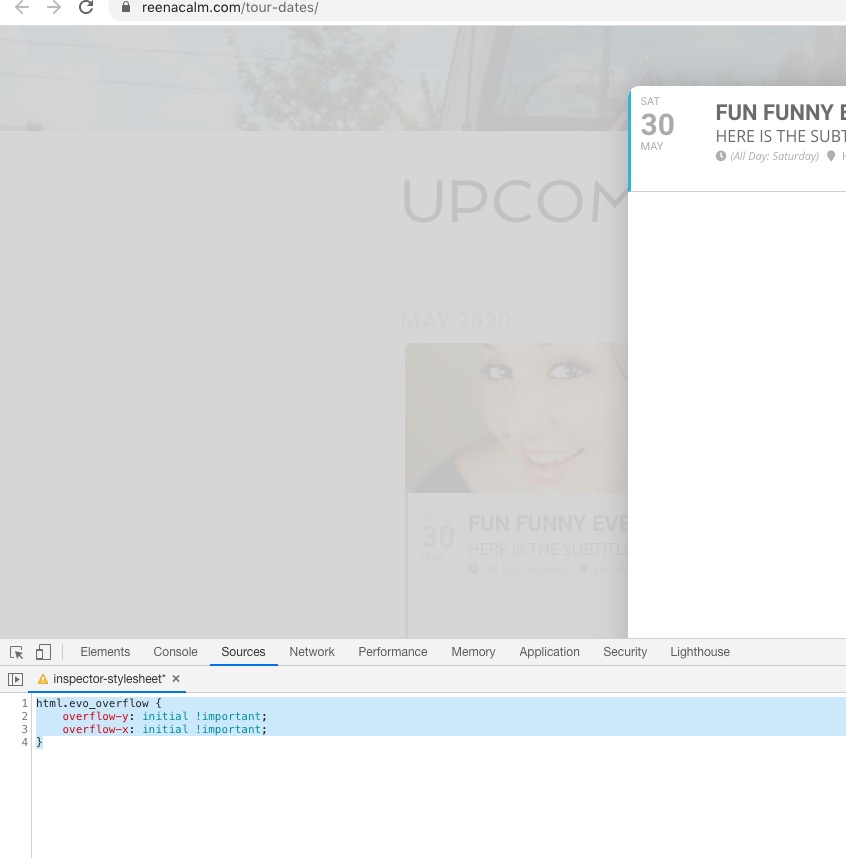
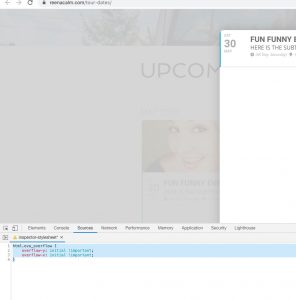
There seems to be a problem of incompatibility with the theme. Please add this CSS code to EventON > Styles (If you don’t see any change, EventON > turn off Write styles to header > save settings > turn on Write styles to header):
html.evo_overflow { overflow-y: initial !important; overflow-x: initial !important; }
Thank you for your messages, I am going to assign this ticket to Ashan and he will be able to take it from here and find you a solution. Please allow some time for him to get back to you, we greatly appreciate your patience and thank you for being a eventon customer! Also please disable any IP blocking on your site if there are any.
Ashan,
EventON is updated to 2.8.9 but still:
EventON ActionUser is enabled but not effective. EventON need to be installed and activated.
EventON EventsMap is enabled but not effective. EventON need to be installed and activated.
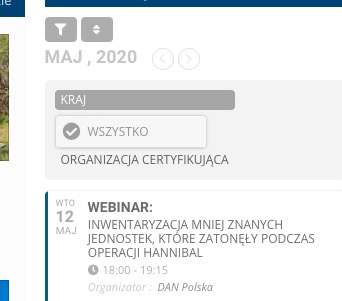
Another issue is only one Category:
Hello,
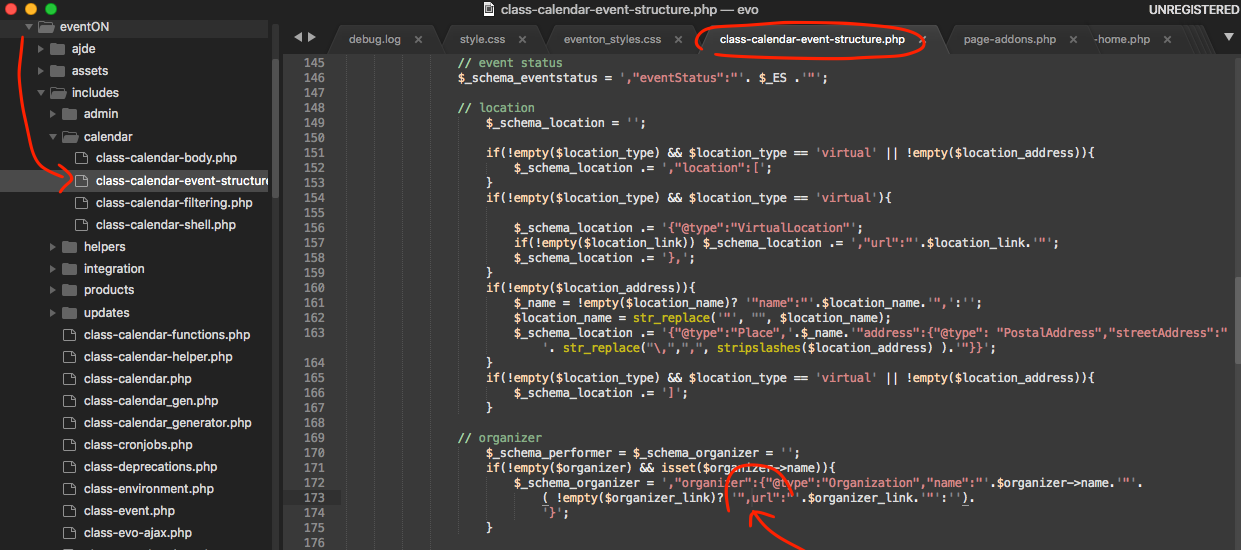
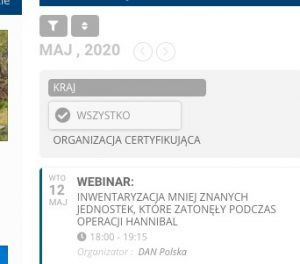
problematic for the proper indexing of my page.
Could you send us a screenshot of the error? You cannot change this without customizing the source code. You can send us a customization job request by creating a new ticket in here and selecting Customization Request as the category.
Hello,
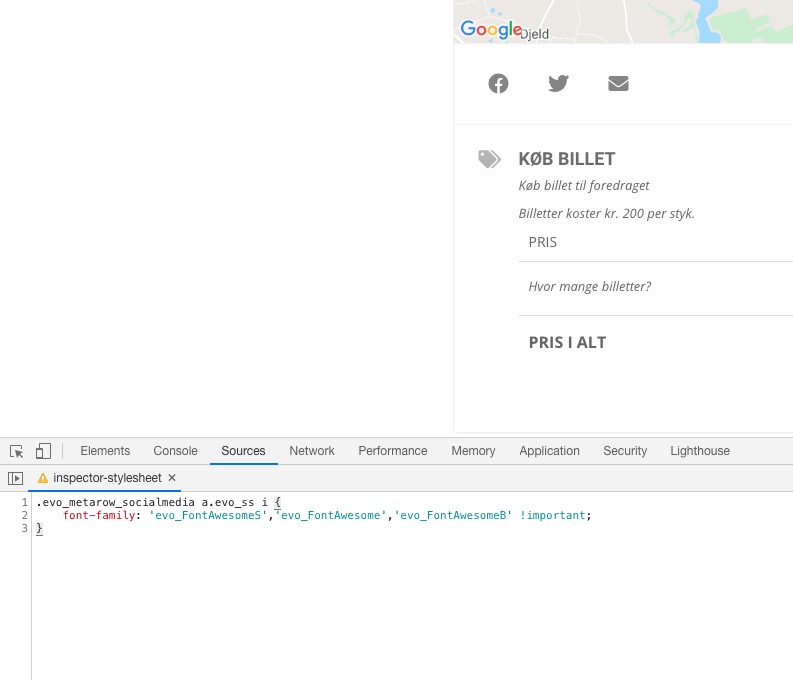
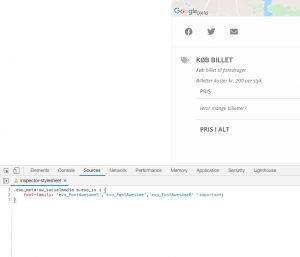
Please add this CSS code to EventON > Styles (If you don’t see any change, EventON > turn off Write styles to header > save settings > turn on Write styles to header):
.evo_metarow_socialmedia a.evo_ss i { font-family: ‘evo_FontAwesomeS’,’evo_FontAwesome’,’evo_FontAwesomeB’ !important; }
Unfortunately, I am not sure. You can try creating a staging website and then test this out.
I find the solution:
.ajde_evcal_calendar.boxy .eventon_list_event .evcal_desc .evcal_desc3 {display: block;}
.ajde_evcal_calendar.boxy .evcal_list_a span.evcal_event_types.ett2 {display: block;}
But now I want to other question:
– hidden “Type 1: xxxxx” the word “Type 1” but see the category xxxx
– the background color it can bee the category color not the event color.
Thank you.
I find this solution:
.ajde_evcal_calendar.boxy .eventon_list_event .evcal_desc .evcal_desc3 {display: block;}
But only see de category type 1, but I have type 2 too.
Thank you