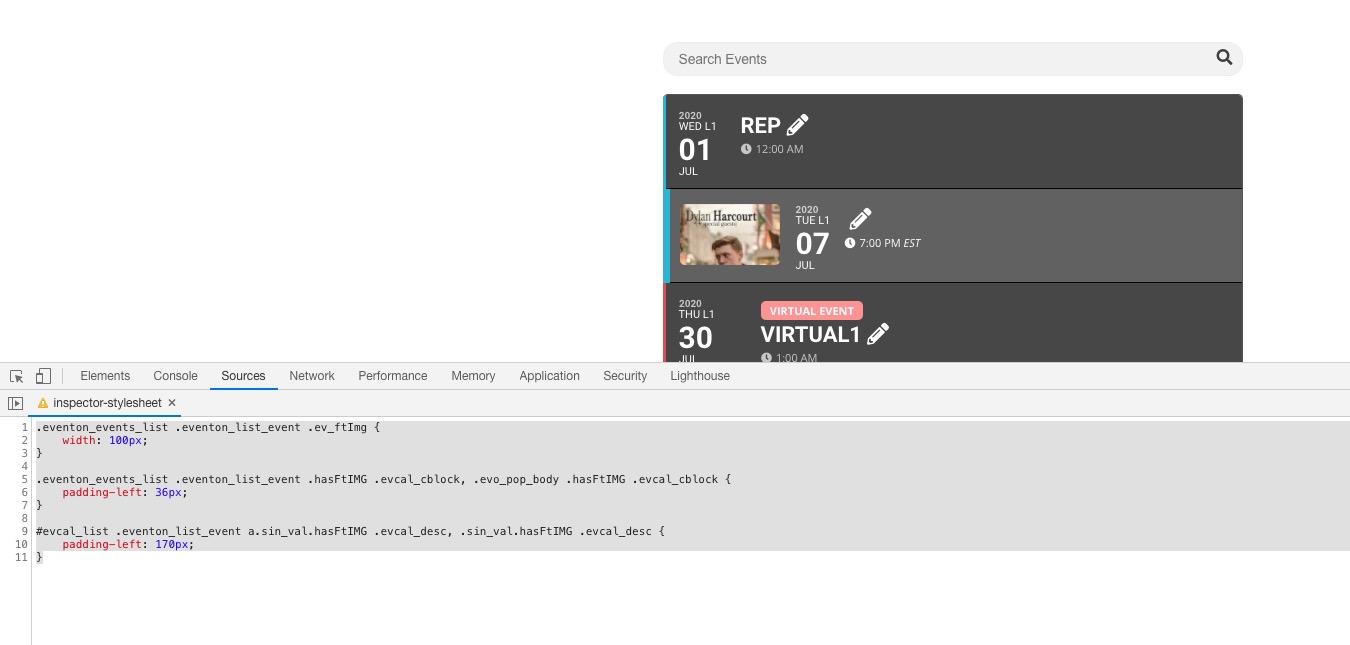
2. Please add this CSS code to EventON > Styles (If you don’t see any change, EventON > turn off Write styles to header > save settings > turn on Write styles to header):
.eventon_events_list .eventon_list_event .ev_ftImg { width: 100px; } .eventon_events_list .eventon_list_event .hasFtIMG .evcal_cblock, .evo_pop_body .hasFtIMG .evcal_cblock { padding-left: 36px; } #evcal_list .eventon_list_event a.sin_val.hasFtIMG .evcal_desc, .sin_val.hasFtIMG .evcal_desc { padding-left: 170px; }
Hello,
Thank you for your messages, I am going to assign this ticket to Ashan and he will be able to take it from here and find you a solution. Please allow some time for him to get back to you, we greatly appreciate your patience and thank you for being a eventon customer! Also please disable any IP blocking on your site if there are any.
Ashan,
The same on dev2:
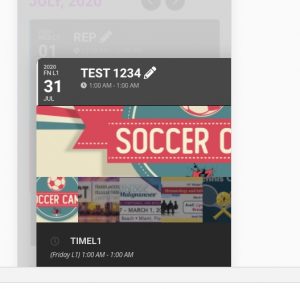
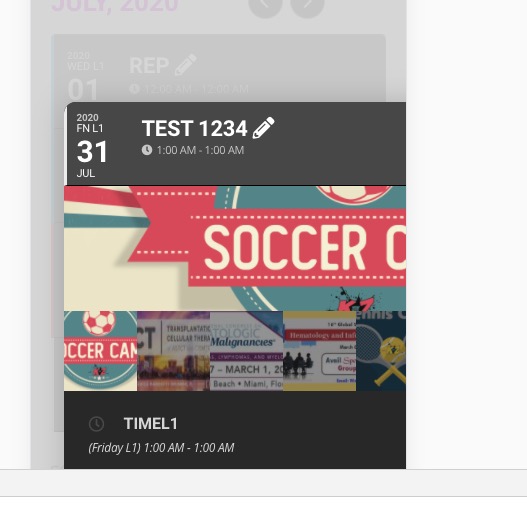
It seems that the problem is in additional images:
http://dev2.myeventon.com/21892-2/ > go to July > check Test 1234.
event_type_1 is not correct. Could you change it to event_type=”157″. Full shortcode:
[add_eventon tiles=”yes” tile_bg=”1″ tile_style=”1″ tile_count=”3″ tile_height=”250″ show_et_ft_img=”yes” event_type=”157″ fixed_month=”7″ fixed_year=”2020]
If this doesn’t help could you also try updating EventON to 2.8.9? Before update please backup EventON’s data and don’t foget to activate EventON > Do not delete eventon settings & data when EventON is uninstalled.
To update eventon to latest version: If you are unable to do autoupdate, you can go to codecanyon your account > download and get the latest eventon version as zip file. Then you can go to your website, deactivate old eventon, activate (Do not delete eventon settings & data when EventON is uninstalled) from eventon settings, delete old eventon, install new one and activate. This link will further explain the process it. Also you can follow us on twitter to get real-time announcements on updates!
This depends on where did you add the shortcode to. If to Widgets > Sidebar then the calendar will be visible on every page that shows Sidebar.
If you want to add the shortcode on one page only please go to Edit Page > put the shortcode to it’s contents. More info https://docs.myeventon.com/documentations/shortcode-generator/
Hello,
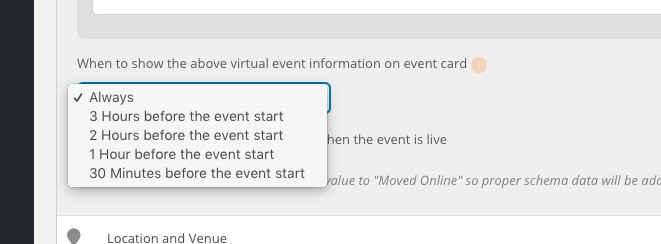
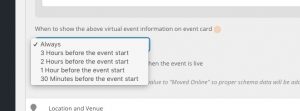
You can change when to make “Join event now” button visible by going to Edit Event > When to show the above virtual event information on event card:
Font Awesome doesn’t use any servers to load it’s files from. They are located on the same server you installed the WordPress installation to. You can find them on your server by going to EventON_folder/assets/fonts.
Hello,
Please use this add-on: https://www.myeventon.com/addons/ics-importer/
It allows you to import events from your Google Calendar.
Try on http://dev.myeventon.com/wp-admin/
Ashan,
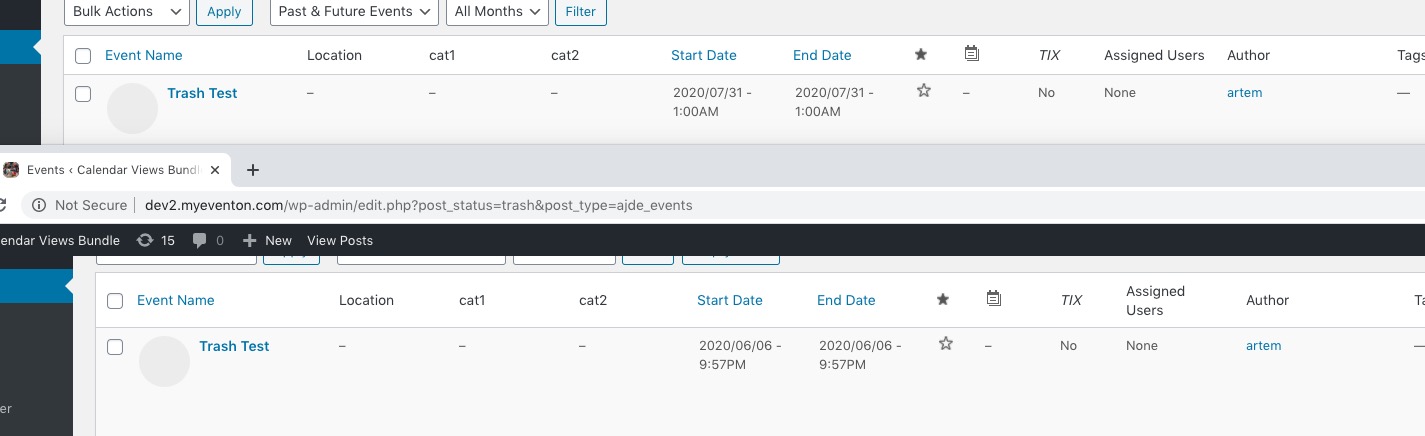
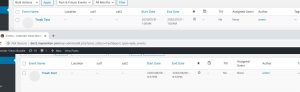
The same issue on dev2. Please check Trash Test event:
Hello,
Thank you for your messages, I am going to assign this ticket to Ashan and he will be able to take it from here and find you a solution. Please allow some time for him to get back to you, we greatly appreciate your patience and thank you for being a eventon customer! Also please disable any IP blocking on your site if there are any.