Hello,
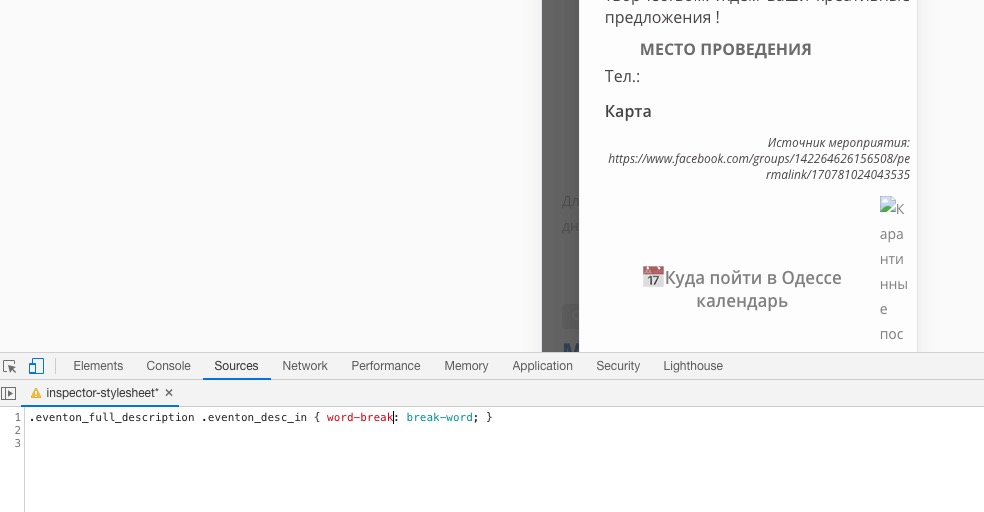
Please add this CSS code to EventON > Styles (If you don’t see any change, EventON > turn off Write styles to header > save settings > turn on Write styles to header):
.eventon_full_description .eventon_desc_in { word-break: break-word; }
This fixes long URLs:
For the rest, could you create an empty event and check if Telegram image or Embedded Map causes this.
This page https://www.trinews.at/wettkaempfe/ uses WPBakery elements (Row in particular) and this one https://www.trinews.at/wettkaempfe/oesterreichische-meisterschaften/ doesn’t.
Please go to Edit Page > Edit Row > try changing Row Stretch.
Could you check if you have the same issue on http://dev2.myeventon.com/19966-2/?
Please also try the instructions mentioned in this documentation to make sure your issue is indeed coming from eventon.
Ashan,
Please check 4 & 5.
4. On dev2 I added events_per_page=”5″ but it doesn’t show Next and Previous.
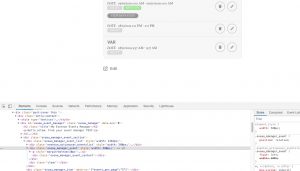
On customers website:
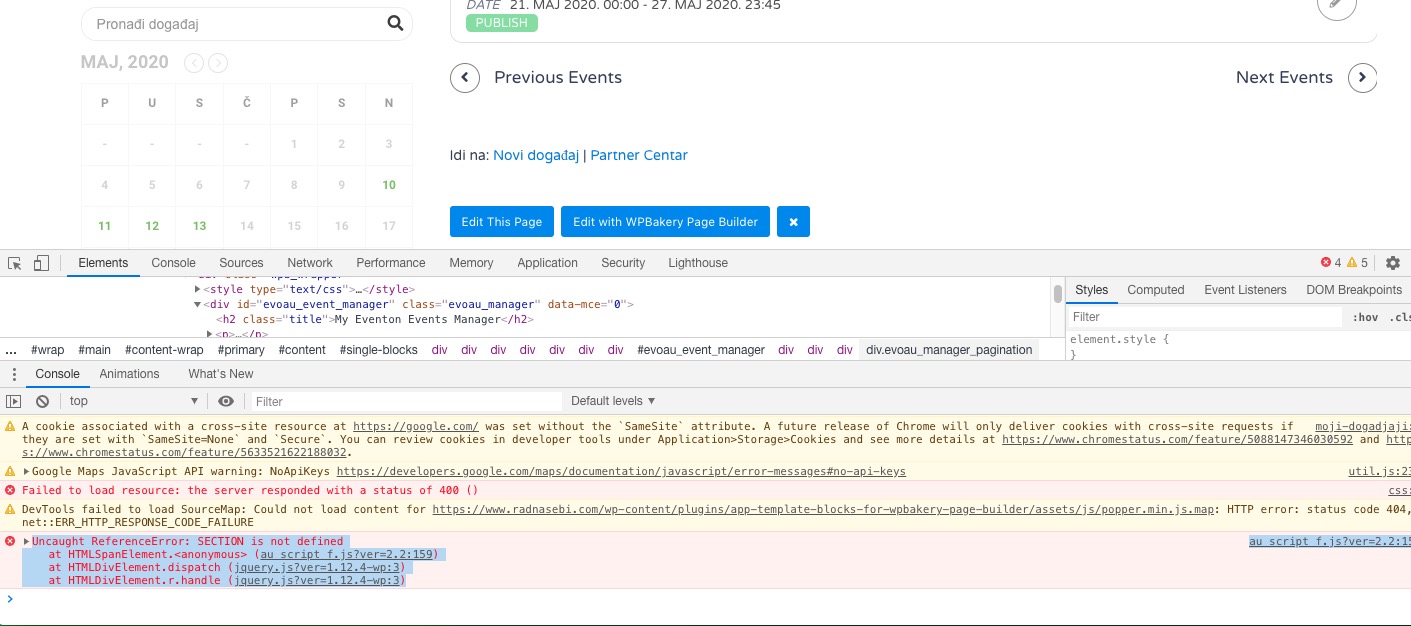
au_script_f.js?ver=2.2:159 Uncaught ReferenceError: SECTION is not defined
at HTMLSpanElement.<anonymous> (au_script_f.js?ver=2.2:159)
at HTMLDivElement.dispatch (jquery.js?ver=1.12.4-wp:3)
at HTMLDivElement.r.handle (jquery.js?ver=1.12.4-wp:3)
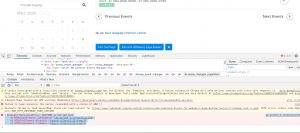
5. The same as in https://helpdesk.ashanjay.com/ticket/action-user-addon-language-options-are-missing-after-update/
Hello,
1. Please add these two to your shortcode:
exp_so=”yes” exp_jumper=”yes”
2. Please send us a customization job request by creating a new ticket in here and selecting Customization Request as the category.
3. Please add this CSS code to EventON > Styles (If you don’t see any change, EventON > turn off Write styles to header > save settings > turn on Write styles to header):
.ajde_yn_btn { background-color: red; }
4. Thank you for your messages, I am going to assign this ticket to Ashan and he will be able to take it from here and find you a solution. Please allow some time for him to get back to you, we greatly appreciate your patience and thank you for being a eventon customer! Also please disable any IP blocking on your site if there are any.
5. Same as 4.
6. Please add this CSS code to EventON > Styles (If you don’t see any change, EventON > turn off Write styles to header > save settings > turn on Write styles to header):
.eventon_filter_line .filtering_set_val { color: white; } .eventon_filter_line .filtering_set_val:hover { background-color: red; color: black; }
Hi Artem, I can confirm that there is no IP blocking. I’ll be waiting for Ashan’s help. This is the only glitch that is holding me back from launching and promoting my website.
Thank you in advance and hoping to hear from you soon.
Hello,
No issues on our test server:
http://dev2.myeventon.com/21731-2/ (click on New Window Test on May 31th).
Could you please try the instructions mentioned in this documentation to make sure your issue is indeed coming from eventon.
Hey,
Can u let me know please how this can be done?
Thank you
Hey Oli,
I will try re-explain I think we have an issue because of the language barrier but lets try solve it 😀
What I need is, over one of the events, for you to add variations so they are on the dropdown and exist properly.
When this is done, I will check how we can do the next step, so when u add one price from the dropdown to the cart, the extra product to be added.