Oh I just added the classic view to my sidebar (found the shortcodes – thanks) and noticed that background was purple so it was updating, just not for the calendar on here – https://exploringauckland.com/event-directory/. Is that possible please?
Everything else has worked. Thanks so much – loving the plugin!
Thank you SO much!
Re #2, I’ve tried changing the background options to purple (just to check it’s working) and it’s not showing. I also changed the write styles but no luck? I noticed there wasn’t a grey in the options there intially (even though that’s what’s showing in my calendar), so I’m wondering if I’m in the right place?
Thank you for your messages, I am going to assign this ticket to Ashan and he will be able to take it from here and find you a solution. Please allow some time for him to get back to you, we greatly appreciate your patience and thank you for being a eventon customer! Also please disable any IP blocking on your site if there are any.
the testing site also has same performance issue on the setting page.
I disabled plugins. Please check now since this should be fixed.
Test site: http://scripturescribe.com/wp-admin/tools.php?page=advanced-cron-manager
Login info:
Usernamepluginsupport
Pass9qBXF7smtdXK6*&L2WG7FtZB
Ashan,
I enabled “Auto move events to trash when the event date is past” but “evo_trash_past_events” was not added.
Thank you for your messages, I am going to assign this ticket to Ashan and he will be able to take it from here and find you a solution. Please allow some time for him to get back to you, we greatly appreciate your patience and thank you for being a eventon customer! Also please disable any IP blocking on your site if there are any.
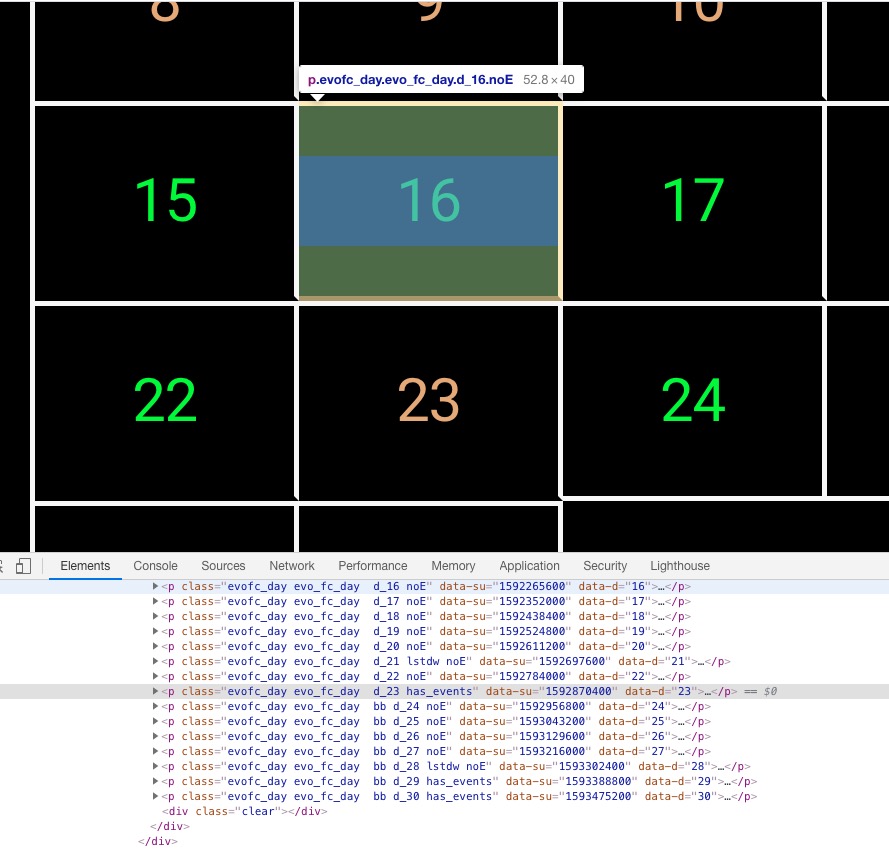
I’ve removed the above code and the gap is still there
Hello,
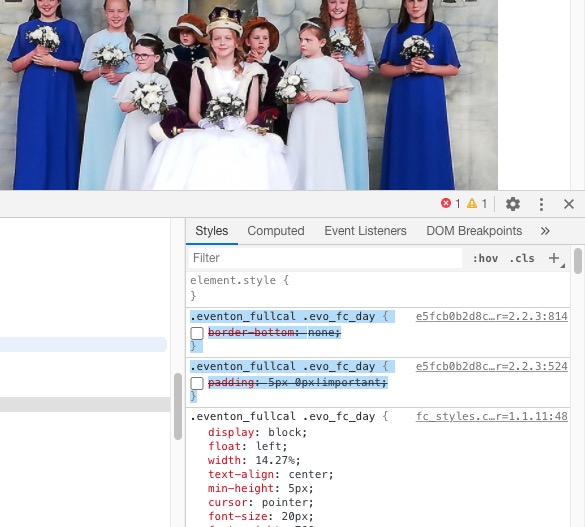
Could you try removing these custom CSS styles:
.eventon_fullcal .evo_fc_day { border-bottom: none; }
.eventon_fullcal .evo_fc_day { padding: 5px 0px!important; }