Hello,
1. Name and email fields are visible only if you are not logged-in and on Action User – Event Submission Form.
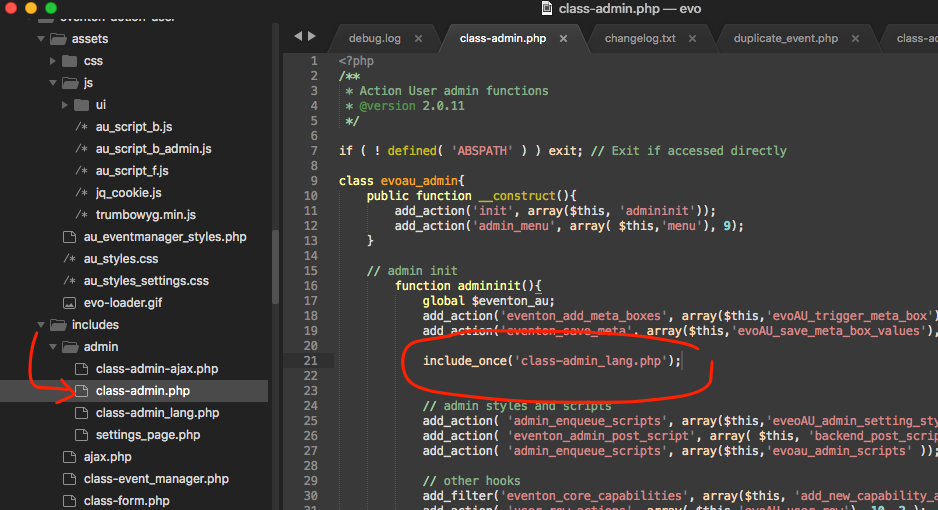
2. Could you apply this patch to the source code: https://helpdesk.ashanjay.com/wp-content/uploads/2020/05/Screen-Shot-2020-05-29-at-10.05.49-AM.png?
Hello,
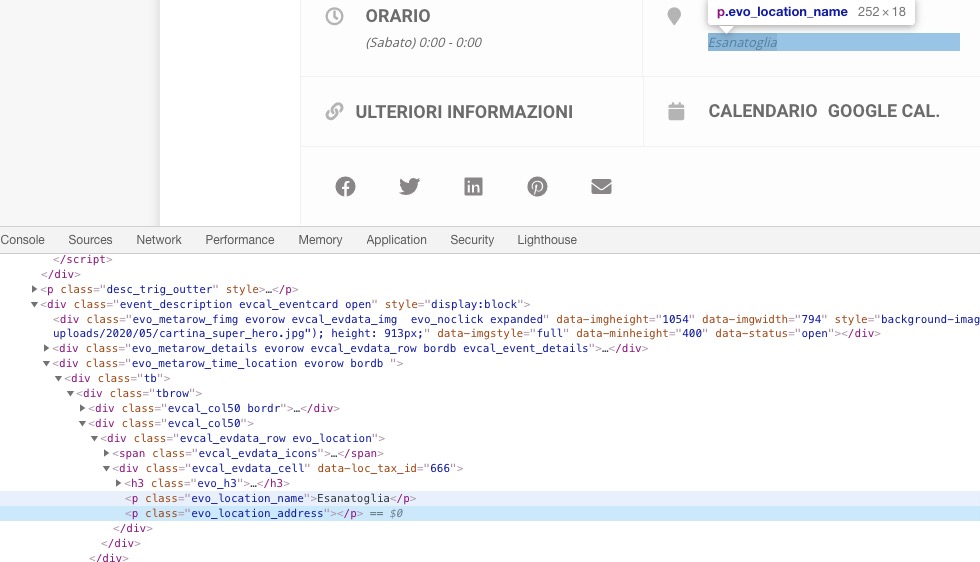
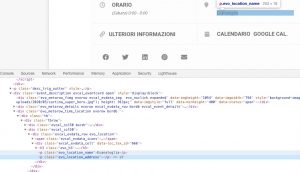
Please add Location Address to your locations, since it’s empty at the moment:
Hello,
1. Each section has a shortcode attached to it:
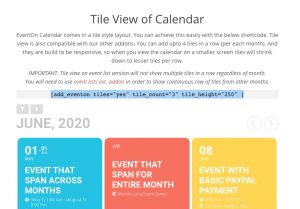
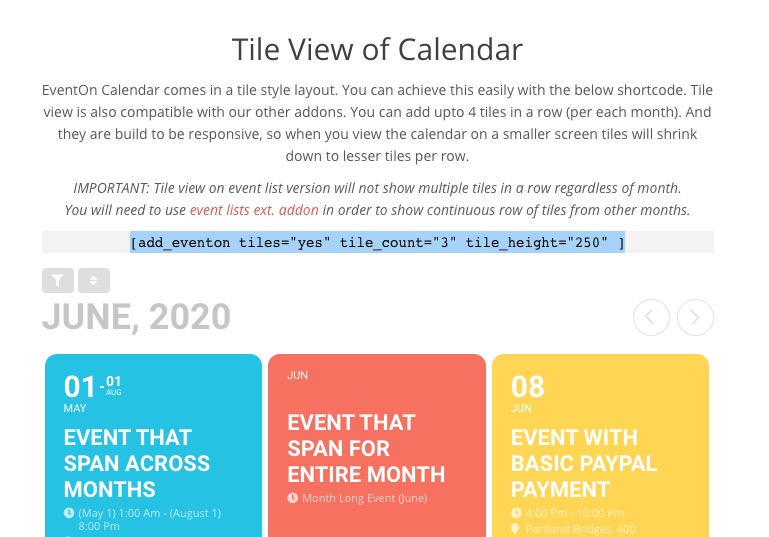
Please add number_of_months=”12″ to the Event Lists shortcode:
[add_eventon_list number_of_months=”12″ ]
2. Please go to EventON > Appearance > EventTop Styles > Background Color. If you don’t see any change, EventON > turn off Write styles to header > save settings > turn on Write styles to header.
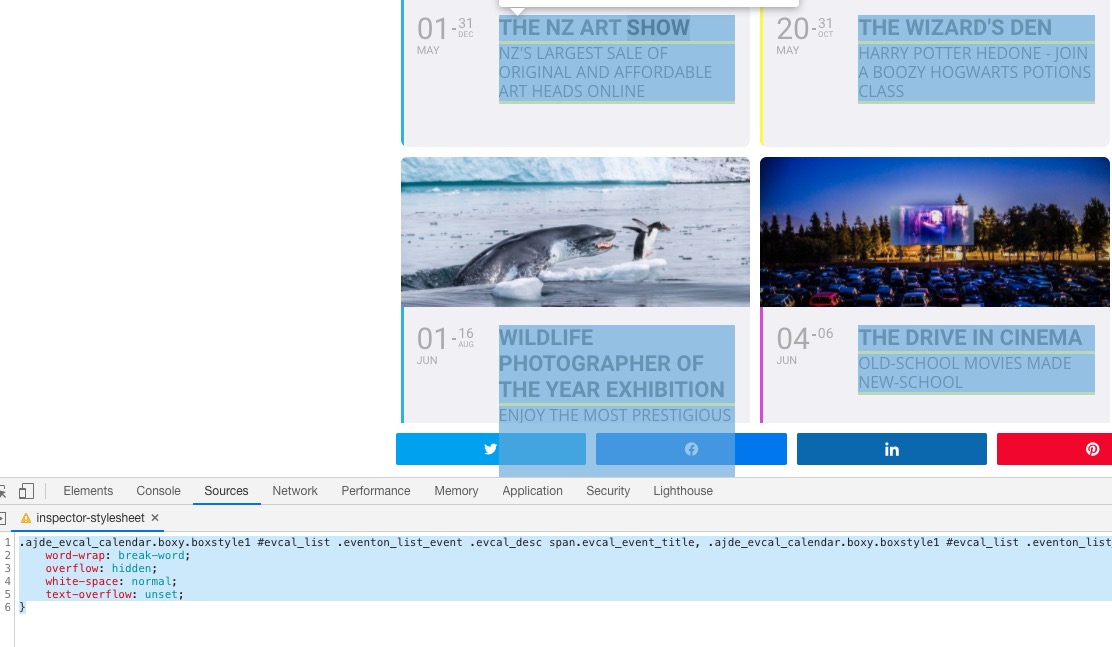
3. Please add this CSS code to EventON > Styles (If you don’t see any change, EventON > turn off Write styles to header > save settings > turn on Write styles to header):
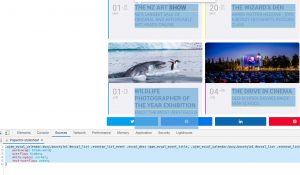
.ajde_evcal_calendar.boxy.boxstyle1 #evcal_list .eventon_list_event .evcal_desc span.evcal_event_title, .ajde_evcal_calendar.boxy.boxstyle1 #evcal_list .eventon_list_event .evcal_desc span.evcal_event_subtitle { word-wrap: break-word; overflow: hidden; white-space: normal; text-overflow: unset; }
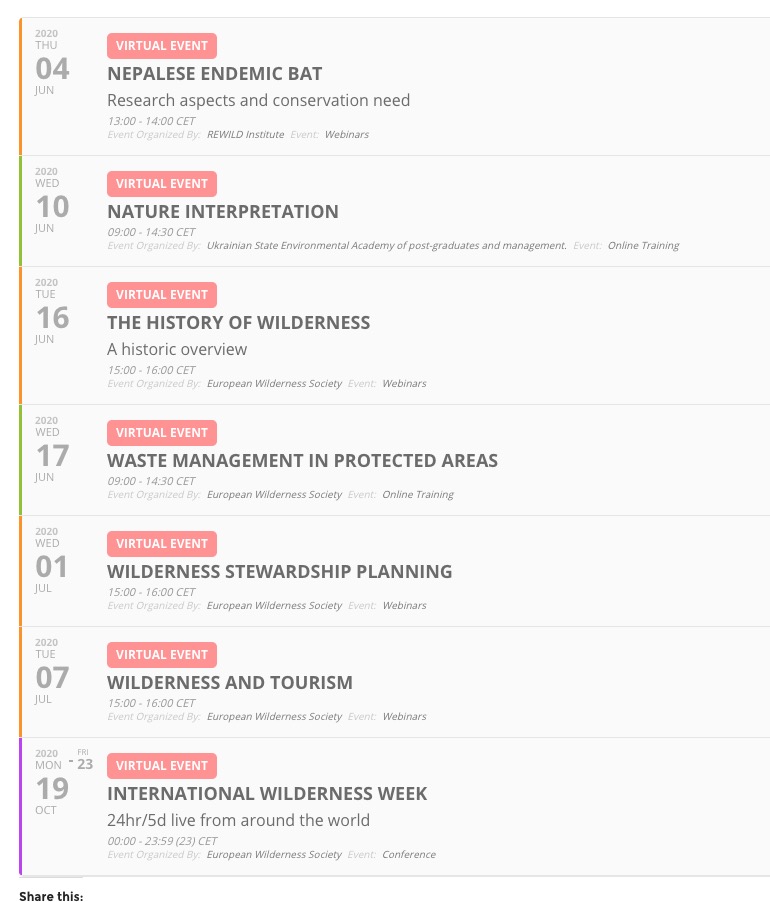
event_count limits the number of events per month, and not for the entire list. So everything is correct:
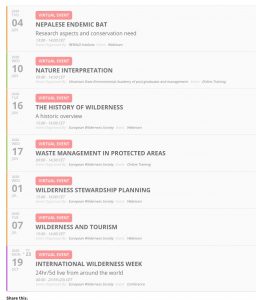
As you can see the list shows 4 events in June.
We are glad your issue is resolved, if you have any further questions or concerns please create a new ticket. If you have a moment, we would greatly appreciate if you could kindly leave us a review at codecanyon! from your account > downloads. Cheers!
Ashan,
The same on dev2:
http://dev2.myeventon.com/wp-admin/post.php?post=21863&action=edit&classic-editor
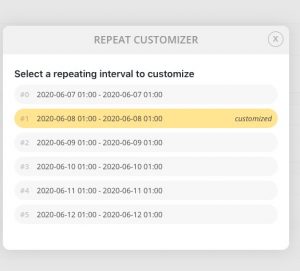
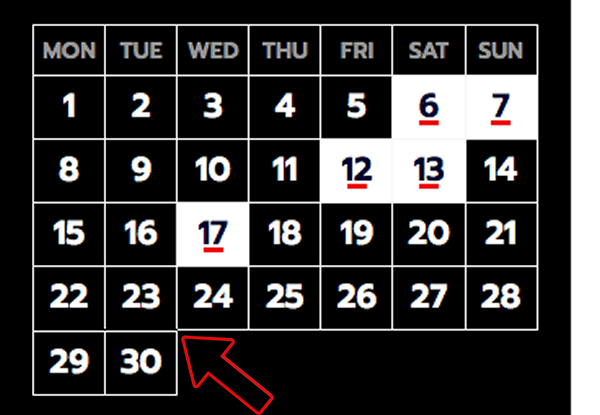
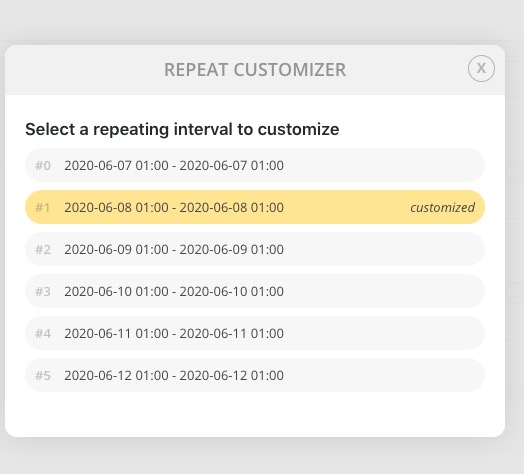
You cannot edit 2020-06-07 01:00 – 2020-06-07 01:00 but can 2020-06-08 01:00 – 2020-06-08 01:00.
Hello,
Thank you for your messages, I am going to assign this ticket to Ashan and he will be able to take it from here and find you a solution. Please allow some time for him to get back to you, we greatly appreciate your patience and thank you for being a eventon customer! Also please disable any IP blocking on your site if there are any.
and also go to the styles page and click save again- yep sounds weird but it sometimes also happens with the appearance colors- just resave that section (styles) and from experience that will work- but you do need to clear your browser cache as well