Hi Ashish, yes it works, thank you!
One more little thing that I noticed – the field “GBO City” does not get transferred to Hubspot if the city name contains more than 1 word – i.e. Sao Paulo or New York.
How can this be solved?
Replies for tickets on suppota
Hi Ashish, yes it works, thank you!
One more little thing that I noticed – the field “GBO City” does not get transferred to Hubspot if the city name contains more than 1 word – i.e. Sao Paulo or New York.
How can this be solved?
Thanks for your reply first.
Let me make it clear what reminder we need, for example:
1. I create an event (start time is the next day 9:00am)
2. I want to set an email reminder to be auto-sent to all participants 15 minutes before the event start.
After I read the information about “Subscriber” addons, it seems it does not fit my need. It only send emails when:
Hi Ashish,
Our hubspot form should popup after clicking on button. Like you have provided custom field button in eventon. We want popup functionality of hubspot form on that button.
I do apologize.
Here is the link:
https://hillsidekofc3197.org/wp-admin
Thank you.
I have figured the issue. There was an incompatibility with the Autoptimize plugin which minimizes and concatenates files. While I would love to use that plugin, I suppose I can disable it.
Not sure if Ashan will want to look into that or not.
Jason Lazzara,
Could you create a separate ticket with included login info so we can check this?
How come they cannot help you with third-party plugins if “…original eventon cal came pre-packaged with theme…”?
I can’t understand how it can work flawlessly in your environment but not in theirs.
Because we use a default WordPress theme.
Maybe this code will help:
.EVOSR_section a.evo_do_search, a.evosr_search_btn { z-index: 9999 !important; }
Could you check and let us know?
Could you also send us a link to your website?
Hello,
No issues on our test server:
http://dev2.myeventon.com/events/rep-t/var/ri-2.l-L1/
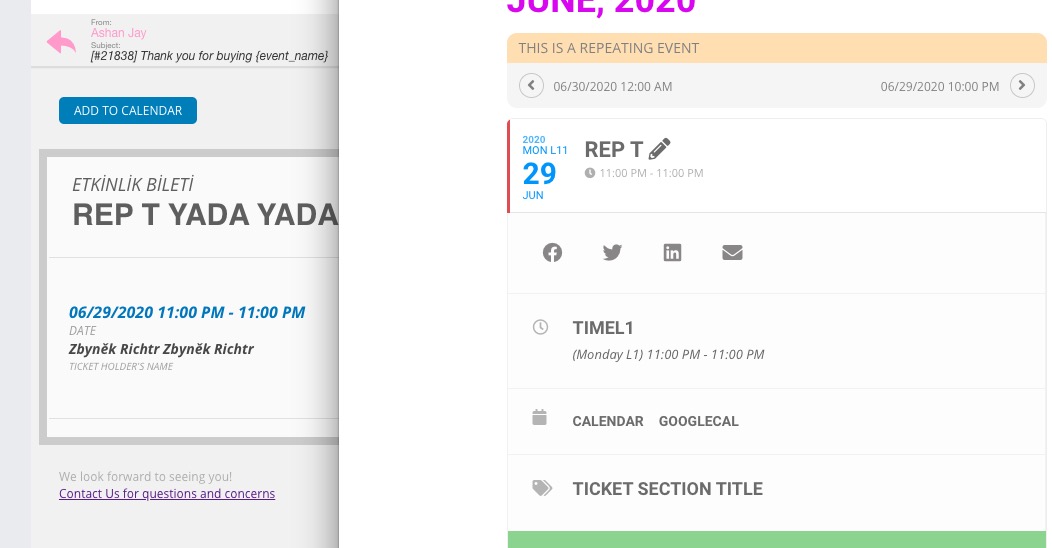
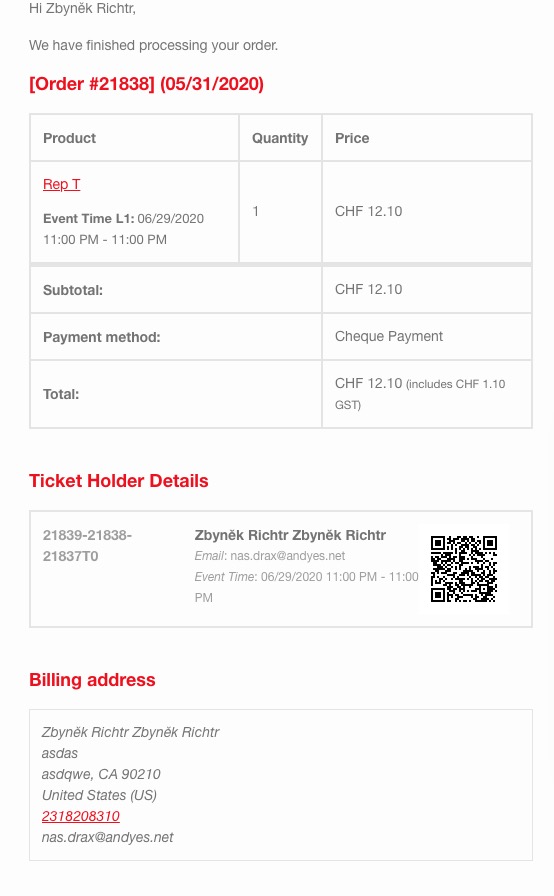
Please send us wp-admin access to your site as a private message for us to further assist your situation.
Event Lists: Ext and Event List & Items are two different add-ons.
I think this shortcode should work (you don’t need to purchase Event Lists: Ext):
[add_eventon_list tiles=”yes” tile_bg=”1″ tile_style=”1″ number_of_months=”2″ hide_empty_months=”yes” event_count=”5″ ]
Please check and let us know.