Unfortunately, I cannot access your video since I need a special permission.
Please check https://docs.myeventon.com/documentations/confused-event-type-categories/ and https://docs.myeventon.com/documentations/how-to-use-event-types-to-do-more/
Replies for tickets on suppota
Unfortunately, I cannot access your video since I need a special permission.
Please check https://docs.myeventon.com/documentations/confused-event-type-categories/ and https://docs.myeventon.com/documentations/how-to-use-event-types-to-do-more/
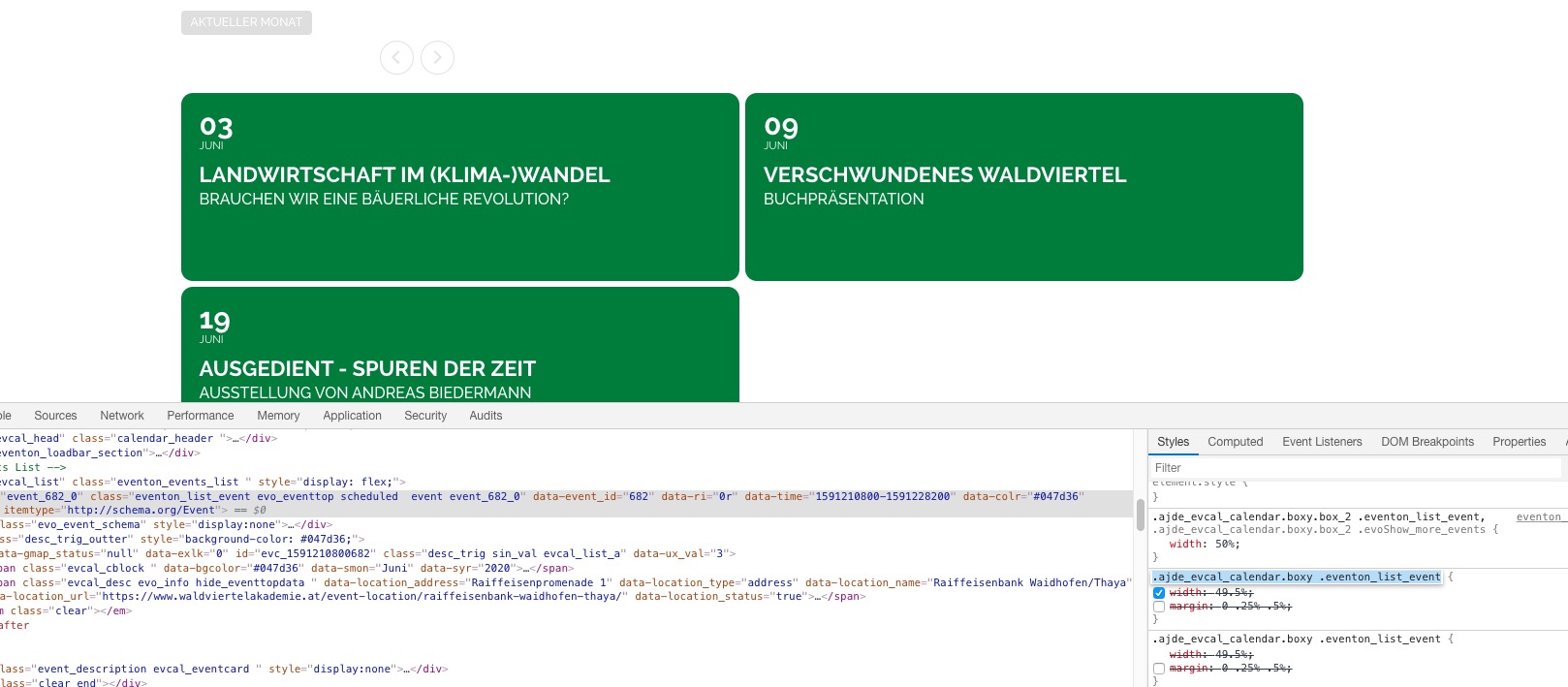
Please comment margin: 0 .25% .5%; in EventON > Styles:
.ajde_evcal_calendar.boxy .eventon_list_event {
width: 49.5%;
/*margin: 0 .25% .5%;*/
}
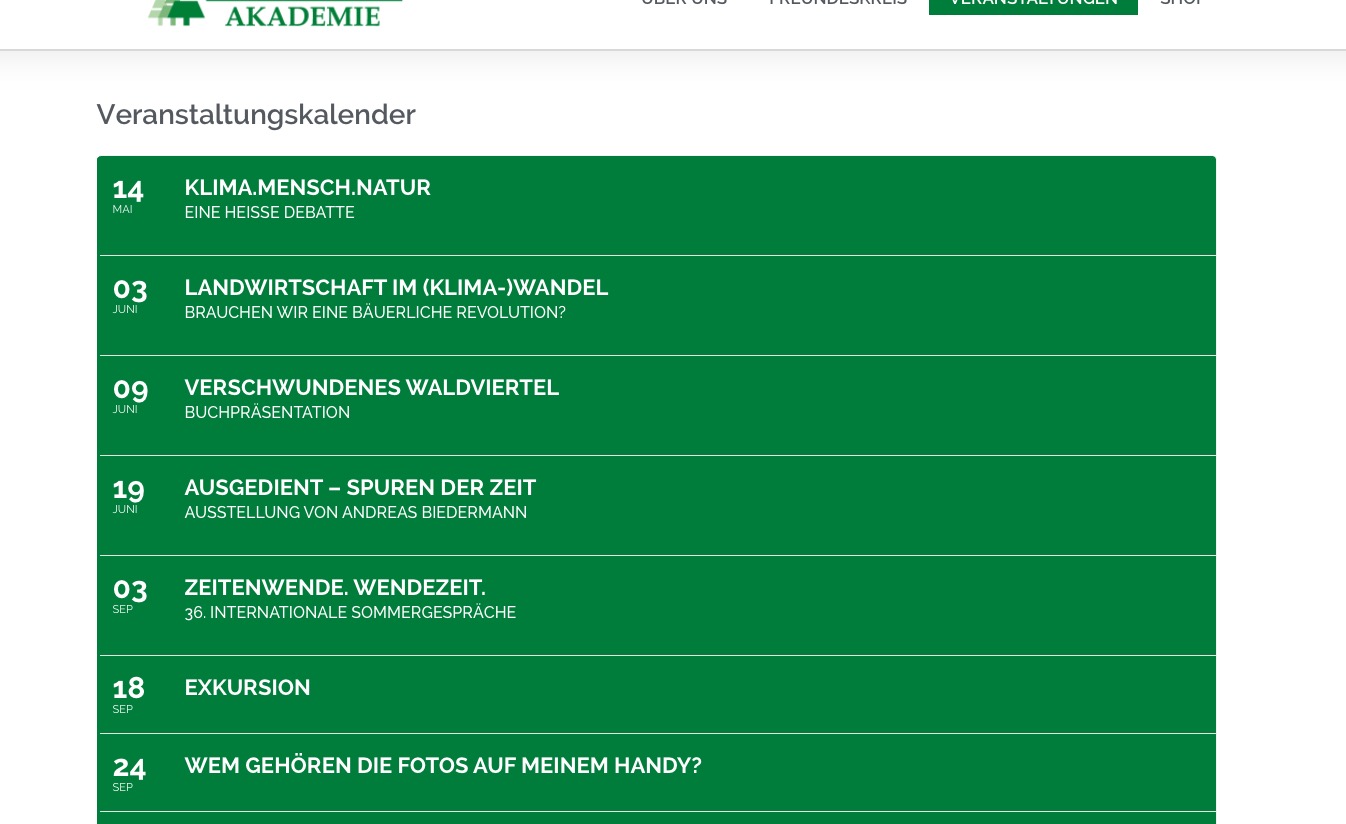
No issues on this page:
https://www.waldviertelakademie.at/veranstaltungen/
Could you send us a screenshot?
calendar view and extended event list, don’t work
Could you elaborate? Apart from tile_count, what also doesn’t work?
You can login with tester/pass and then go to this page: http://dev.myeventon.com/wp-admin/post.php?post=49662&action=edit:
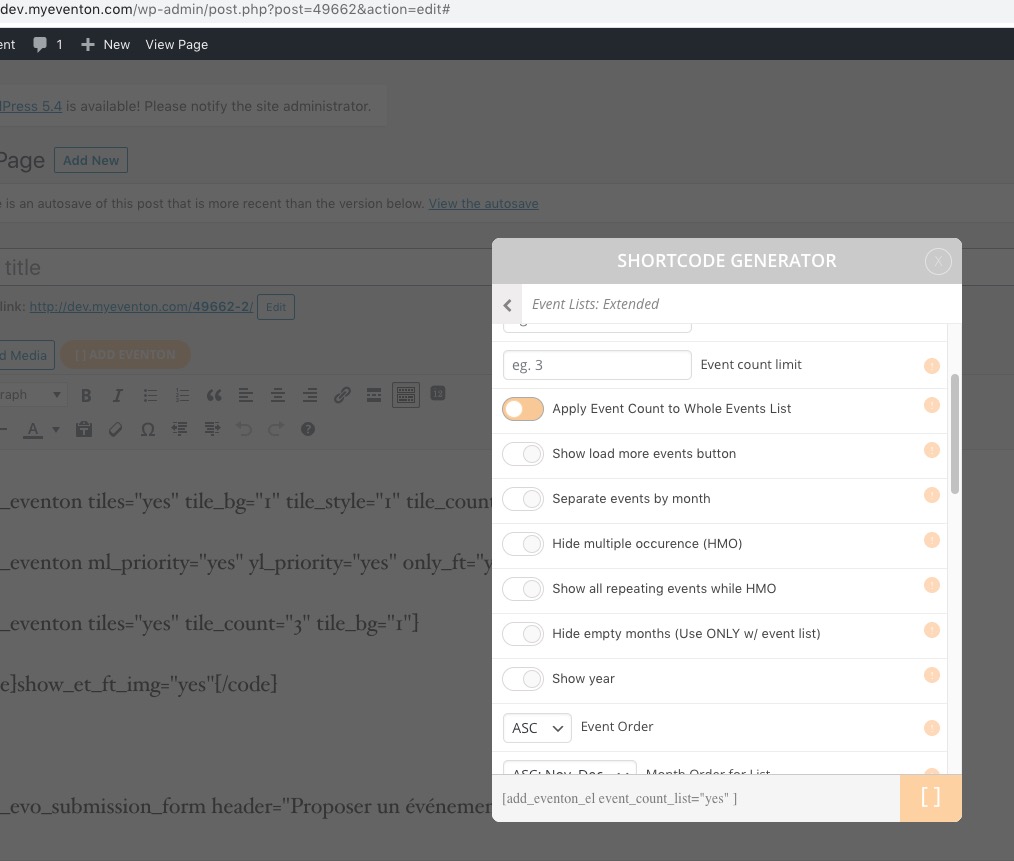 Please send us wp-admin access to your site as a private message for us to further assist your situation.
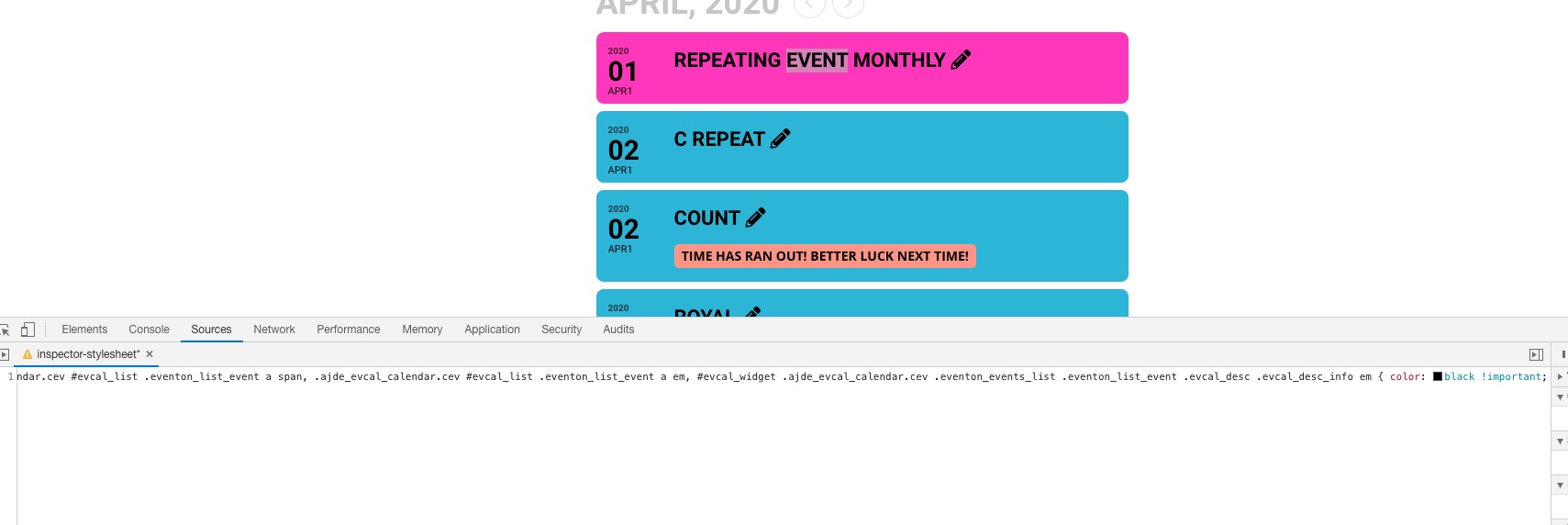
Unfortunately, there is no option to change this color, so please add this CSS code to EventON > Styles (If you can’t see any change, EventON > turn off Write styles to header > save settings > turn on Write styles to header):
.ajde_evcal_calendar.cev #evcal_list .eventon_list_event a span, .ajde_evcal_calendar.cev #evcal_list .eventon_list_event a em, #evcal_widget .ajde_evcal_calendar.cev .eventon_events_list .eventon_list_event .evcal_desc .evcal_desc_info em { color: black !important; }
Hello,
The problem is in your server. Please check our test server: http://dev2.myeventon.com/21208-2/ > go to APR1 27 – MAY 3, 2020.
I doubt object-fit: cover; object-position: center; will work in this case since we aren’t using an image but rather a span HTML tag with background-image.
Please add this CSS code to EventON > Styles (If you can’t see any change, EventON > turn off Write styles to header > save settings > turn on Write styles to header):
.ajde_evcal_calendar.boxy.boxstyle0 #evcal_list .eventon_list_event .desc_trig, .ajde_evcal_calendar.boxy.boxstyle0 #evcal_list p.desc_trig_outter { padding: 0 !important; }
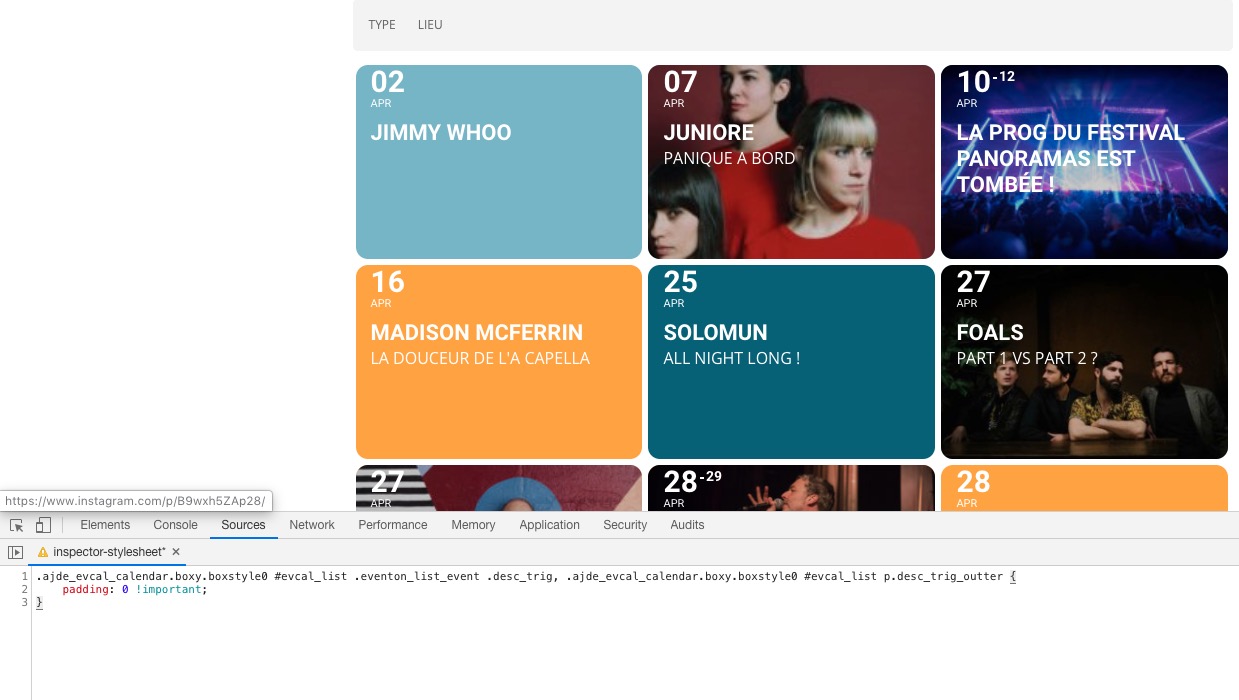
I have attached images as examples of the events being displayed on the day they are taking place
Please check now: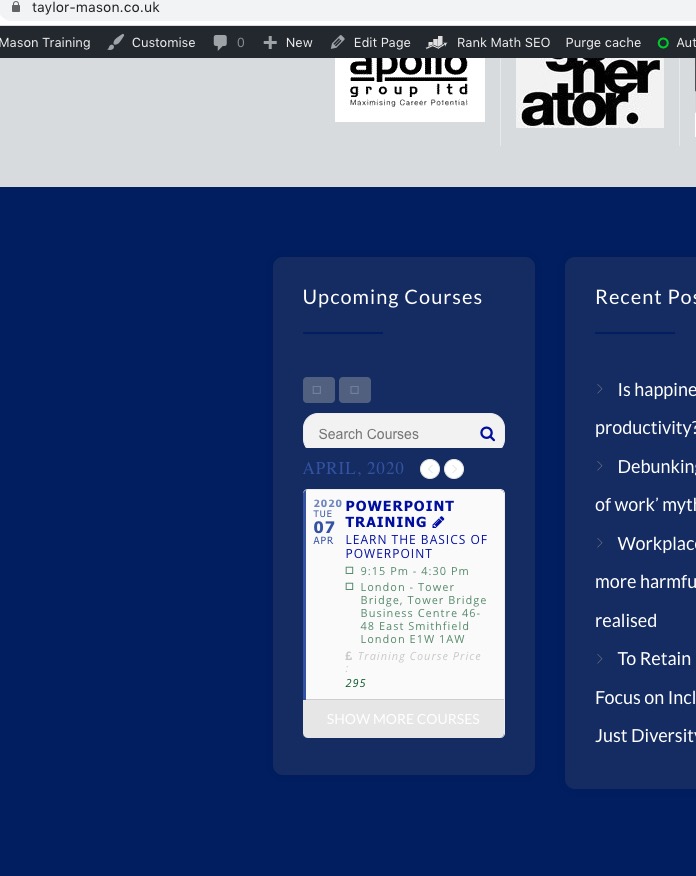
You can also try downgrading to EventON 2.7.3 to see if it helps: https://www.dropbox.com/s/4kr060y45fa9cmm/eventON_2.7.3.zip?dl=0
I added this shortcode to /calendar:
[add_eventon cal_init_nonajax=”yes” ux_val=”4″]
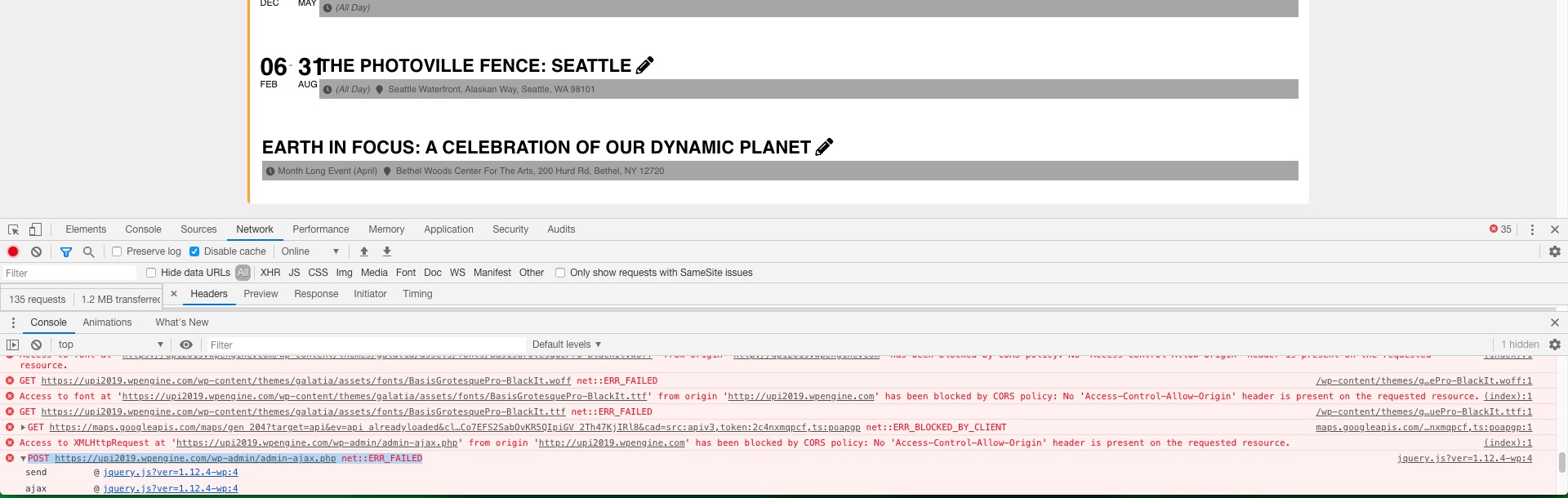
The problem is that you cannot switch between months because of admin-ajax.php error:
I enabled WP_DEBUG but there is nothing related to EventON:
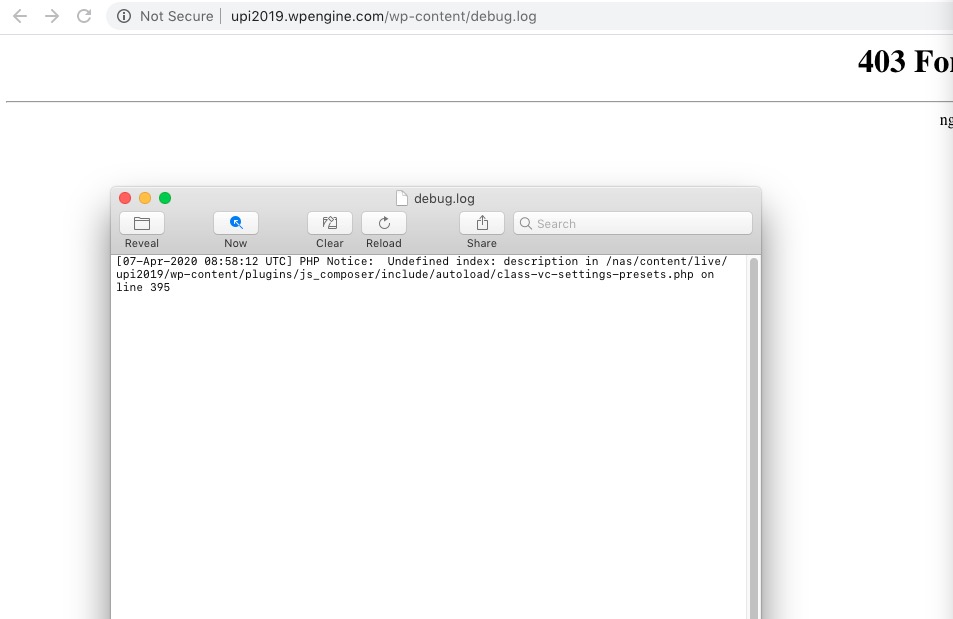
Also you debug.log is not available when loading from a web browser: http://upi2019.wpengine.com/wp-content/debug.log
Could you contact your hosting company and as about the issue with admin-ajax.php and why you cannot load debug.log from the browser?