This isn’t a solution. Because then I have to export it daily and import it daily manual. Isn’t there an other solution. So I can separate a internal calendar and a public calendar automaticly?
Archives: Replies
Replies for tickets on suppota
Reply to: tickets(175900)
We are glad your issue is resolved, if you have any further questions or concerns please create a new ticket.
If you have a moment, we would greatly appreciate if you could kindly leave us a review at codecanyon! from your account > downloads. Cheers!
Reply to: tickets(175900)
We will look into that. Please note that plugin updates will not remove my CSS fixes if you enabled EventON > Do not delete eventon settings & data when EventON is uninstalled.
Reply to: tickets(160684)
Unfortunately, cal_init_nonajax=”yes” is not available for YearlyView or any other shortcode except Main Calendar. I remove it so please check now.
Reply to: tickets(175900)
1. Elementor’s font icons do this, so we cannot fix this from our side.
hm, elementor best visual editor, eventon best calendar, maybe you need to make friends 🙂
Reply to: tickets(176227)
Because you deactivated Hubspot now it says:
Uncaught ReferenceError: hbspt is not defined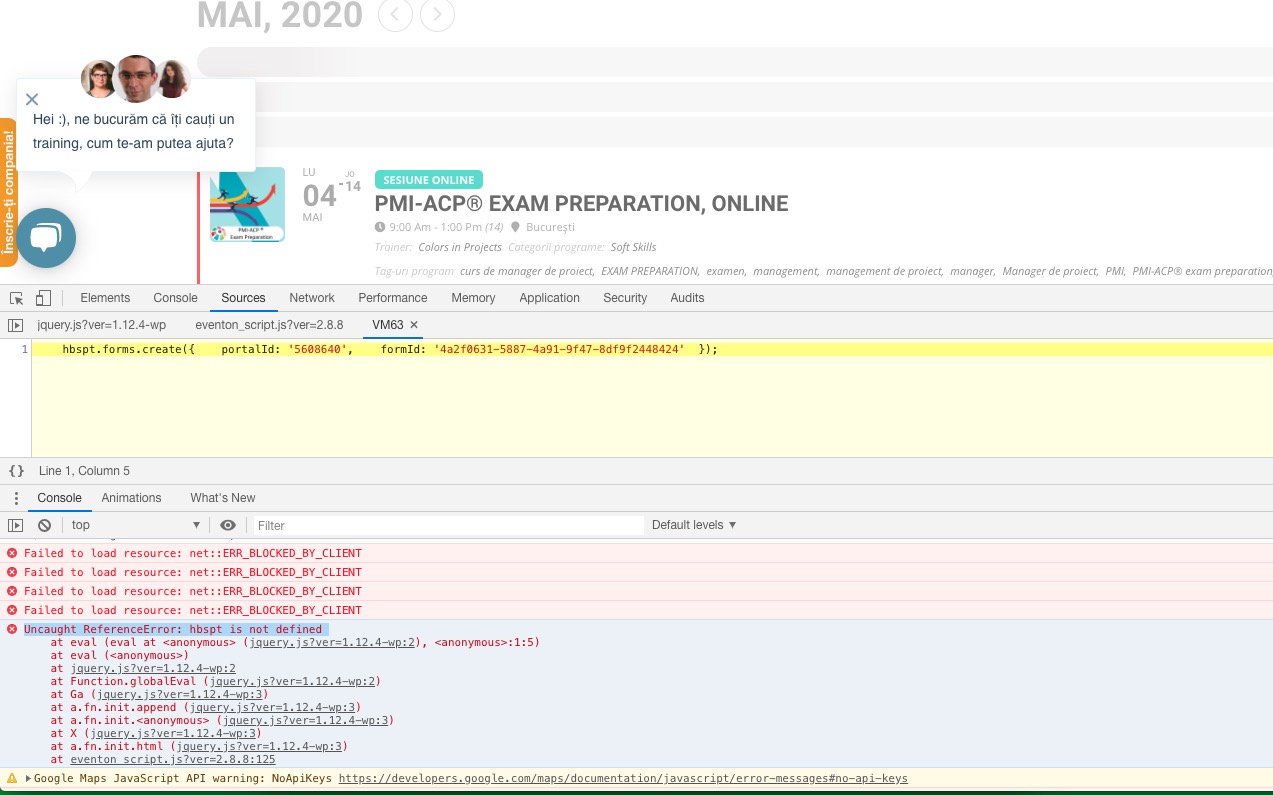
Please send us wp-admin access to your site as a private message for us to further assist your situation.
Reply to: tickets(171955)
Please go to EventON > Shortcode > Generate Shortcode > Event Lists: Ext.
Reply to: tickets(176171)
Please check https://support.google.com/calendar/answer/37111?hl=en > Export events from one calendar.
Reply to: tickets(176316)
Hello,
No issues on this page:
https://linclearning.com/18385-2/
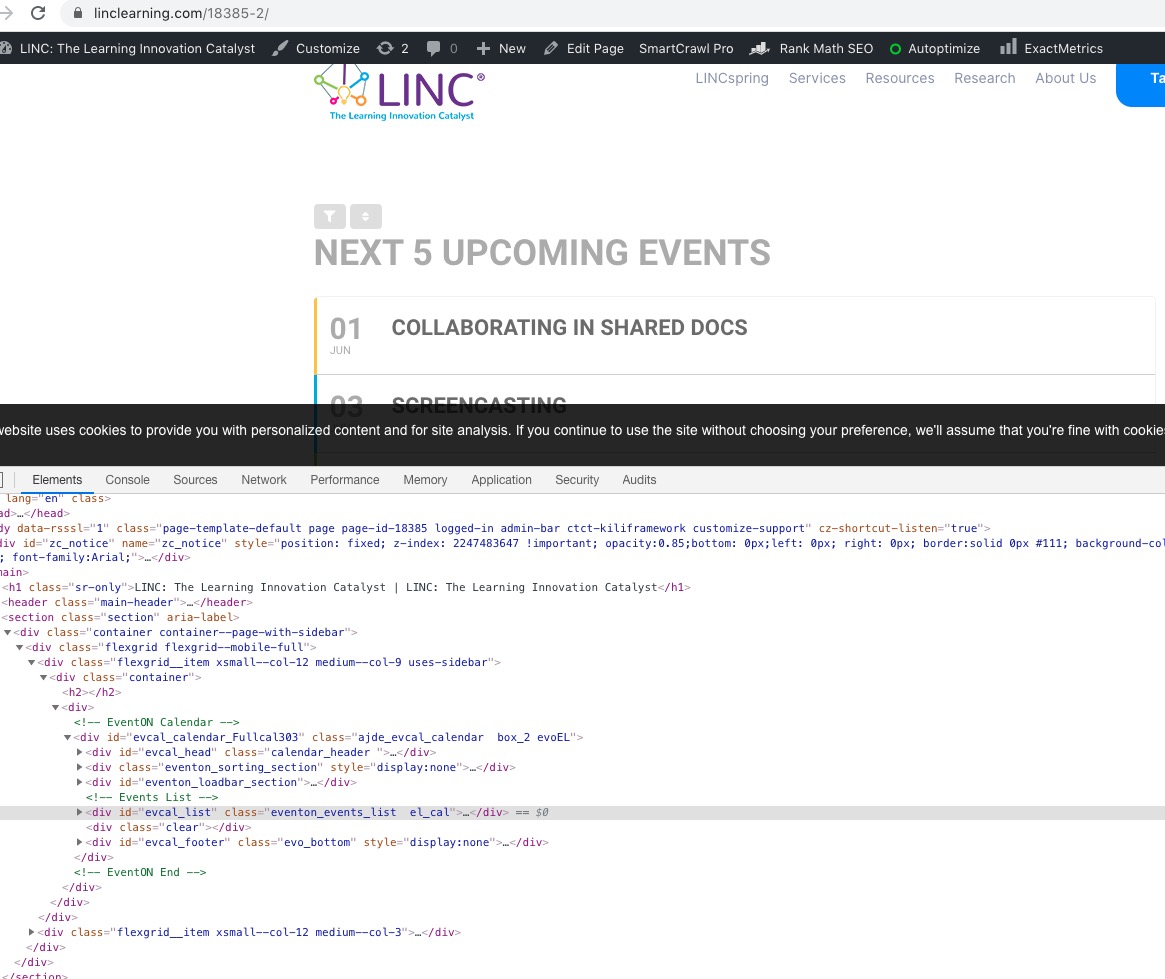
Could you please try the instructions mentioned in this documentation to make sure your issue is indeed coming from eventon.
Reply to: tickets(176315)
Hello,
1. Please follow https://docs.myeventon.com/documentations/how-to-show-various-information-in-eventtop/ and enable it from EventON Settings.
2. Please go to https://ukraina.events/wp-admin/post.php?post=2771&action=edit > Related Events > press ADD RELATED EVENT.