Hello,
Please go to EventON > disable Do not delete eventon settings & data when EventON is uninstalled. Now go to wp-admin > Plugins > delete EventON. EventON data should be deleted.
Replies for tickets on suppota
Hello,
Please go to EventON > disable Do not delete eventon settings & data when EventON is uninstalled. Now go to wp-admin > Plugins > delete EventON. EventON data should be deleted.
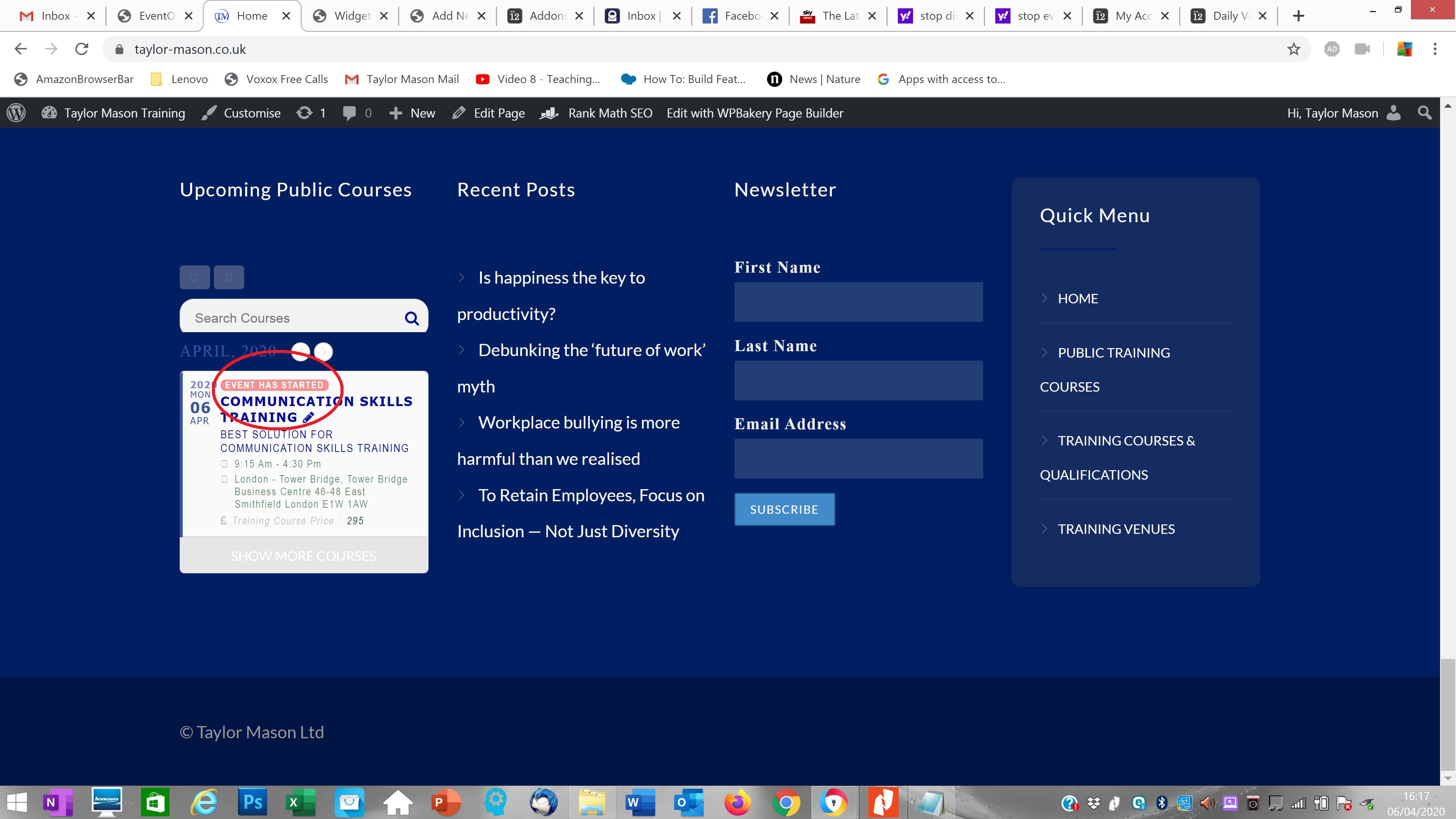
We are glad your issue is resolved, if you have any further questions or concerns please create a new ticket.
If you have a moment, we would greatly appreciate if you could kindly leave us a review at codecanyon! from your account > downloads. Cheers!
Hello,
If you want to show past events please go to EventON > disable Hide past events for default calendar(s). If you want to show more evens please remove event_count=’1′ from the shortcode.
I attached an example
Unfortunately, we didn’t receive this one. Could you resend?
Yes!
Host: access818951777.webspace-data.io
Protocolo: SFTP
Port: 22
User: u100171365
Pass: AMoVida_2018_Vigo
Right now the plugin is disabled. I renamed the folder with a “_off”
It worked! Thanks
Thanks for the patience
Hello,
You can download the latest version of EventON from CodeCanyon > Account > Downloads:
To update eventon to latest version: If you are unable to do autoupdate, you can go to codecanyon your account > download and get the latest eventon version as zip file. Then you can go to your website, deactivate old eventon, activate (Do not delete eventon settings & data when EventON is uninstalled) from eventon settings, delete old eventon, install new one and activate. This link will further explain the process it. Also you can follow us on twitter to get real-time announcements on updates!
Hello,
Please replace your code with this one:
.evotx_whos_coming {display: none !important;}
Hello,
Please replace event_type with event_type_2:
[add_eventon event_type_2=”979″]
Hello,
Please add this CSS code to EventON > Styles (If you can’t see any change, EventON > turn off Write styles to header > save settings > turn on Write styles to header):
.evo_month_title { width: auto !important; }