thanks. i will do so!
Archives: Replies
Replies for tickets on suppota
Reply to: tickets(171117)
Hello,
It seems there is an incompatibility issue with the theme. Please add this CSS code to EventON > Styles (If you can’t see any change, EventON > turn off Write styles to header > save settings > turn on Write styles to header):
.single-ajde_events .wf-container-main { display: block !important; }
Reply to: tickets(170822)
Not delete, edit events. Sorry.
Reply to: tickets(170822)
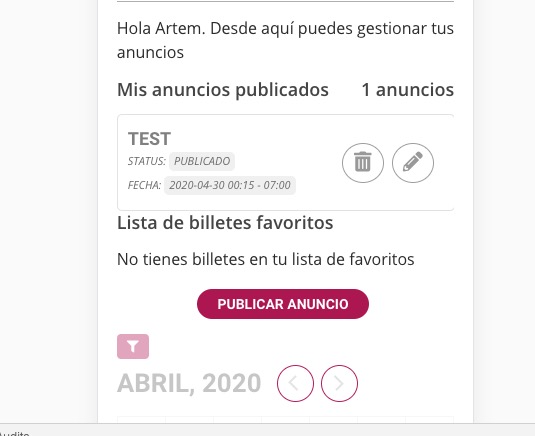
“contacto” as Subscriber cannot delete events. Could you go to EventON > Action User > User Capabilities > enable Edit Events.
Icons should be round now:
Reply to: tickets(171173)
Hello,
Could you update EventON to 2.8.7 and Event Lists: Ext to 0.18, if needed?
On our test server:

Do you have the same issue on http://dev.myeventon.com/wp-admin/
Reply to: tickets(171106)
Hello,
I added this to the shortcode to remove empty months: hide_empty_months=”yes”
If you want to show past events please follow this guide: https://docs.myeventon.com/documentations/how-to-show-past-events/ OR Use this add-on: Event Lists: Ext (https://www.myeventon.com/addons/event-lists-extended/). Try on http://dev.myeventon.com/wp-admin/
Because your are using WPML could you follow this guide: https://docs.myeventon.com/documentations/wpml-eventon-front-end/
Reply to: tickets(171215)
Hello,
Thank you for your messages, I am going to assign this ticket to Basilis. Please allow some time for him to get back to you, we greatly appreciate your patience and thank you for being a eventon customer!
Reply to: tickets(170660)
It seems there are performance issues with the server. Please try adding this to the shortcode: cal_init_nonajax=”yes”. After follow the instructions in this documentation to activate debug in your site to see any PHP errors recorded that can provide insight on to whats going on. Please reply with a link to debug.log file. If you are not able to do this please send us FTP access to your site so we can do this for you.
If this doesn’t help you can also install EventON 2.7.3: https://www.dropbox.com/s/4kr060y45fa9cmm/eventON_2.7.3.zip?dl=0
Reply to: tickets(171200)
Hello,
No issues on our test server:
http://dev2.myeventon.com/21185-2/
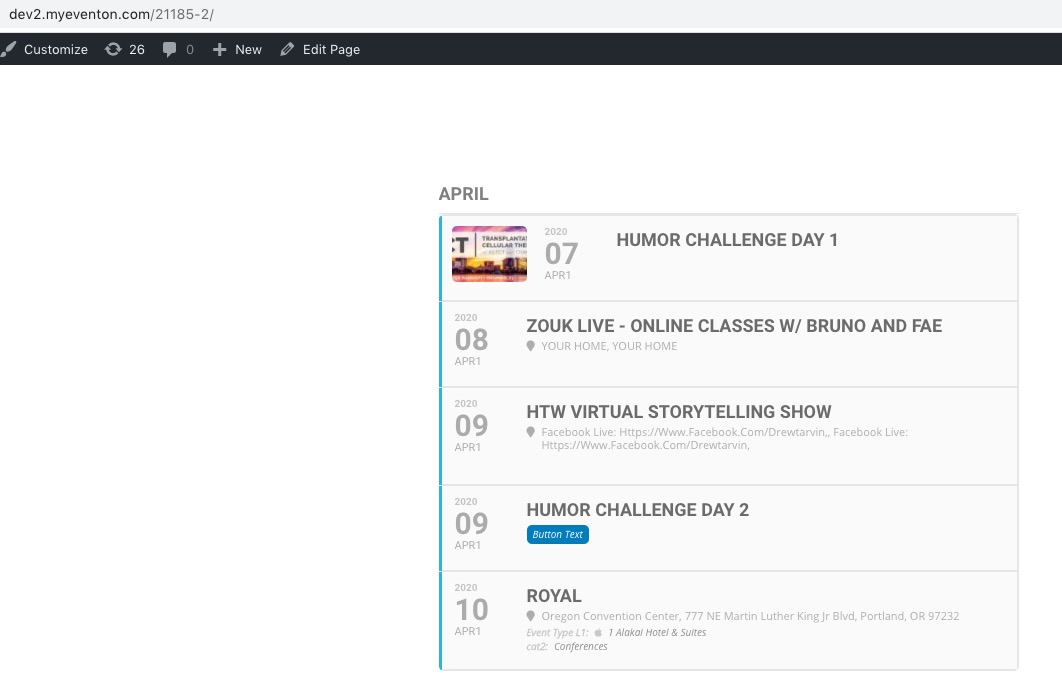
Maybe the problem is in localhost restrictions? Could you try uploading your website online and check?
Reply to: tickets(170777)
Ashan,
Please check ZOUK LIVE – ONLINE CLASSES W/ BRUNO AND FAE: http://dev2.myeventon.com/wp-admin/post.php?post=21184&action=edit&classic-editor
Login info: Apr 5,2020 AT 11:13PM – Posted 2 Hours Ago – #171207