Reply to: tickets(170917)
Replies for tickets on suppota
Hello, Soory, but that solution does not work!
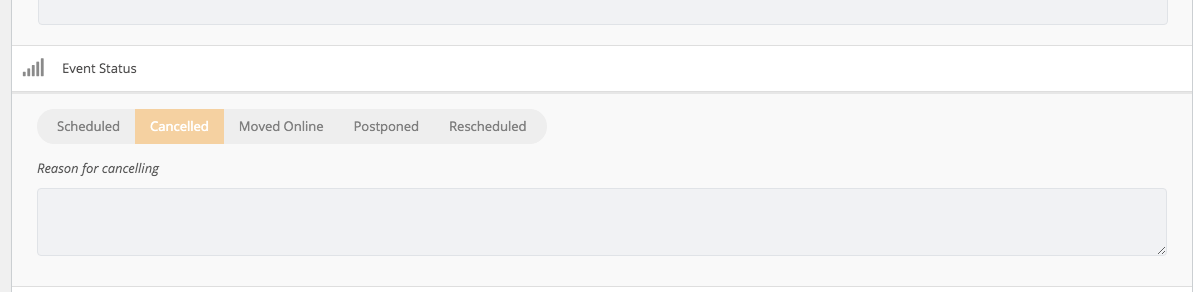
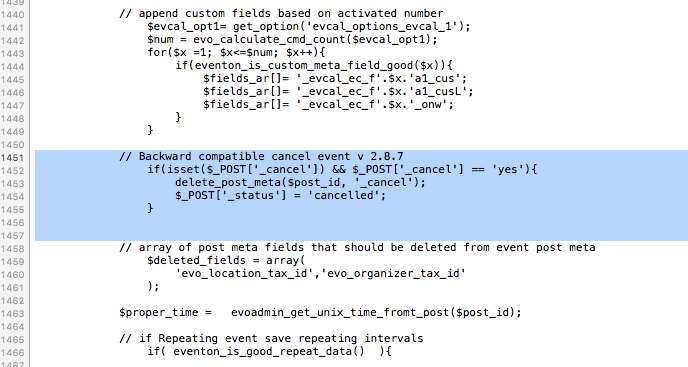
I went to my server via FTP and changed the file as you have instructed. I moved the section one up higher as indicated and saved the php file. But it still does not allow me to change the status to [SCHEDULED] in the admin interface.
I can click the button, change the status and save the event, but nothing changed once the page is reloaded.
Are you the US based developer … foreign addresses are blocked based on State security requirements
No email for the events are being received by the Action User, RSVP
Are you sure of that ?
The companies will each have a role of editor, and I don’t want that in company A page we find company B event …
Hi,
Please check now.
I have installed the work.
Support period for customization work is 5 days, so please let me know if it is not working with that date.
Thanks
my email in evanto market is : traildecouverte@yahoo.fr
Hi Artem,
I’ve done as you told me all things, but the PENCIL ICON to edit events doesn’t appears.
– I’ve cleaned cache,
-I’ve settled Turn on Write styles to header
But no response
When you activate them on your website we can see their status in our system. So if they aren’t activated we can ask you to activate them before providing support.