Angela Valley,
Please check my answer.
Replies for tickets on suppota
Angela Valley,
Please check my answer.
Hello,
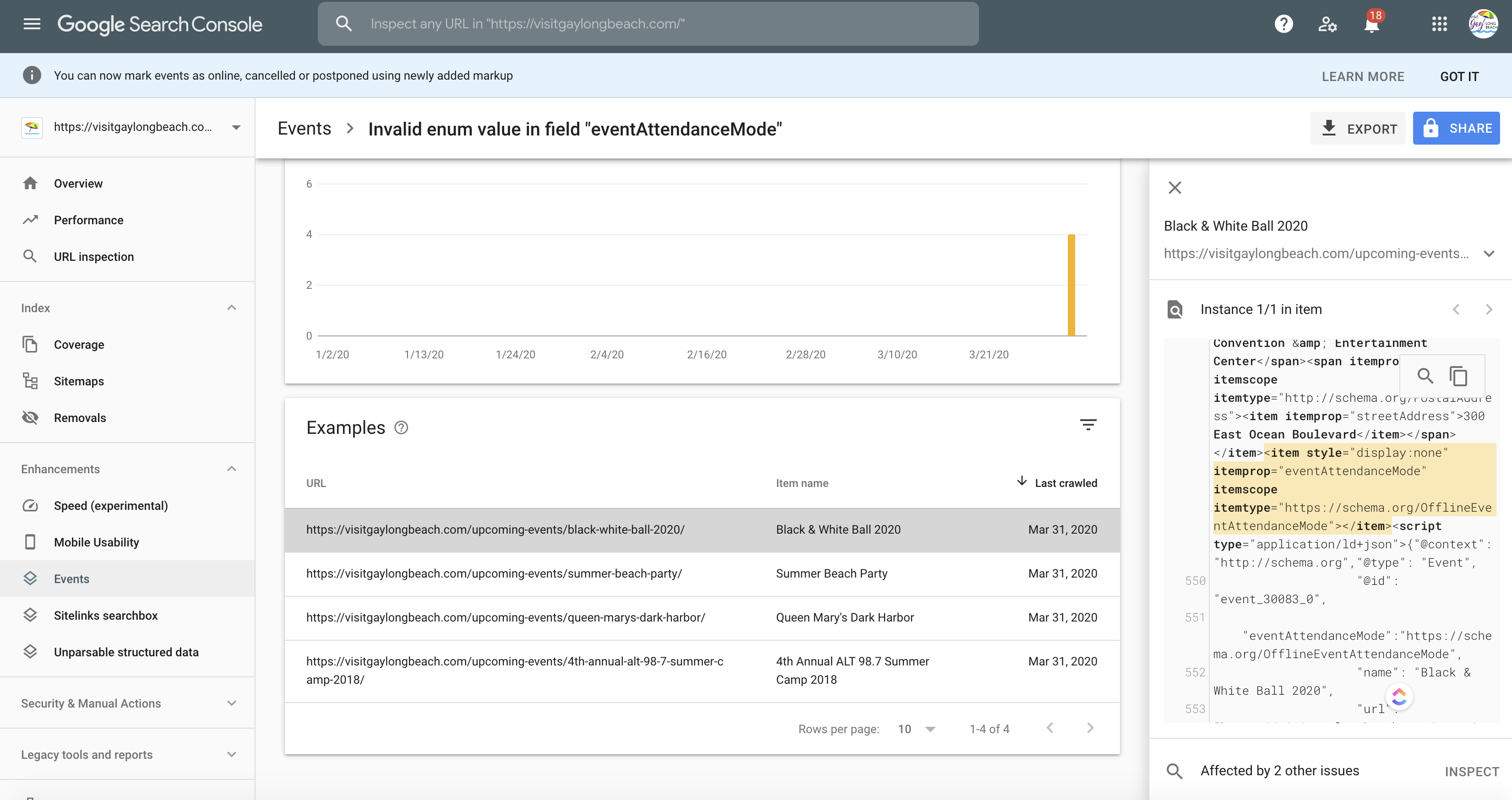
No issues on this page:

It seems that Google will re-crawl your website very soon and fix this issue automatically.
Sorting buttons
Colours are correct. It’s just we used opacity to make it more transparent. Please add this CSS code to EventON > Styles (If you can’t see any change, EventON > turn off Write styles to header > save settings > turn on Write styles to header):
.evo_cal_above span { opacity: 1 !important; }
Jump buttons
This style overrides them: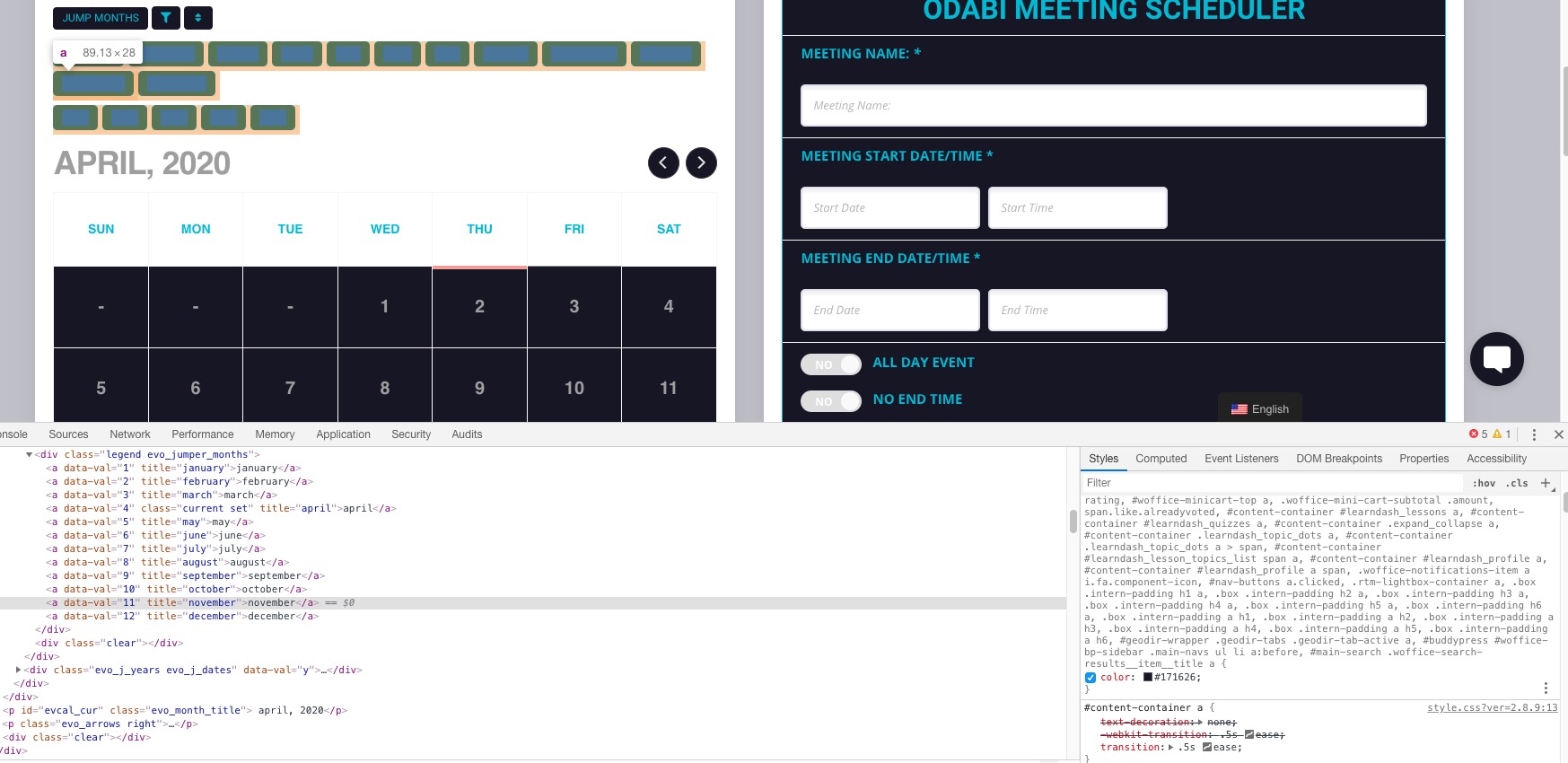
This code should help:
.ajde_evcal_calendar .calendar_header .evo_j_dates .legend a { color: #1ebad5 !important; }
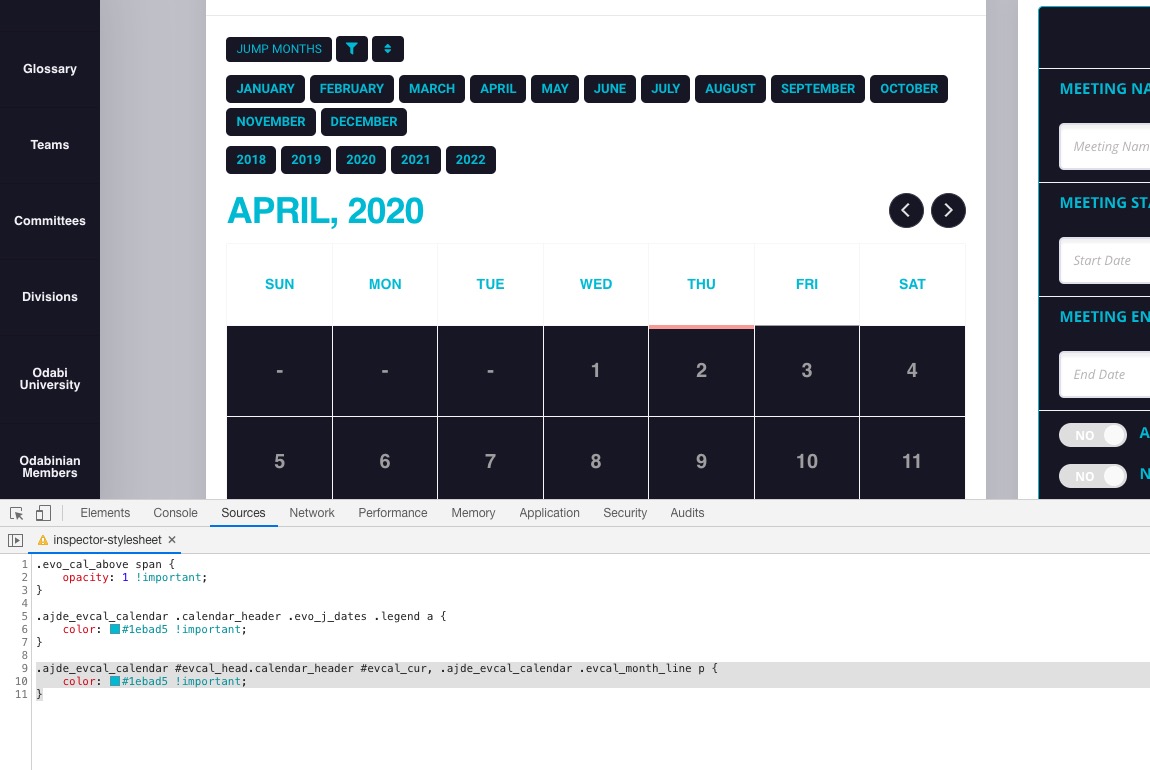
Moth header
The same issue. Please use this code:
.ajde_evcal_calendar #evcal_head.calendar_header #evcal_cur, .ajde_evcal_calendar .evcal_month_line p { color: #1ebad5 !important; }
Result:
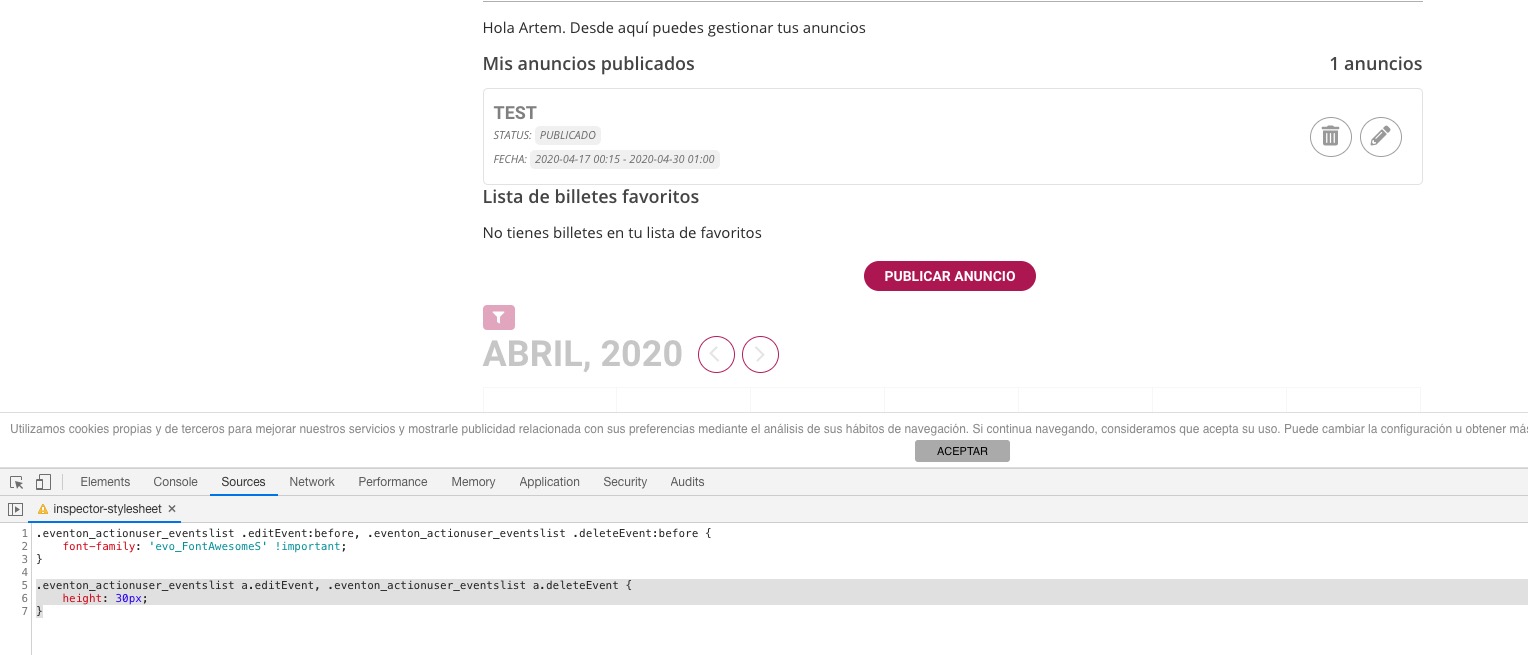
Please add this CSS code to EventON > Styles (If you can’t see any change, EventON > turn off Write styles to header > save settings > turn on Write styles to header):
.eventon_actionuser_eventslist .editEvent:before, .eventon_actionuser_eventslist .deleteEvent:before { font-family: ‘evo_FontAwesomeS’ !important; }
Also you can make them more round with this code:
.eventon_actionuser_eventslist a.editEvent, .eventon_actionuser_eventslist a.deleteEvent { height: 30px; }
Hello,
Please go to EventON > Events Paging > EventOn Event Post Slug > Save. After please go to wp-admin > Settings > Permalinks > press Save.
We are glad your issue is resolved, if you have any further questions or concerns please create a new ticket.
If you have a moment, we would greatly appreciate if you could kindly leave us a review at codecanyon! from your account > downloads. Cheers!
Thanks, will do.
Works great! Thanks for all your help on this.