No issues on our test server: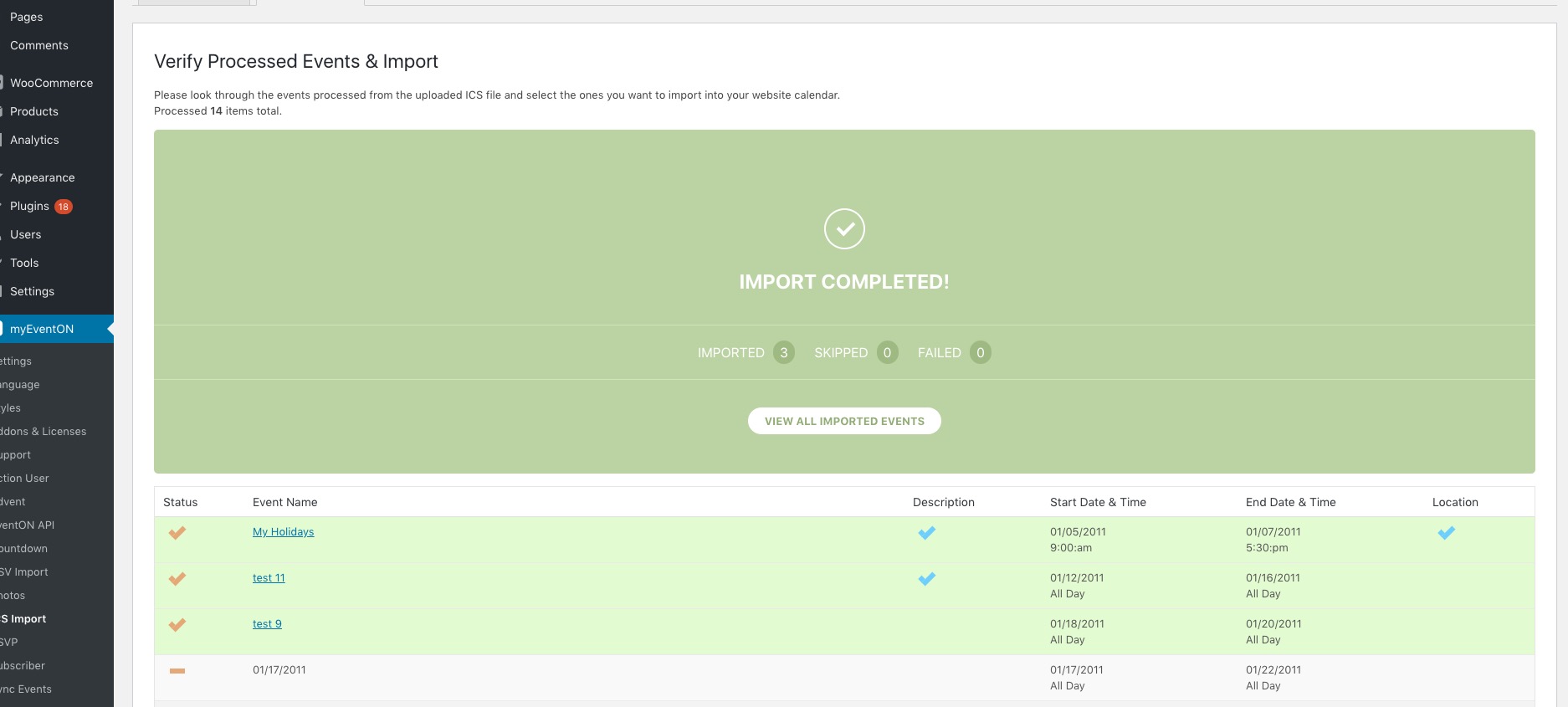
Could you try go to EventON > ICS Import > only enable Publish imported events. (By default imported events will be saved as drafts) and Sync already imported events if event UID matches in the ICS file?
Replies for tickets on suppota
No issues on our test server:
Could you try go to EventON > ICS Import > only enable Publish imported events. (By default imported events will be saved as drafts) and Sync already imported events if event UID matches in the ICS file?
We are glad your issue is resolved, if you have any further questions or concerns please create a new ticket.
If you have a moment, we would greatly appreciate if you could kindly leave us a review at codecanyon! from your account > downloads. Cheers!
Hello,
Could you fix this error:
Google Maps JavaScript API error: ApiNotActivatedMapError
https://developers.google.com/maps/documentation/javascript/error-messages#api-not-activated-map-error
For more info: https://elfsight.com/blog/2018/06/how-to-get-google-maps-api-key-guide/
Unfortunately, this doesn’t work.
Could you or may I please try the instructions mentioned in this documentation to make sure your issue is indeed coming from eventon.
Ashan,
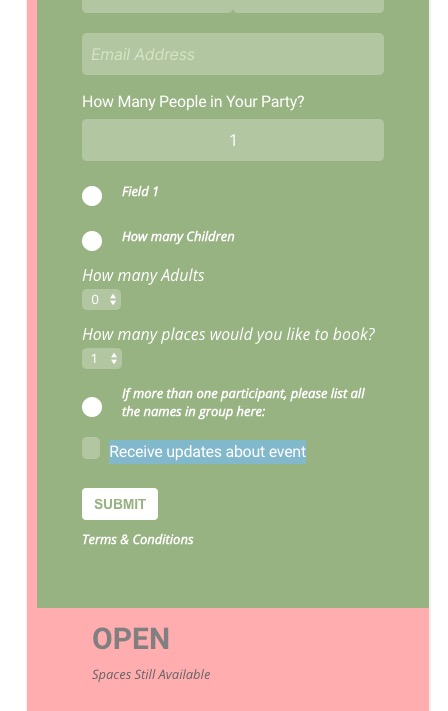
RSVP:
Hello,
Usually the problem is that something replaces EventON’s FontAwesome icons styling with their own which causes this issue.
Please send us wp-admin access to your site as a private message for us to further assist your situation.
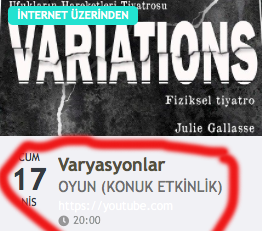
this area color
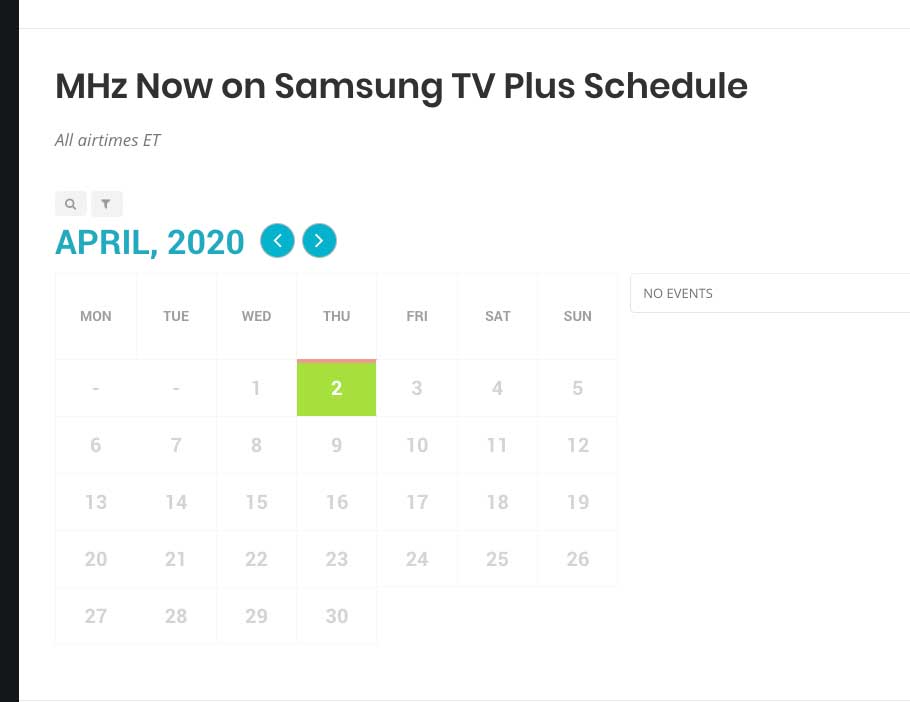
see attached
This issue is not resolved. I just started adding more events and now all events have disappeared again.
See calendar here:
https://mhznetworks.com/mhz-now-on-samsung-tv-plus/
Please look into this ASAP.
https://drive.google.com/open?id=1mtA_-06od9CkawpCZ9oD56Xa55gsiiOI
I am using the sample.ics as provided by your download
The error is as follows: