Please check http://docs.myeventon.com/documentations/terms-and-conditions-and-refund-policy/ > 8. Refund Policy.
I dont know how much it cost
You can send us a customization job request by creating a new ticket in here and selecting Customization Request as the category. The developer who’ll take the job can tell you the price. Please also note that you don’t need to pay them immediatly.
Hello,
I cannot load your website:
Could you check?
The only supported solution by EventON is to send users multiple files so they can import them one by one. Or edit the first file and put the contents from the others.
Hello,
Please follow these guides: https://docs.myeventon.com/documentations/how-to-translate-calendar-front-end/ and https://docs.myeventon.com/documentations/translating-eventon-backend/
Unfortunately, you need to translate everything yourself since Turkish translation is not available, only English.
Hello,
1. From my side it’s working correctly: https://helpdesk.ashanjay.com/wp-content/uploads/2020/05/video1.mov
2. Please add this CSS code to EventON > Styles (If you don’t see any change, EventON > turn off Write styles to header > save settings > turn on Write styles to header):
.eventon_actionuser_eventslist .editEvent:before, .eventon_actionuser_eventslist .deleteEvent:before { font-family: ‘evo_FontAwesomeS’,’evo_FontAwesome’,’evo_FontAwesomeB’ !important; }
Hello,
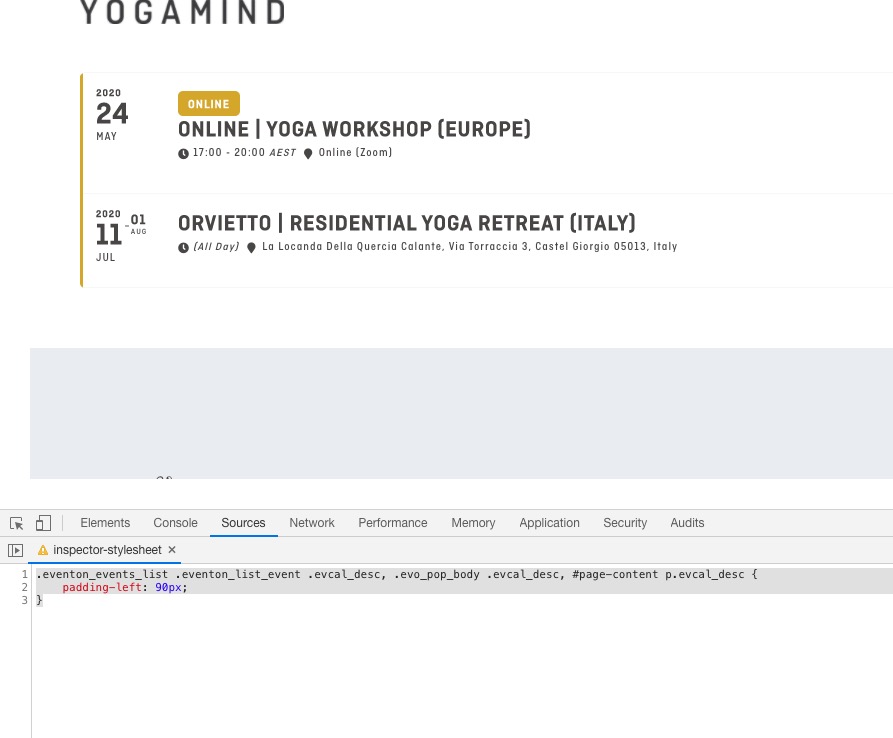
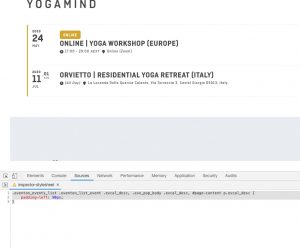
Please add this CSS code to EventON > Styles (If you don’t see any change, EventON > turn off Write styles to header > save settings > turn on Write styles to header):
.eventon_events_list .eventon_list_event .evcal_desc, .evo_pop_body .evcal_desc, #page-content p.evcal_desc { padding-left: 90px; }
Hello,
1. Could you please try the instructions mentioned in this documentation to make sure your issue is indeed coming from eventon. Please start with disabling your cache plugins.
2. Please check this add-on: https://www.myeventon.com/addons/repeat-customizer/. Try on http://dev.myeventon.com/wp-admin/
3. Please use Event Lists: Ext add-on https://www.myeventon.com/addons/event-lists-extended/:
[add_eventon_el number_of_months=”12″ event_count=”1″ event_count_list=”yes” hide_empty_months=”yes” hide_mult_occur=”yes” event_past_future=”future” ]
Follow https://docs.myeventon.com/documentations/how-to-use-event-types-to-do-more/ and assign a specific event type to the event and then add it’s id to the shortcode event_type=”17″.
Try my suggestion on http://dev.myeventon.com/wp-admin/
Hi
At the beginning I wanted to point out that I am very pleased with the operation of the basic version of Eventon and wanted to develop it.
The extension that I bought also works fine, but it doesn’t meet my expectations. I thought that it would allow me to create a form through which my clients will be able to submit for the events I organize. However, as I understand it allows the organizers to report their events and I do not carry out such activities. That’s why I wanted to cancel the purchase of this addon. I have a suggestion. Would it be possible to exchange for another addon?
Basilis has accepted the job for 1