Thanks very much. I will wait for a response from your CEO
Yvette
Archives: Replies
Replies for tickets on suppota
Reply to: tickets(176592)
Hi Yvette,
I have asked our CEO to review this.
Reply to: tickets(176608)
Hi Michael,
the time should be the same, we do parse it as 1 value.
Does that happen to new events also?
Reply to: tickets(176608)
You can remove GOOGLECAL from Event Card by going to EventON > EventCard Data > uncheck LEARN MORE & ADD TO YOUR CALENDAR.
There is no way to add a timezone when exporting events. You can send us a customization job request by creating a new ticket in here and selecting Customization Request as the category.
Reply to: tickets(176622)
Will this shortcode work for you?
[add_eventon_list number_of_months=”12″ hide_empty_months=”yes” show_year=”yes” ]
http://dev2.myeventon.com/21587-2/
You can check available options here: https://docs.myeventon.com/documentations/shortcode-guide/
Reply to: tickets(176660)
Hello,
1. Are you referring to this event: https://santimiquel.com/wp-admin/post.php?post=6882&action=edit?
I make some change in th…
What kind of change?
2. Please check https://docs.myeventon.com/documentations/setting-up-repeating-events/ > Custom Repeats.
Reply to: tickets(176592)
You can try sending us a customization job request by creating a new ticket in here and selecting Customization Request as the category. Maybe one of our developer can implement this for you.
Thank you for your messages, I am going to assign this ticket to Ashan and he will be able to take it from here and refund your purchases. Please allow some time for him to get back to you, we greatly appreciate your patience and thank you for being a eventon customer!
Reply to: tickets(176729)
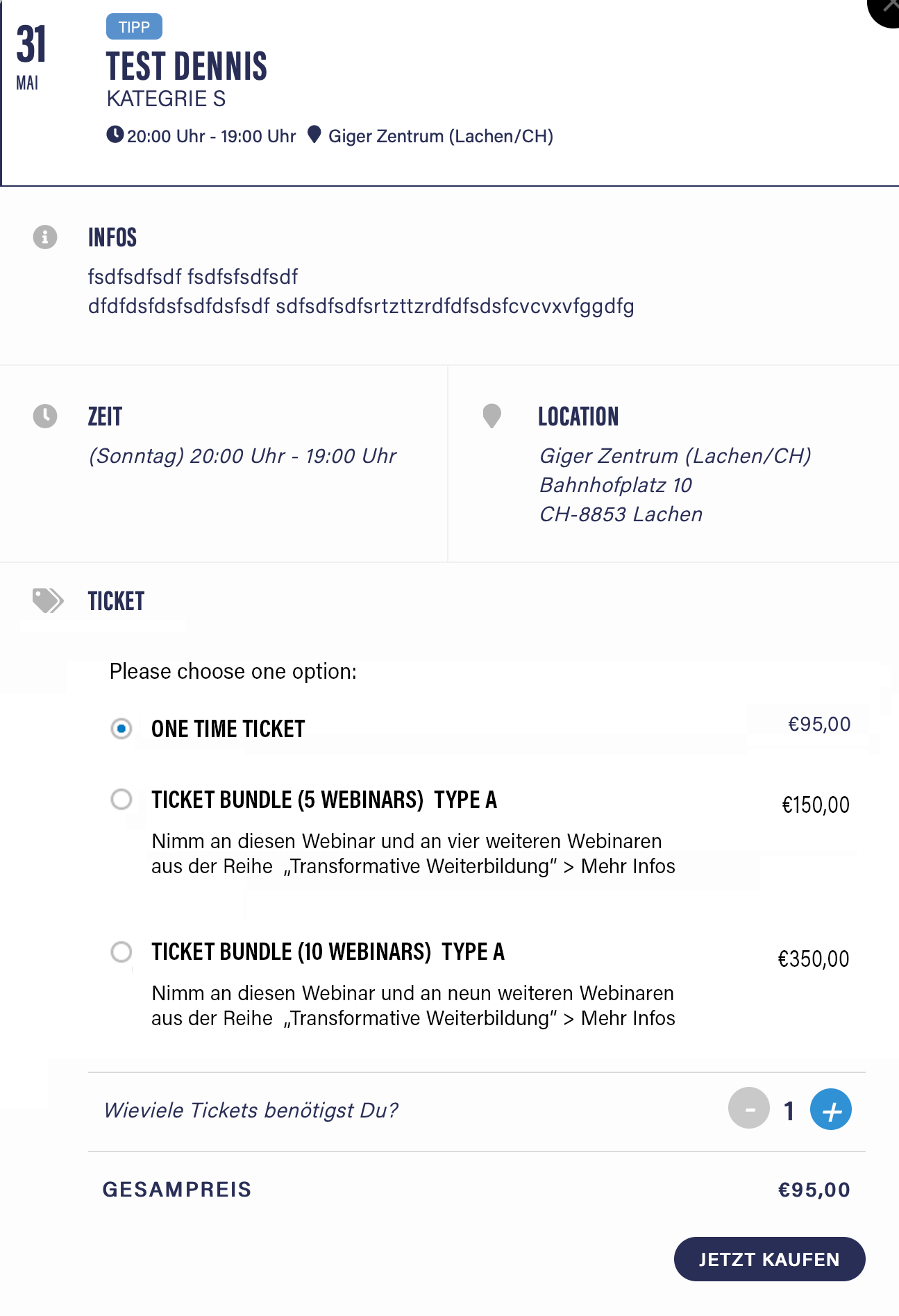
Reply to: tickets(176645)
Recurring events is the only available option at the moment. Unfortunately, you cannot download them as one file however you can send us a customization job request by creating a new ticket in here and selecting Customization Request as the category.
Reply to: tickets(176698)
Hello,
Please follow this guide: https://docs.myeventon.com/documentations/single-events-page-not-working-404-error/
If this doesn’t work please send us wp-admin access to your site as a private message for us to further assist your situation.