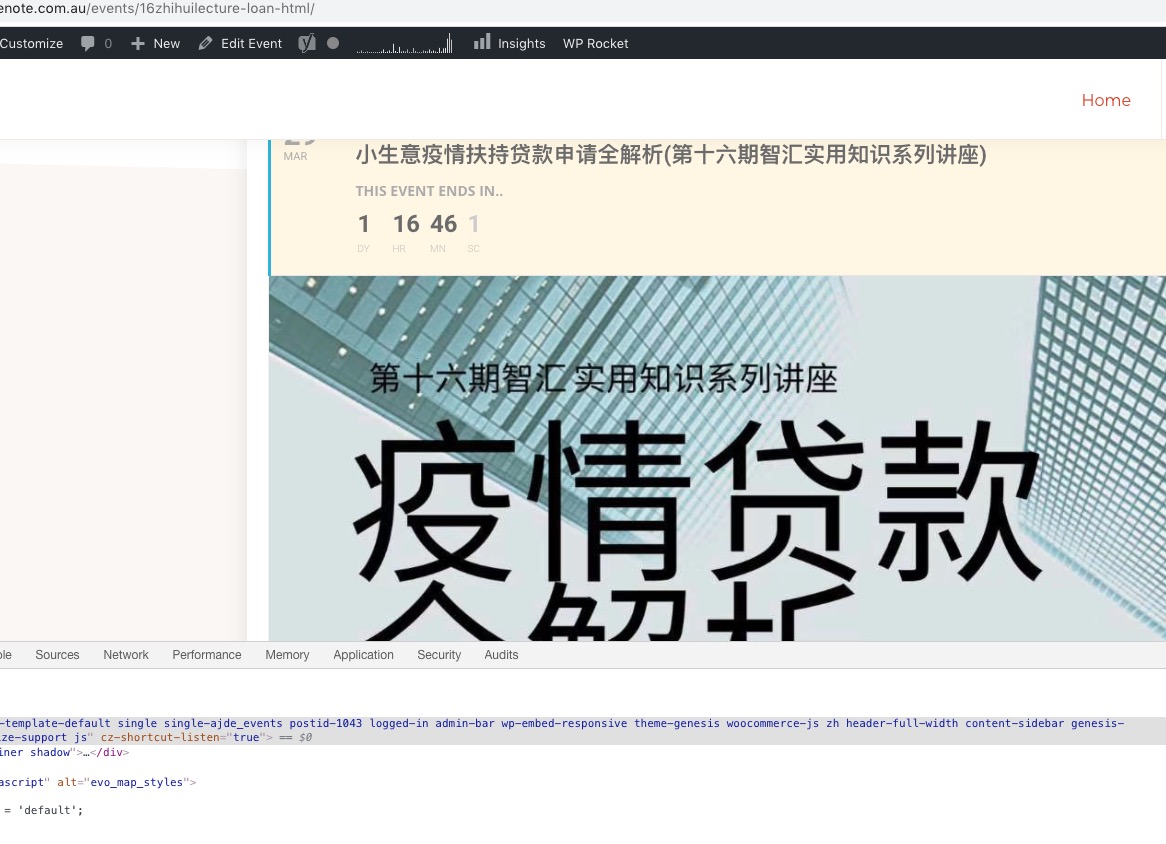
Please go to Edit Event > Event Image > press Set Event Image > assign Featured Image.
Ok, now i have change the role on wp-admin. You are admin.
Hello,
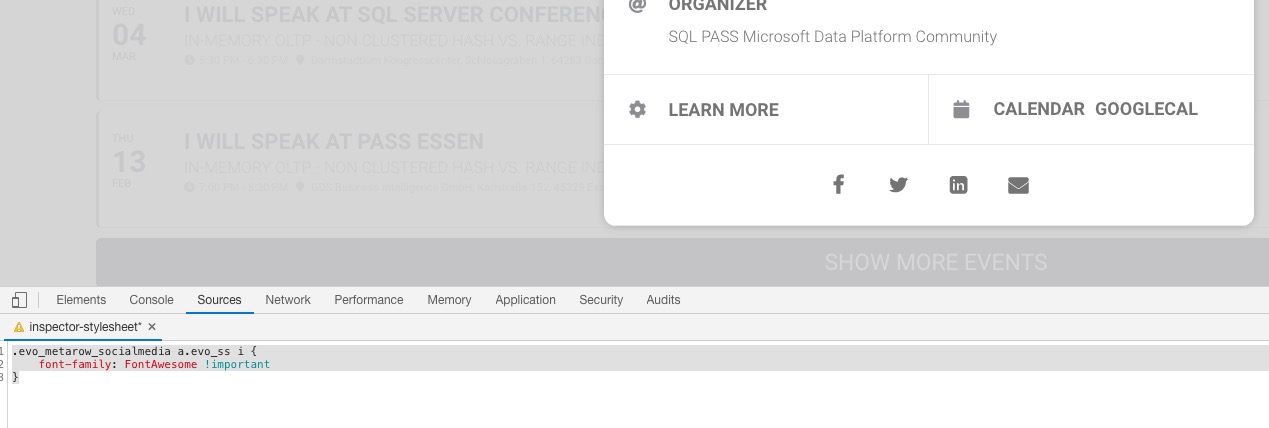
Please add this CSS code to EventON > Styles (If you can’t see any change, EventON > turn off Write styles to header > save settings > turn on Write styles to header):
.evo_metarow_socialmedia a.evo_ss i { font-family: FontAwesome !important }
Hi, we just need any randoms numbers or seat unique number… what you can do. we need this because VAT accounting. Every PDF ticket need an unique number. But what kind of number/numbers… thats doesnt matter. do what you can 🙂
Hello,
Please check https://docs.myeventon.com/documentations/setting-up-repeating-events/. Now you can add hide_mult_occur=”yes” to the shortcode to hide events from showing more than once in between months.
Hello,
1. & 3. For repeating events the only option is to follow https://docs.myeventon.com/documentations/setting-up-repeating-events/ > Custom Repeats > remove canceled event.
2. If we try to delete a custom repeating event, the RSVP plugin moves the RSVP attendees to a different event (it seems to be random) how can we prevent this from happening?
Please check for latest version of this software from here Your issue might be related to an older version you are running and we might have resolved this already in the newer version update. If you are on latest version of our software and the issue still persist please let us know.
Unfortunately, I cannot access wp-admin since it redirects me to https://www.segreteriagare.it/mio-account/. Could you give us admin access?
Also, the “<” and “>” are not lining up with the circles.