Ashish has accepted the job for 400
Archives: Replies
Replies for tickets on suppota
Reply to: tickets(169790)
Hello,
1. Please go to EventON > Appearance > Calendar Font family and Calendar Header, General Calendar,…
If you don’t see any change please go to EventON > turn off Write styles to header > save settings > turn on Write styles to header.
2. You can either go to EventON > Third Party APIs > Enable PayPal event ticket payments OR Install this add-on: https://www.myeventon.com/addons/event-tickets/ (try on http://dev.myeventon.com/wp-admin/)
Reply to: tickets(169780)
Hello,
Please go to wp-admin > Events > Event Location > Edit > enable Location Link Open location link in new window.
Reply to: tickets(169609)
May I try the instructions mentioned in this documentation?
Reply to: tickets(169752)
Hello,
Please enable Time and Location by following https://docs.myeventon.com/documentations/how-to-show-various-information-in-eventtop/
Please update EventON to 2.8.7.
To update eventon to latest version: If you are unable to do autoupdate, you can go to codecanyon your account > download and get the latest eventon version as zip file. Then you can go to your website, deactivate old eventon, activate (Do not delete eventon settings & data when EventON is uninstalled) from eventon settings, delete old eventon, install new one and activate. This link will further explain the process it. Also you can follow us on twitter to get real-time announcements on updates!
Reply to: tickets(169755)
Hello,
No issues from my side:
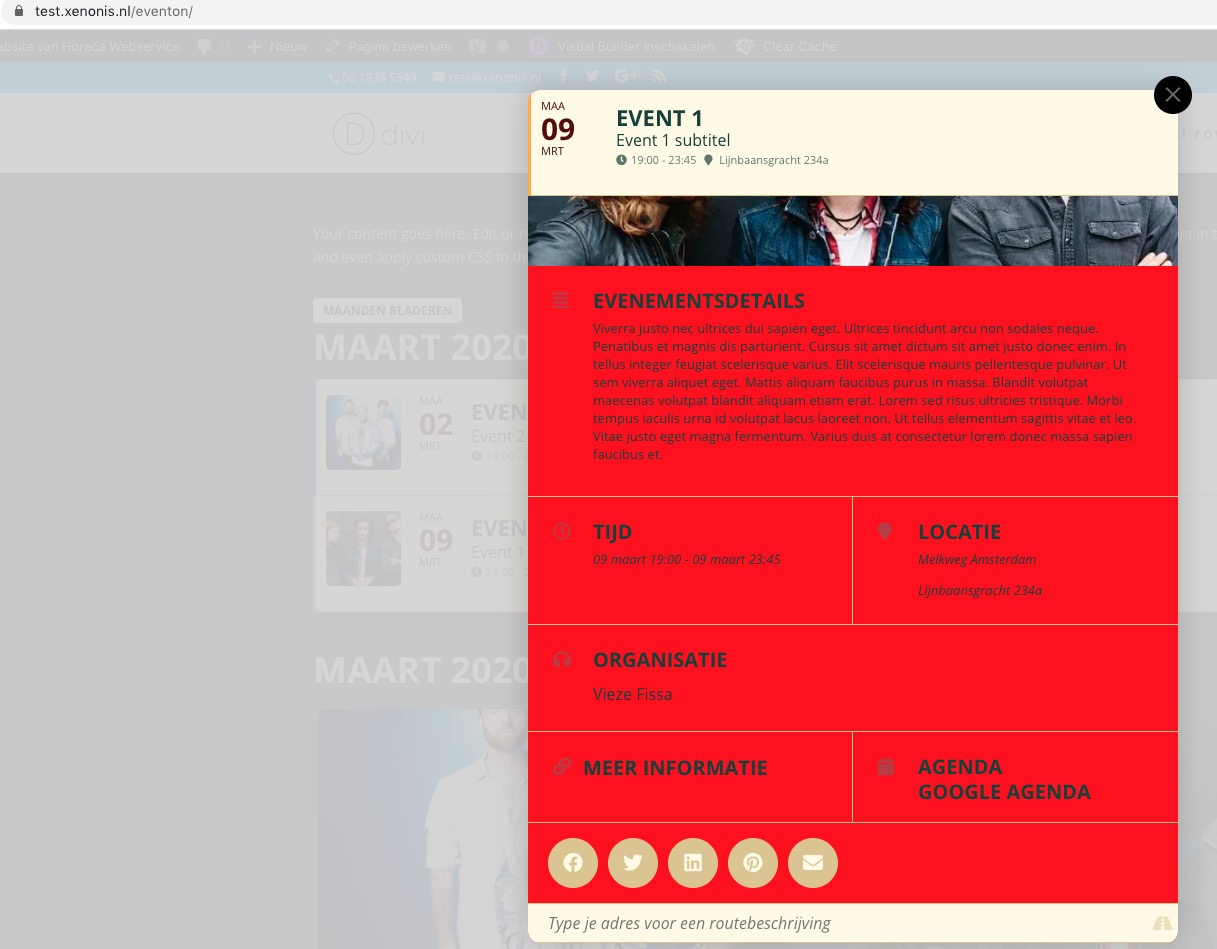
Could you clean your cache and send us a screenshot?
Reply to: tickets(169268)
Hello, any news on this matter?
Reply to: tickets(169366)
The question: How can we add a free registration option for unlimited attendees? If you like the webinar, register and you’ll receive an email with the webinar URL
Please use this add-on: https://www.myeventon.com/addons/rsvp-events/
Reply to: tickets(169588)
Sharon Shima,
Could you create a separate ticket with login info for us to check?
Reply to: tickets(169588)
Hello,
Unfortunately, I cannot access wp-admin:
This site can’t be reached
kelly.gvrcweb.esc-atsystems.net took too long to respond.
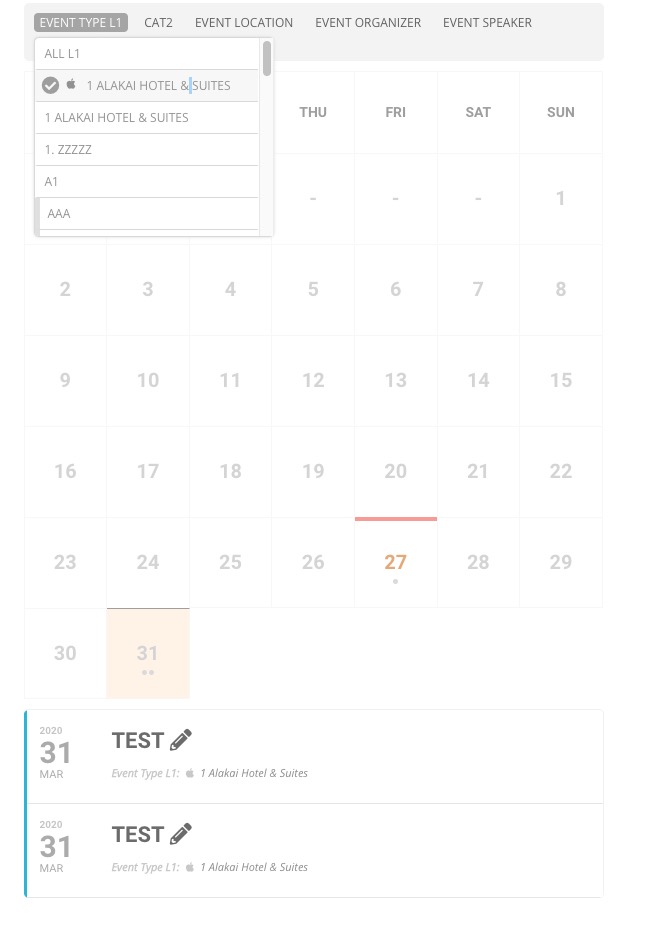
No issues on our test server: http://dev2.myeventon.com/21107-2/ > go to filters > press Even Type L1 > 1 ALAKAI HOTEL & SUITES: