Please check shortcodes on this page: https://practoraat-cre.nl/1685-2/. I created these shortcode following “Mar 19,2020 AT 2:50AM – Posted 4 Days Ago – #168677” message:
8 events: [add_eventon_el el_type=”dr” start_range=”2018/01/01″ end_range=”today” month_order=”DESC” event_order=”DESC” event_count=”8″ event_count_list=”yes” ]
5 events: [add_eventon_el el_type=”dr” start_range=”2018/01/01″ end_range=”today” month_order=”DESC” event_order=”DESC” event_count=”5″ event_count_list=”yes” ]
Could you check if they are correct so I can transfer them to Homepage and Agenda.
https://bdlalpesnord.fr/wp-admin/admin.php?page=eventon#evcal_005 > Google maps API Key (Required) is empty. Could you create a key and then add it? Please follow https://elfsight.com/blog/2018/06/how-to-get-google-maps-api-key-guide/
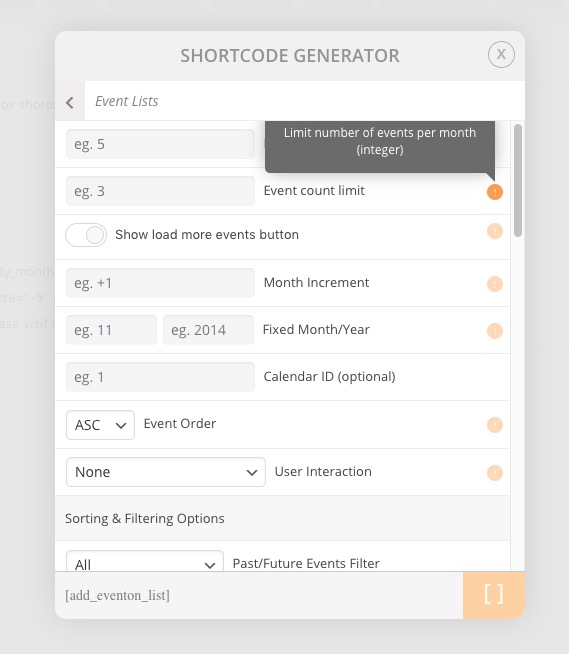
We fixed this in the most recent version. If you go to Shortcode Generator and check Event count limit’s description you see that this option applies to each month and not to the whole list:
Unfortunately, you cannot remove it, you can only change EventOn Event Post Slug. However you can try to restrict access by following this or similar guide: https://herothemes.com/blog/restricting-access-wordpress-pages-creating-members-area/
It seems that it’s working for this event: http://aim.muuz.ca/wp-admin/post.php?post=449&action=elementor
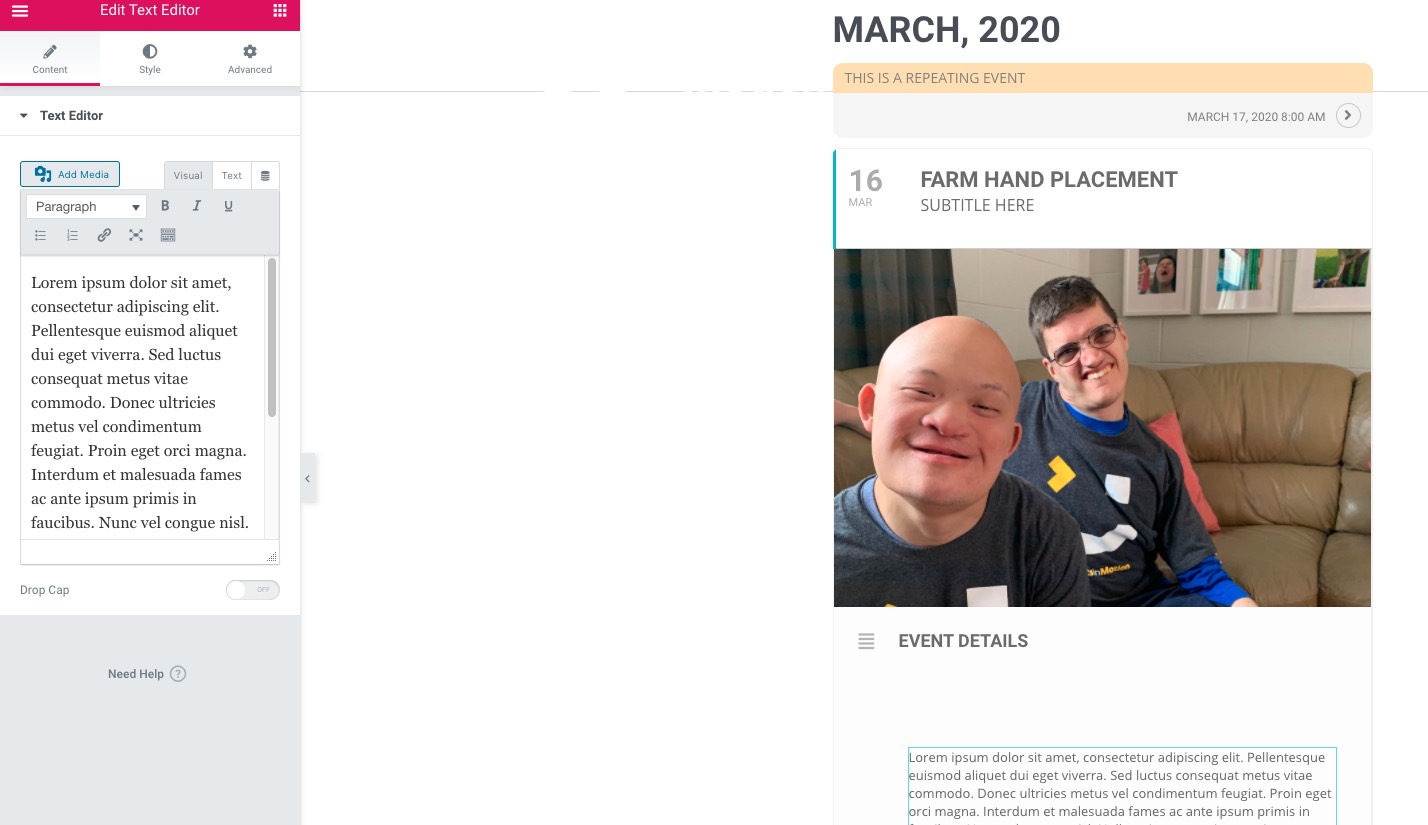
Unfortunately, EventON doesn’t have a direct compatibility with Elementor so there are can be issues. Could you try following this guide: https://docs.elementor.com/article/56-content-area-not-found?
and suddenly the block with horizontal timeline is broken since i installed that new plugin.
It should look like https://practoraat-cre.nl/resultaten/
Hello, i now have purchased the version.
Home (https://practoraat-cre.nl)
Can you help me out with the latest 5 events on the homepage without the month-title?
Suddenly they all are showen (?). The code on this page is:
[add_eventon_list number_of_months=”24″ event_past_future1=”past” month_incre=”-24″ hide_empty_months=”yes” hide_mult_occur=”yes” event_order=”DESC” hide_month_headers=”yes” event_count=”5″ ]
Agenda (https://practoraat-cre.nl/agenda/)
The evenst etc. are good but in the wrong order. The code on this page is:
[add_eventon_list number_of_months=”24″ event_past_future1=”past” month_incre=”-24″ hide_empty_months=”yes” hide_mult_occur=”yes” event_order=”DESC” hide_month_headers=”yes” ]
hi
this is for wordpress
https://bdlalpesnord.fr/wp-admin/
login: bdlalpesnord@gmail.com
pwd: **bdlalpesnord@73100**
this is for my account, for api google, i test it , work…
https://console.cloud.google.com/
login: bdlalpesnord@gmail.com
pwd: **bdlalpesnord73**
username:eventondev
Pass: fpW1xtW^m1tzyAdG^%ULKa0S
You are not correct.
You can see on my page www.1200derece.com (homepage) it’s working like how it should work!
I use the shortcode that i shared before with 2.8.5.
If you mean you should pay to use some features with the new update. It’s not fair.