Hi,
There is an option to add a link but it will not show as an icon and there is no option to to do that from settings.
The best way to do that will be to do what Artem suggested above. You will need to add the custom code given in the documentation.
https://docs.myeventon.com/documentations/how-to-add-new-social-share-icons/
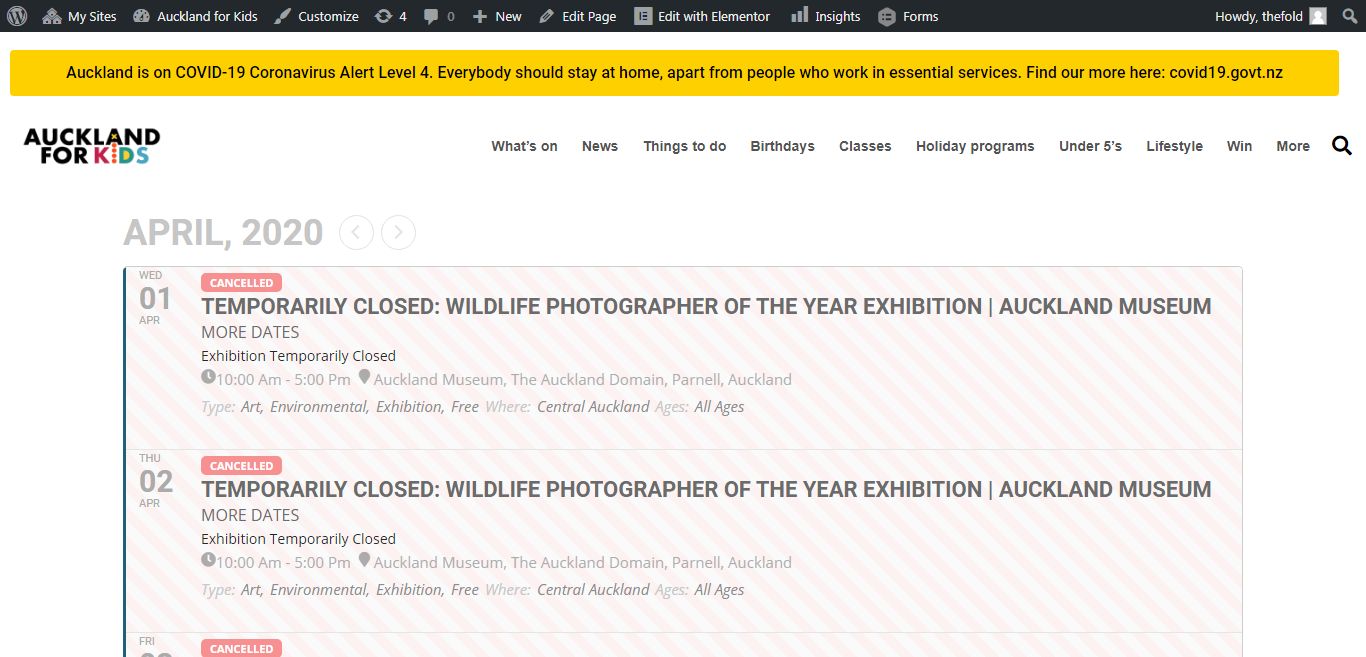
I am not sure how the page is supposed to look like but it doesn’t look broken. everythng looks normal and I don’t see the error you mentioned.
the event category ‘city’ has colors.
so the legend would be:
Alameda (green dot)
Berkeley (blue dot)
NorthShore(yellowdot)
etc…
make sense?
like the legend on a map -tells you what the colors stand for. otherwise, it’s nice to see the different colors but they won’t mean anything to people.
Can you explain a little more what you are trying to achieve? maybe an illustration? what do you mean by color legend?
I just inserted a text block and eventon shortcode. Not sure if it is broken. I will check.
But where are you seeing the error?
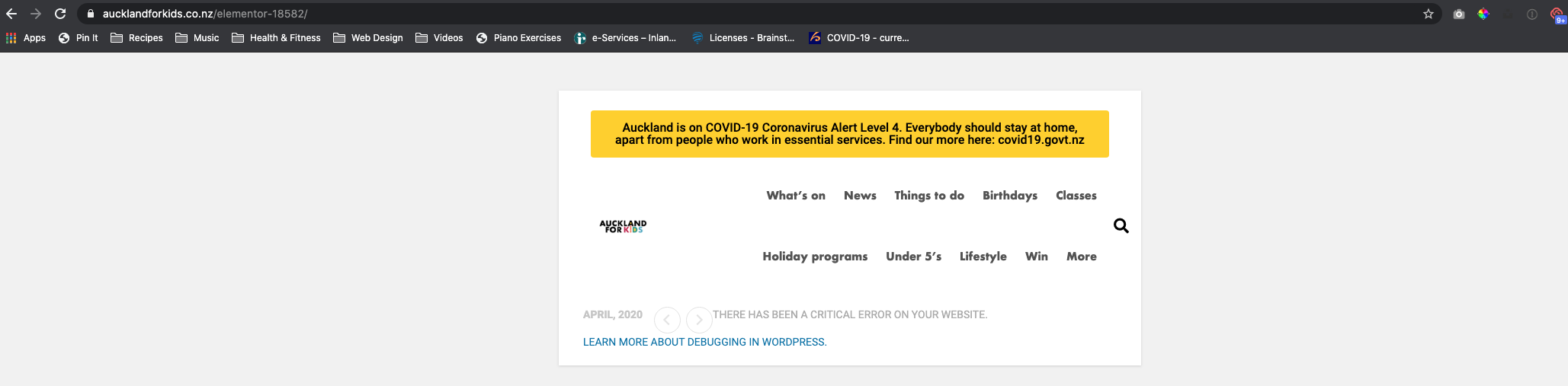
I opened the page you created and it’s broken, so not sure how you can’t see that it’s broken.
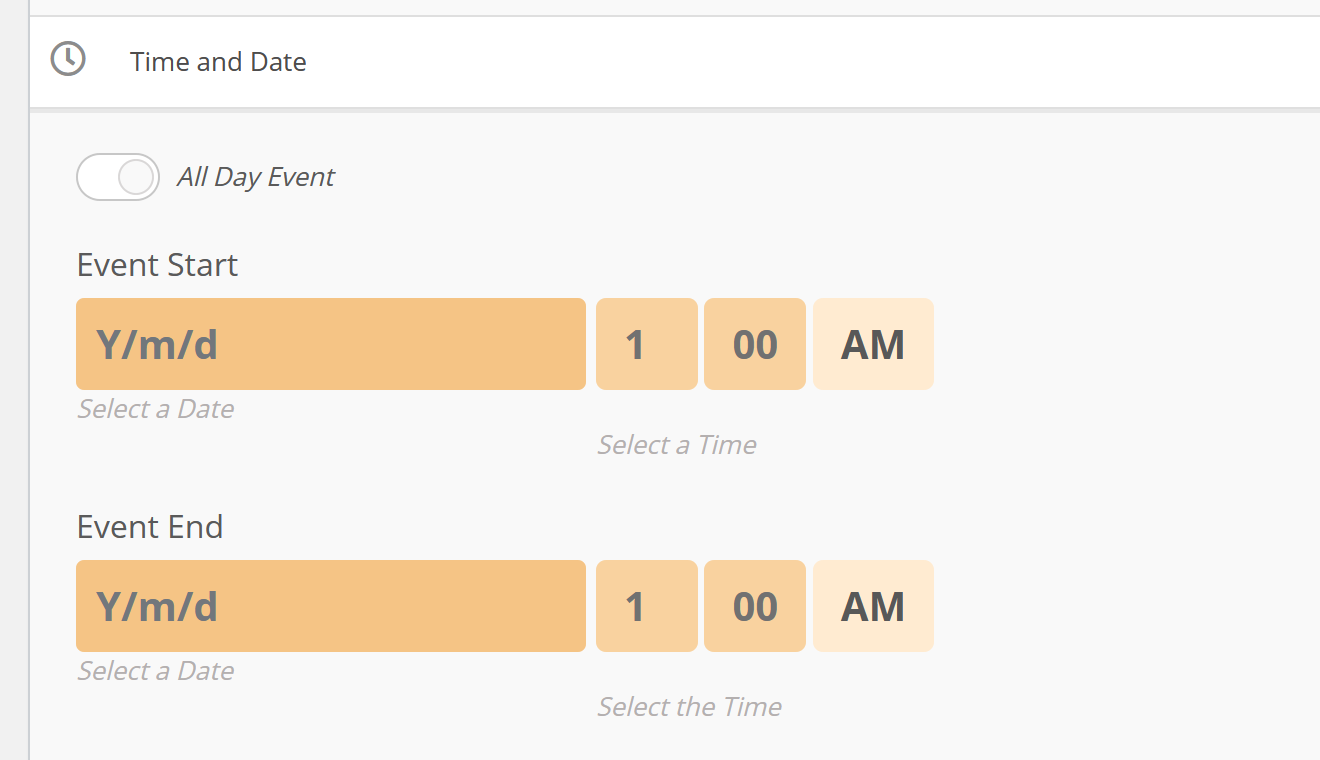
We have updated to version 2.8.8 but the problem is still present.
- I create an English event
- I duplicate the event in french with WPML duplicate
- I do translation with WPML
- The Event Start and Envent End are not copied in the French event (see image in attachment)
Thank you
Luc
We just wanted to send one last update for today. The filtering is now working, as well as events showing on landing, with some additional changes to the shortcode in use.
We’re still seeing though, due to there being such a large volume of events per month in this particular application, really really long query times. Can these queries be cached, so we can try to get the load under 3-4 seconds instead of 15+ seconds for each request containing one of the categories that have tons of events?
How would it then show in the tile view?
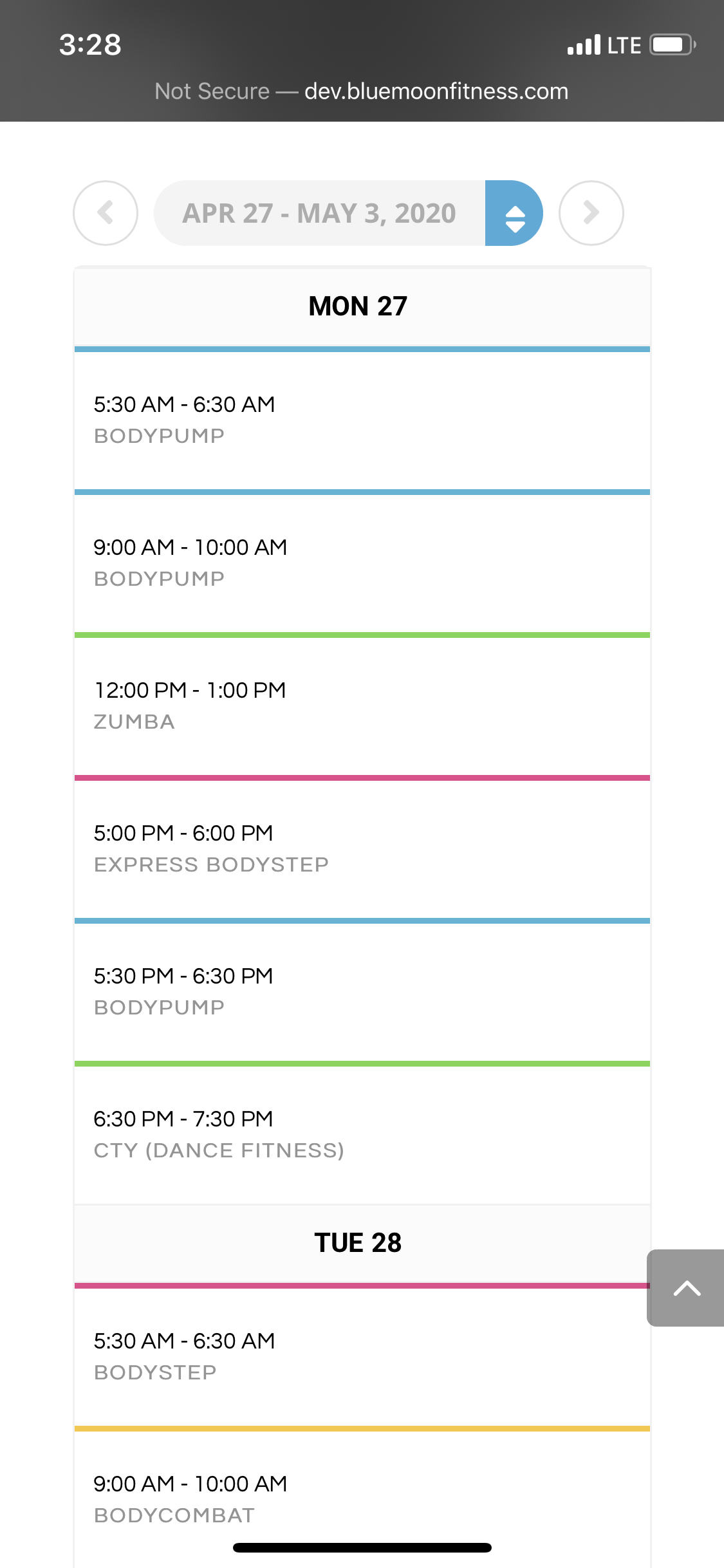
Please advise— I added the !important; to the css for the class name for the size and color but it is still not showing as intended: EVOWV_content.wk_1 .evowv_col_events .event {
padding: 20px 10px;
display: block;
font-size: 16px !important;
line-height: 1.3;
margin: 0px;
cursor: pointer;
text-transform: uppercase;
font-weight: bold;
color: #000000 !important;
border-top: 3px solid;
}
yes, all styles and customizations possible were made in the Styles options of the EventON settings— it did not have an effect on these specific titles.
The color of the time slots changed but I can’t confirm if the font size increased, the class name didn’t not change in size of color.