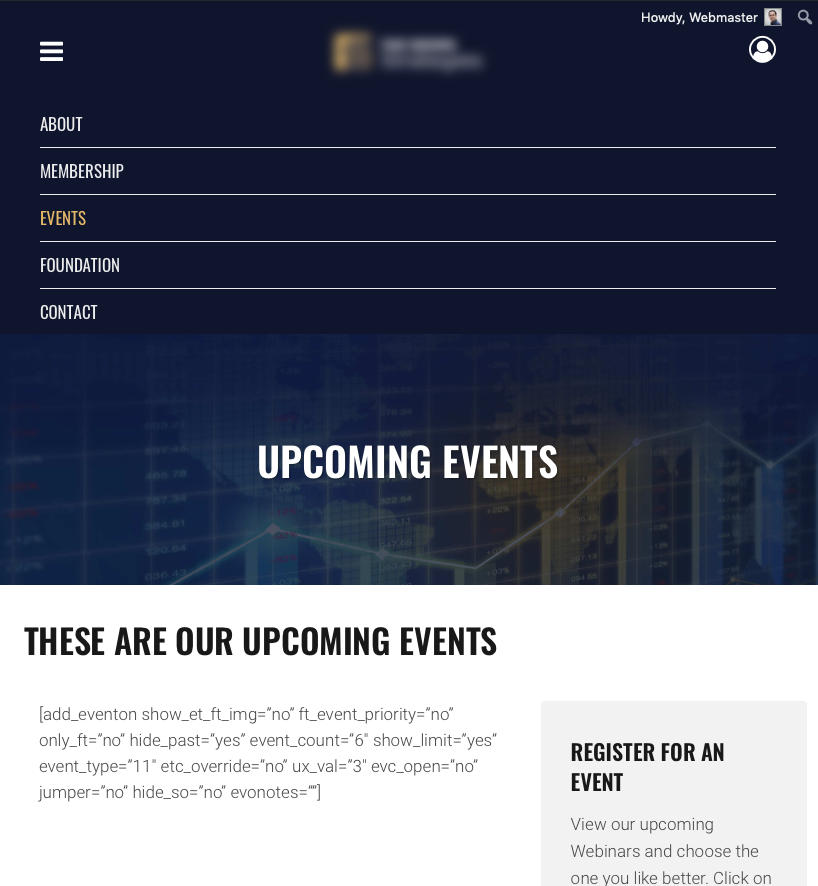
I found an unexpected bug if I use your plugin with my Theme (Bridge)
https://themeforest.net/item/bridge-creative-multipurpose-wordpress-theme/7315054
If Activate your plugin my Mobile menu stops working correctly.
When I click on the three left bars to activate the menu ( the links scrolls down) but it just bounces right up and won’t let me select and click in the links. , they are inaccesible.
If I deactivate your plugin I can access the links again and the menu works correctly.
Note: This is the fist time I’ve had this problem with the Bridge theme and any third party plugin.
Any suggestion/setting I could try so the calendar plugin won’t interfere with my Mobile menu?
Hello.
• I turned on the Dynamic style option (it was off). But the problem persists.
• I turned it off and on again and saved it but still No color changes are applied.
• We have the latest plugin installed. 2.8.8
Any other suggestion to fix this problem?
Hey Basilis,
Yes, sure. My email is iwan@eone.com.au
Thank you – I can’t wait to see it : )
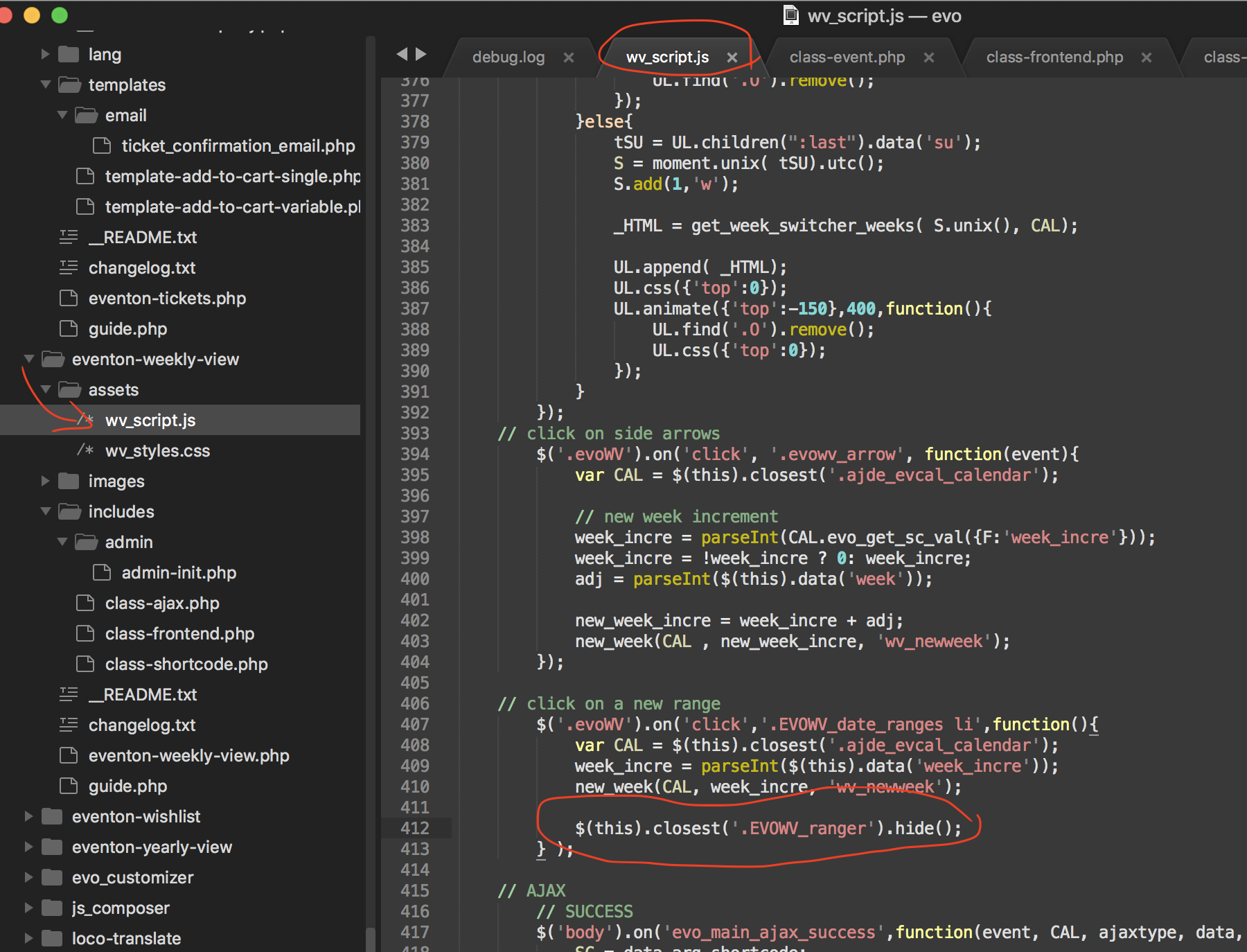
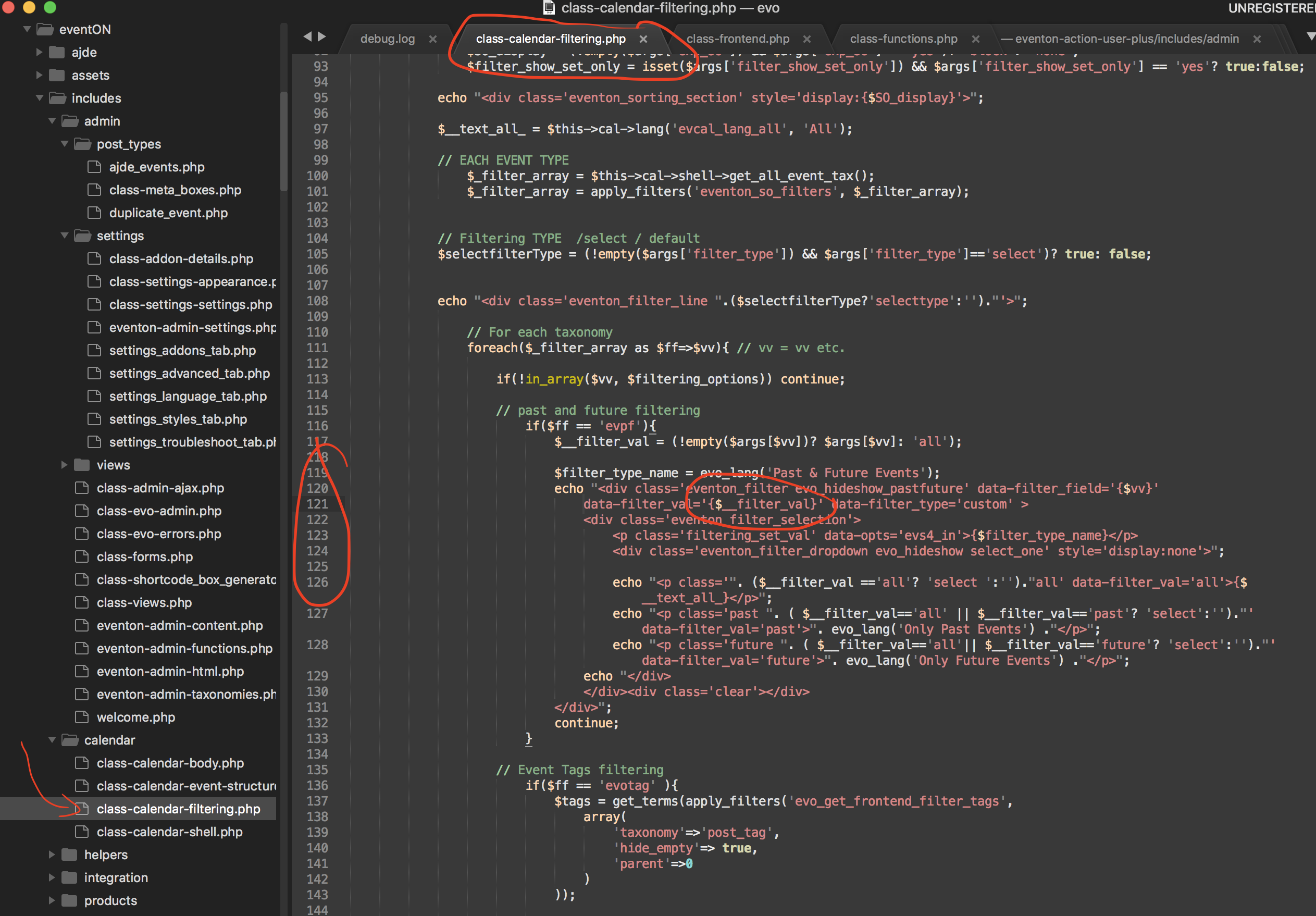
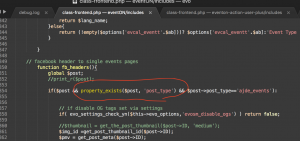
either case here is a patch fix to hide the menu after it is clicked 🙂
Now that I think about it, the way you mention is better to hide the menu after it is clicked.
Thank you very much for pointing that to us Randall!
If you have a moment, we would greatly appreciate if you could kindly leave us a review at codecanyon! from your account > downloads. Cheers!
Hello Randall, if you please pay attention the week menu only stays on as long as the mouse is there as soon as you move the mouse out it goes away. Do you think it would be weird to select a week and then week menu disappear and have to select it again?
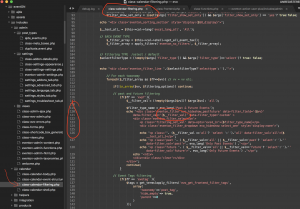
hello laurent there are several files that will need to be updated to resolve this issue. If you dont mind sending me wp-admin access to your site with plugn editor enabled i can add those code changes to your site. https://docs.myeventon.com/documentations/how-to-enable-plugin-editor-for-wordpress/
if not we will get these code changes added to eventON and will release an update soon
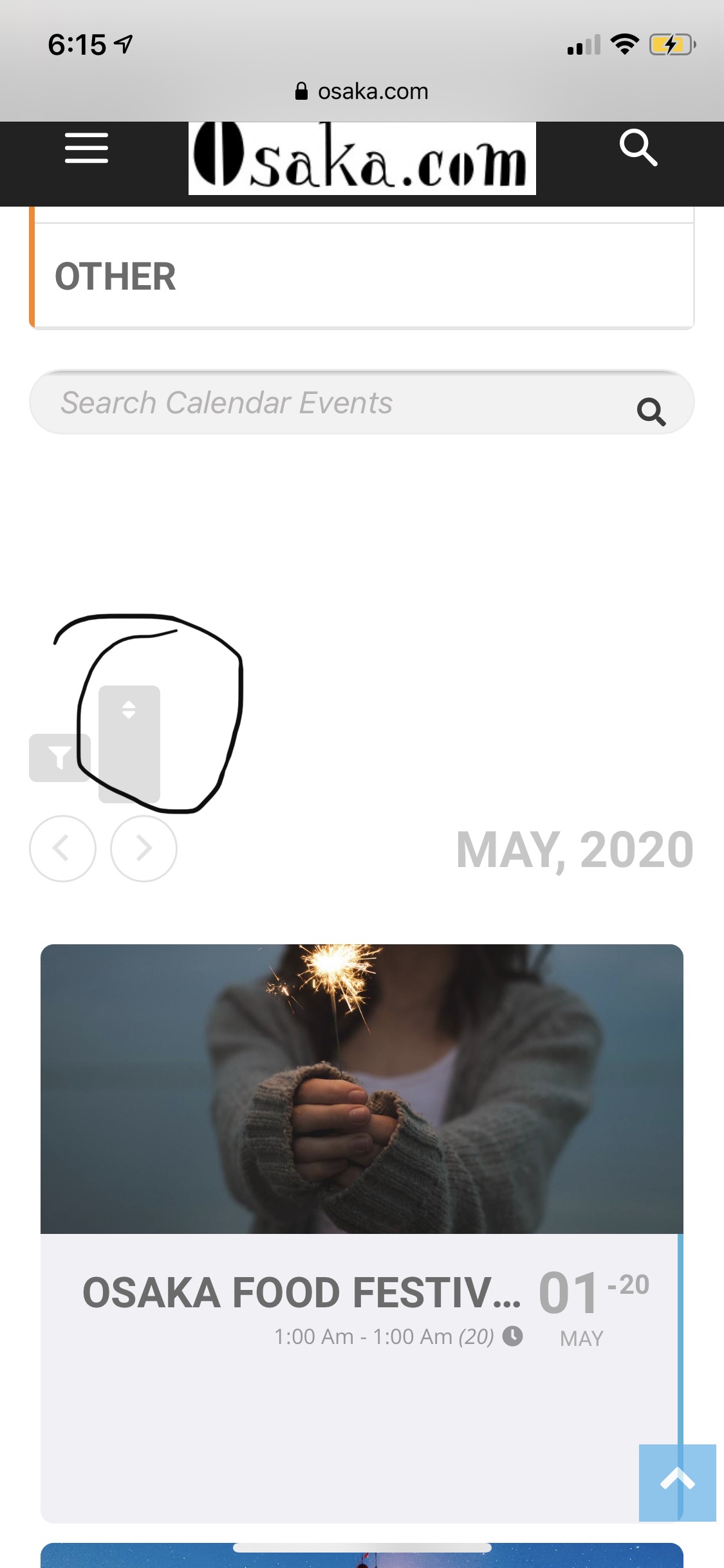
Hi, please take a look, the icon display size is still wrong
thanks
I am also getting 403 forbidden error still.
try this patch fix and see if it will resolve the issue
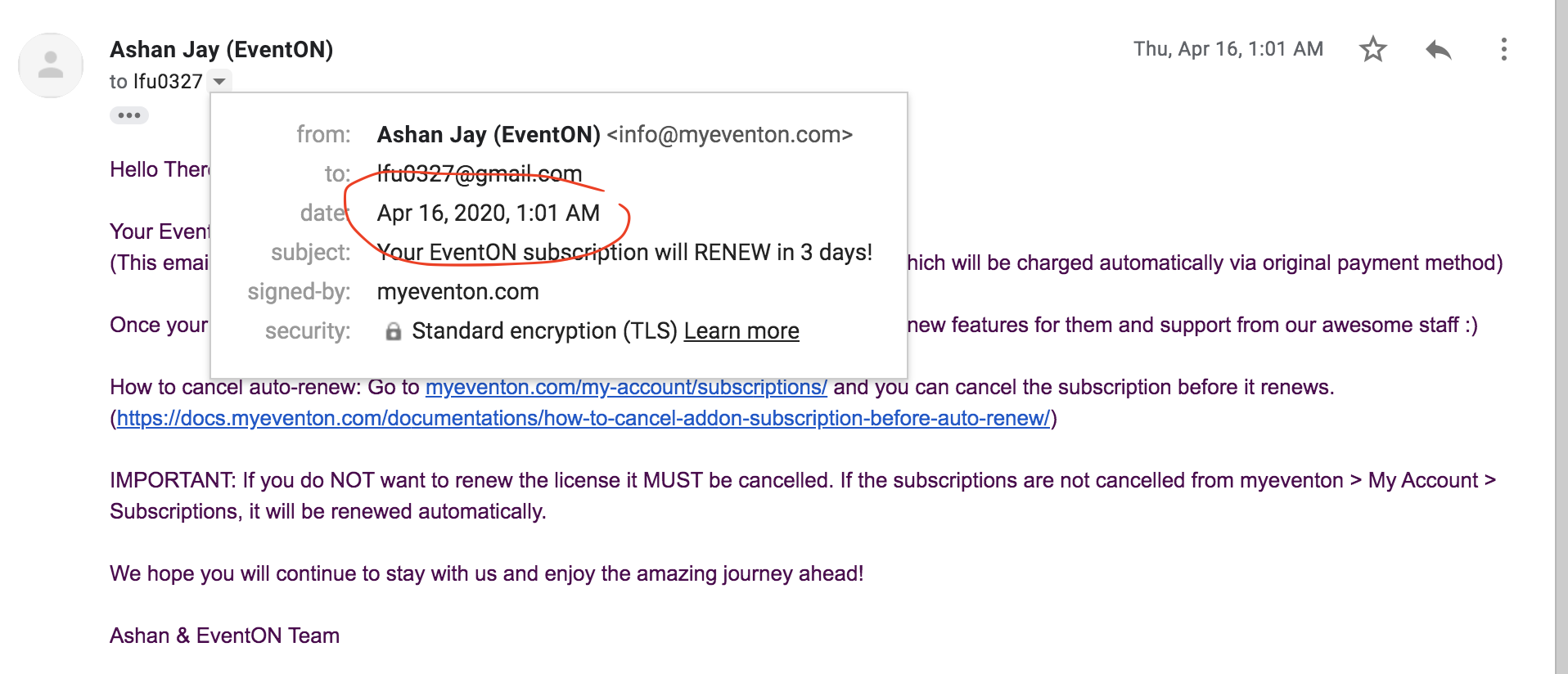
hello andy so this is a renewed order and it was auto renewed on 19th april but your refund request was on april 24th and we have sent you a reminder email to giving you option to cancel auto renewal on april 16th
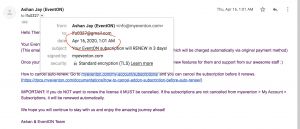
did you not receive this reminder email? according to our refund policy terms https://docs.myeventon.com/documentations/terms-and-conditions-and-refund-policy/ section 8 unfortunately you do not qualify for refund as a reminder was sent out allowing you time to cancel unwanted renewals and it was not done so during that time.
I am sorry andy these are the terms we operate our business on and it was agreed upon during the checkout.
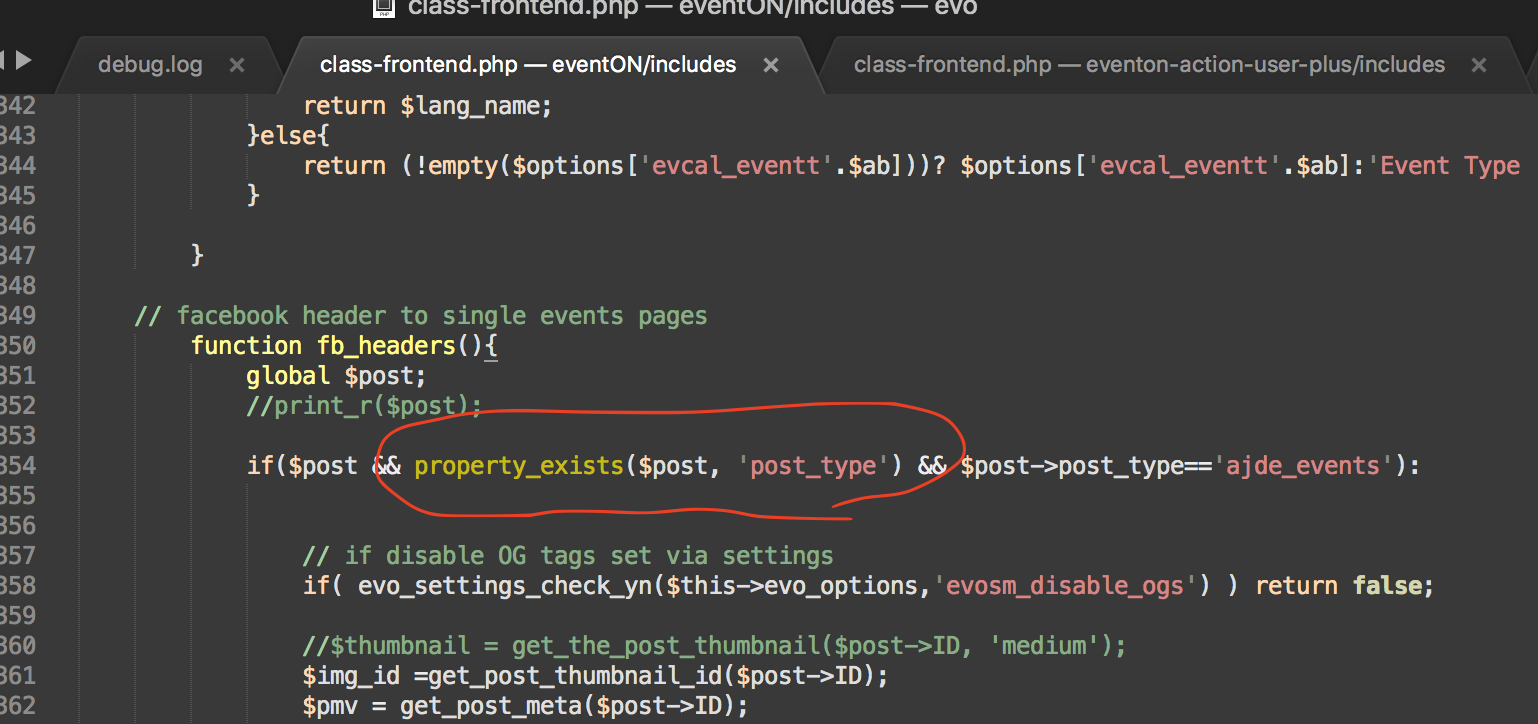
Milko thank you very much for letting us know of this. Here is the patch fix for this issue.