Thanks, it worked after turning “off” and “on” the Write styles to header Option
Archives: Replies
Replies for tickets on suppota
Reply to: tickets(168737)
Hello,
Please go to Edit Event > enable Hide End Time from calendar.
You can also update EventON to 2.8.6. Before update please backup EventON’s data.
To update eventon to latest version: If you are unable to do autoupdate, you can go to codecanyon your account > download and get the latest eventon version as zip file. Then you can go to your website, deactivate old eventon, activate (Do not delete eventon settings & data when EventON is uninstalled) from eventon settings, delete old eventon, install new one and activate. This link will further explain the process it. Also you can follow us on twitter to get real-time announcements on updates!
Reply to: tickets(168632)
This is unfortunate, but thank you for looking into it. I’ll add this to a feature request.
Thanks again
Reply to: tickets(168735)
Hello,
I cannot find EventON on this page: https://ripontriathlon.co.uk/events/
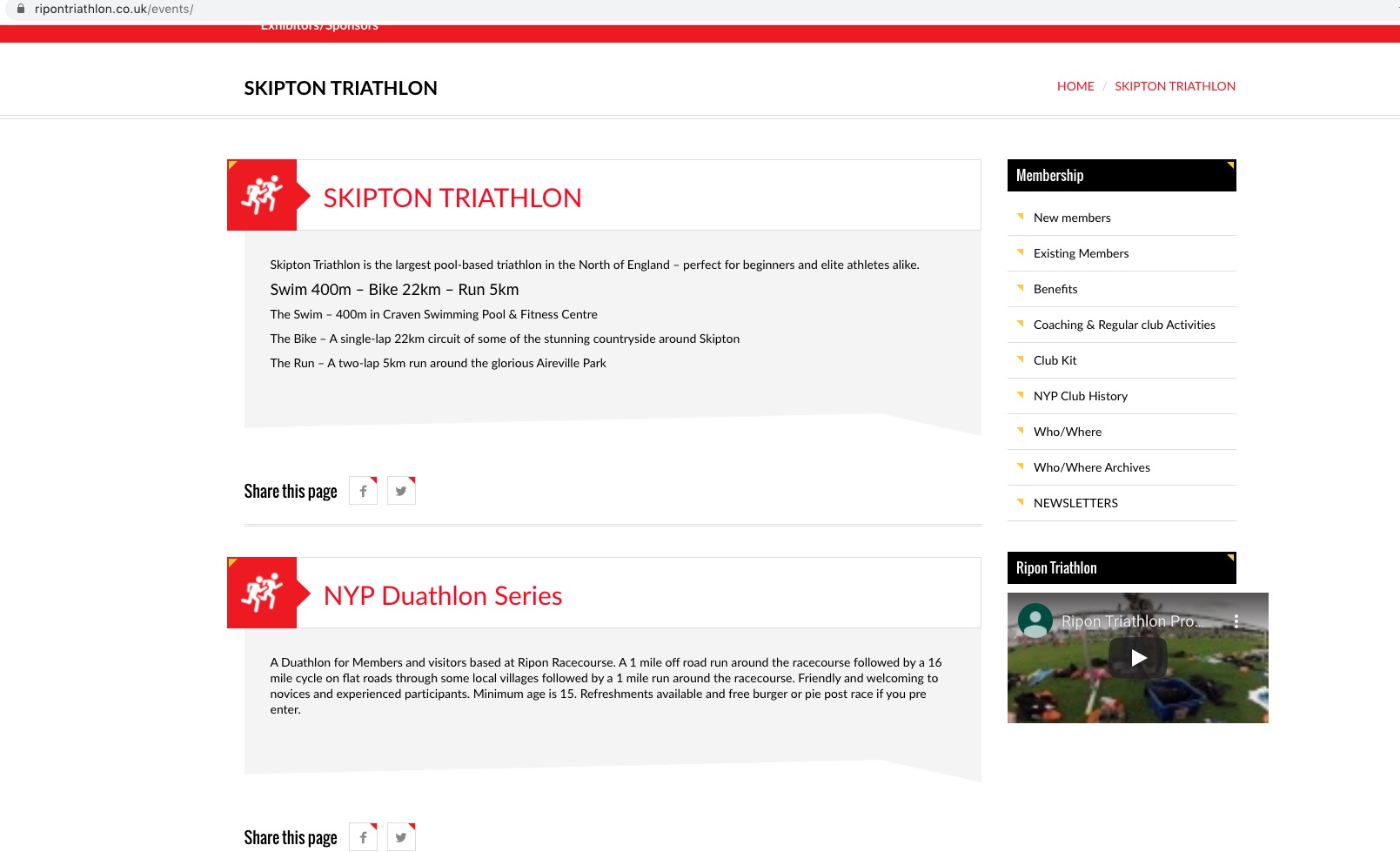
Could you send us a screenshot?
Reply to: tickets(168731)
too sad. it was a general question
Reply to: tickets(168731)
Hello,
Unfortunately, you can’t. Please let us know which one would you like to change so we can help.
Reply to: tickets(168729)
Hello,
Could you update EventON to 2.8.6? Before update please backup EventON’s data.
To update eventon to latest version: If you are unable to do autoupdate, you can go to codecanyon your account > download and get the latest eventon version as zip file. Then you can go to your website, deactivate old eventon, activate (Do not delete eventon settings & data when EventON is uninstalled) from eventon settings, delete old eventon, install new one and activate. This link will further explain the process it. Also you can follow us on twitter to get real-time announcements on updates!
Reply to: tickets(168717)
Hello,
It seems there is an incompatibility issue with the theme. Please add this CSS code to EventON > Styles (If you can’t see any change, EventON > turn off Write styles to header > save settings > turn on Write styles to header):
.evo_metarow_socialmedia a.evo_ss i { font-family: ‘evo_FontAwesomeS’,’evo_FontAwesome’,’evo_FontAwesomeB’ !important; }
Reply to: tickets(168632)
Unfortunately, you cannot hide “Calendar” button in Lightbox with Event Type 3. Please use Event ID and this code instead:
.event_204_0 .evo_metarow_ICS { display: none !important }
204 is Event ID you can find in wp-admin > Events > Edit Event: http://mw.modernation.com/wp-admin/post.php?post=204&action=edit
Reply to: tickets(168561)
This button will allow users to go back to view all events on the map once they have zoomed in on an event.
Please add this CSS code to EventON > Styles (If you can’t see any change, EventON > turn off Write styles to header > save settings > turn on Write styles to header):
a.evo-mapfocus { display: none !important }