To show past/upcoming events in one list with Event Lists please follow this guide: https://docs.myeventon.com/documentations/how-to-show-past-events/
Please check this test page: https://practoraat-cre.nl/1604-2/
To show “latest event on top” in the list with past events please use Event Lists: Ext shortcode (https://www.myeventon.com/addons/event-lists-extended/) with this option: month_order=”DESC”
and shortcode do i need for the page ‘Home’
You can either use this shortcode [add_eventon_list number_of_months=”12″ hide_empty_months=”yes” event_past_future=”future” ], but the problem is that you cannot show only 5 events overall. You also can use Event Lists: Ext shortcode:
[add_eventon_el number_of_months=”12″ event_count_list=”yes” event_count=”5″ month_order=”DESC” ]
Try on http://dev.myeventon.com/wp-admin/
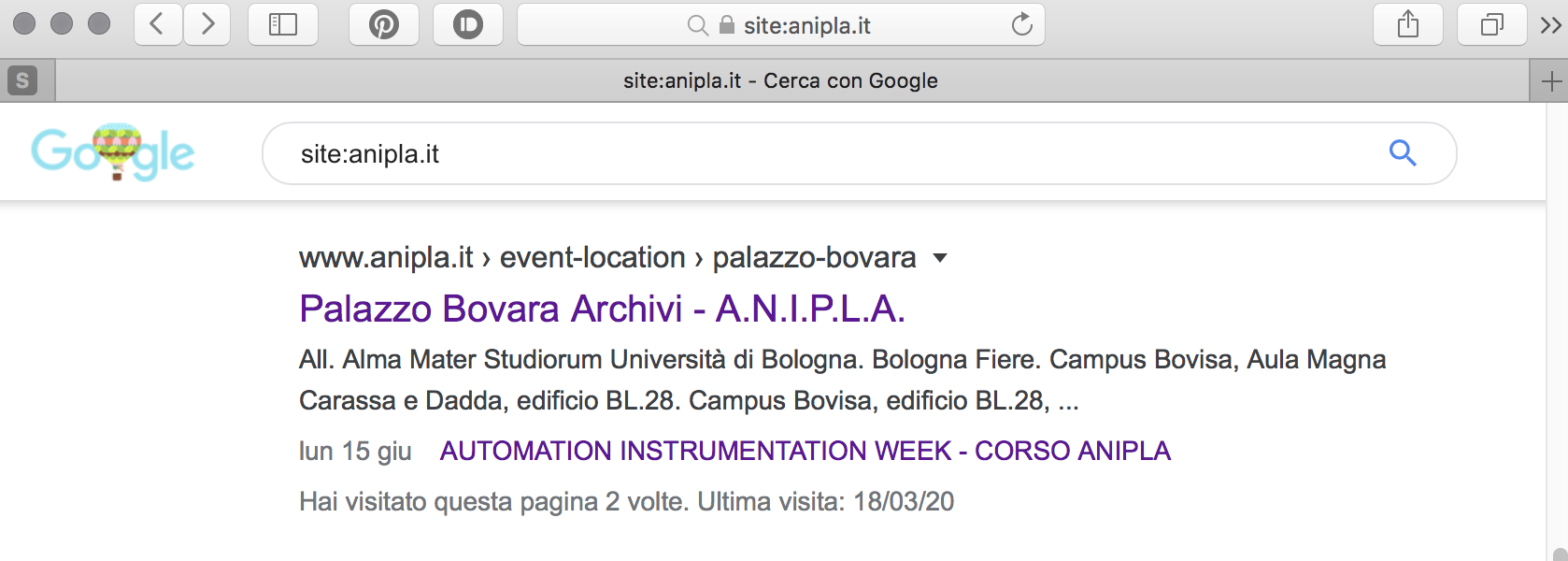
The best solution is to follow https://docs.myeventon.com/documentations/customize-location-organizer-archive-page/ an use your theme’s 404 page. This way Google thinks that Location and Organizer Pages and removes them from Search Results.
Please use this code for Organizer Page.
.tax-event_organizer .content-area {display: block !important;width: 100% !important;flex: none !important;padding: 0 !important;max-width: none !important;} .tax-event_location .main-content { display: block !important; }
I wold like to avoid the big one (green arrow).
Only got this one: https://helpdesk.ashanjay.com/wp-content/uploads/2020/03/Schermata-2020-03-19-alle-11.47.23.png. Could you send another image?
Ok, you said to avoid indexing, and it was the first I did, but post are real and still stay there.
After some time Google deletes it.
Also, the styleing on the countdown seems to not be present. Older versions had a different styling.
Additional Information:
I don’t not have control the server. It is managed by a third party … they responded to my ftp request as follows:
“you can either send the files over or have the plugin developers send the updated zip file that can be updated through the GUI.”

i found about select organizer, and edit to change,
if we don t select
Allow creating new and
Allow creating new
it don t work
on frontend we can t see icon edit or delete event
on backend you can t select hide event pas current or pas today
on backend we can t see icon organizer capacity
The Administration User is EventsOnDev pw Ev3ntondev2020 (I used noreply@myeventson.com as the email)