Hello Artem,
works fine now, thanks.
What about the “All Map” button below the map? It doesn’t seem to do anything. Can I hide it?
Replies for tickets on suppota
Hello Artem,
works fine now, thanks.
What about the “All Map” button below the map? It doesn’t seem to do anything. Can I hide it?
Since this site is under development, it has to be password protected.
The password to view the site is: blasscomdev
Again, if needed i can pay for assistance.
Hi,
thanks for fast reply.
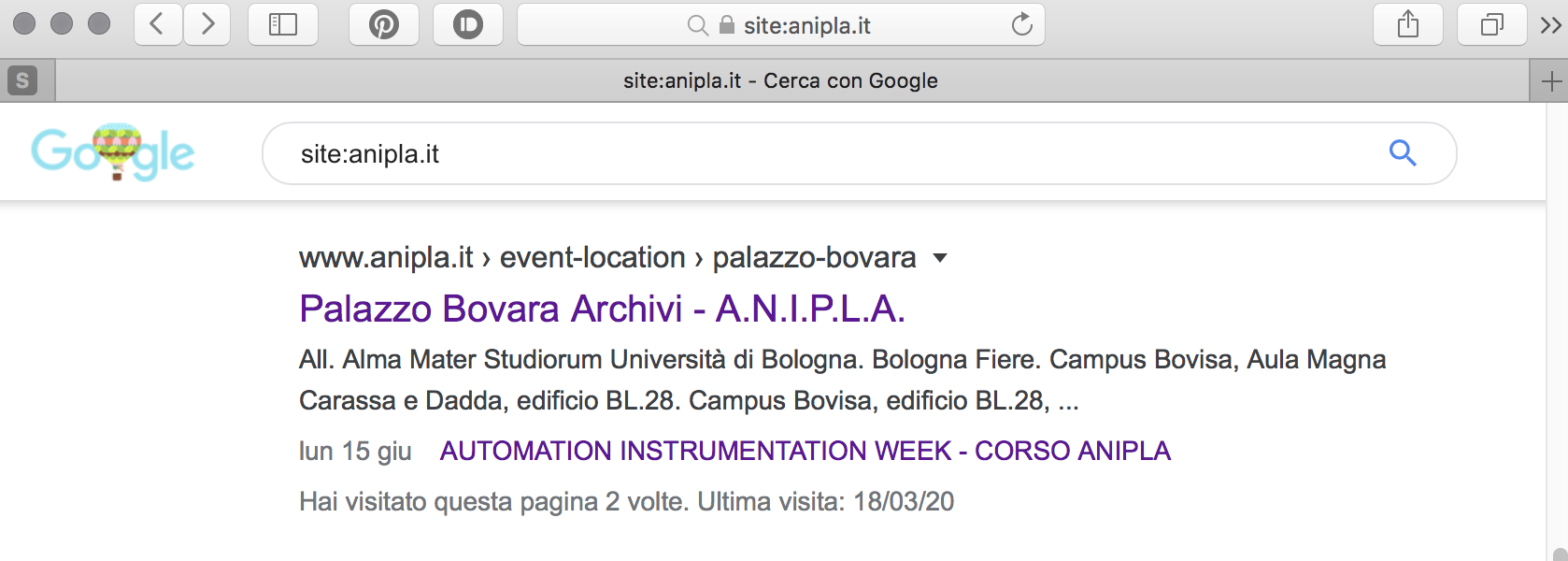
Yes, I know it’s possible to avoid google to index it. I’m already use Yoast for this purpose.
Any way, it’s not to easy, any time i create an event (and add an event location) to open Event location and set Yoast no index. Perhaps you know a way to do it for Event Location and Event Organizer using a default setting for all this taxonomies?
Your CSS almost fix layout issue except for (please, look at attached file, green arrow) the repetition of Event i this location (Eventi in questo luogo). I wold like to avoid the big one (green arrow).
I would like to do the same with Event organizer post. The CSS you sent me works fine but only on Event location.
Thanks a lot, Giorgio
PS
I’m a little bit disappointed (to be honest your plugin is quite perfect) that it’s not possible to avoid Event Location and Event organizer post publication and I explain why.
My Event Organizers are big companies. They pay a lot of attention to any instance on the web where they ‘company name’ is published. So it was better not to generate new url but just use fields in the Event card/page.
Ok, you said to avoid indexing, and it was the first I did, but post are real and still stay there.
Hi, yes, we still need this!
Hello,
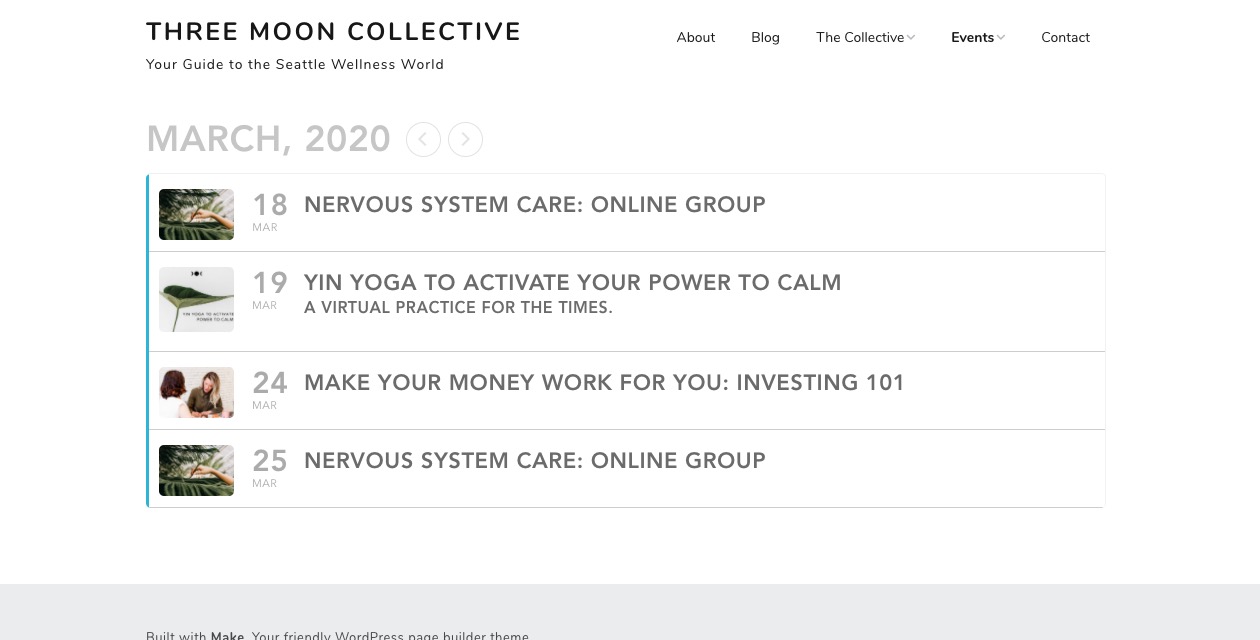
Please add this CSS code to EventON > Styles (If you can’t see any change, EventON > turn off Write styles to header > save settings > turn on Write styles to header):
.eventon_events_list .eventon_list_event .evcal_list_a { padding: 5px !important }
I edited this page so now it should work: https://threemooncollective.com/wp-admin/post.php?post=2762&action=edit&classic-editor
Please check and let me know.
Hello,
Thank you for your messages, I am going to assign this ticket to Ashish and he will be able to take it from here and find you a solution. Please allow some time for him to get back to you, we greatly appreciate your patience and thank you for being a eventon customer! Also please disable any IP blocking on your site if there are any.
Ashan,
Can we do something about this? Please check this guide from iThemes: https://help.ithemes.com/hc/en-us/articles/229846608-Why-can-t-I-Sync-my-site-
iThemes’ response: Mar 10,2020 AT 5:24PM – Posted 1 Week Ago – #167583
Also when i release this code into your’e testpage, nothing happens.
[add_eventon_list number_of_months=”24″ event_count=”10″ ux_val=”1″ event_location=”11″ hide_past_by=”ss” event_type=”10″ hide_empty_months=”yes” show_year=”yes” filter_show_set_only=”no” event_past_future=”all” ]
Please help me out!