https://dakotadiningdeals.com/bars-restaurants/botskis/
You can also see on this page that it is not working. It shows correctly only for the individual days if you click on it. As far as the quick edit, I was just getting confused as there are 2 places to put dates in there – I think one must be just the day you do it or something. It is something that does not show in the regular edit.
Individually yes, but Still doesn’t work if you see https://dakotadiningdeals.com/calendar-specials/
Wah … it’s very sad that now for every sneeze you still have to pay …
I planned to buy a calendar, will there be such an opportunity? So that the calendar for the current month shows both past and upcoming months
Hi Cheryl,
If we have no reply at this request in 1 day, I will have to close it.
Hi Omar,
If we do not have any reply on the ticket in a day, I will have to close this request.
Thank you
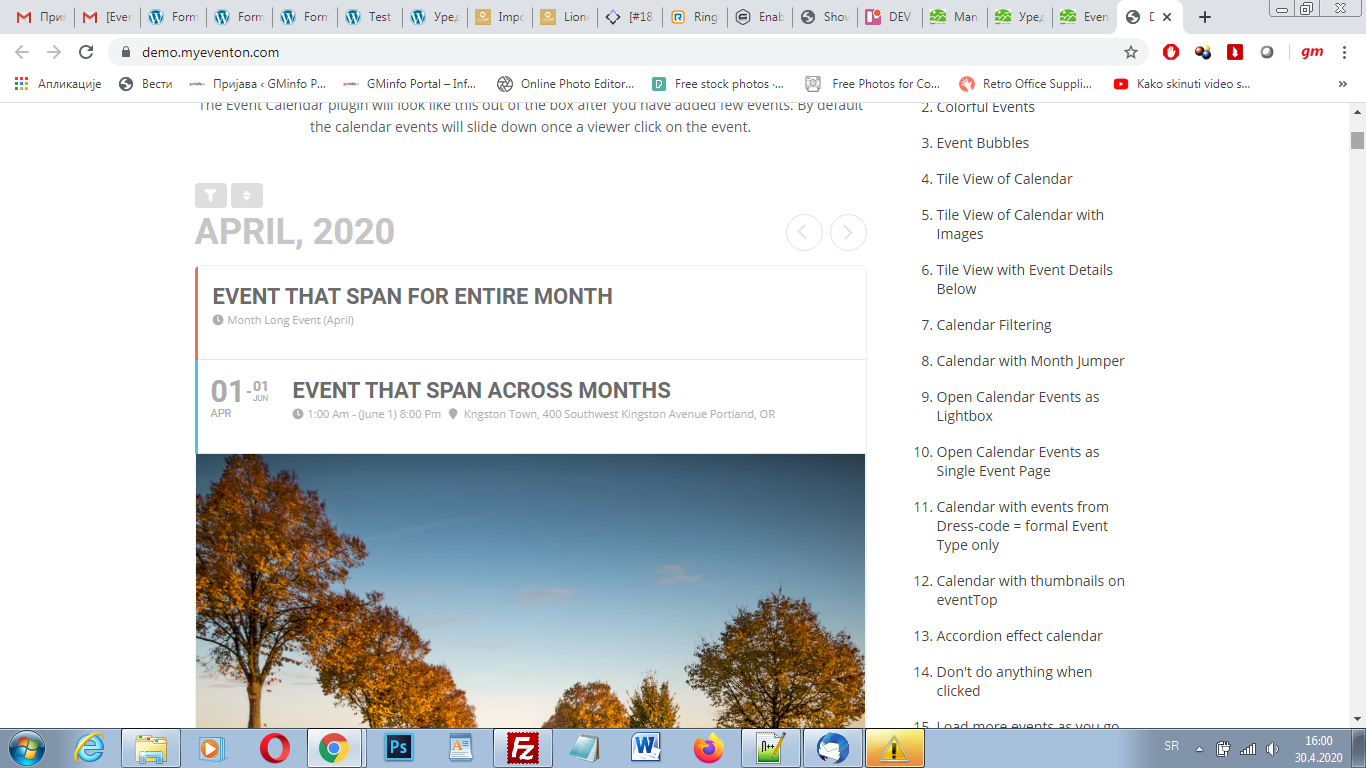
Thank you for your quick answer. Could you please send me shortcode that is used for displaying of the events just like on your demo https://demo.myeventon.com/
I want to have the same look as the first one at the top of your demo page.
Thank you in advance
Hello,
1. Please follow https://docs.myeventon.com/documentations/how-to-show-various-information-in-eventtop/
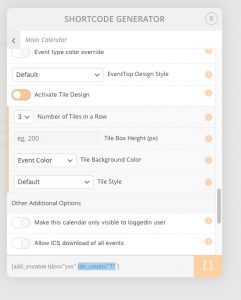
2. Pleas add this to the shortcode:
tile_count=”3″
You can find this option in Shortcode Generator:
Hello,
Could you check if the order id is correct:
#82149 completed
ActionUser Plus – Single Site
I am going to assign this ticket to Ashan and he will be able to take it from here and find you a solution. Please allow some time for him to get back to you, we greatly appreciate your patience and thank you for being a eventon customer! Also please disable any IP blocking on your site if there are any.
Hello,
Please use this shortcode instead:
[add_eventon_list number_of_months=”12″ hide_empty_months=”yes” hide_month_headers=”yes” ]
It shows Event Lists instead of the main calendar.