That succeeds in showing the sort/filter bar but now there is a filter set showing that I wanted to hide.
Archives: Replies
Replies for tickets on suppota
Reply to: tickets(174714)
Hello,
Please try following this guide: https://docs.myeventon.com/documentations/wpml-eventon-front-end/. You don’t need to use L1 and L2 or enable Enable language corresponding events.
Where is the trick? How can I display second language events to not-loggedin visitors with Event List Ext.
Maybe there is another plugin or the theme affects this? Could you please try the instructions mentioned in this documentation to make sure your issue is indeed coming from eventon.
Reply to: tickets(174666)
Yes here works fine since its load already. Can you go to the home page it’s on the
Reply to: tickets(174628)
Please remove filter_show_set_only=”yes” from the shortcode.
Reply to: tickets(168485)
This is a special version with the description issue fix. We’ll include this fix in the next update.
Please follow https://elfsight.com/blog/2018/06/how-to-get-google-maps-api-key-guide/ > Secure your API key
Reply to: tickets(174675)
Hello,
You can filter JSON results by adding event_type or event_type_{x} to the URL:
Example URL with additional parameters: http://dev2.myeventon.com/wp-json/eventon/events?event_type=1
For more info check wp-admin > EventON EventON API > JSON.
Reply to: tickets(174666)
Hello,
This looks different from my side:
https://albaraka.org/%d8%a7%d9%84%d9%86%d8%af%d9%88%d8%a7%d8%aa/
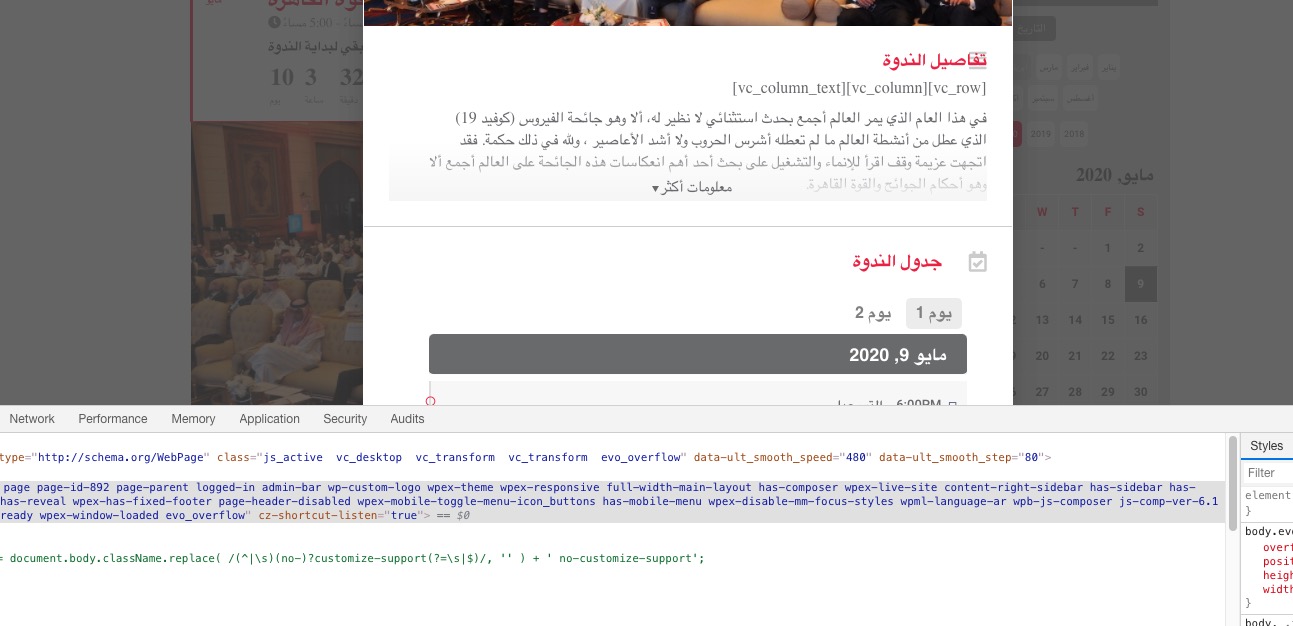
Where can I find this?
Reply to: tickets(174628)
Hi Artem,
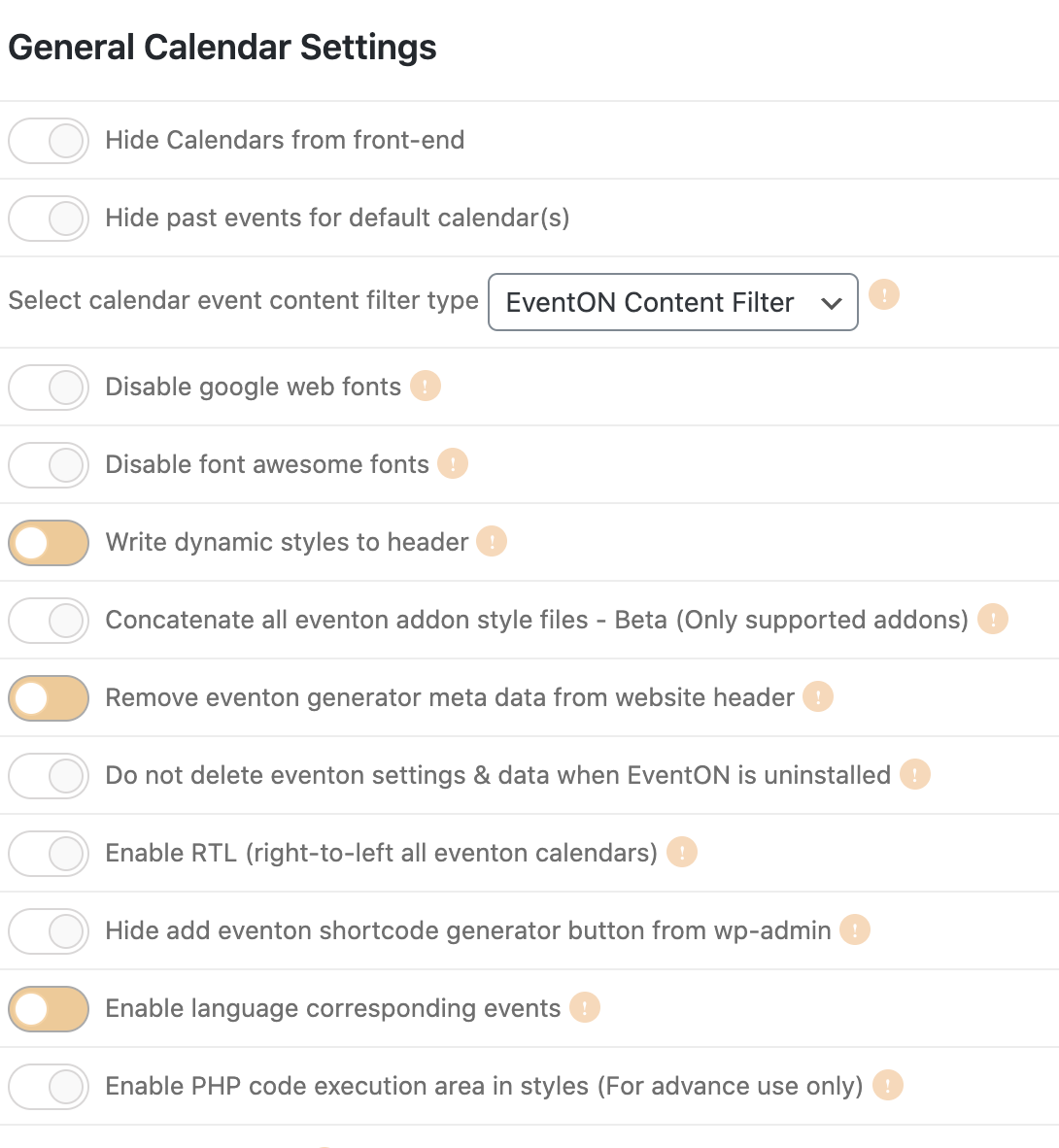
It doesn’t seem to have worked. Attached is the screenshot of my General Settings and below is my shortcode. Plus, I have added the CSS code as advised.
[add_eventon lang=”L2″ ux_val=”3″ accord=”yes” jumper=”yes” exp_jumper=”no” jumper_offset=”2″ jumper_count=”1″ event_past_future=”future” event_type=”32″ exp_so=”yes” filter_show_set_only=”yes” show_et_ft_img=”yes” cal_init_nonajax=”yes” month_incre=”+2″ exp_so=”yes” hide_end_time=”no” cal_id=”asd”]
Does this all seem correct?
Reply to: tickets(174664)
Hello,
Please check if this is the correct order:
#83345 Action User
I am going to assign this ticket to Ashan and he will be able to take it from here and find you a solution. Please allow some time for him to get back to you, we greatly appreciate your patience and thank you for being a eventon customer! Also please disable any IP blocking on your site if there are any.
Reply to: tickets(174660)
Hello,
Please send us a link to the .csv file so we can check it’s contents. Please check Event Time and Date format:
event_start_date & event_end_date – Start/End date in format mm/dd/YYYY
event_start_time & event_end_time – Start/End time in format h:mm:AM/PM