I looked at the page you referenced above, but it doesn’t got in to any detail at all about how to add the map (for example) nor any other changes….just how many events will be listed below.
I tried to figure out how to add a map of the location, but it didn’t work. Can you give me instructions on how to do that?
Hi thanks for your prompt reply.
The first sentence I have been able to achieve. As to what to do with the rest I have no idea. Where should I be placing the ‘codes’ you have set and how should I be implementing them. Can you be more specific, please?
Many thanks
Kindly add these styles to eventON > styles and that will resolve this issue.
#evcal_widget #evcal_head .evcal_arrows{
margin-top:0px;
height: 20px;
width: 20px;
position: relative;
line-height: 100%
}
#evcal_widget #evcal_head .evcal_arrows i{
height:6px; width:6px;
border-width:1px;
top:2px; left:8px;
}
#evcal_widget #evcal_head .evcal_arrows i:before{border-width:1px;}
#evcal_widget #evcal_head .evcal_arrows.evcal_btn_next i{left:5px;}
Correct, regular page with eventON shortcode.
Only if you replace one event that goes from Dec to Jun with multiple repeats by following https://docs.myeventon.com/documentations/setting-up-repeating-events/. After, past repeats will be hidden.
Hello,
Unfortunately, we unable to help with customizations. You can send us a customization job request by creating a new ticket in here and selecting Customization Request as the category.
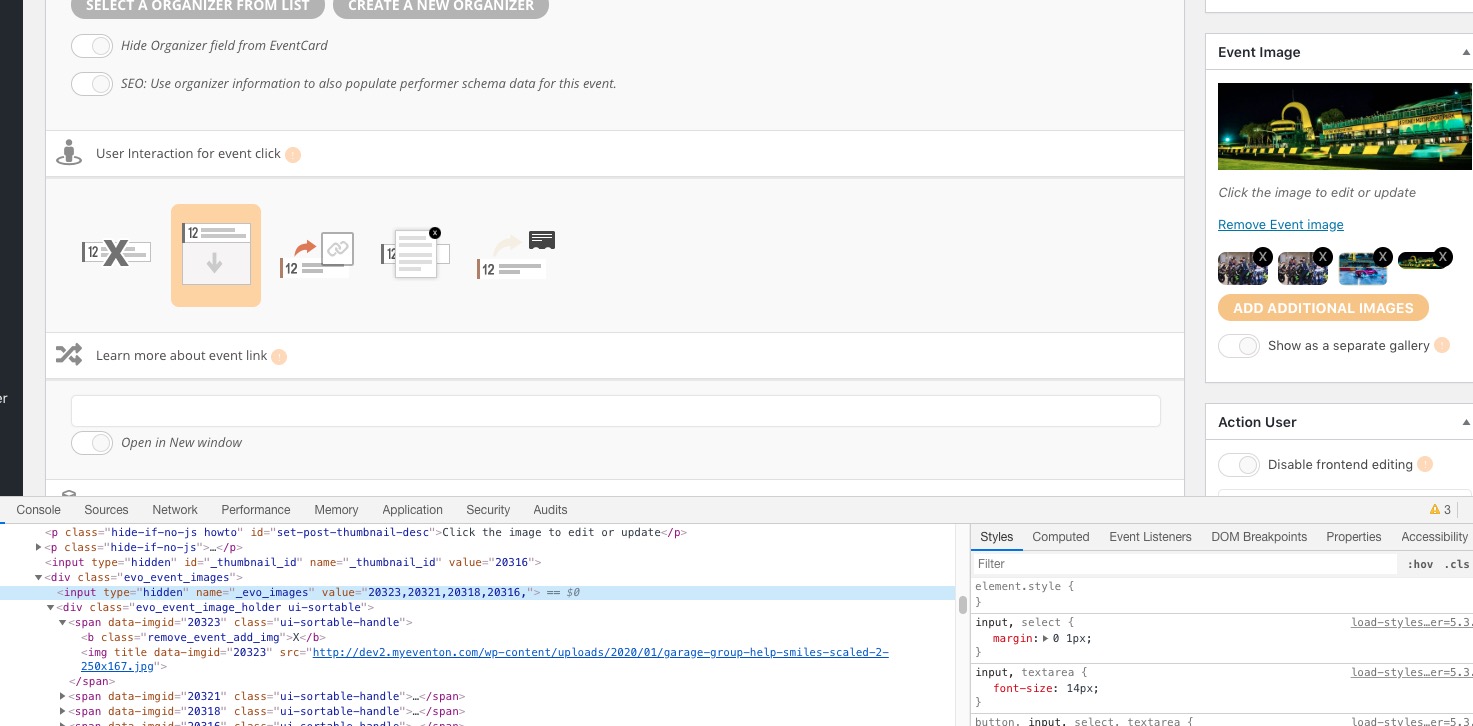
Please check _evo_images:
And after get images with this function: https://developer.wordpress.org/reference/functions/wp_get_attachment_image/
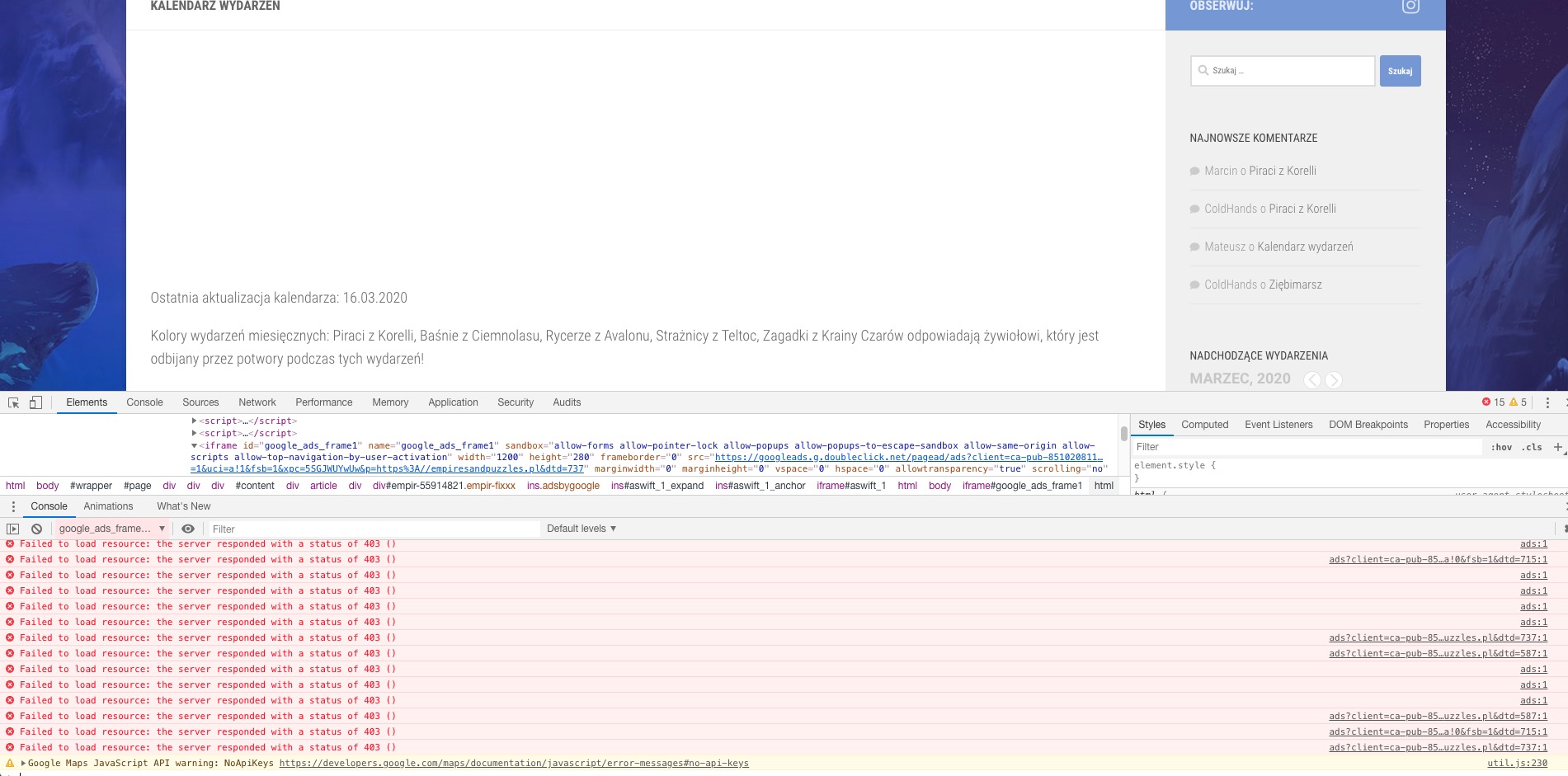
Not sure if the problem is in EventON:
This page https://empiresandpuzzles.pl/kalendarz-wydarzen/ is just a regular page with EventON’s shortcode, correct?
Thank you. Outstanding query:
If you go to this page you will see a few events which are repeated: https://northernartsreview.co.uk/whats-on/ the storyteller is an example.
The event shows in the listing as 7th December to 7th June. Can the plugin auto delete the previous dates? What I want is the calendar to just show the latest date – today to 7th June. Is that possible?