The plugins I have found do this on any other link on the website but not for the event description links.
Archives: Replies
Replies for tickets on suppota
Reply to: tickets(383528)
I already use the LATEST version? ?
Reply to: tickets(382026)
I will try Control + Shift + V
As for the arrows: The glitch seems to be gone
Thank you very much!
Dan
Reply to: tickets(381287)
Help. I need help here ASAP please.
Reply to: tickets(383697)
Hello!
I can’t find it: https://www.flashbacksalou.com/wp-admin/post.php?post=261596&action=edit
Does it work with unassigned seating? or only with assgined? I’ve changed number 40 to assigned but I can’t see it neither…
Many thanks for your quick reply.
David
Reply to: tickets(383711)
Hello,
I am sorry, the access information you have provided did not work for us. Please check them and post the correct login information as a private message, thank you!
Reply to: tickets(383734)
Hello,
This is the default WordPress functionality that can be set from Edit Link:

The same in Posts, Pages and so on.
EventON doesn’t have the functionality to change all links in Event Details to New Window, but maybe there is a third-party plugin that can help you with this.
Reply to: tickets(383649)
Ashan,
The same on dev2:
https://dev2.myeventon.com/wp-admin/post.php?post=57083&action=edit
Reply to: tickets(383649)
Hello,
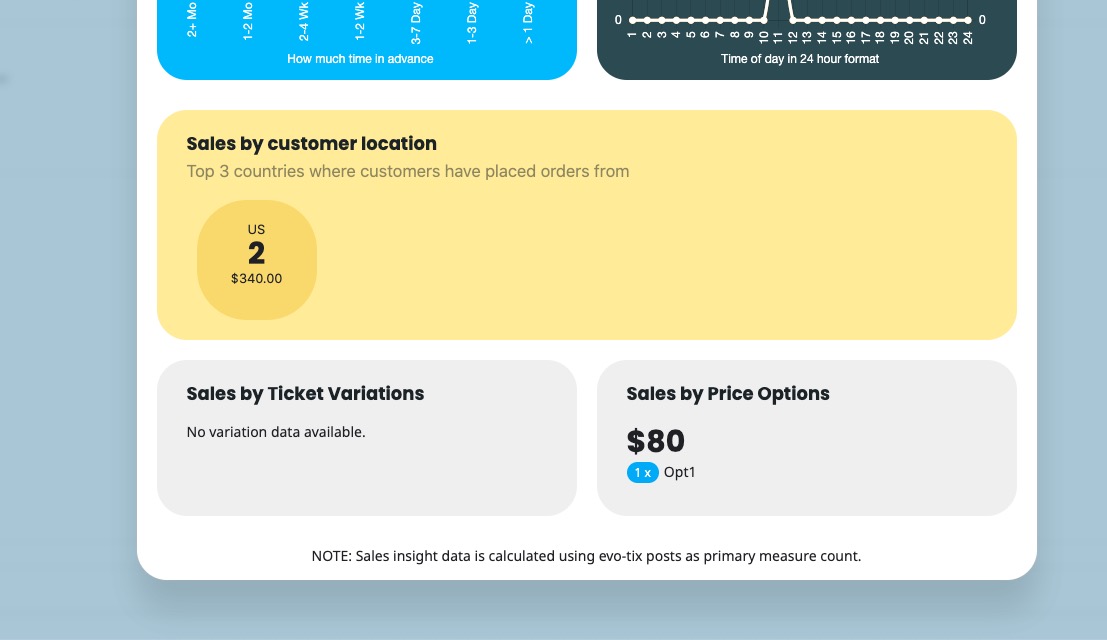
Thank you for your messages, I am going to assign this ticket to Ashan and he will be able to take it from here and find you a solution. Please allow some time for him to get back to you, we greatly appreciate your patience and thank you for being a eventon customer!
Reply to: tickets(383535)
Are you referring to this part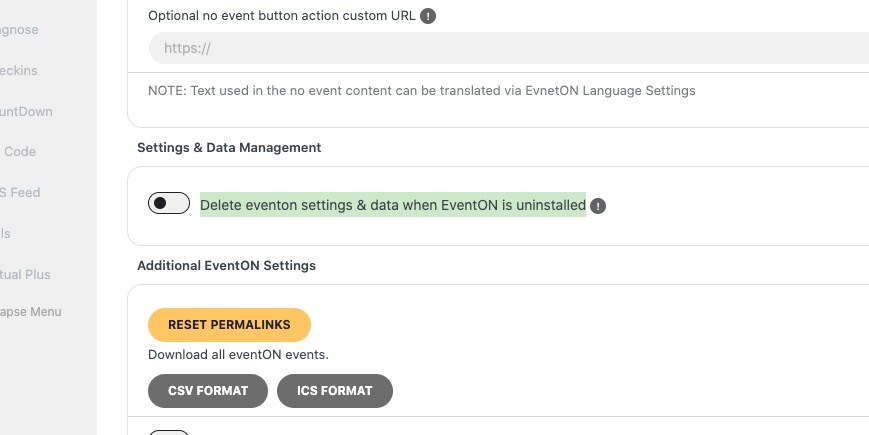
If so please enable it and then save settings. Next go to wp-admin > Plugins > disable EventON > now delete it.