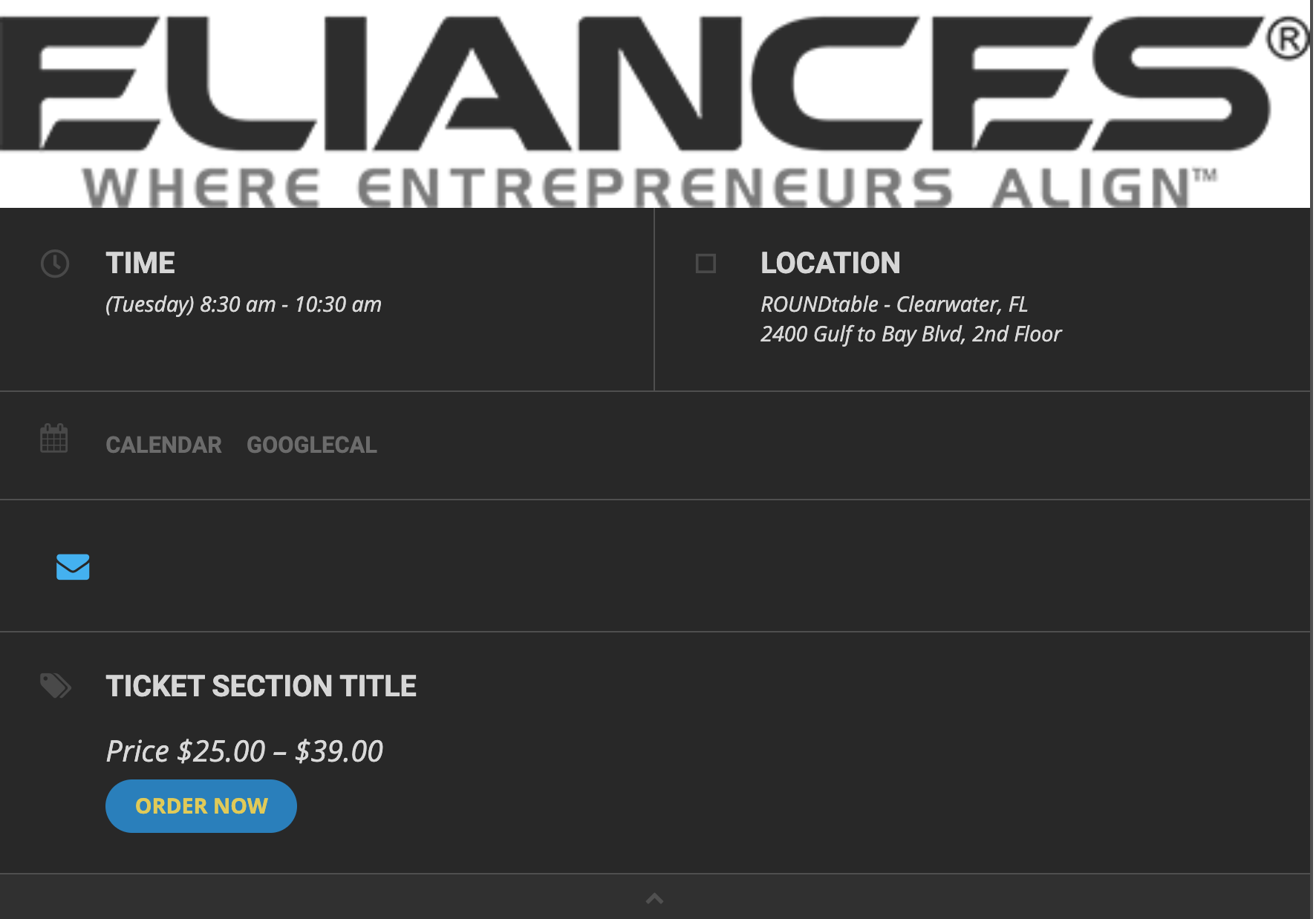
Thank you for this but I am a little confused. I tested adding as a snippet with the code below but nothing happened. I figured if I could see anything then I would know better how to edit it, but nothing showed up at all. ALL I NEED is to add “Invite a Guest” next to the envelope in the attached image. Wouldn’t I do that inside the Eventon plugin?
add_filter(‘evo_single_sharable’, ‘settings’,10,1);
function settings($array){
$array[] = array(‘id’=>’eventonsm_sn’,’type’=>’yesno’,’name’=>’Social Network’);
return $array;
}
add_filter(‘evo_se_social_media’, ‘fe_media’,10,1);
function fe_media($array){
$array[‘SocialNetwork’] = array(
‘key’=>’eventonsm_sn’,
‘counter’=>1,’favicon’ => ‘linkedin.png’,
‘url’ => ‘<a class=”em evo_ss” href=”HREF” target=”_blank”><i class=”fa fa-envelope”></i></a>’
);
return $array;
}
Please add this to the shortcode:
tile_height=”300″
Do you still have this issue: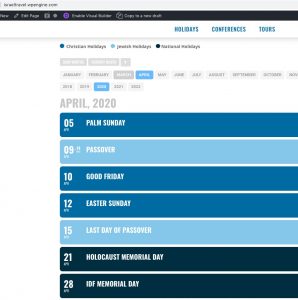
Please check this guide: https://docs.myeventon.com/documentations/why-my-site-and-eventon-page-loading-slow/
OR
If(When) you still have this issue please follow the instructions in this documentation to activate debug in your site to see any PHP errors recorded that can provide insight on to whats going on. Please reply with a link to debug.log file.
Unfortunately, autoupdate is not available at the moment. Please go to CodeCanyon > Account > Download EventON and https://www.myeventon.com/my-account/.
Please check this one:
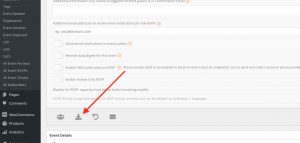
Hello,
The only available option is to add additional fields to Checkout: https://docs.myeventon.com/documentations/how-to-add-additional-fields-at-checkout/
You can also send us a customization job request by creating a new ticket in here and selecting Customization Request as the category.
Thank you but:
/home/eliances/public_html/wp-content/plugins/eventon-tickets/includes/class-integration-woocommerce.php
Does not display . ” #”.($Q +1) on line 682 or anywhere in the file. Am I in the right place?
No issues on Firefox anymore:
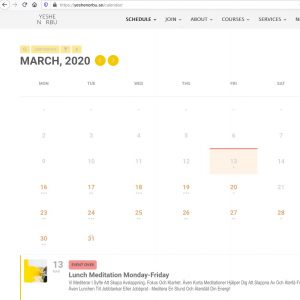
Please clear Firefox’s cache and send us a screenshot.
We are also seeing that single event pages do not show any of the plugins
Please go to EventON > Events Paging > disable Stop using eventON single event template for single event pages
Unfortunately, this issues comes from your server, so we cannot do much from our side. It seems that there is some kind of caching functionality that loads css files from a different domain name for better performance. Could you contact your hosting about this?
Yes, that is correct. It is a variable ticket, but there are still only so many seats in the room. I must be missing something, this is pretty standard. Just not sure what I am doing wrong.