Reply to: tickets(167882)
Replies for tickets on suppota
Hello
OK and way In the view in that URL not all RTL https://standupist.co.il/standup-account/add-standup-show/
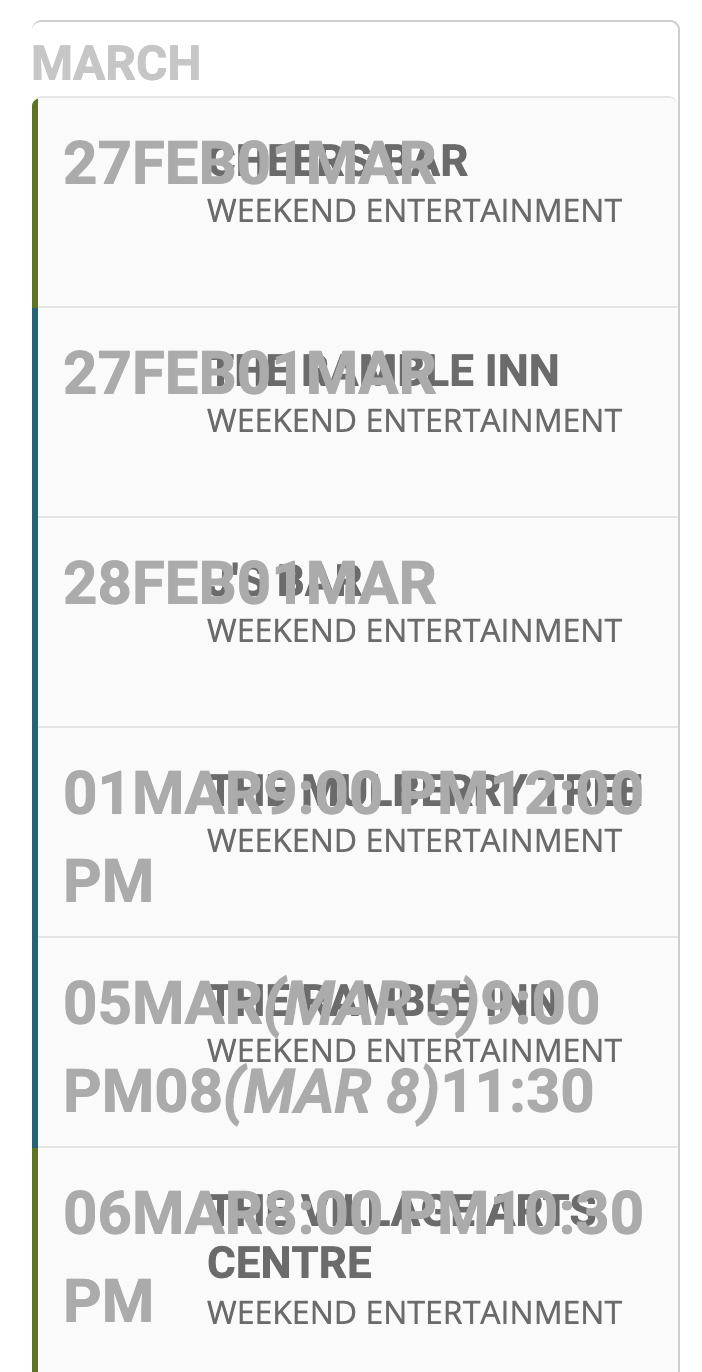
Text exceeds buttons and i am pretty sure you can see it
May i ask your adviced for that point ?
thanks
NItzan
Please add Event Image first > Publish Event > Add Additional Images: http://dev.myeventon.com/events/49808/
We are glad your issue is resolved, if you have any further questions or concerns please create a new ticket. If you have a moment, we would greatly appreciate if you could kindly leave us a review at codecanyon! from your account > downloads. Cheers!
Hello,
There is no need to add the license key to your account. Please follow this guide: https://docs.myeventon.com/documentations/how-to-activate-eventon/ and activate EventON on your website to use it without restrictions.
1. I disabled EventON > Tickets > Show ticket purchase only for loggedin users and cleaned website’s cache. Please check.
6. Please check https://idec.io/events/ref/test/
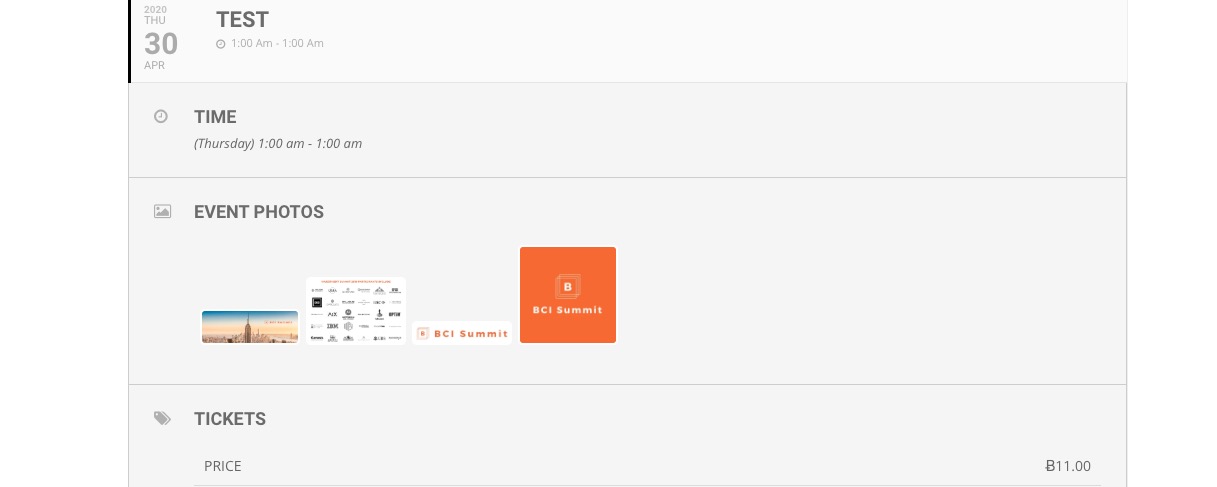
7. The latest version is 2.8.6. Could you update?
Hello,
Please go to EventON > enable Do not delete eventon settings & data when EventON is uninstalled. Now you can update.
You can also use FTP Method: http://www.myeventon.com/documentation/update-eventon/
To update eventon to latest version: If you are unable to do autoupdate, you can go to codecanyon your account > download and get the latest eventon version as zip file. Then you can go to your website, deactivate old eventon, activate (Do not delete eventon settings & data when EventON is uninstalled) from eventon settings, delete old eventon, install new one and activate. This link will further explain the process it. Also you can follow us on twitter to get real-time announcements on updates!
Hello,
Please add this to the shortcode:
ux_val=”4″
This opens events in Single Event Page view.
Unfortunately, we are unable to provide support for issues caused by their-party themes or plugins. As they are not our products, we are unaware of how they have been programmed or how it is supposed to work. As such, we recommend you to contact the plugin/theme developer and ask them for their assistance in solving the problem. Let us know if you need help with anything else.
Please check Tickets add-on description page since it contains all the necessary info on what it can do: https://www.myeventon.com/addons/event-tickets/.
You can also check this available documentation https://docs.myeventon.com/documentation/addons/event-tickets/ and also test Tickets and other add-ons on this website before purchase: http://dev.myeventon.com/wp-admin/
In order to request a refund, please create a new ticket under Billing & Accounts and be sure to include the order ID for which you need a refund for and the reason for requesting a refund.
If you need this customization now please send us a customization job request by creating a new ticket in here and selecting Customization Request as the category. You can also find developers on upwork.com or studio.envato.com.