Please check now.
Archives: Replies
Replies for tickets on suppota
Reply to: tickets(167660)
1. Please go to EventON > Time Settings > enable Allow universal event time format on eventCard > add F j(l)
2. Try adding this to the shortcode: event_past_future=”future”
Reply to: tickets(167689)
Hello,
the show event location not show correct.
Could you elaborate more? Please send us a couple of examples.
I update the plugin and know the calendar not show in events page.
From my side:
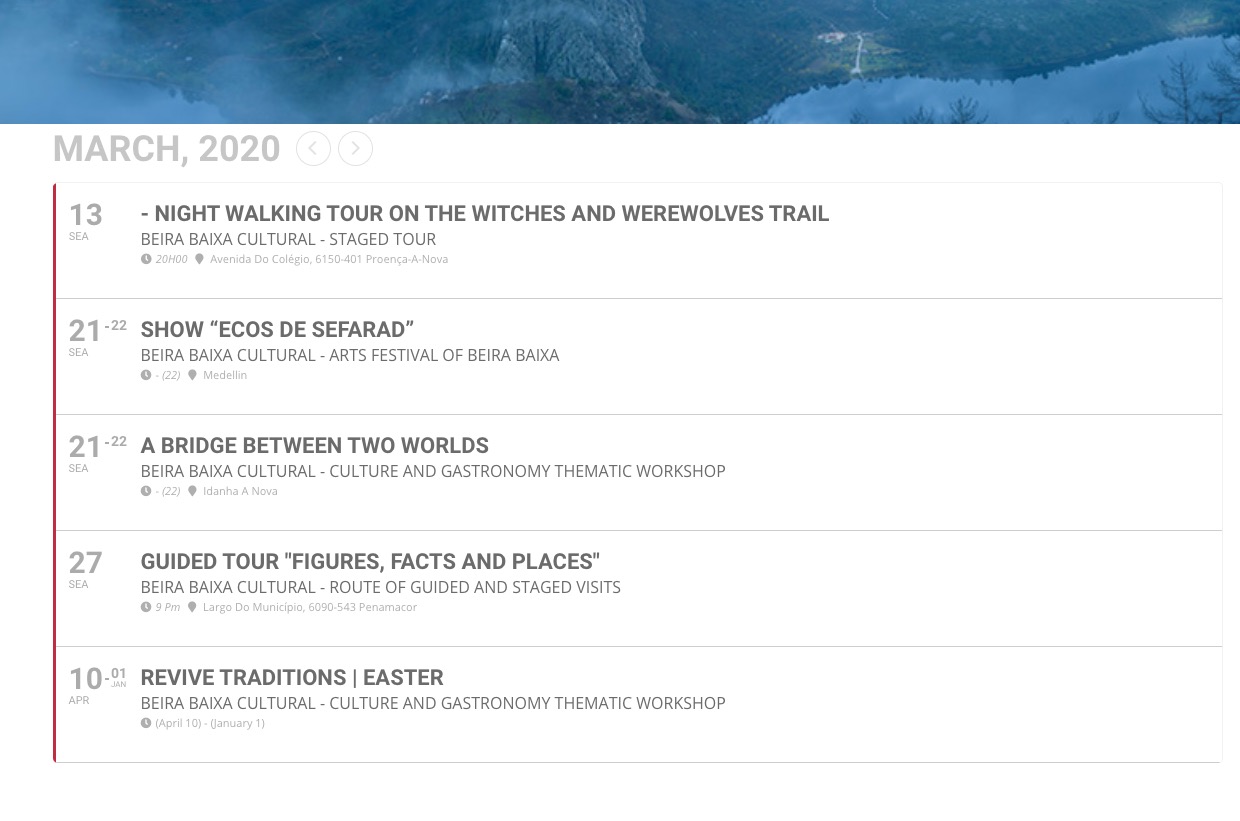
Could you tell us which events are missing? Thank you!
Reply to: tickets(164843)
Please use this code:
.evcal_desc .evcal_desc3_rsvp .evors_eventtop_data.count_1 em, .evcal_desc .evcal_desc3_rsvp .evors_eventtop_data.count_2 em, .evcal_desc .evcal_desc3_rsvp .evors_eventtop_data.count_3 em { color: #000 !important; }
You can also add this to Appearance > Customize > Additional CSS.
Reply to: tickets(167825)
thank you,
I did try that before.
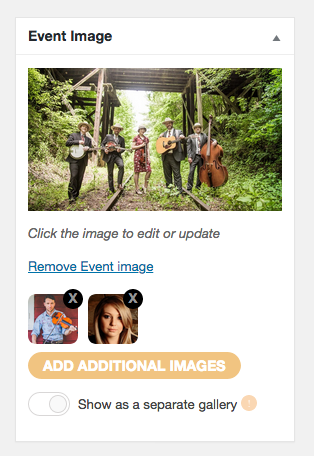
i have not seen anything happening. In the event, I could choose to set featured image, which I did, then it asked me add additional images. I did, but they did not come up anywhere in the calendar.
If I choose an option “show as a separate gallery”, once I hit update and check again, show as a separate gallery buton was still deactivated.
Please see the attached image.
many thanks for shedding some lights on this.
Reply to: tickets(166639)
OK… thanks for all your help!
Reply to: tickets(167428)
Order Number: 80935
Reply to: tickets(167825)
You can check it here : dev.myeventon.com/wp-admin
Reply to: tickets(167843)
Thank you for your messages, I am going to assign this ticket to Ashan and he will be able to take it from here.
Please allow some time for him to get back to you, we greatly appreciate your patience and thank you for being a eventon customer!
Reply to: tickets(165840)
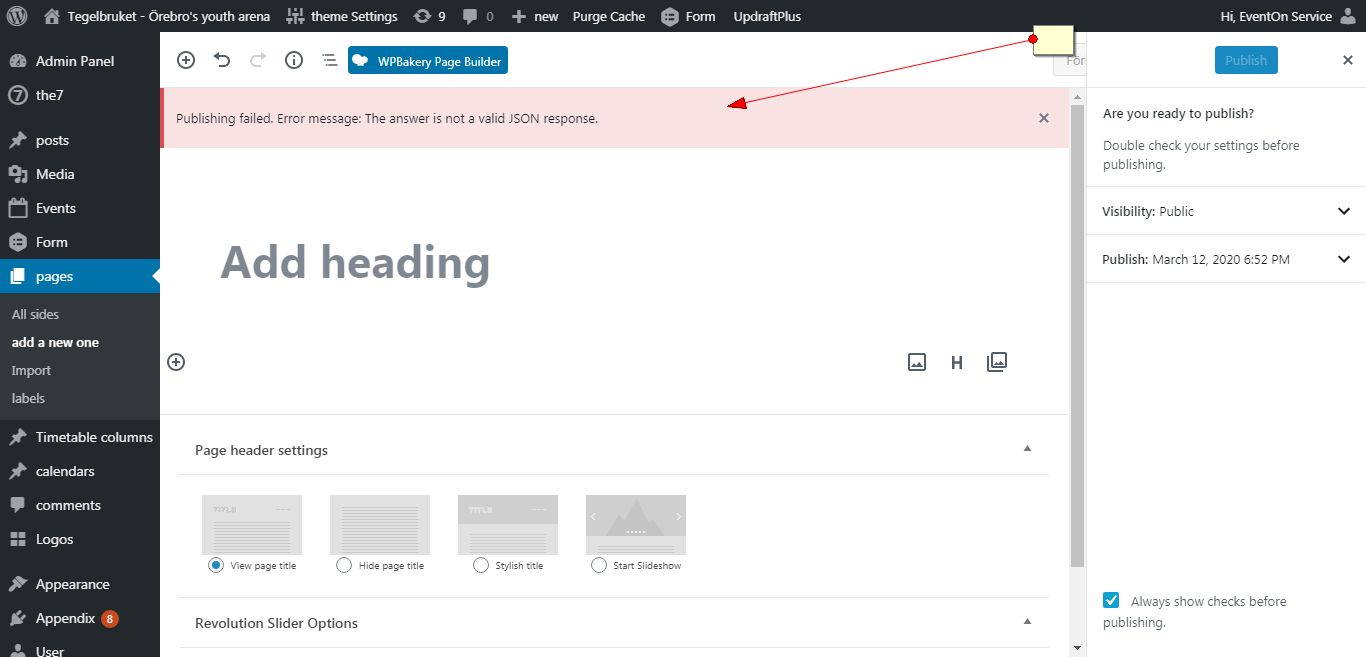
I am getting error when creating page. I will have to do some tests which may include disabling plugins and changing theme temporarily.
Do I have your permission to do that?