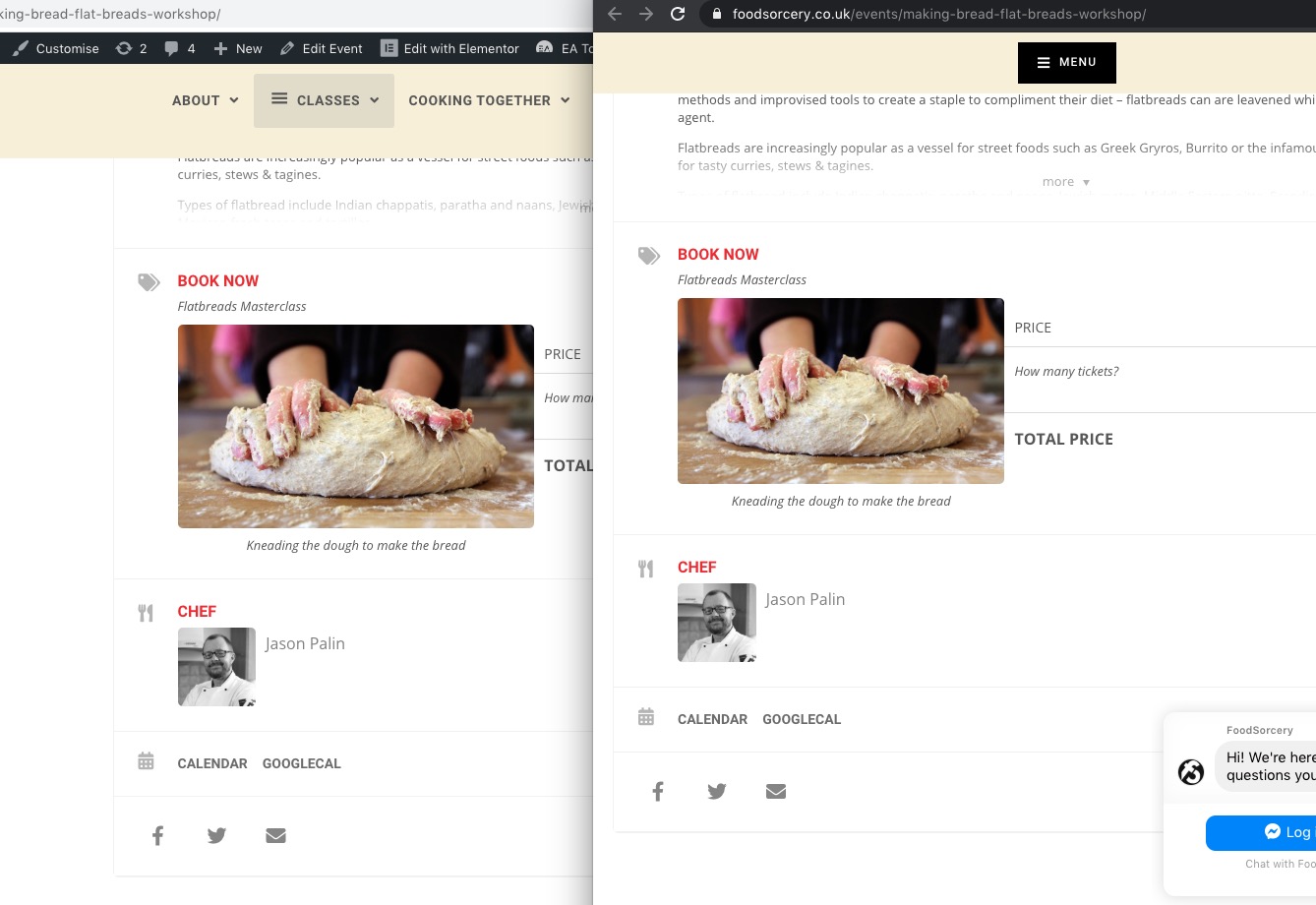
Hello,
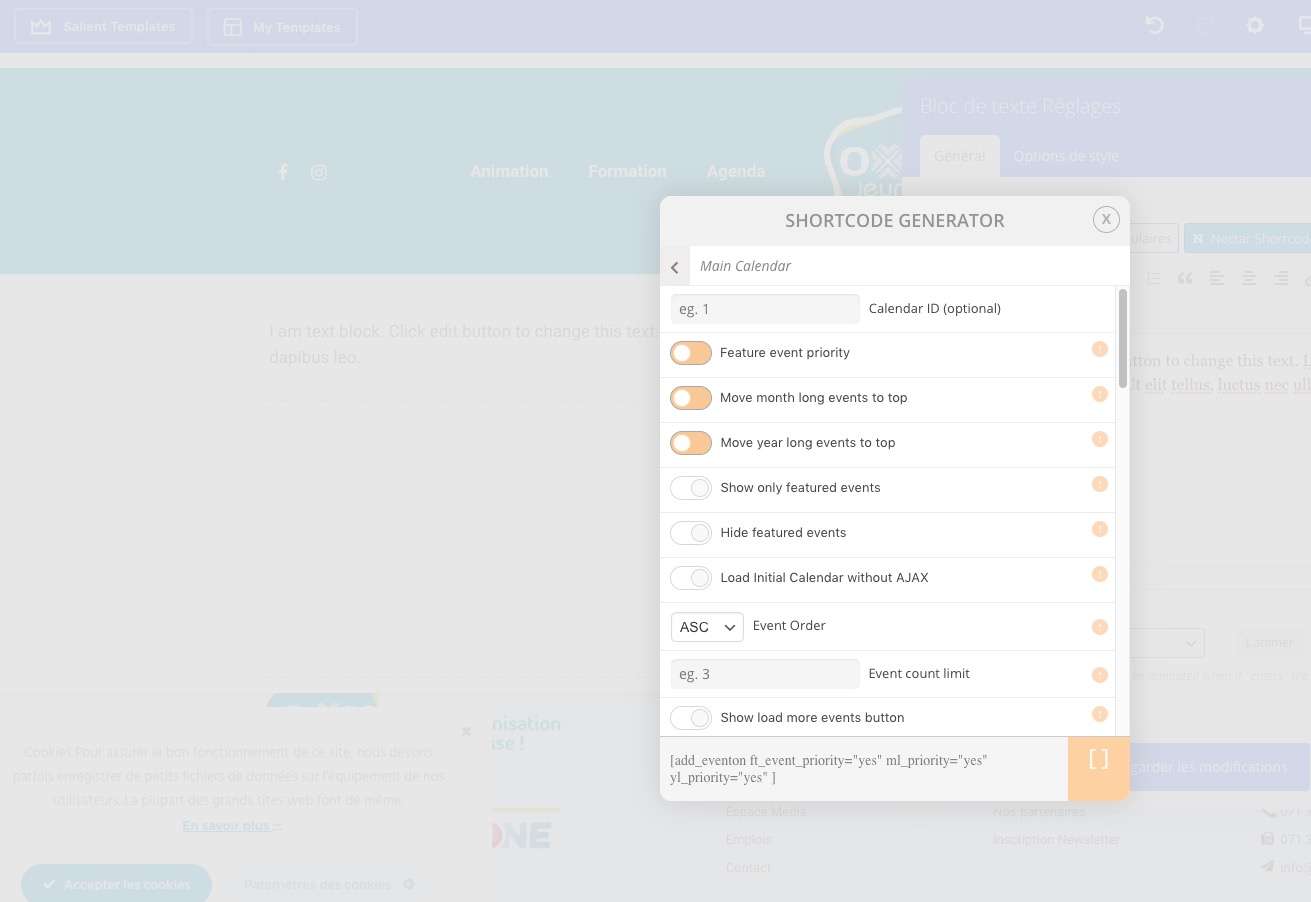
When I try to make some new shortcode in a text box, the lightbox shortcode generator don’t make or type the code. It stay just in the standard code… whit no specific adaptations/options…
Could you send us a screenshot? I didn’t notice any issues even in Éditeur visuel mode.
And other problem… the calendar boxes for input ages in the forms didn’t work, it’s impossible to select a date… and ton continue the form…
Could you send us a screenshot of this as well?
My customer say the forms didn’t send the mails…
Which form are you referring to? Could you elaborate more?
Hello,
Please check this https://www.wpbeginner.com/plugins/how-to-allow-editors-to-only-edit-certain-pages-in-wordpress/
Unfortunately, you cannot do this from EventON since WordPress and WooCommerce handle Cart and Checkout pages.
Hello,
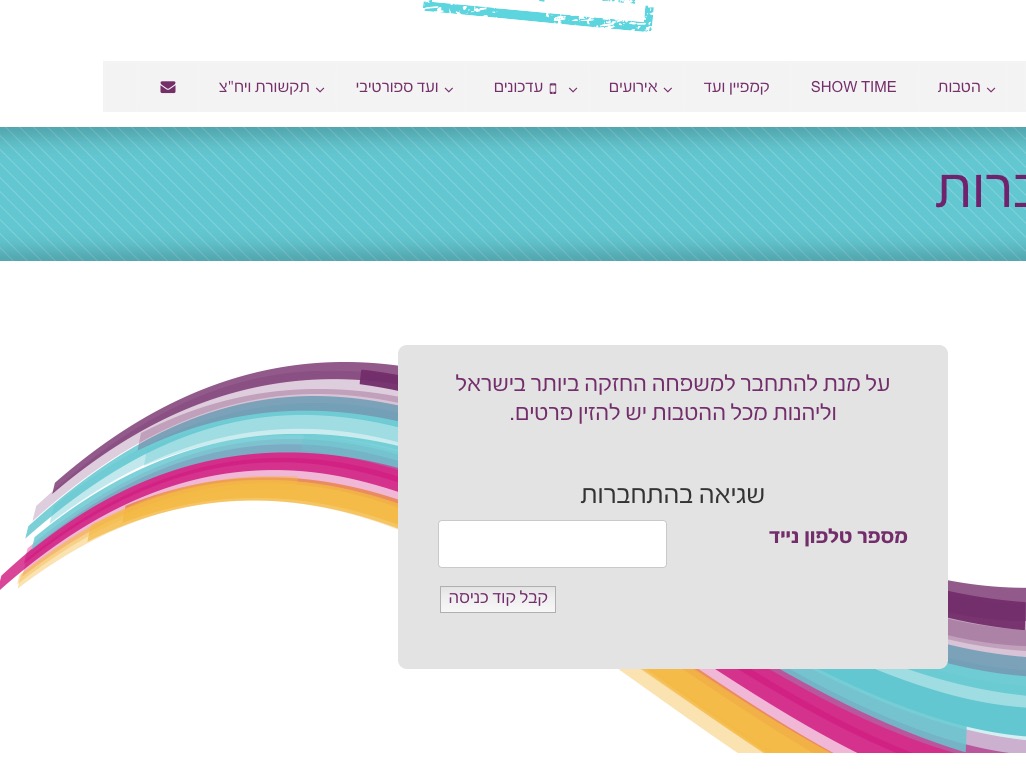
Unfortunately, I am not sure how to login:

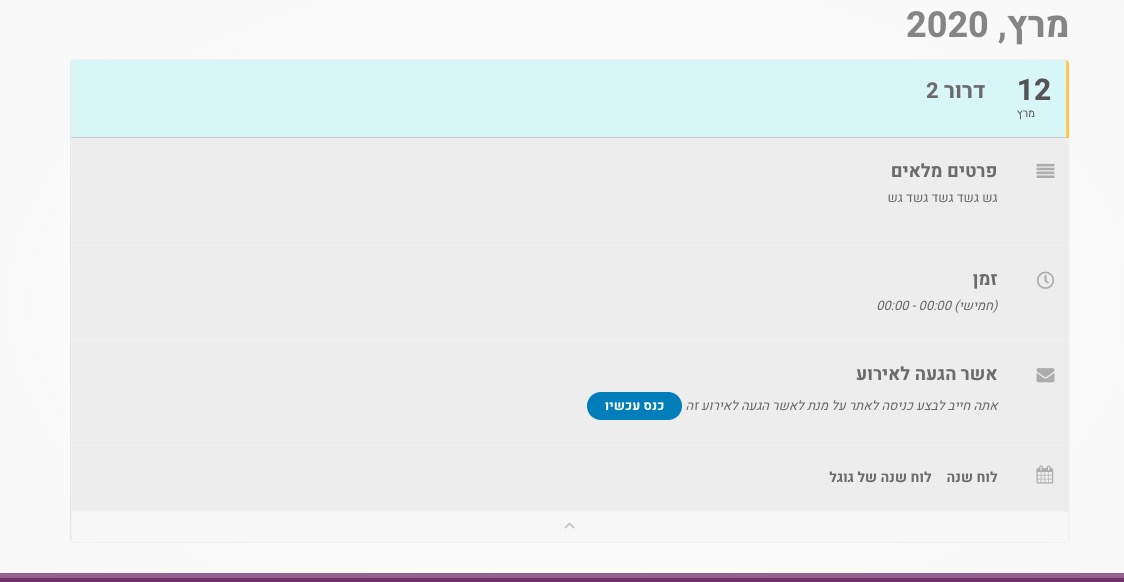
Could you go to EventON > RSVP > disable Allow only logged-in users to submit RSVP?
Hello,
Please send us wp-admin access to your site as a private message for us to further assist your situation.
Hello,
1. Please go to EventON > EventCard Data > disable TIME AND LOCATION
2. Please go to EventON > enable Hide past events for default calendar(s).
3. Please go to EventON > Language > EVENT CARD > Learn More link text and Learn More about this event.
4. Please check https://docs.myeventon.com/documentations/show-additional-custom-data-eventcard/
5. Please check this add-on: https://www.myeventon.com/addons/event-lists-extended/. You can add event_count_list=”yes” to apply Event Count to Whole Events List.
6. Unfortunately, no. However you can send us a customization job request by creating a new ticket in here and selecting Customization Request as the category.
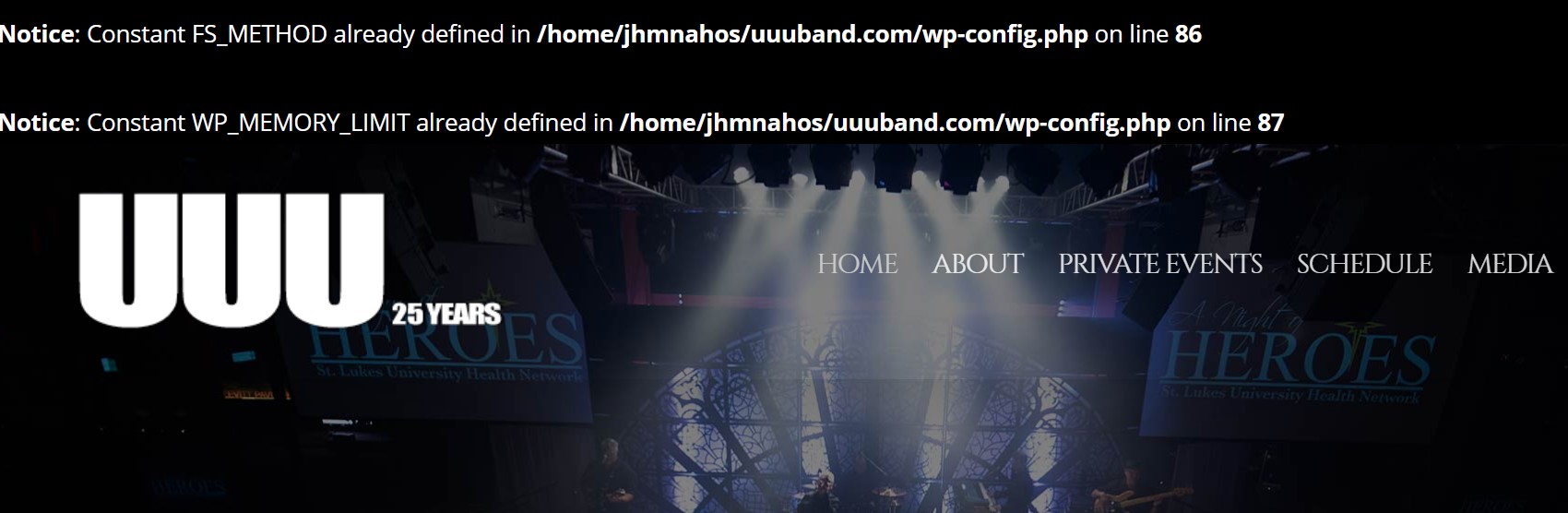
These notices https://helpdesk.ashanjay.com/wp-content/uploads/2020/03/siteissue.jpg are coming from WordPress itself. We cannot do much about this, I am afraid.
The same with iThemes. Unfortunately, we are unable to provide support for issues caused by their-party themes or plugins. As they are not our products, we are unaware of how they have been programmed or how it is supposed to work. As such, we recommend you to contact the plugin developer and ask them for their assistance in solving the problem. Sorry for the inconvenience.
Ashan,
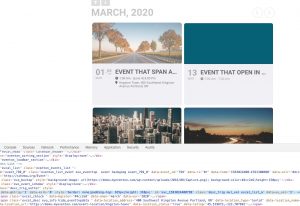
The same on our demo page:
Hello,
Thank you for your messages, I am going to assign this ticket to Ashan and he will be able to take it from here and find you a solution. Please allow some time for him to get back to you, we greatly appreciate your patience and thank you for being a eventon customer!
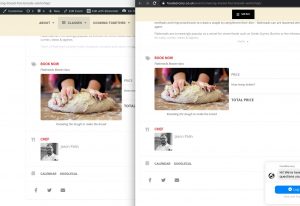
Works fine from my side. Cache issues, maybe?
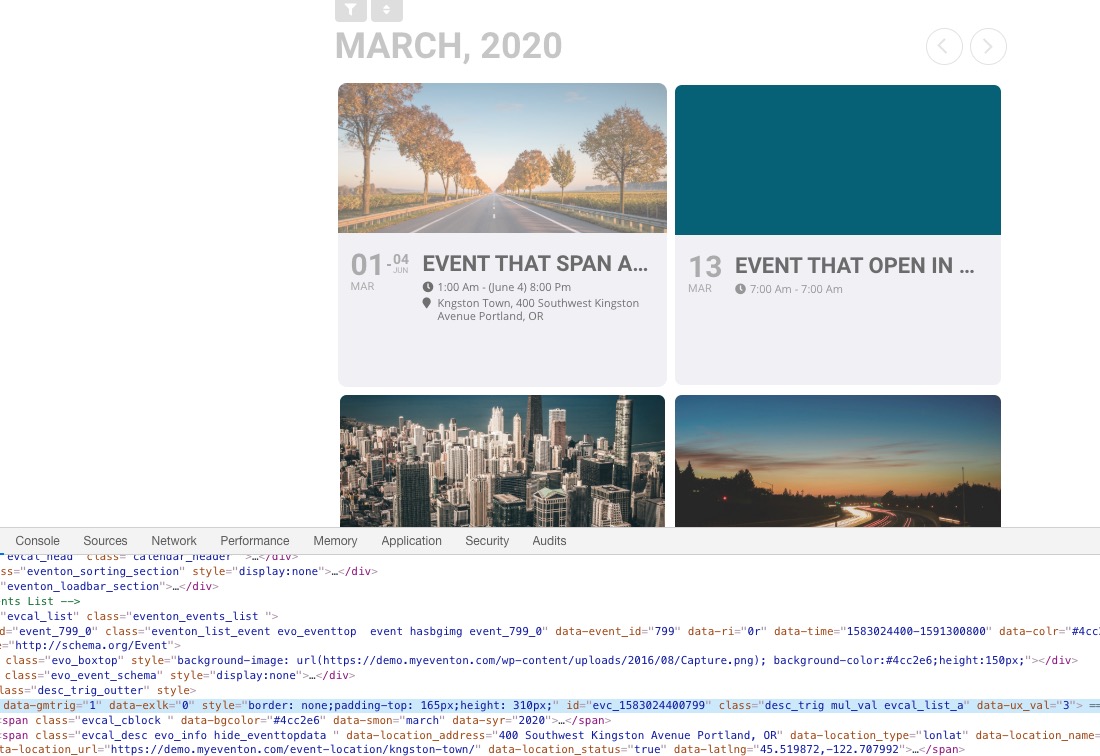
now the event top card has a big block of grey.
Could you send us a screenshot of this?
Hi,
Thank you very much for supplying the shortcode that will enable the calendar to search within all months.
My current calendar features jump months (please see below shortcode) please can show me where to insert the ‘jump month’ option in the shortcode you created above.
jumper=”yes” jumper_offset=”2″ jumper_count=”1″
Thank you,
Jon