ithemes suggested this — it worked on one site but not another.
Also, in some cases, plugin compatibility issues can be resolved. Try adding the following code below to your wp-config.php file, just above the “That’s all happy blogging.”.
define( 'ITHEMES_SYNC_SKIP_SET_IS_ADMIN_TO_TRUE', true );
Hello
I am still waiting for an update on this for over a week now. I still do not receive any email notification when someone RSVPs for my event and I have already provided access details to my site. Has anything been done/solved?
I will appreciate your prompt response
Thanks
Hi thanks, that seems to have taken care of the problem.
Hello,
1. Please go to wp-admin > WooCommerce > Settings > Accounts & Privacy > enable Allow customers to place orders without an account
2. Please add this to the shortcode:
eventtop_style=”2″
3. Unfortunately, no.
4. Could you elaborate more? I am not familiar this.
5. Thank you for your great suggestion. Please create a new ticket and select Feature Request as category so others can vote on your idea and get it moved into development faster.
6. Featured images? Could you tell us more about this?
i figured out most of it but the search bar seems too be cut off everywhere like it doesnt have enough margin or padding around it.
Could you try updating EventON to 2.8.6?
how do i get the “apply filters” option to show up instead oof a drop down with one click
Please add this to the shortcode: filter_type=”select”
and how doo i make ticket options available too everyone. including logged out users.
Please check 1.
Username: Workingsite
Password: ZZC5Rsy@)hTdXB&*FpQTakyM
We are glad your issue is resolved, if you have any further questions or concerns please create a new ticket.
If you have a moment, we would greatly appreciate if you could kindly leave us a review at codecanyon! from your account > downloads. Cheers!
No issues on our test server: 
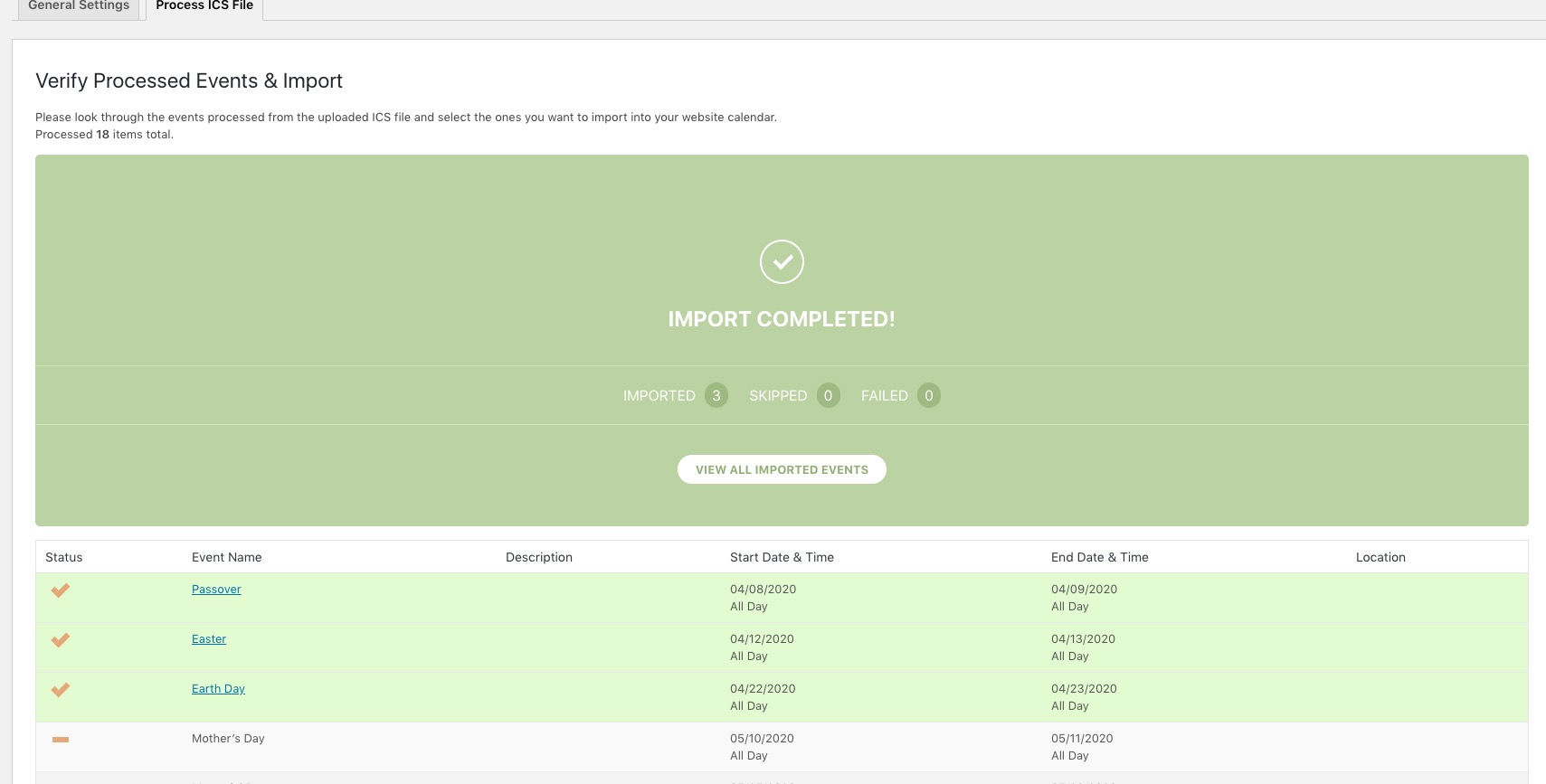
Please send us wp-admin access to your site as a private message for us to further assist your situation. If you cannot please send us a screenshot of EventON > ICS Import settings page.
Hello,
There was a problem with your quotes, so I changed them to “”. Please check now and let me know.