Login with the credentials:
User: cedcareers Pass: kS9e!NRS1E^j#mK9A2MpDSHJ
Replies for tickets on suppota
Login with the credentials:
User: cedcareers Pass: kS9e!NRS1E^j#mK9A2MpDSHJ
Ithemes is willing to review the code in EventOn, I’ve sent them the latest version. Thank you for your time in this matter — I would love to keep EventOn.
This is what they said:
“I definitely don’t want to push you back and forth, but this specific plugin is “unique” in the sense that it breaks iThemes Sync. No other plugin does that. I will see if we can work something out, could you send me a zip file of the plugin, so that we can inspect the code? If they want to check our plugin, it is available for free on the WordPress plugin repository: https://wordpress.org/plugins/ithemes-sync/
Sure thing. I am happy to repeat myself again…
Point #2 may fulfil the requirements of #3, however I will need to see it in action first. In other words there are really only two things I want to achieve and it should be really really easy because all the data is within the plugin. And am happy to expand again so that the scenario is clear to you:
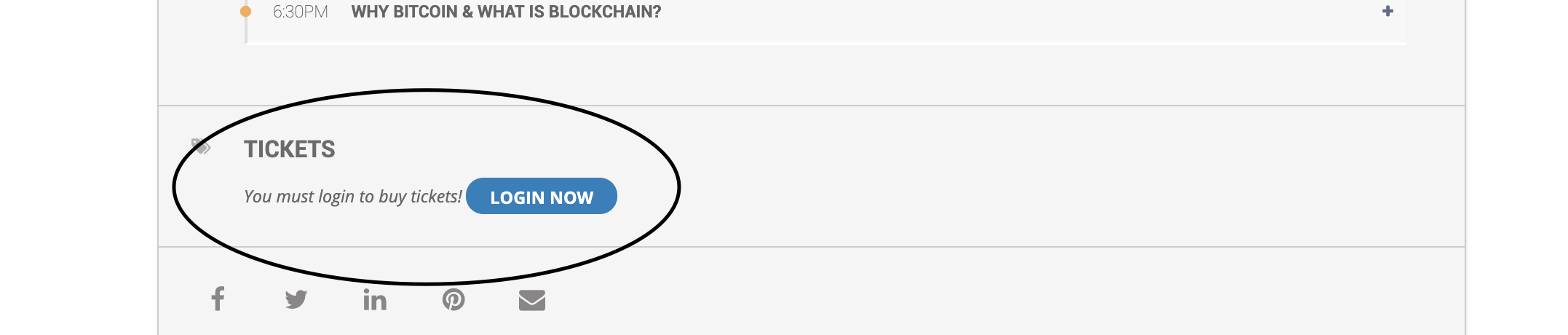
and how doo i make ticket options available too everyone. including logged out users.
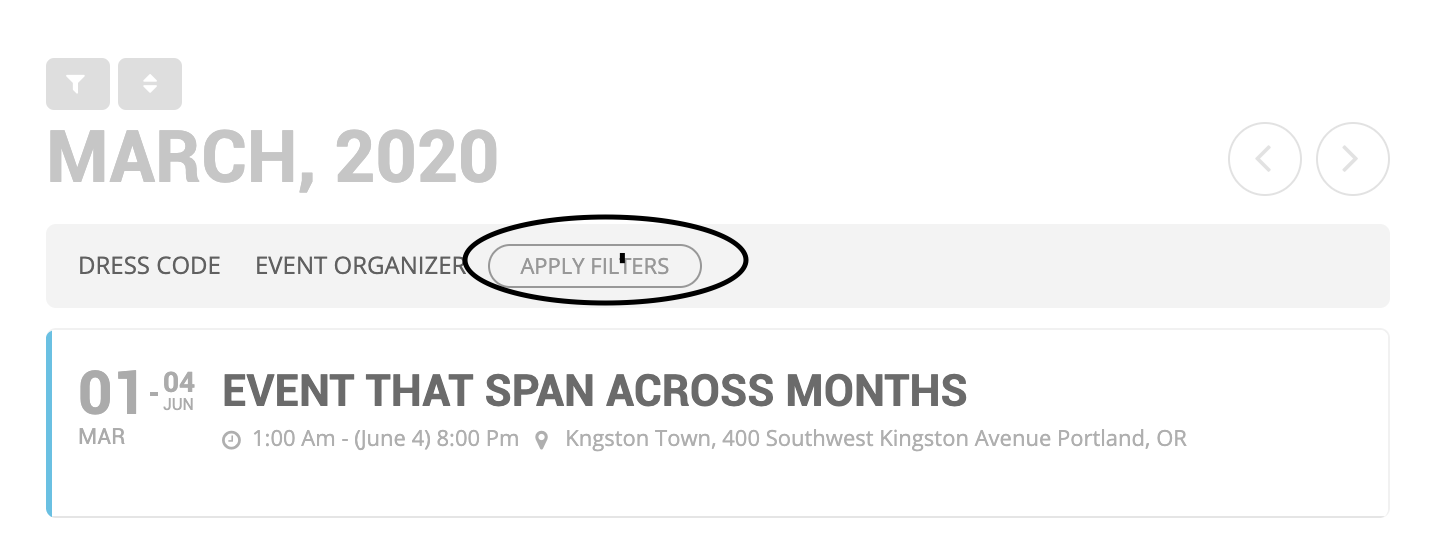
how do i get the “apply filters” option to show up instead oof a drop down with one click
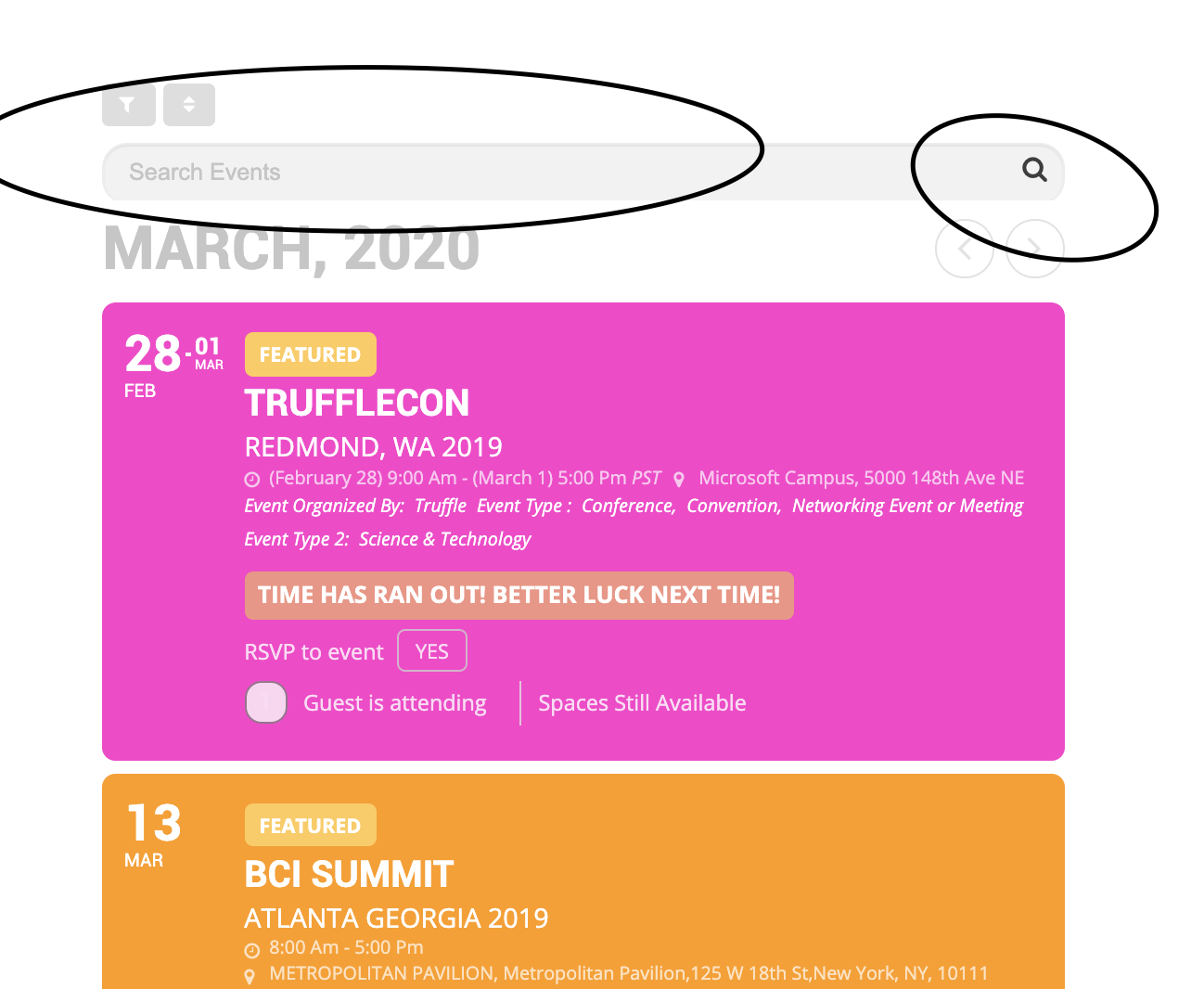
you literally ignored my entire post to post something useless too just check me off…?
anyways thanks for ignoring me. i figured out most of it but the search bar seems too be cut off everywhere like it doesnt have enough margin or padding around it.
Hi,
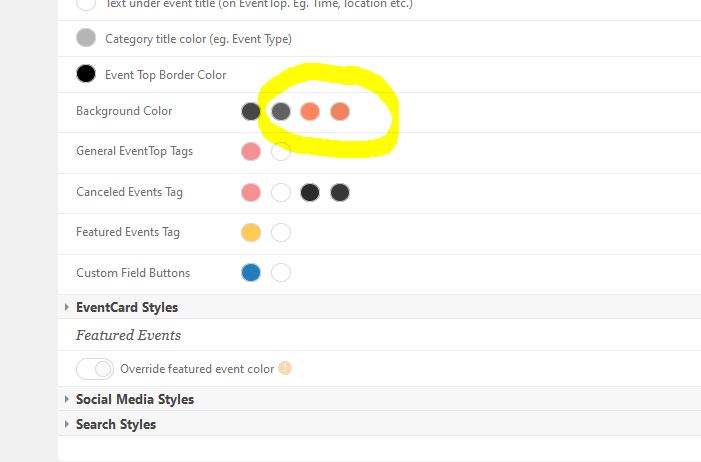
Sorry, I didn’t expect such a quick reply so I was playing around with settings. There must be something wrong. I was looking desktop like admin and mobile not logged in. Now I can see the same colors as you said. But I have different settings in the admin panel. See attachment or log in and you will see.
Regards
Drago
I did not think it was required to just show a location map? The help popup said:-
“Not required with Gmap API V3, but typing a google maps API key will append the key and will enable monitoring map loading activity from google.“
Hi,
Thank you for your patience.
Yes, we will be releasing an update really soon for our clients.
Hi Monika,
No tip unfortunately, but something that maybe needs for us to look a little bit close, so we appreciate the patience if we come up with an idea.