Hello yes that is correct is use OR relationship between event types.
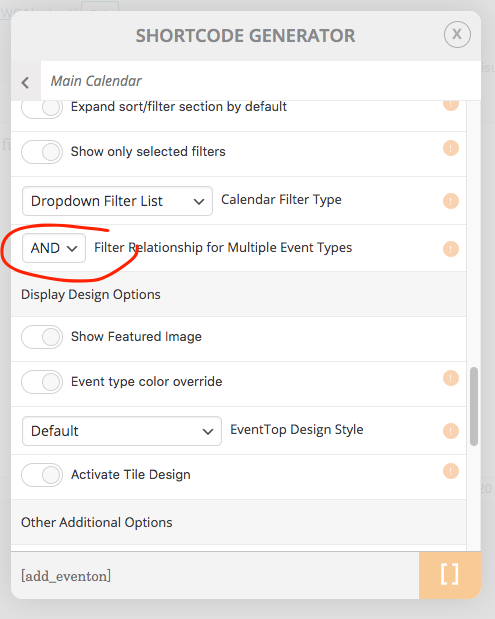
You can use the shortcode executer widget to create AND type calendar. Here is where the shortcode value is location in shortcode generator
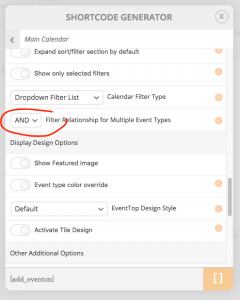
and then this document talks about ESE widget https://docs.myeventon.com/documentations/use-eventon-shortcode-executor-widget/
Raquel, I am not sure what this is about? have you requested refund?
Hello terrence both the orders are refunded now. If you have a moment, we would greatly appreciate if you could kindly leave us a review at codecanyon! from your account > downloads.
If you have any more questions kindly let us know. Stay safe out there my friend!
Hello so you are running an older version of eventON. However I was able to replicate this issue on latest version as well.
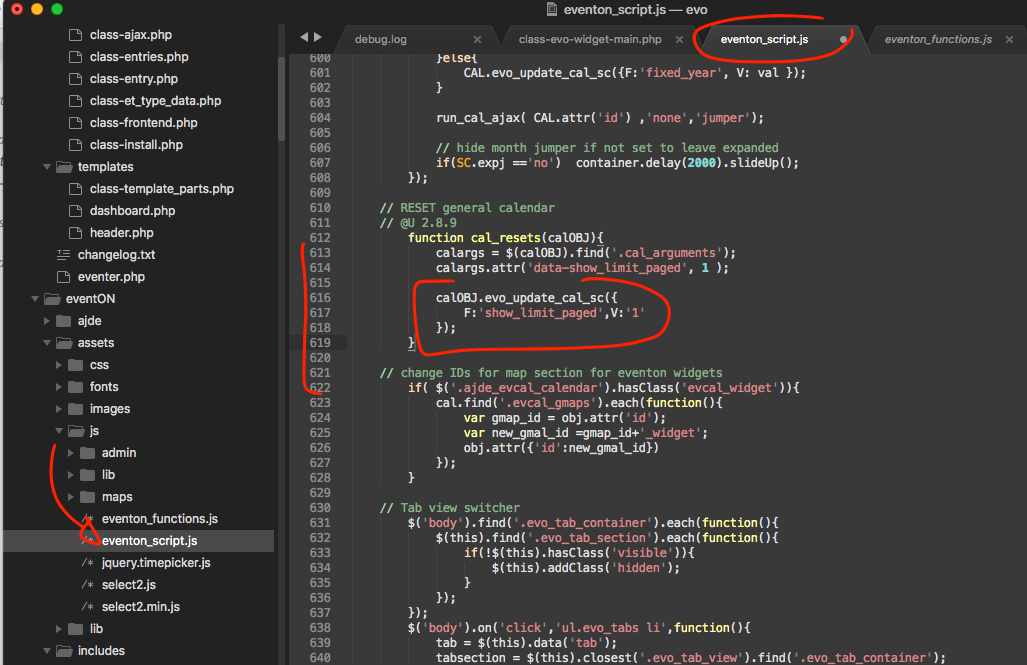
Here is the patch fix to resolve the issue once you update to version 2.8.8
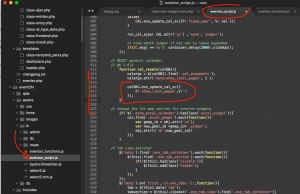
Addons:
Event Lists: Ext – Single Site
Subscription #: 84319
Order #: 84318
Action User – Single Site
Subscription #: 84221
Order #: 84220
Hello
I found an option to disable the font awesome icons in your plugin and now I see my icons in my page are correct.
I’m ok now but maybe you check the compatibility issue with the plugin.
Regards
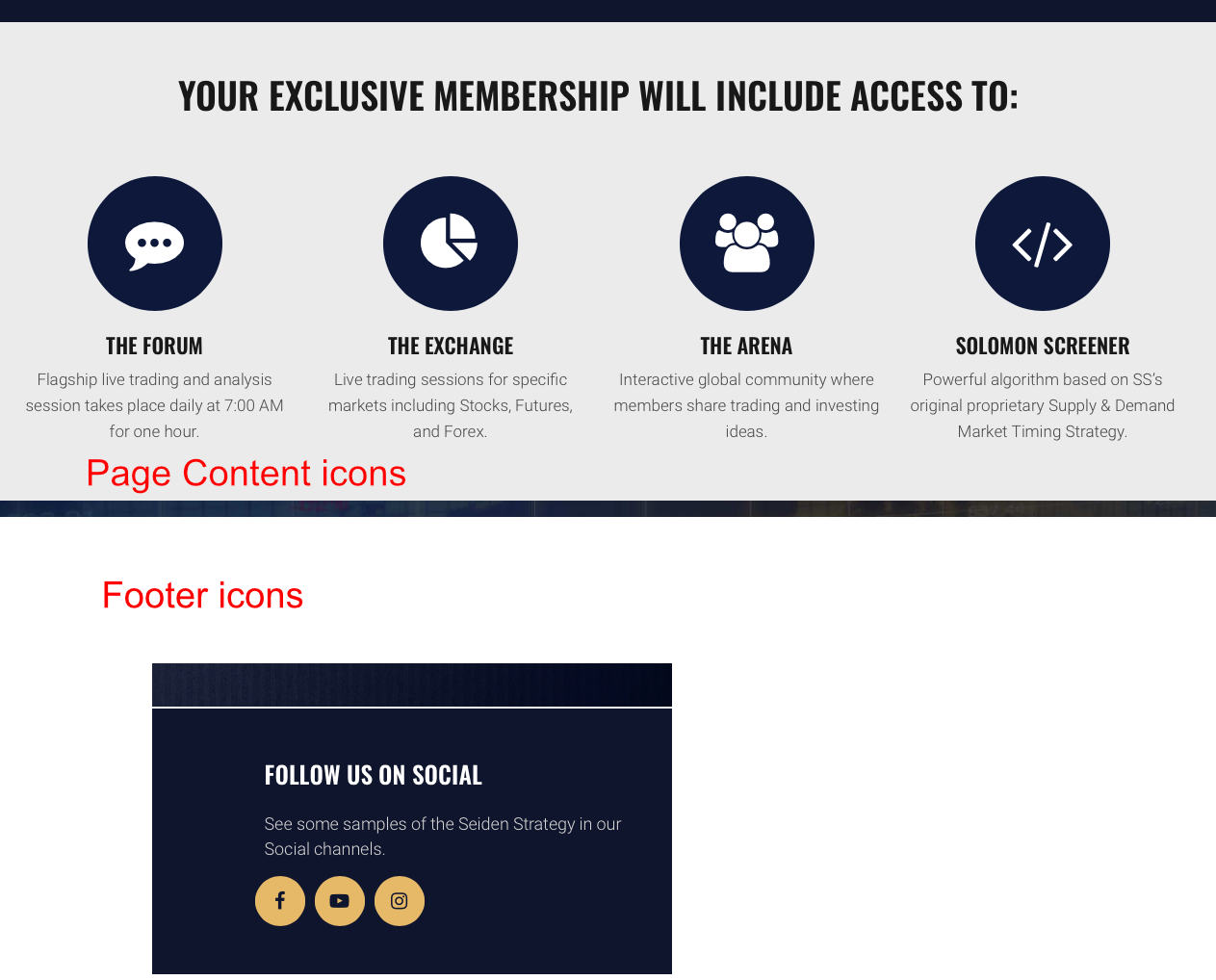
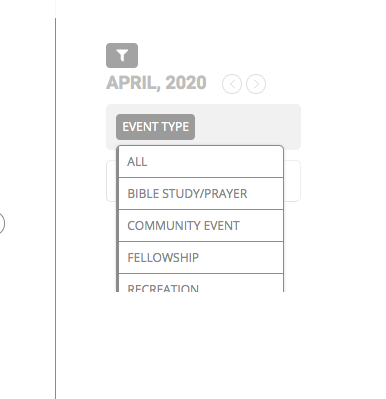
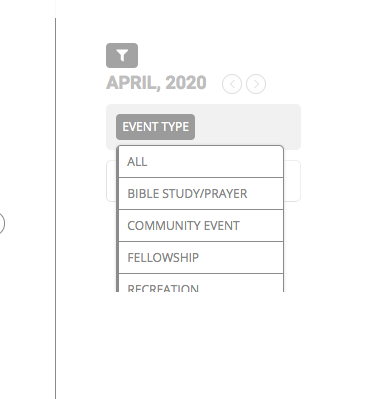
here.s another screenshot