If there is a way to create 1 event with many time slots they can RSVP to, that would be great. I’m not finding any place within the RSVP to add 2 times for the event. Will you please tell me how to do this within the RSVP.
Thank you for your great suggestion, at the moment it is not supported. However please create a new ticket and select Feature Requestas category so others can vote on your idea and get it moved into development faster. OR You can send us a customization job request by creating a new ticket in here and selecting Customization Request as the category.
I do not see where you suggested 2 times slots. they have several events that have 2-4 time slots.
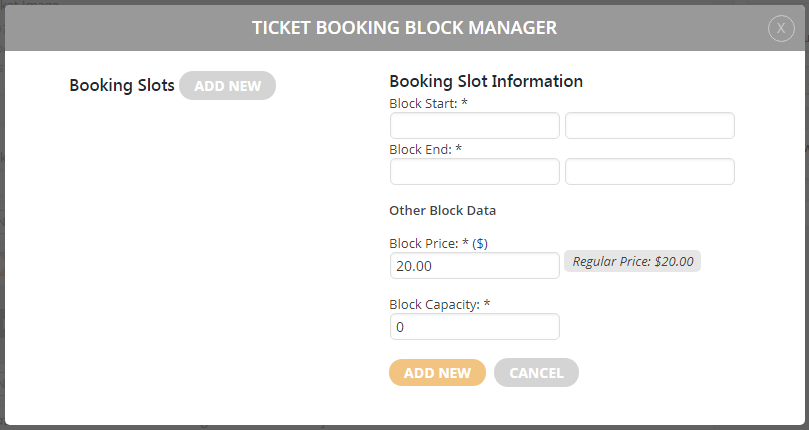
Please use Bookings add-on and put 0.00 to Block Price: https://docs.myeventon.com/wp-content/uploads/2018/05/capture-3.png
1. Please go to Edit Event > RSVP > press Sync Count icon.
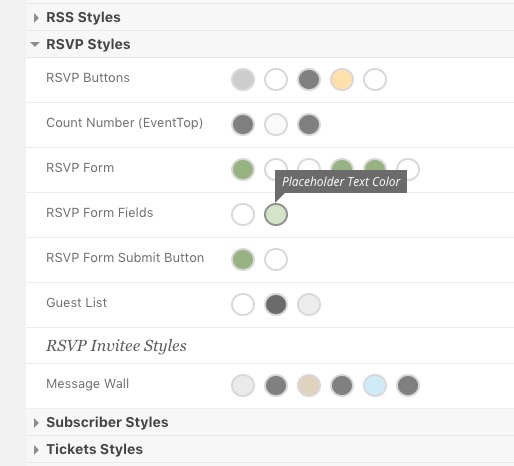
2. Please check this one:
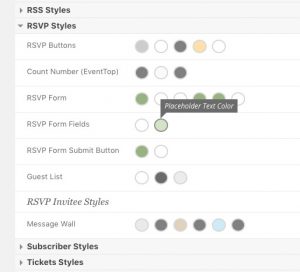
Also sometimes you need to “EventON > turn off Write styles to header > save settings > turn on Write styles to header” to see the change.
3. Please go to EventON > RSVP > disable Activate RSVPing with one-click from eventTop ONLY for logged-in users.
4. Please replace add_eventon with add_eventon_list.
If you want to refund the main plugin please contact CodeCanyon.
Please check http://docs.myeventon.com/documentations/terms-and-conditions-and-refund-policy/
In order to request a refund, please create a new ticket under Billing & Accounts and be sure to include the order ID for which you need a refund for and the reason for requesting a refund.
Unfortunately, we are unable to provide support for issues caused by their-party themes or plugins. As they are not our products, we are unaware of how they have been programmed or how it is supposed to work. Let us know if you need help with anything else.
We are glad your issue is resolved, if you have any further questions or concerns please create a new ticket.
Hello,
The only option that is available at the moment is Repeat Interval ID repeat_interval=”4″. The problem is that you need to change it’s value manually. However please create a new ticket and select Feature Request as category so others can vote to get it moved into development faster. OR You can send us a customization job request by creating a new ticket in here and selecting Customization Request as the category.
Hello,
Please go to Edit Event > RSVP > press “Download (CSV)” icon.
it’s now verified; Thanks 🙂
Hello,
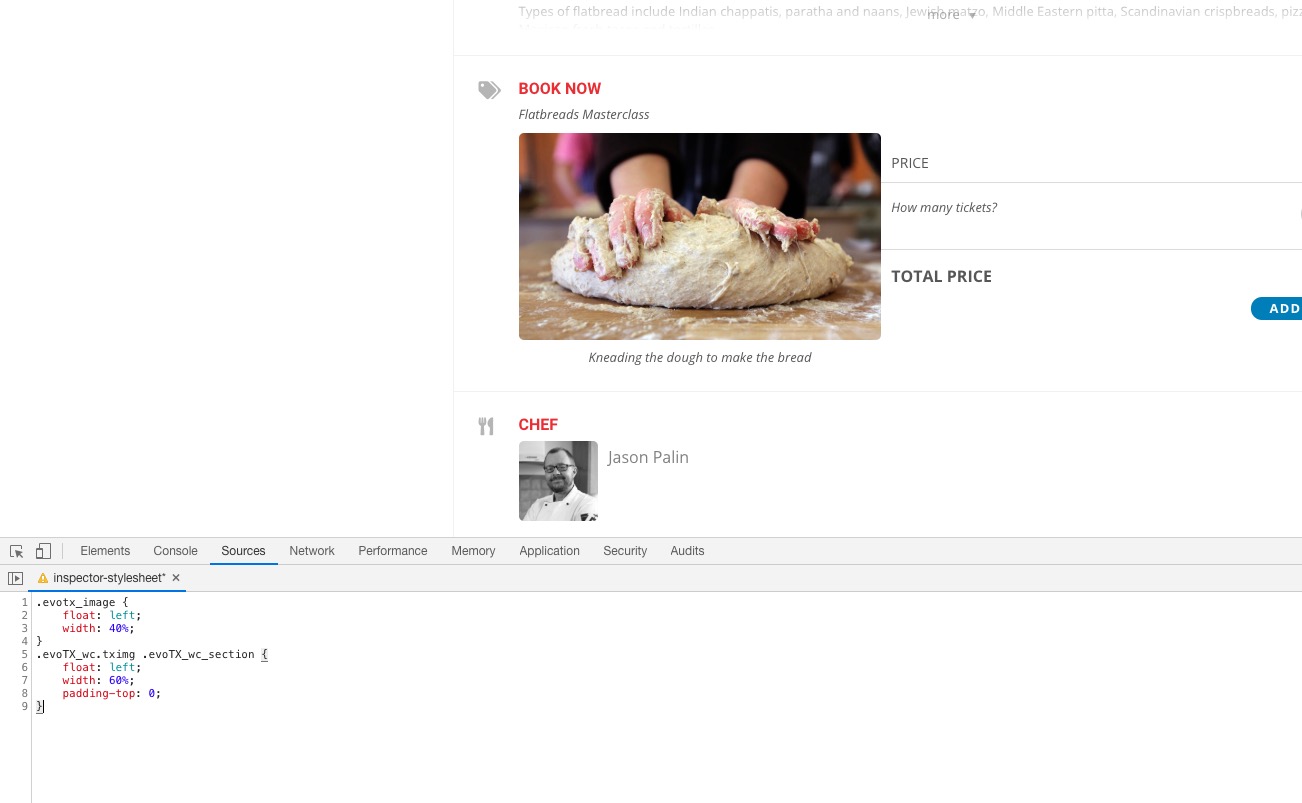
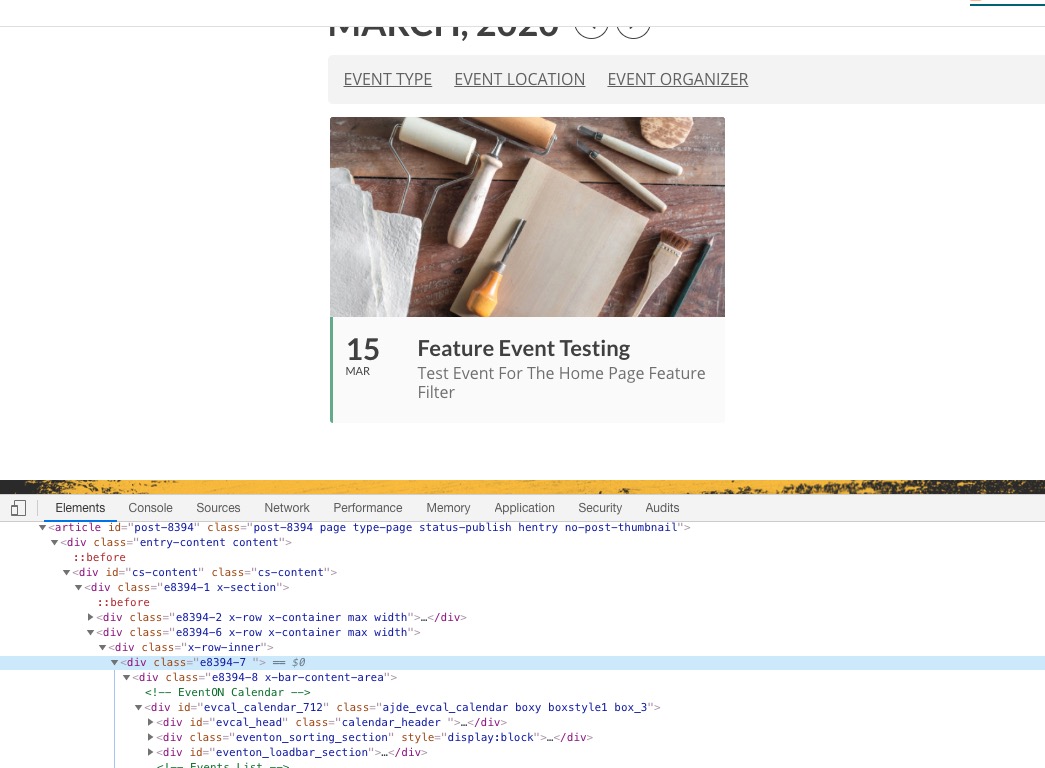
It seems that the problem is in x-col class:
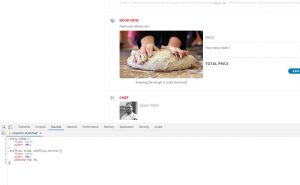
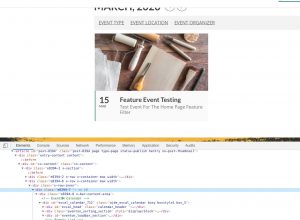
Please contact the theme developers about this since we aren’t sure how this works.
Hello,
ACCOUNT PENDING: Your account is currently not active. An administrator needs to activate your account before you can login.
I am sorry, the access information you have provided did not work for us. Please check them and post the correct login information as a private message, thank you!
Also this is first time someone has this issue with Divi. Did you contact the plugin developers about this issue?
Could you please try the instructions mentioned in this documentation (leave only EventON, WooCommerce and Divi and switch the theme) to make sure your issue is indeed coming from eventon.