This is the proper way to cancel the subscription which was mentioned in the reminder email sent 3 days before the auto renewal run. Giving customers time to cancel unwanted renewals.
https://docs.myeventon.com/documentations/how-to-cancel-addon-subscription-before-auto-renew/
Hello Roldan what is the order ID for this?
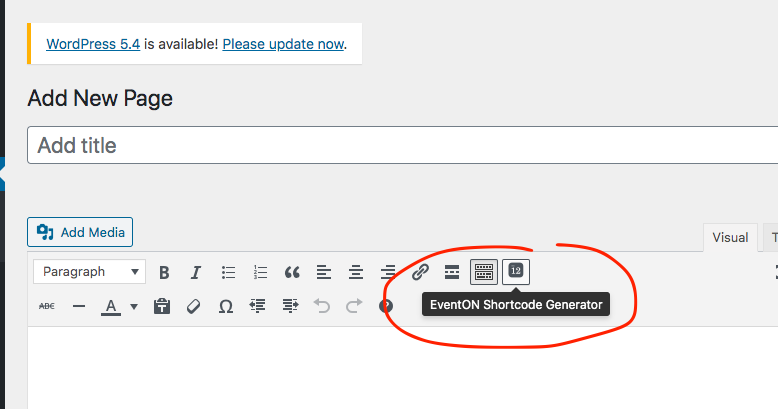
Also this guide shows you how to add a custom meta data field to Event Card, but it doesn’t show how to add a pulldown. You need to add one yourself or send us a customization job request.
Thanks but this didn’t work – any chance you could do this directly for me on WP.
You will see I also have this css code already (I want to keep this) so just wondering how I can add this too.
.eventon_events_list .eventon_list_event .desc_trig.evo_Holidays { background-color: red !important }
This is an odd case. The same time formats show NO errors on our website. But only in your website.

I wonder if there are other plugins or your theme is passing some SEO data that cause this. Try deactivating your plugins and switching your theme and see if this goes away.
This is the link to google structured data test page on your site https://search.google.com/structured-data/testing-tool/u/0/#url=https%3A%2F%2Fsilverliningsrecoverycenter.com%2Fevents%2Ffamily-addiction-treatment-support-group%2F
Hello,
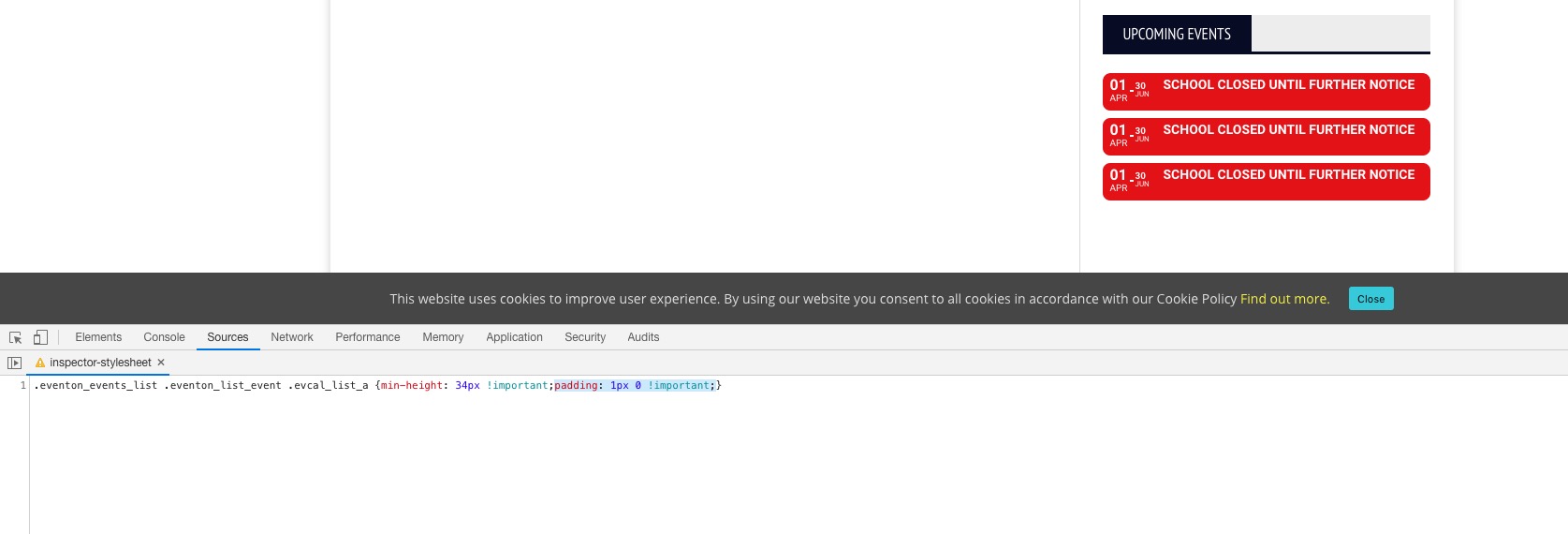
Please add this CSS code to EventON > Styles (If you can’t see any change, EventON > turn off Write styles to header > save settings > turn on Write styles to header):
.eventon_events_list .eventon_list_event .evcal_list_a {min-height: 34px !important; padding: 1px 0 !important;}
This appear fine for us.
 please send wp-admin access if you want us to debug on your site.
I am not sure what the other issue is. it may be caused by your theme not loading the eventON files.
Please send us FTP access to your site as a private message, so we can perform several tests from our end.