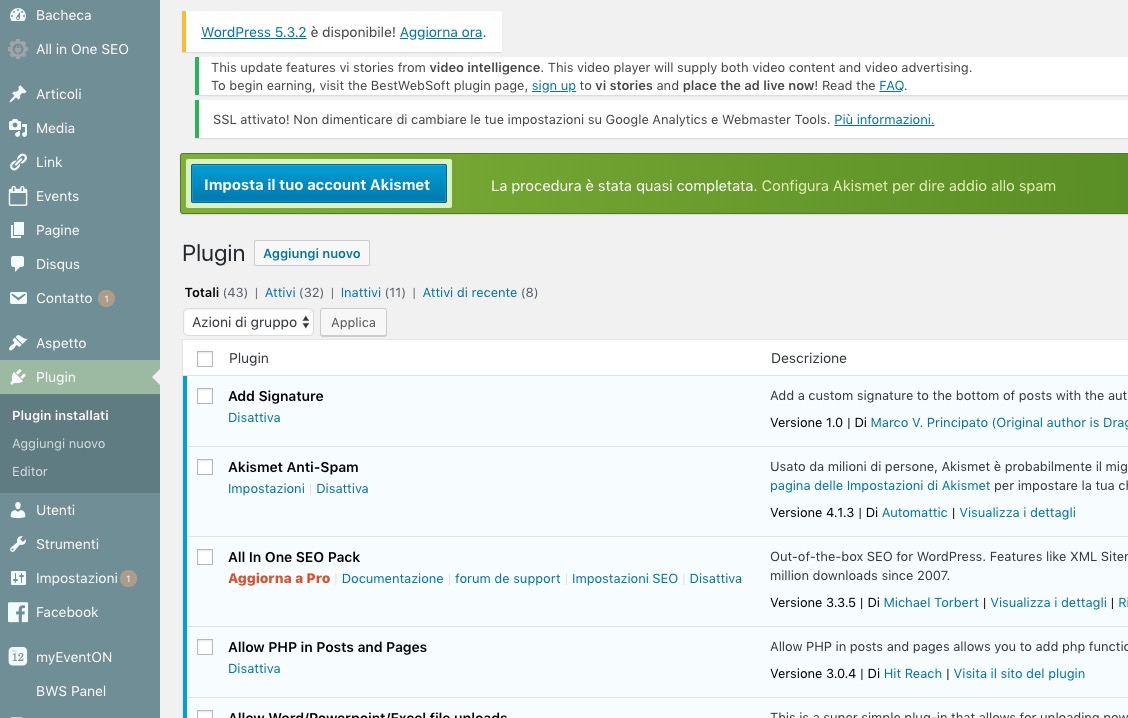
Excuse me?
You are the plugin developer.
So what you are saying, without saying it is that your plugin only has a global filter that can be set for all instances of Eventon and only one filter can be set. That even though you have to place an Eventlist or Calendar via a shortcode, there is no customization with the filters via the shortcode. Correct?
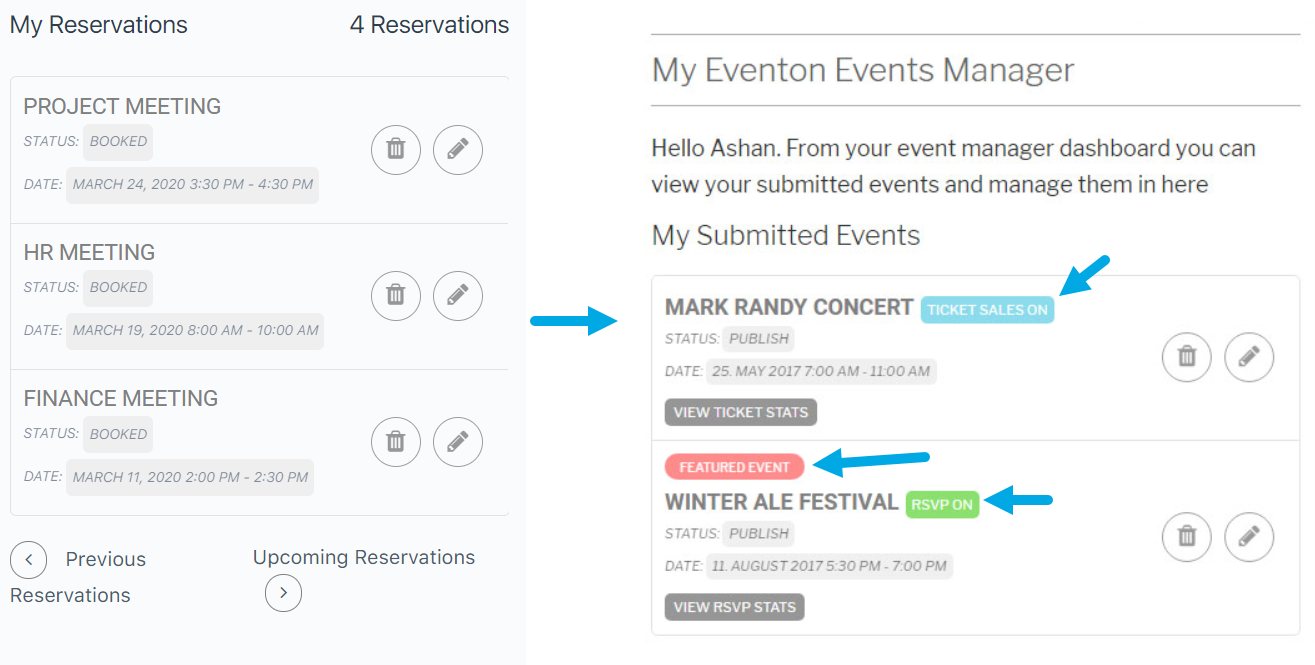
Thank you that worked! OK…how can I design cards that have. I have looked in Appearance and I am not sure what to edit. I have edited the Action Card, but that is for the form. What do I need to edit to change the look of the cards. Please see the attached image.
Dear Ashan,
I am glad that you are able to look into this issue. Unfortunatly it is quite a strange problem. We just updated both EventOn’s booking addon and Woocommerce to the newest version, but it does not solve the problem.
We also performed the steps suggested by your co-workers and deactivated each and every plugin seperatly. The problems persists for all plugins, except WooCommerce. When WooCommerce is disabled, all events are shown as they should be. We also tried to reinstall both WooCommerce and EventOn plugins (such that there is no issue from the setting we used).
In case you want to login to the website, this is ofcourse possible:
https://www.kidsacademy.nl/wp-admin/
Username: Event
Password: $XHI(n(U0prc@bvkXsK52&t3
Do you have any ideas on how to solve this issue?
Best,
Hello,
The problem is in this:
Uncaught TypeError: $(…).find(…).trumbowyg is not a function
at HTMLDocument.<anonymous> (tx_admin_post_script.js?ver=1.7.11:108)
at i (load-scripts.php?c=0&load[chunk_0]=jquery-core,jquery-migrate,utils&ver=5.3.2:2)
at Object.fireWith [as resolveWith] (load-scripts.php?c=0&load[chunk_0]=jquery-core,jquery-migrate,utils&ver=5.3.2:2)
at Function.ready (load-scripts.php?c=0&load[chunk_0]=jquery-core,jquery-migrate,utils&ver=5.3.2:2)
at HTMLDocument.J (load-scripts.php?c=0&load[chunk_0]=jquery-core,jquery-migrate,utils&ver=5.3.2:2)
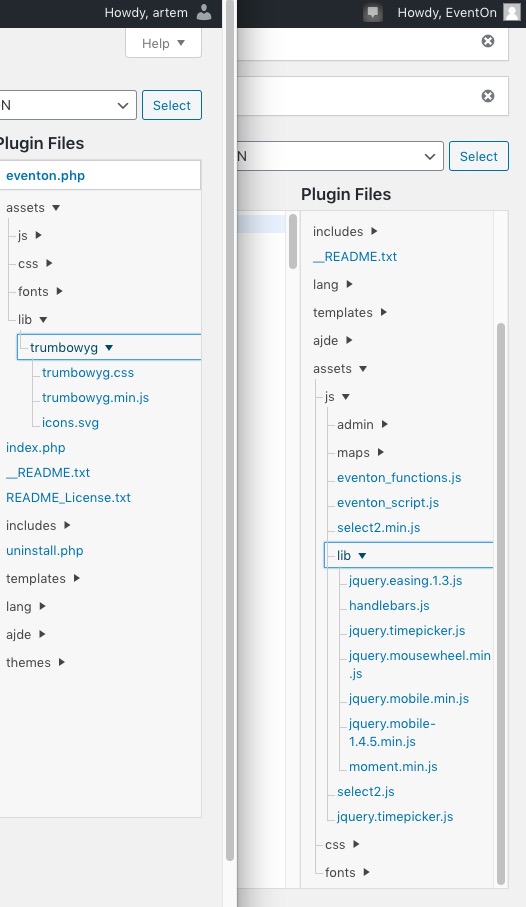
EventON’s folder on your server looks differently from ours:
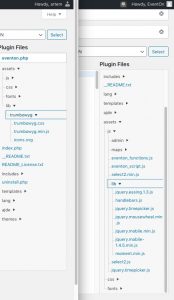
Could you download it again and reinstall? Please use this instruction:
To update eventon to latest version: If you are unable to do autoupdate, you can go to codecanyon your account > download and get the latest eventon version as zip file. Then you can go to your website, deactivate old eventon, activate (Do not delete eventon settings & data when EventON is uninstalled) from eventon settings, delete old eventon, install new one and activate. This link will further explain the process it. Also you can follow us on twitter to get real-time announcements on updates!
Hello,
Please add this CSS code to EventON > Styles (If you can’t see any change, EventON > turn off Write styles to header > save settings > turn on Write styles to header):
.eventon_fc_days .evo_fc_day.today:before { background-color: red !important; }
Hello,
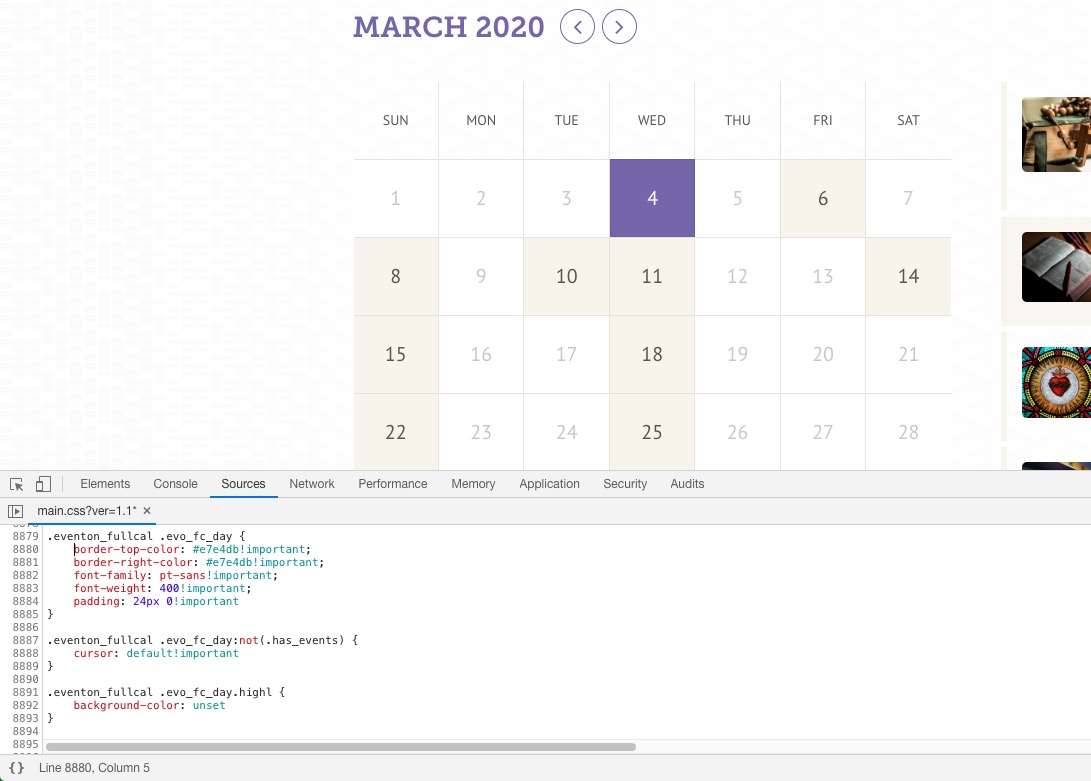
They seem to have added some custom CSS styles to main.css:
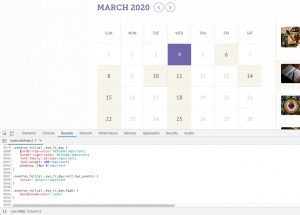
And also they’ve changed styles in EventON > Appearance > FullCal Styles. You can go to EventON > Import/Export General EventON Settings to copy the settings.
technically that works, but at the same time it forces it to display a list instead of the full calendar view, which is what we’d like to see.
ok, if you had to do the set up of Dokan for me what would be the cost?
Ok I applied the fix. I checked and cannot see the error anymore: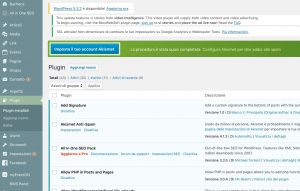
Please check and let me know.
but how can i use integreate google calendar in event on.
Please check this add-on: https://www.myeventon.com/addons/ics-importer/. Try on http://dev.myeventon.com/wp-admin/
Hello,
Could you try adding this to the shortcode:
cal_init_nonajax=”yes”
If it doesn’t help please try following the instructions in this documentation to activate debug in your site to see any PHP errors recorded that can provide insight on to whats going on. Please reply with a link to debug.log file. If you are not able to do this please send us FTP access to your site so we can do this for you.