WP Engine has mentioned that EventOn uses a lot of resources.
I just deleted about 1,000 old events to get the total event count under 2K, and now the calendar sometimes works, sometimes not.
Replies for tickets on suppota
WP Engine has mentioned that EventOn uses a lot of resources.
I just deleted about 1,000 old events to get the total event count under 2K, and now the calendar sometimes works, sometimes not.
Ok i think i have some idea on whats happening.
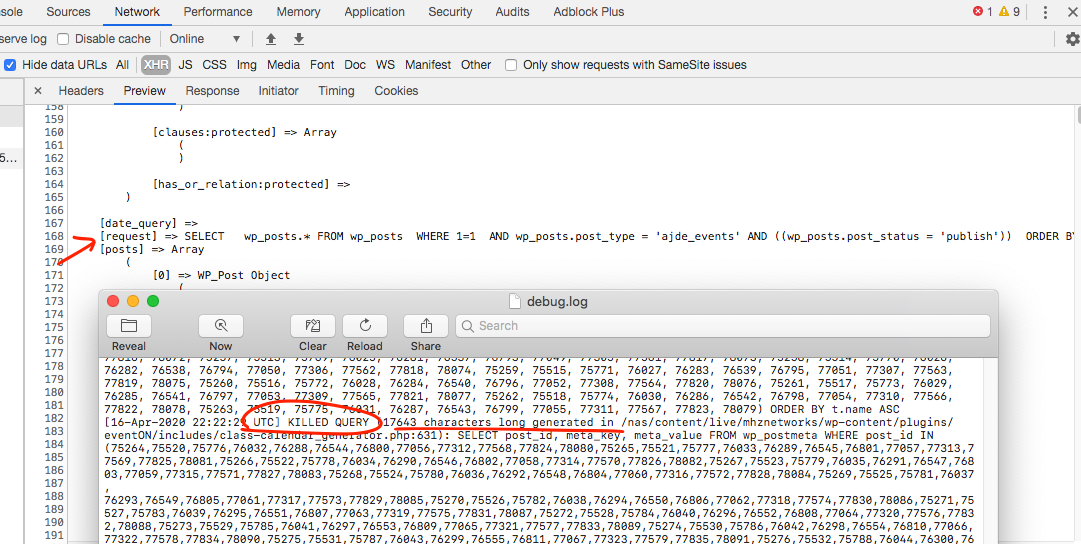
So eventON basically request a SQL query to database to get event posts from wp_posts.
But i think wpengine where u are hosting is at the same time loading post meta values as well. even though eventON does not call for post meta values until later when events are loaded. and the event post meta values are called per each event at a time.
So i wonder if this is something wpengine has added to load post meta values into a cache so it can be used later? I have no idea.
Are you able to relay this information to wpengine and see if they can provide any insight?
And the other thing is because there is a query for post meta values for all your 3044 events its soo huge for the memory to handle at once and thats why events dont load.
nothing has changed on our site code wise. I’ve invested a lot of time in getting your plugins to work with our set up, workflow and staff. I really don’t want to have to find another calendar / event solution. I hope you can find a solution. -Jason
I have no idea.
I have turned off all plug ins except EventOn an two plugins that are needed for the theme to publish and EventOn still doesn’t work.
Thank you. I am not making any progress mate.
I added some test codes to echo
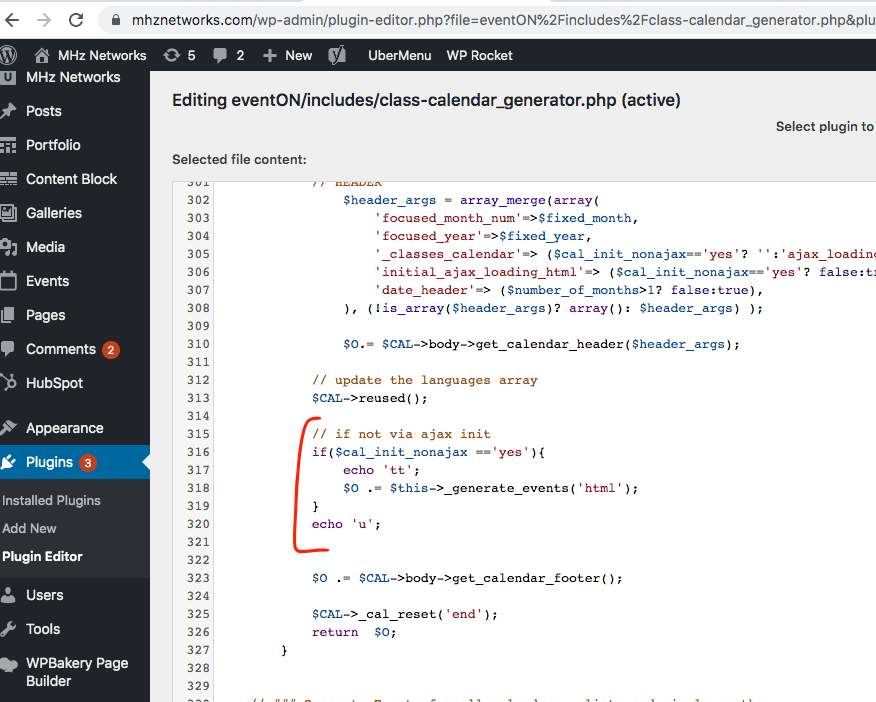
none of those are showing in the frontend. You have a lot of plugins and themes and I dont want to go mess around with them and break your sites already set styles. Do you have any idea why the code changes I made in the code are not reflected on the website frontend?
So it looks like I fixed two of them by inputting data. The image one will be resolved by adding images in the future.
Still don’t know where to go to fix this one though.
Invalid enum value in field “eventAttendanceMode”
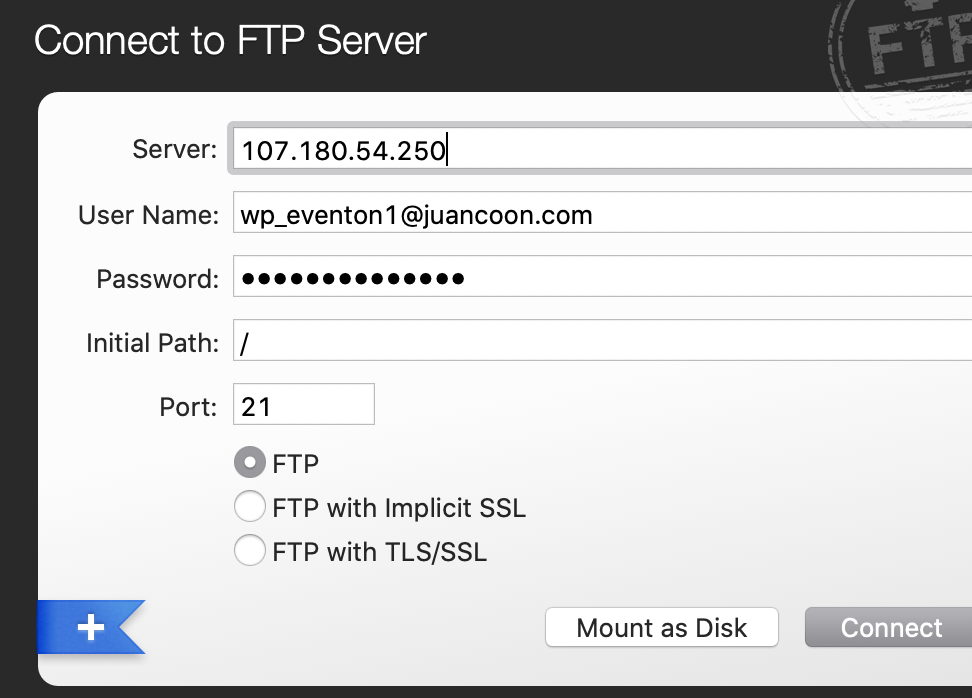
I just signed in with the exacts credentials I gave you. Maybe you copied something wrong?
Here is a screenshot of my settings for transmit. Just follow that. See below.
Have you enabled this Will?
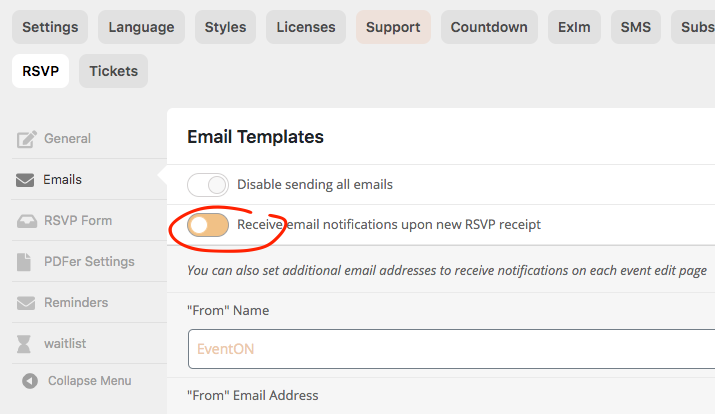
once you enable this you can add additional emails via event edit page.
Also try eventon settings > Diagnose and then send a test email and see if it goes through.
Do I have to do this for every event created?
One by one?